Overview
Kimi is an AI assistant developed by Moonshot AI.
It combines conversation, Web search, file analysis, and agents capable of executing multi-step tasks.
Its most interesting proposition appears when the answer is no longer just text in a chat window.
Kimi aims to turn a request into a directly usable deliverable.
A search can become a report.
Files can become a spreadsheet.
A folder can become a presentation.
A mockup can become a site.
This logic explains the many products and modes associated with Kimi: Agent, Deep Research, Docs, Sheets, Slides, Websites, Code, Work, or Claw.
They should not, however, be understood as so many separate identities.
They mainly represent several possible destinations for the same agentic logic:
understand → search → transform → deliver.
This reading hugely simplifies the ecosystem.
Docs, Sheets, or Slides do not need to be understood as three new full office applications.
They are three different ways of materializing the result of the same agentic work.
This continuity is precisely what makes Kimi interesting compared to an assistant that stops at the draft.
The product also goes further with parallelization features, code tools, browser actions, work with certain local files, and persistent automations.
The ecosystem is therefore much wider than a classic conversational assistant.
This richness has a trade-off.
When product names, credit pools, and environments multiply, it becomes easy to lose the central idea.
The right way to read Kimi is still to start from the expected outcome.
Need a study?
The work goes to Deep Research or Agent.
Need a spreadsheet?
The same context can become Sheets.
Need a site?
It becomes Websites.
Kimi remains a proprietary and primarily cloud-based service.
Moonshot AI publishes some models with open weights.
This openness does not automatically extend to the application, the hosted agents, or the whole infrastructure.
Features
Conversation, search, and context
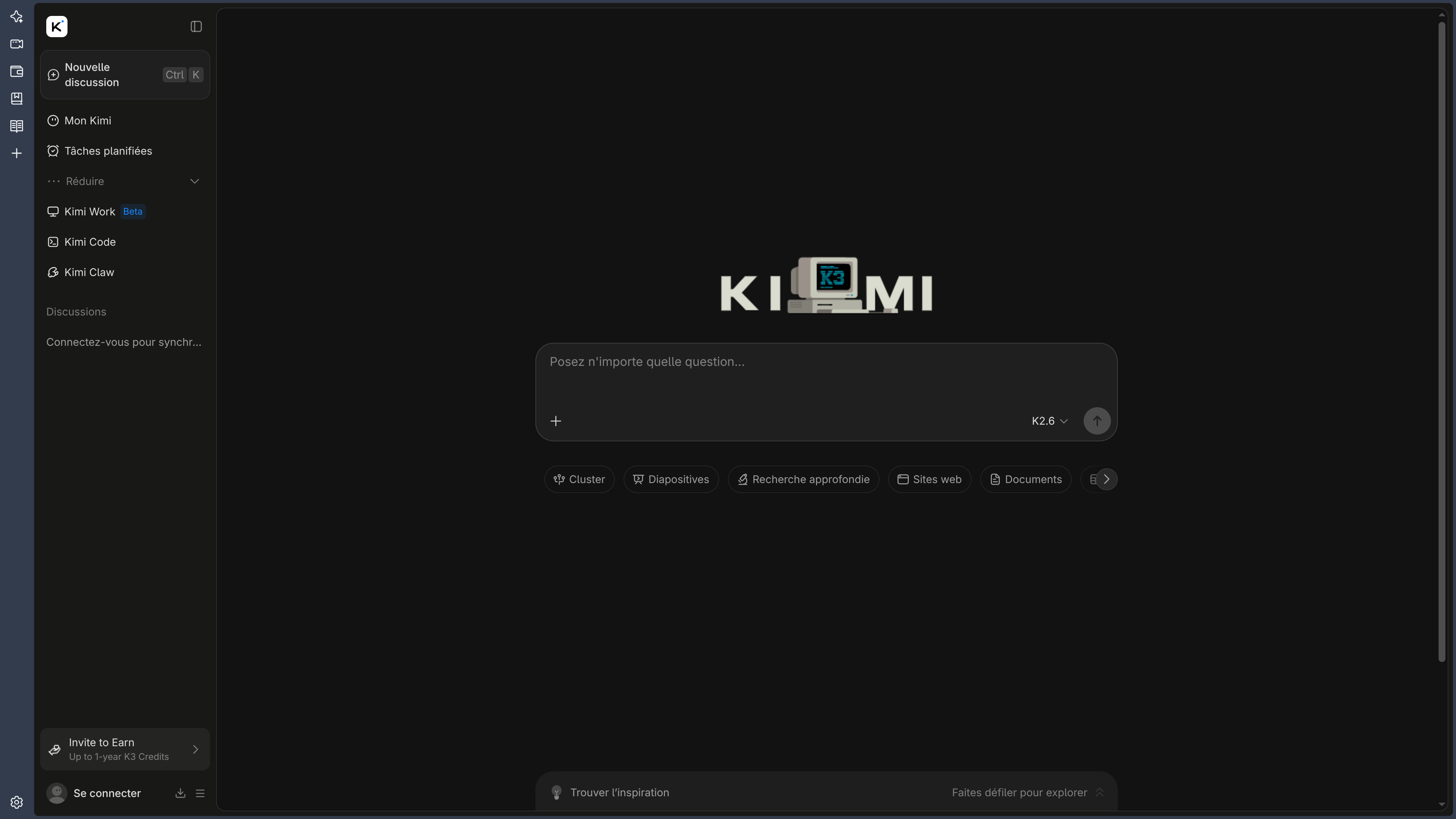
Kimi can answer, write, explain, translate, search the Web, and maintain a large context.
This foundation provides the material needed for more complex tasks.
Search can be triggered when the request requires recent information.
The system can compare several sources or prepare a first documentary case.
The quality of sources and citations must always be checked against the original documents.
A visible citation does not guarantee either the reliability of the source or the quality of its interpretation.
File analysis and multimodality
Kimi can analyze several document formats, spreadsheets, images, and other files.
This capability lets it work with a corpus provided by the user rather than only the Web.
Several files can be compared.
Data can be extracted.
A set of documents can become a new synthesis.
This layer becomes particularly interesting when the final deliverable must preserve a clear relationship with the original sources.
Critical passages must still be checked against the originals.
The longer the transformation, the higher the risk of distortion.
Agent: turning an objective into multi-step work
Kimi Agent starts from an objective and can organize several steps, select the necessary tools, perform searches, analyze files, and produce a result.
The difference with Chat is important.
Chat mainly produces an answer.
The Agent tries harder to carry the work through to the requested result.
The right evaluation criterion is therefore no longer only:
"Is the answer good?"
but:
"Is the final result usable?"
A report must be sourced.
A spreadsheet must contain the right data and formulas.
A presentation must remain readable.
A site must produce code that can actually be maintained.
Deep Research.
Deep Research applies this logic to long documentary research.
The system can prepare a strategy, search several sources, analyze the information, and then produce a structured report.
The interest comes from the fact that research and writing are no longer two completely separate operations.
The same agent can keep the thread between the sources consulted and the final document.
This continuity reduces the manipulations.
It does not replace human verification.
A poor selection of sources can simply be turned into a very well-presented bad report.
Docs, Sheets, and Slides: several forms of the same deliverable
Kimi can materialize work in several office formats.
Docs produces or edits documents.
Sheets organizes data and can build formulas or charts.
Slides turns a set of contents into a presentation.
The right reading is not to see these as three separate software products.
The structuring ability is:
adapting the same context to the required output form.
This is particularly useful for a study that must successively become:
- report;
- table;
- presentation.
The context can circulate.
The quality of each file must then be evaluated according to its own craft.
Websites: turning a context into a Web prototype
Kimi can also create a page or a small Web interface from a description or a visual reference.
A screenshot, a document, or a mockup can become a first site.
This capability naturally extends the deliverable logic.
The result is no longer just an answer or a document.
It becomes an executable interface.
The code must be audited before production use.
A visually credible prototype can contain fragile architecture, unnecessary dependencies, or security issues.
Agent Swarm: parallelizing the work
Agent Swarm distributes certain research or processing tasks among several sub-agents.
This approach becomes useful when the work contains many independent elements.
A research effort covering many companies, documents, or products can be divided and then reassembled.
Parallelization changes the scale.
It does not change responsibility.
Multiple sub-agents can produce multiple errors in parallel.
Results must therefore be harmonized and verified.
The structure of the problem must decide the structure of execution.
A strongly sequential task does not necessarily benefit from being artificially split.
Code and technical work
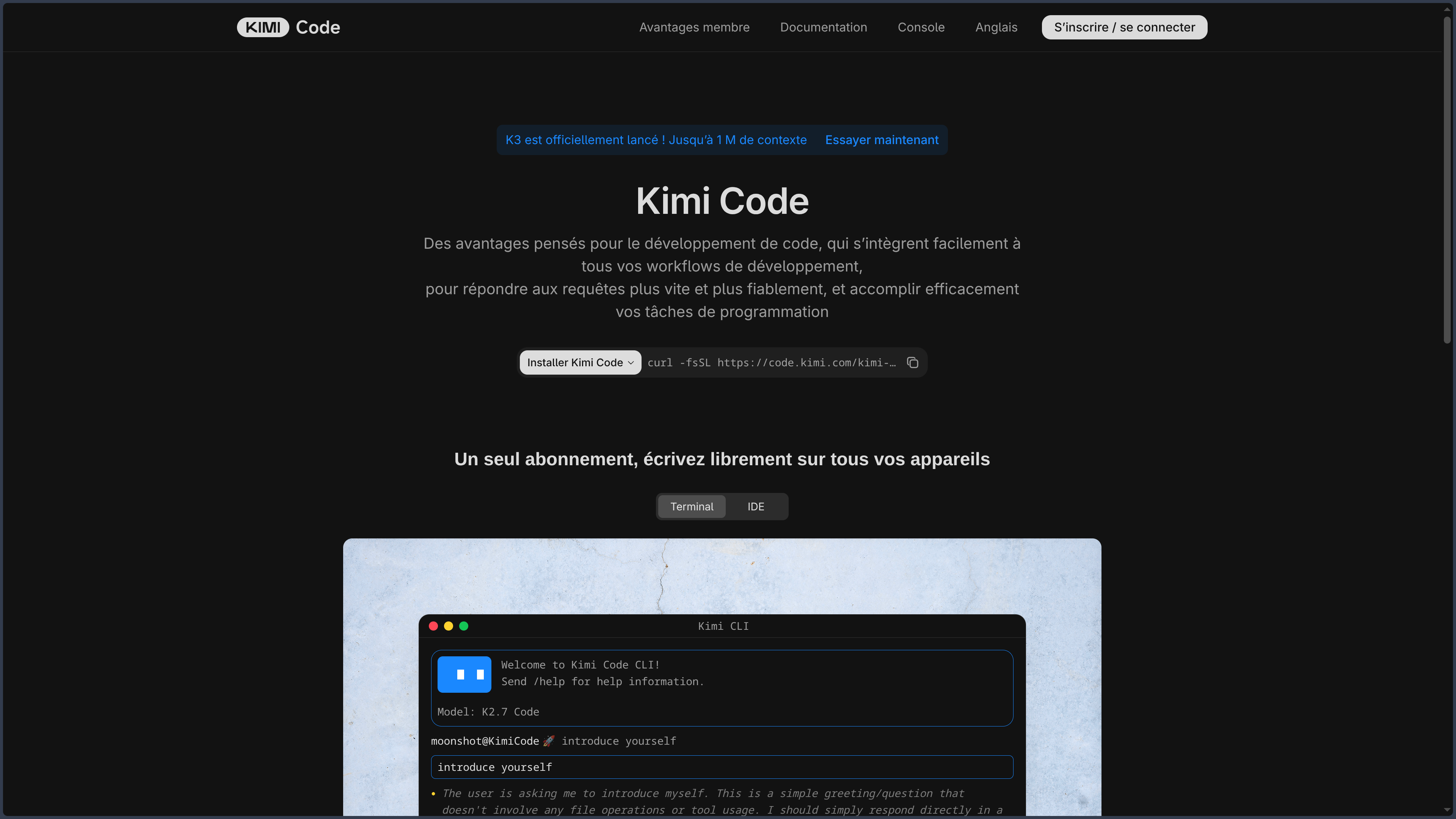
Kimi Code extends the ecosystem toward software development.
It can act on several files, use a terminal, and run tests under supervision.
This layer shows that the "request → deliverable" logic also applies to code.
The end result becomes a diff, a fix, or a feature.
As with any development agent, quality must be evaluated in the actual repository.
Generated code does not become correct simply because it compiles.
WebBridge: acting in the browser.
Kimi can also extend its agents to certain Web actions.
A tool like WebBridge can navigate, click, fill out forms, or extract information.
This capability brings the assistant closer to real automation.
It also greatly increases the risk surface.
Reading a page and clicking inside an authenticated account are not the same level of action.
Permissions and validations must follow the importance of the consequences.
Work and local environment
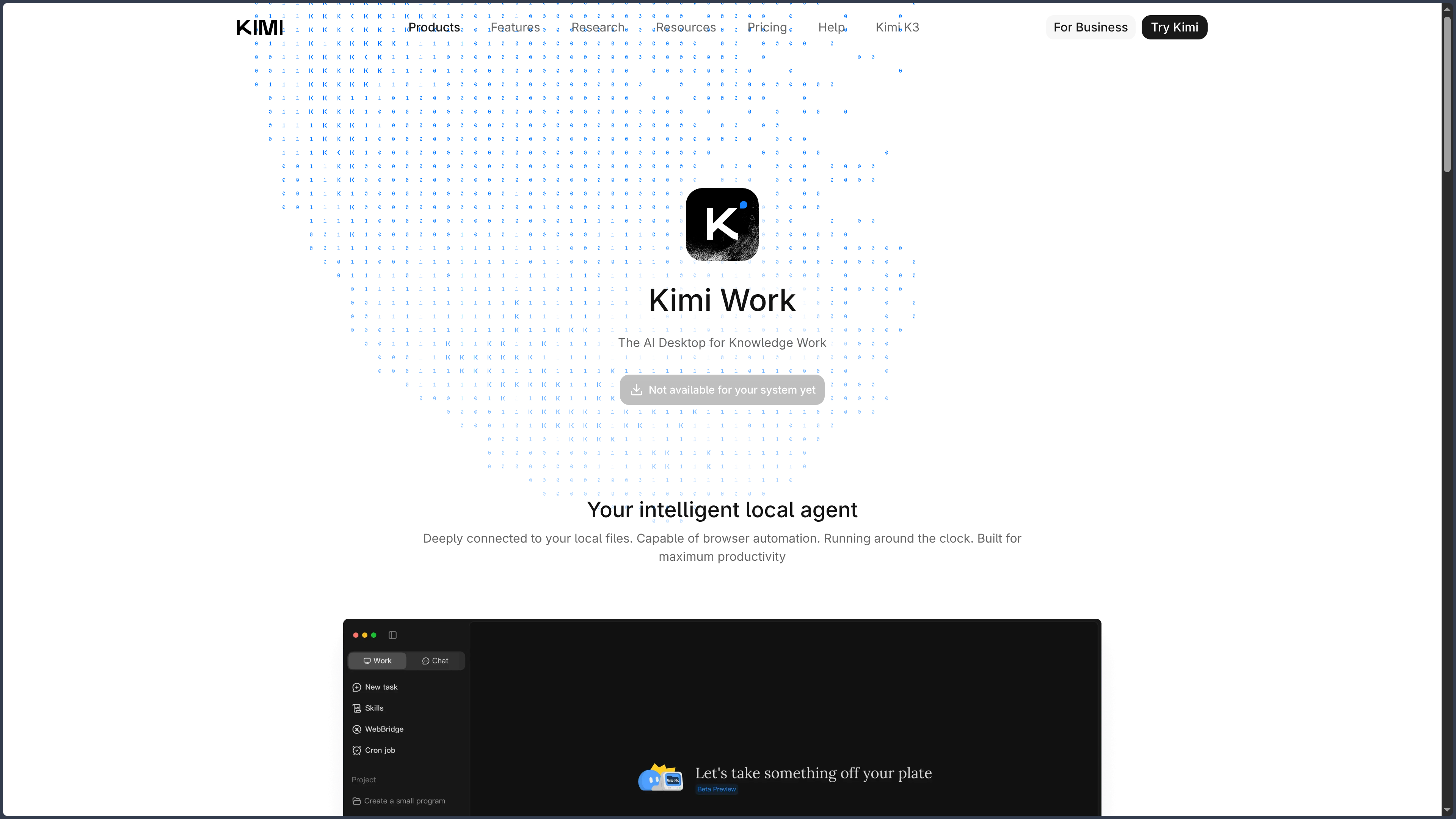
Kimi Work extends certain capabilities to local files or contexts.
This layer is useful when the work depends on documents present on the computer rather than already uploaded to the Web service.
The presence of a local tool does not mean that all the intelligence or all the orchestration runs offline.
Kimi remains a primarily cloud-based ecosystem.
The distinction between local file access and full local execution must remain clear.
Claw and persistent automations.
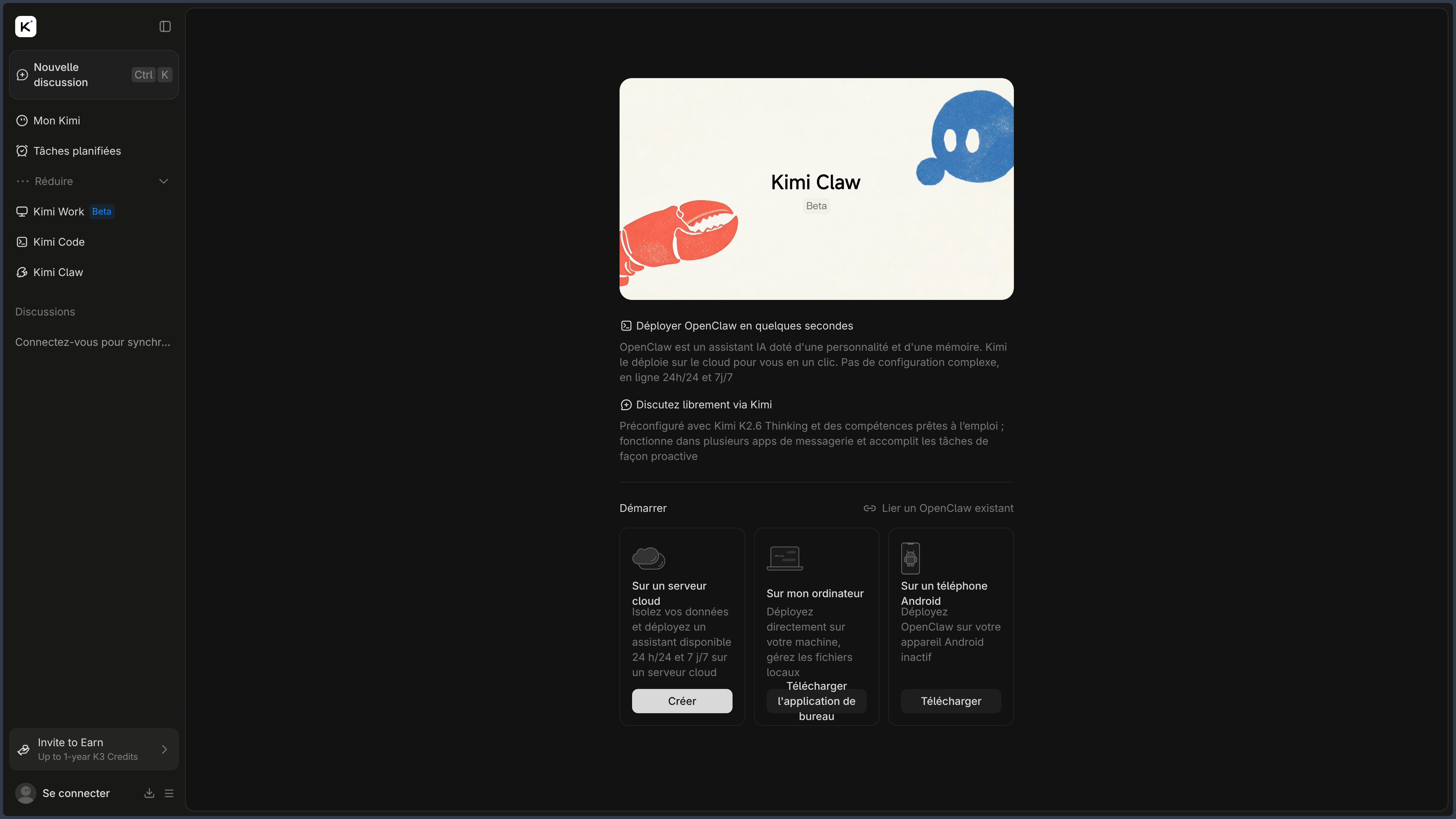
Kimi Claw adds a layer of persistence in the cloud.
Tasks can be scheduled or reuse skills and working memory.
This evolution is important.
The agent is no longer only called on demand.
It can become a recurring process.
Persistence increases comfort.
It also increases the need to control:
- frequency;
- permissions;
- costs;
- results;
- workflow shutdown.
Use Cases
Preparing comprehensive research
Kimi can explore several sources and then produce a structured report.
Turning documents into a deliverable
PDFs, spreadsheets, or notes can be analyzed and then recomposed in another form.
Building a data table
The agent can extract and organize information from several sources into a spreadsheet.
Creating a presentation
A documentary folder can become a visual and narrative deck to rework.
Prototyping a site
A description or a visual reference can become a first Web interface to test and then audit.
Developing code
Kimi Code can act on several files and use a terminal under supervision.
Automating repetitive work
Persistent environments make it possible to reuse instructions, tools, and scheduled tasks.
Parallelizing a large study
Agent Swarm can handle several independent elements before consolidation.
PANACHES Review
The deliverable is its real center
Kimi becomes particularly interesting when an answer must leave the conversation to become a file or a manipulable result.
This direction sets it apart from an assistant focused mainly on dialogue.
The right test is therefore the quality of the final document, not only the elegance of the conversation.
The multiplication of products sometimes hides the simple idea
Docs, Sheets, Slides, Websites, Code, or Work can give the impression of a sprawling suite.
They mainly tell the same ambition:
having the agent produce a form suited to the requested result.
Reading Kimi by deliverable is much clearer than reading it by module name.
Agent Swarm changes the scale, not the responsibility
Parallelizing research can reduce the time needed to handle many elements.
It also increases the amount of information, tool calls, and results to verify.
Parallelization must serve the structure of the problem.
The local remains partial
Kimi Work can interact with local files and some Moonshot models are released with open weights.
This does not make the entire Kimi ecosystem local.
This distinction must remain explicit.
The best usage is to keep the chain verifiable
The more a task goes through transformations — sources → extraction → spreadsheet → presentation — the more important it becomes to keep a link with the original material.
Agentic continuity is useful precisely when it does not erase traceability.
Points of Attention
- Kimi remains a proprietary service despite some open-weight models.
- Sources and citations must be verified in their original context.
- Generated documents require human review.
- Calculations and formulas produced in spreadsheets must be checked.
- Generated code must be tested and audited.
- Agents can write files, use tools, or act in a browser.
- Kimi Work can receive permissions on local files.
- Persistent automations must be monitored.
- Agent Swarm can quickly increase resource consumption and the volume to verify.
- Products and credit pools may follow different rules.
- Models, features, and availability can evolve quickly.
- A local feature or an open model does not automatically make the whole of Kimi local or open source.