Overview
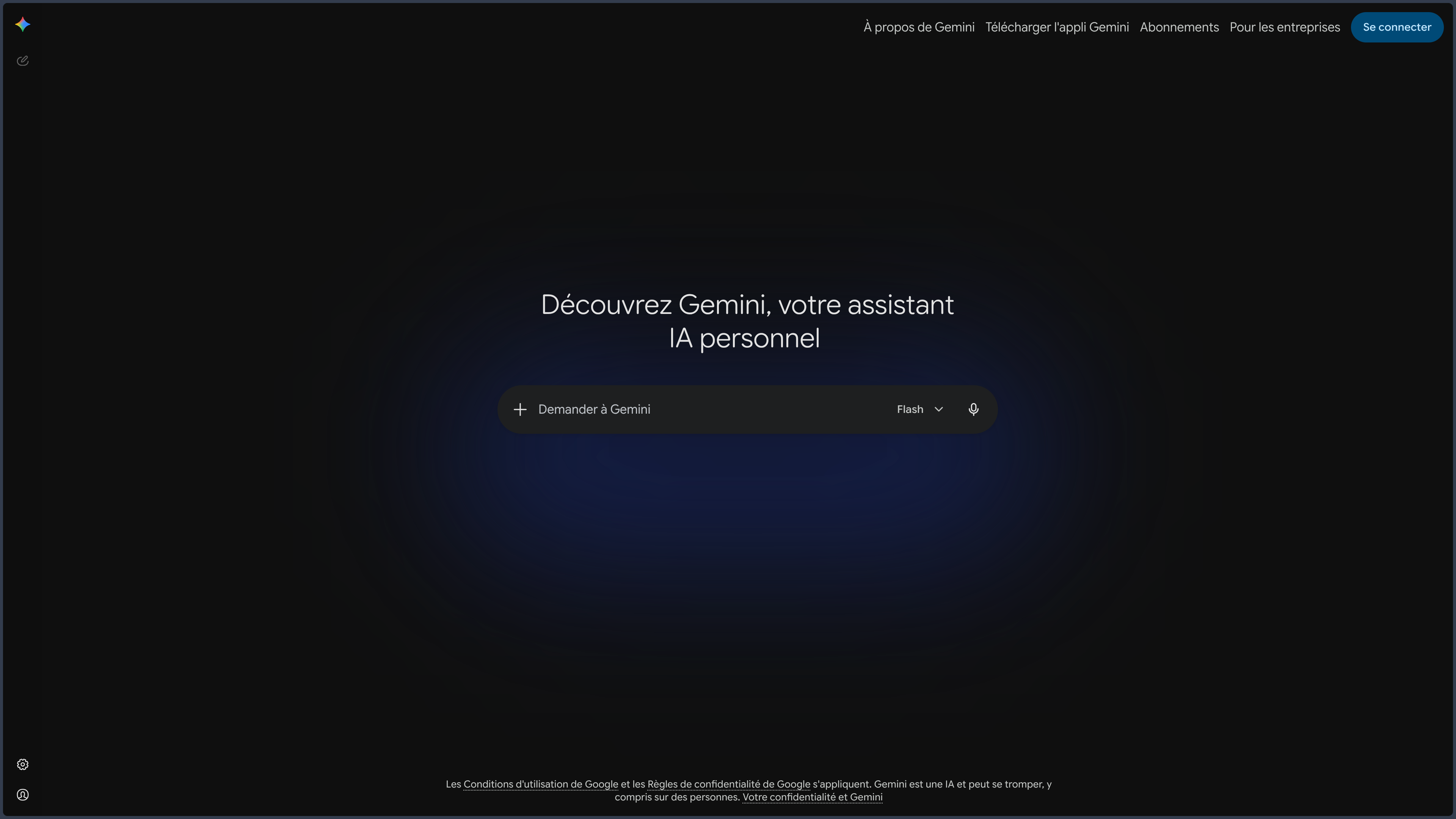
Gemini is Google's general-purpose AI assistant.
It can write, search the web, analyze documents and data, work with images, video, or code, and support creative or educational tasks.
These capabilities are now common to several major assistants.
The real specificity of Gemini lies elsewhere: its deep integration into the Google ecosystem.
With the necessary permissions, the assistant can connect a conversation to Gmail, Drive, Docs, Calendar, Tasks, Keep, Maps, YouTube, Chrome, and other compatible services.
A question can thus draw on information already present in the user's environment, then transform into action or new content.
This continuity changes the nature of the product.
Gemini is not just a chatbot connected to Google Search.
It becomes an assistance layer placed on top of several tools that many users already use daily.
This identity has several consequences.
Web search is naturally important.
Documents and multimodal content can be brought together.
Canvas allows taking certain deliverables out of the simple conversation thread.
Gems allow configuring specialized assistants.
Gemini Live finally brings the assistant closer to situations where voice, camera, or screen sharing become more natural than a written prompt.
Gemini is especially interesting when it reduces the distance between the conversation and the information already present in the Google environment.
This dependence on the Google ecosystem is both its main strength and its main trade-off.
The more Gemini can link services together, the more important the management of permissions, confidentiality, and shared context becomes.
Features
Conversation, Search, and Deep Dive
Gemini covers the usual uses of a general-purpose assistant: explaining, writing, rephrasing, translating, comparing, and structuring information.
Web search allows using recent information and producing responses accompanied by references.
Deep research features can explore multiple sources and produce a more structured report.
The proximity to Google Search makes this dimension particularly natural, but it should not lead to confusing web access with validation.
References must be opened when the information is important.
A search also becomes more useful when the user distinguishes fact, interpretation, and public reaction rather than asking for a single synthesis that mixes everything together.
Documents, Data, and Multimodal Content
Gemini can examine compatible PDFs, spreadsheets, images, videos, and codebases.
This capability is particularly useful when several types of sources coexist in the same folder.
A table can be compared to a document, a screenshot can supplement an explanation, and a video can provide context that text alone does not contain.
The assistant can summarize multiple files, compare their content, extract information, or transform data into a table, chart, or synthesis.
Multimodality is especially interesting because it stays connected to the same work context.
It does not turn Gemini into a specialist in each medium.
Video analysis can miss a detail, a generated image can introduce an inconsistency, and a well-presented table can rest on a faulty interpretation of the data.
Visual Creation and Generative Content
Gemini can generate or modify images depending on the capabilities available.
Video generation features or other creative tools may also be accessible depending on the offerings and associated products.
This creative layer is useful for exploring a direction or preparing a first support.
It must remain distinguished from Google's specialized tools and external professional software.
The correct reading is therefore not "Gemini replaces a graphic or video studio".
It is rather an assistant capable of moving an intention between text, references, and first multimodal productions.
Canvas and Gems
Canvas provides a separate space for developing and modifying longer content.
It can be used to work on a document, code, a page, a prototype, or a deliverable without confining the entire result in the conversation thread.
This separation is useful because it distinguishes dialogue from content being produced.
Gems follow a different logic.
They allow configuring specialized assistants with a role, instructions, and certain references.
A Gem can thus become a writing assistant, a teacher, a creative partner, or a tool specialized in a project.
Canvas and Gems together reinforce an important idea: Gemini should not only produce a one-off response. It can also retain a more persistent method or work object.
The Google Ecosystem
Integration with Google applications is Gemini's most distinctive capability.
The interest is not just in "connecting Gmail" or "connecting Drive".
It comes from the ability to move context between several tools without manually copying each piece of information.
Depending on permissions, the assistant can retrieve information from Gmail or Drive, work with documents, use a calendar, tasks, notes, maps, or YouTube content.
This continuity becomes particularly interesting in professional and personal uses where the context does not exist in a single file.
A request may start in an email, depend on a Drive document, require a web search, and then lead to an action linked to the calendar.
This depth of integration also creates a risk of dependency.
More connected services mean more permissions to understand.
Chrome, Live, and Visual Assistance
Gemini can assist with browsing in Chrome and work with the content shared by the user.
This proximity is useful for summarizing a page, comparing multiple pieces of content, or continuing a search without rebuilding the context in another tool.
Gemini Live extends the assistant to voice, camera, or screen sharing on compatible devices.
This capability is particularly relevant when a problem is easier to show than to describe: interface, object, diagram, or concrete situation.
Mobile does not become an ideal environment for every task, however.
Analyzing a long file, reviewing a large diff, or comparing many files remains more comfortable on a suitable workstation.
Use Cases
Research and Monitoring
Gemini can start from a question, search for recent information, and develop a deeper search when the topic requires it.
The proximity to Google Search makes it a natural tool for preparing a brief or comparing multiple sources.
Documentary Work
Files can be analyzed and then linked to other project information.
This approach suits synthesis, comparison, or the exploitation of tables and documents.
Organization within the Google Ecosystem
For a user already established in Gmail, Drive, Calendar, or Keep, Gemini can retrieve information, cross-reference several elements, and support an action without constantly switching applications.
Creation and Prototyping
Images, Canvas, and content generation allow exploring a direction, preparing a support, developing a draft, or testing a small prototype.
Specialized Assistant with Gems
A Gem can preserve a role and instructions tailored to a recurring context, in order to avoid continuously redefining the same method.
Learning
Gemini can explain a concept, structure a revision program, produce exercises, or work from course materials.
The combination of search, files, and multimodal interaction allows alternating between explanation, reference document, image, and exercise.
Mobile and Visual Assistance
Gemini Live can support a task out loud and use the camera or screen sharing when the compatible features are available.
PANACHES Review
Gemini is particularly convincing when used within an already active Google environment.
Taken as a simple web chatbot, it shares many capabilities with its competitors.
Connected to Gmail, Drive, Docs, Calendar, Chrome, Maps, or YouTube, it has on the other hand a continuity that is hard to ignore: the assistant can intervene where the user's information and habits already exist.
This integration reduces context switches and brings the conversation closer to action.
It gives Gemini an identity less spectacular than certain agentic demonstrations, but very practical: the assistant can become the connective tissue of an environment the user already knows.
Canvas and Gems add an interesting second layer.
Gemini is no longer just a transversal presence across Google services; it can also preserve work objects and specialized configurations.
This evolution gives more depth to projects that go beyond the one-off request.
Multimodality and Gemini Live further reinforce this continuity.
Showing a screen, using a camera, or speaking out loud can be more natural than laboriously describing a situation.
But these features also increase the amount of personal context potentially exposed.
The main trade-off therefore remains very clear: Gemini's value increases with the dependency on Google.
A person seeking to limit Google services, maintain a very local workflow, or strictly isolate their data will benefit less from this proposal.
The best reason to choose Gemini is therefore not simply that it knows how to write, search, or generate an image.
It is its ability to become an intelligent interface between several Google services already used daily.
Points of Attention
- Responses to verify: Gemini can produce inaccurate information or misinterpret a source.
- Significant permissions: connected apps can expose emails, files, events, and other authorized data.
- Dependency on Google: the product's interest decreases for users who want to remain independent of this ecosystem.
- Confidentiality: conversations, files, images, voice, or screen sharing must be used according to the account settings and applicable policies.
- Variable features: certain capabilities depend on the country, language, device, account type, or subscription.
- Canvas and Gems to maintain: outdated instructions and references can degrade ongoing work.
- Creative content to verify: image or video generation guarantees neither consistency nor originality.
- Browsing and actions to supervise: agentic or browser-integrated features must remain controlled.
- Proprietary and cloud service: Gemini depends on Google's infrastructure and services.
- Rapid evolution: models and features change frequently; Gemini's lasting identity remains primarily its integration with the Google ecosystem.