Overview
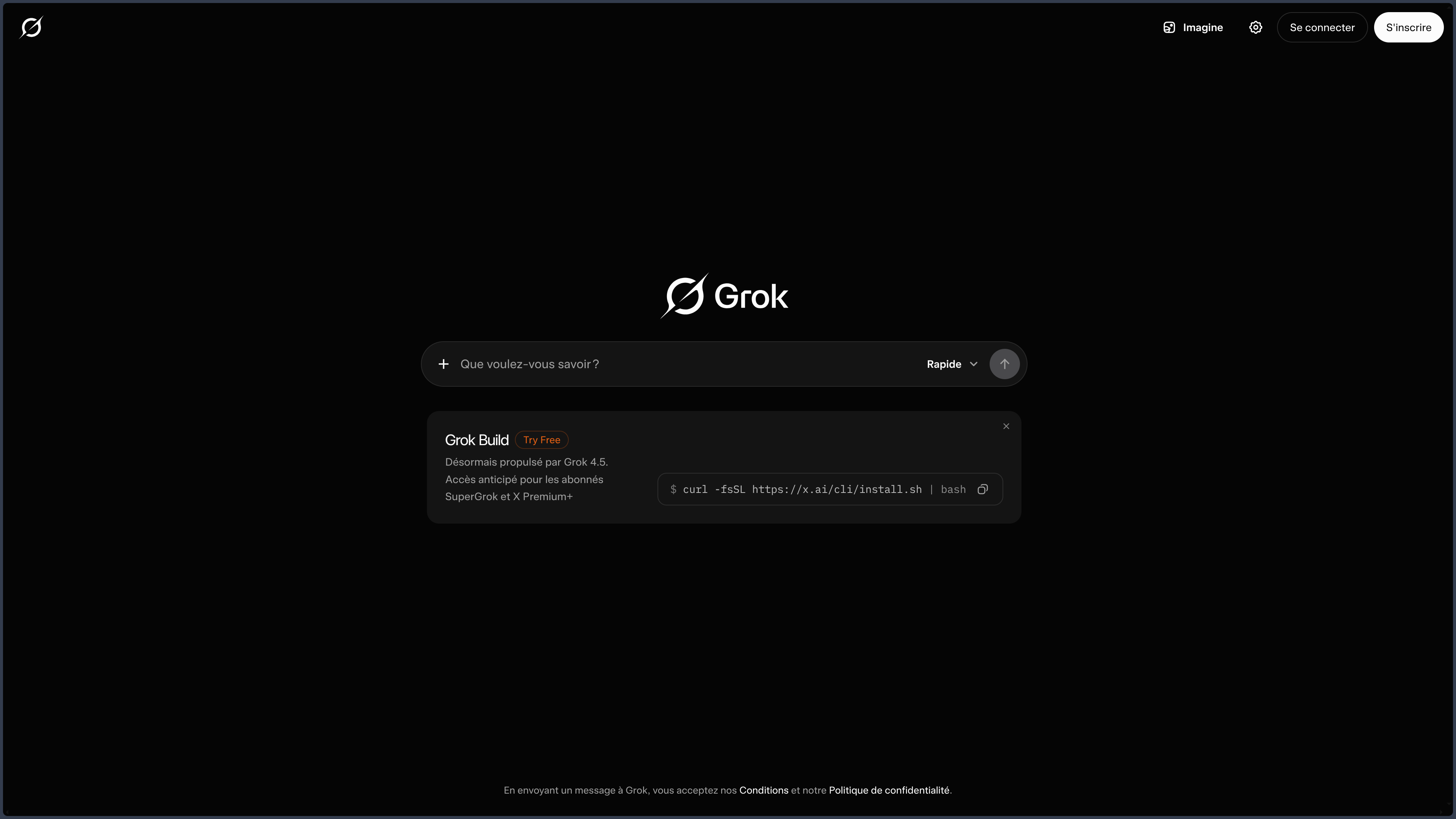
Grok is a general-purpose AI assistant developed by xAI.
It can write, search the web, analyze files, work with code, converse by voice, and produce visual content.
This versatility is not enough to explain its place among the major assistants.
The clearest difference comes from its integration with X.
Grok can combine web search with searching through public posts, accounts, and discussion threads on X.
It can thus quickly observe what is being said around an event, a product, or a trend, and then compare these reactions with other sources.
This proximity to real-time social conversation is useful for monitoring and exploration.
It also creates a fundamental tension: recent, widely shared, or highly commented information is not necessarily accurate or representative.
Grok's value emerges when it helps separate "what is happening" from "what is being said about what is happening."
The product has also expanded with file analysis, visual creation, projects, connectors, and tools capable of acting on external services.
xAI also offers an API and specialized products related to development.
These levels must remain distinguished from the general-purpose assistant presented here.
The current service is proprietary.
The historical publication of certain open elements in the Grok ecosystem does not turn the application or its recent models into an open source product.
Features
Conversation and Web Search
Grok covers the usual conversational uses: explaining, writing, rephrasing, translating, comparing, or preparing a synthesis.
Web search allows it to work with recent information and open external sources.
This feature suits monitoring, light documentary research, and comparisons.
It is not its main differentiator, but it provides the factual layer needed to then compare signals from X with other references.
The pages used must be checked when accuracy matters.
Search on X
Search on X is its main differentiator.
Grok can examine posts, accounts, and threads to spot reactions to an announcement, emerging topics, user feedback, discussions around a product, or publicly circulated opinions.
This information is particularly useful as a signal.
A community can very early reveal a bug, a controversy, or a new trend.
But visibility on X also depends on virality, algorithms, followed communities, and the way information is relayed.
An extremely visible topic may remain marginal in the general population.
A spectacular rumor may be easier to find than a sober correction published a few hours later.
The right use is therefore to treat X as a field of observation to be compared with other sources.
File Analysis and Multimodality
Grok can work with several families of files: documents, images, spreadsheets, presentations, code, and certain audio or video content depending on the available features.
It can summarize a document, extract information, compare multiple files, examine a table, or interpret a chart.
This layer significantly broadens the assistant beyond social monitoring.
It notably allows comparing an official document with the way it is publicly commented on.
This is a richer use than treating the file and the social conversation separately.
Very long or complex files must however be verified in their original source.
Grok Imagine and Visual Creation
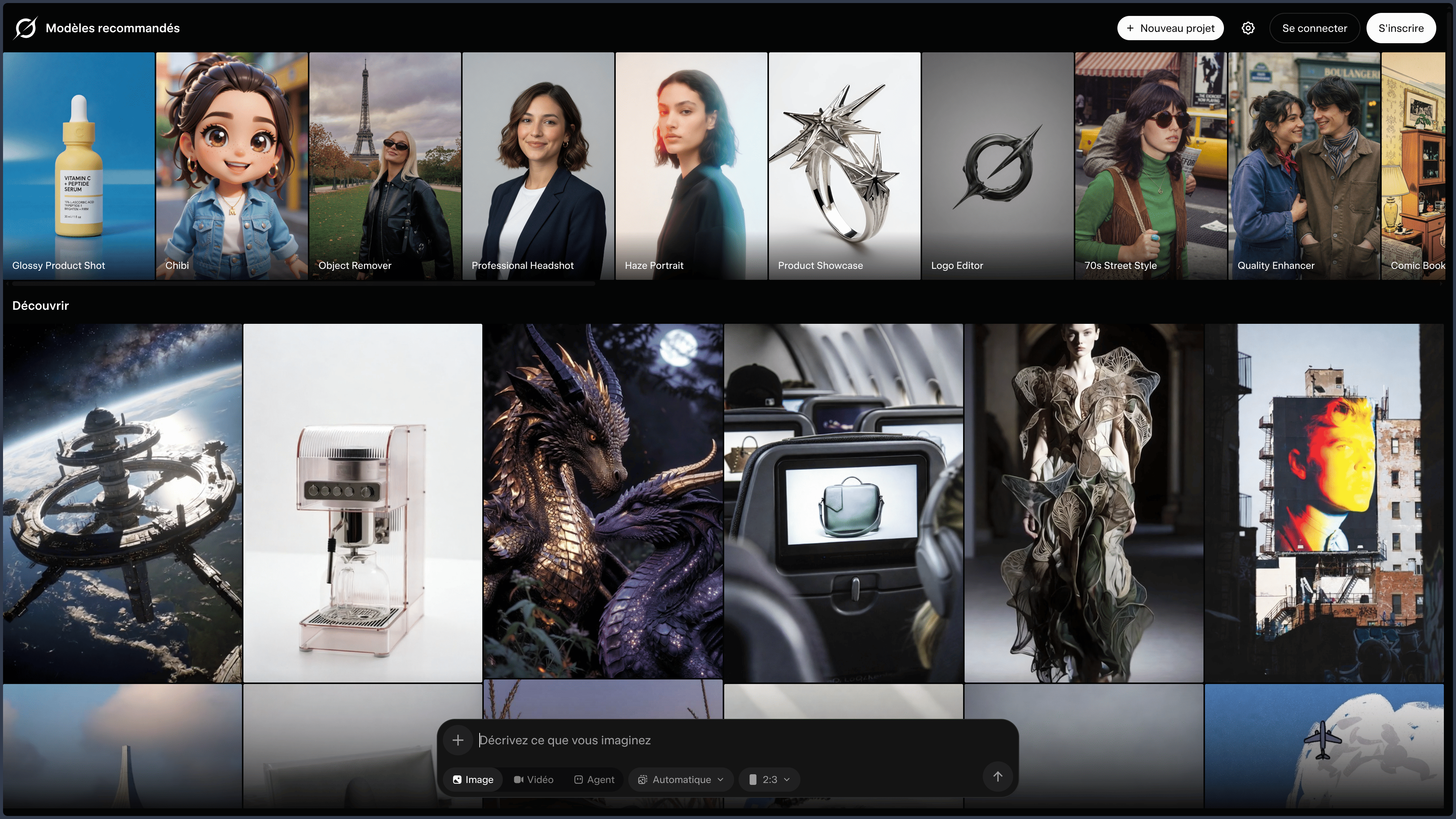
Grok Imagine brings together the visual creation features of the ecosystem.
It can generate or modify images, create variants, and produce certain forms of video depending on the available capabilities.
This creative layer enables a fairly direct workflow:
observe → understand → write → visualize.
For reactive communication or a prototype, this continuity can be very effective.
It does not replace a specialized tool when reproducibility, precise artistic direction, or finishing are priorities.
The rules of provenance and distribution of generated content must also be taken into account.
Projects, Connectors, and MCP
Projects allow keeping conversations, instructions, and resources around the same topic.
Connectors can link Grok to external services: document spaces, calendars, messengers, code repositories, or professional tools.
Depending on the service and permissions granted, the assistant can sometimes go beyond simple reading and create, modify, or delete certain elements.
Connections compatible with MCP can also expose custom functions.
This openness gradually transforms Grok into a broader work environment.
It also greatly increases the risk surface.
A read connection to a document folder does not have the same impact as a tool capable of modifying data.
Development and the xAI Ecosystem
Grok can explain, generate, correct, and analyze code from a conversation.
For more specialized tasks, xAI offers distinct products and an API.
These offerings must be mentioned to situate the ecosystem, without turning the Grok sheet into documentation for the API or development tools.
The distinction is also important for costs, quotas, and terms of use: user subscription and API consumption do not describe the same thing.
Use Cases
News and Social Monitoring
Grok can bring together web sources and reactions on X to follow an announcement, an event, or an emerging topic.
It is particularly useful for quickly obtaining a view of the circulating public discourse, provided this discourse is not confused with established facts.
Searching for Feedback and Trends
Discussions on X can provide user feedback, weak signals, or hot reactions useful for product or market exploration.
These data must be contextualized and do not constitute a representative survey.
Comparing Social Discourse with Official Document
A report, an announcement, or documentation can be analyzed alongside the reactions surrounding them.
This cross-checking is probably one of the most interesting uses of Grok.
Document Analysis and Writing
Grok can summarize documents, extract information, and then produce a synthesis, a plan, or a new editorial version.
Visual Creation
Grok Imagine allows going directly from conversation to image or video to explore an idea, create a variant, or prepare social content.
Working with Connected Services
Connectors can bring together search, documents, and actions in the same exchange.
This capability is useful when the work context is scattered across several services.
PANACHES Review
Grok is most interesting when one leverages what it has that is truly distinctive: the proximity between the assistant, the web, and public conversation on X.
Many assistants know how to search the internet.
Fewer are those that naturally place social reactions at the same level of access.
For monitoring, this proximity can save time.
It helps see that a topic is starting to circulate, that a product is provoking a reaction, or that an announcement is sparking a controversy.
But Grok then requires particular discipline.
Noise, virality, and speed are part of the material.
A highly visible rumor can be easier to find than a less popular correction.
File analysis enriches this proposal because it allows comparing social discourse with a more structured source.
Visual creation, projects, and connectors also make the tool much more general purpose than a simple "X assistant".
They broaden its interest without replacing its distinctive advantage.
The addition of actions and connectors marks an important evolution: Grok can become less of an observer and more of an actor.
This progression is useful, but it changes the level of trust required.
Reading a calendar and modifying an event do not require the same supervision.
Grok therefore becomes relevant for users who want to combine factual research, observation of social discourse, and rapid production, while maintaining a strict verification method.
It is less differentiating for a user who is not interested in X, is looking for a local solution, or primarily wants a deeply structured documentary environment.
Points of Attention
- X is not an automatically reliable source: a viral post can be false, taken out of context, or unrepresentative.
- Search to verify: important pages and posts must be opened and checked.
- Social signal ≠ survey: visible reactions on X do not necessarily represent the general population.
- Files to control: summaries and multimodal analyses can lose nuances.
- Connector permissions: some services can expose sensitive data or allow actions.
- MCP and custom tools: the functions granted to the assistant must be understood before activation.
- Imported content: professional or personal files require an appropriate confidentiality policy.
- Visual creations: provenance, watermarking, and distribution rules must be taken into account depending on the use.
- Proprietary and cloud service: Grok depends on xAI and should not be confused with the historically open elements of its ecosystem.
- Distinct offerings: user subscription, specialized products, and API may follow different conditions.
- Moving product: models, quotas, and features evolve rapidly; web + X search remains the most durable characteristic to remember.