Overview
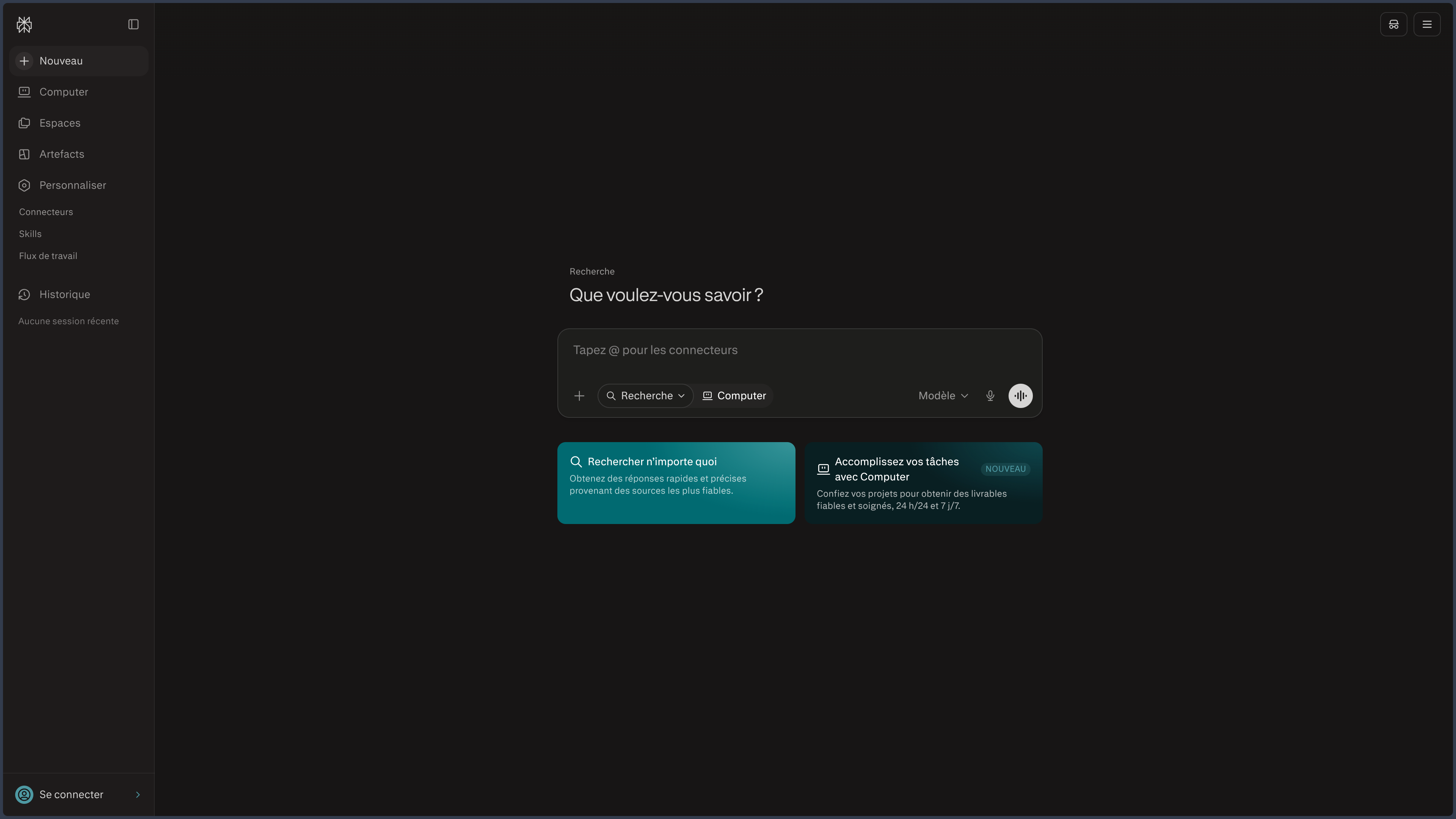
Perplexity is an AI-assisted answer engine whose core remains remarkably simple:
search the Web, synthesize the results, and show the sources used.
Where a traditional search engine mainly returns a list of links, Perplexity produces a written answer that the user can immediately compare against the cited pages.
A question can then be refined throughout a single session without starting from scratch.
This visible relationship between question, answer, and sources is its main difference from general-purpose assistants.
Perplexity can be used to verify recent information, explore a complex topic, compare multiple solutions, prepare watch briefs, query documents, or build a first research file.
The product has gradually expanded.
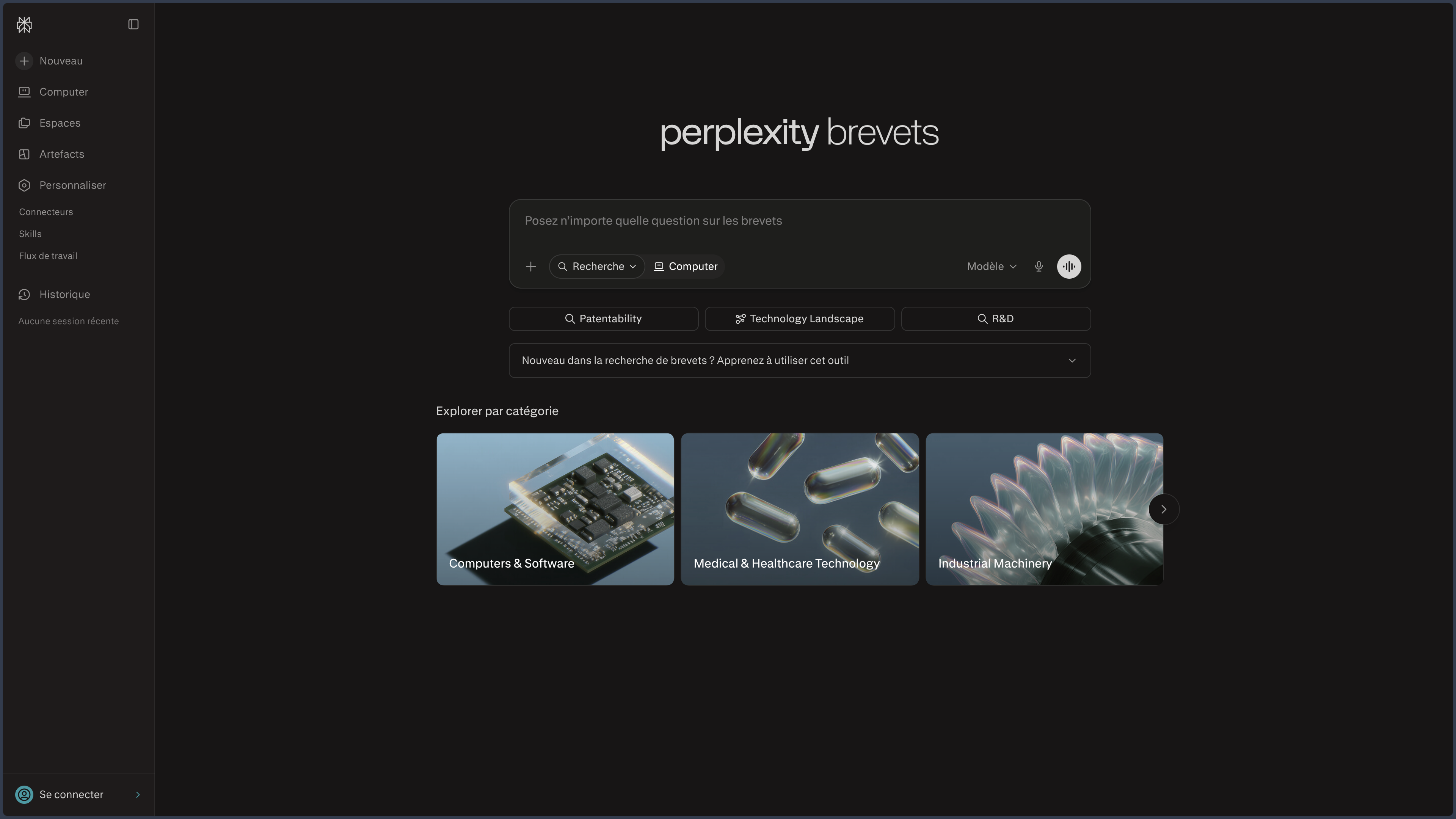
Projects, file analysis, deliverable creation features, and agentic tools now extend search toward action.
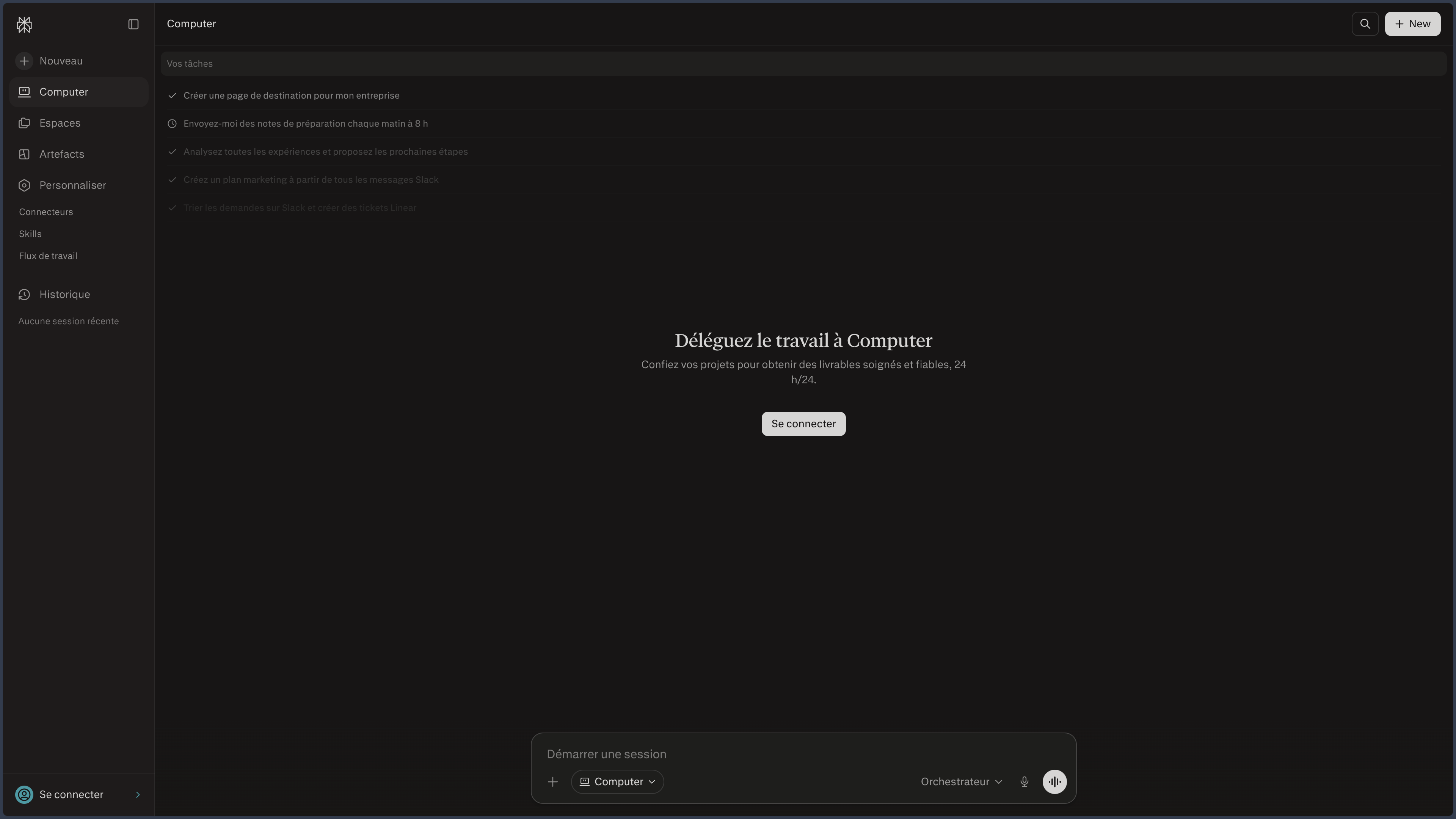
Associated products like Comet or Perplexity Computer further extend this logic toward browsing and task execution.
These extensions are important for understanding the evolution of the service.
They do not replace its fundamental identity:
Perplexity is most interesting when it shortens the distance between a question, a synthesis, and the documents that make it possible to verify it.
This definition also explains its main risk.
The presence of citations gives a much stronger impression of solidity than an unsourced answer.
But a citation can be correct and yet misused.
A good Perplexity sheet must therefore explain not only how the tool searches, but above all how to read a sourced answer without confusing traceability with proof.
Features
Source-driven search
Perplexity searches for recent information, produces a synthesis, and links claims to viewable references.
The user can open the original pages, follow up with a complementary question, ask for another angle, or refine the search criteria.
This loop is particularly effective for quickly exploring a field without losing track of the documents used.
The structure changes user behavior.
Instead of treating the answer as the final destination, you can use it as an access map to sources.
That is probably the best way to work with Perplexity.
The first answer helps understand the landscape.
The citations then help decide what deserves to be read directly.
Standard and deep search
Not all questions require the same level of effort.
A quick search may be enough to get a definition, find recent information, or identify a few references.
Deep search modes, on the other hand, can multiply queries, explore more pages, compare several sources, and produce a more structured report.
They are especially suited for:
- market studies;
- documentary files;
- technical comparisons;
- preparatory scientific research;
- competitive analyses;
- state-of-the-art reviews on a topic.
This additional depth does not automatically guarantee a better search.
A long search can simply accumulate more mediocre sources if the initial question is vague or if quality criteria are not defined.
The user's role therefore remains to frame:
scope → period → type of sources → comparison criteria → expected level of evidence.
Sessions, projects, and continuity
A session keeps the initial question, answers, sources, and follow-up exchanges.
This continuity lets you progressively dig into a topic without restarting the search from scratch.
Projects add a more durable layer.
They can bring together several sessions, files, instructions, and pieces of work around the same file.
The difference is significant.
A session answers an exploration.
A project organizes a topic over time.
This organization brings Perplexity closer to a documentary research space.
It does not yet constitute a universal knowledge base: sources, versions, and important decisions must always remain managed in their reference system.
Private files and corpora
Perplexity can also analyze imported documents.
A report can be summarized, several files compared, and a specific piece of data retrieved.
This capability lets you combine two types of knowledge:
- the open Web;
- the documents provided by the user.
This cross-referencing can be extremely useful for comparing an internal document with public information or enriching a search with a private corpus.
The origin of each claim must, however, remain clear.
A conclusion drawn from an internal file and a piece of information found on the Web should not become indistinguishable simply because they appear in the same synthesis.
From search to deliverable
Perplexity can turn some searches into documents, tables, presentations, or other deliverables.
The point is not to compete with every specialized software.
It is to extend the exploration phase directly.
The sources identified during the search can become the material for a first report, a synthesis, or a deck.
This continuity avoids manually copying all references to another assistant before starting to write.
The deliverable must, however, be considered a transformation of the search, not additional validation.
A misinterpretation can simply be reproduced in a prettier form.
Agents, Computer, and the Comet browser
The agentic expansion of Perplexity progressively changes the nature of the product.
Comet applies the search logic directly in a browser.
It can work with the displayed page, compare several tabs, and, depending on available features, perform certain steps on the Web.
Perplexity Computer pushes delegation further: search, browsing, documents, connectors, or multi-step tasks can be coordinated around a goal.
Some experiences may also work with recurring tasks or local environments depending on platforms and permissions.
These products greatly expand Perplexity.
They also require clearly separating two levels of trust:
- read and synthesize;
- act in a browser, on a file, or in an application.
A synthesis error remains information to correct.
An agentic error can become a real action.
API and integration
Perplexity also offers separate APIs for integrating Web search, structured results, or sourced answers into applications.
This layer is useful for developers who want to reproduce the search logic in their own product.
It must remain separate from subscriptions intended for application users.
The existence of an API completes the Perplexity ecosystem.
It does not turn the sheet into developer documentation.
Use Cases
Watch and news
Perplexity helps you follow a topic, compare several publications, and quickly build a first set of sources.
It is especially handy when information evolves fast.
Preparing an article or file
The tool can help identify references, build a timeline, spot different viewpoints, and prepare an initial bibliography.
The final writing, however, benefits from returning to important sources rather than citing only the generated synthesis.
Comparing products or services
For a purchase or tool selection, Perplexity can quickly gather features, differences, and references.
It then serves as a first triage layer before deeper verification.
Analyzing several documents
Reports, studies, or documentation can be imported, compared, and queried within the same context.
This capability is useful when the problem lies not only on the Web, but also in a private corpus.
Technical research
Documentation, libraries, technical discussions, and files can be gathered to understand a problem faster.
The answer should still be cross-checked against official documentation when the exact version or implementation matters.
Building a tracked research project
Projects let you keep several sessions, files, and instructions around the same topic.
Extending a search toward action
Comet or Computer can be useful when work does not stop at collecting information and must then go through several browsing or production steps.
PANACHES Review
The sources are the product
Perplexity's value does not simply come from its ability to "answer with the Web".
It comes from the continuity between the answer and the documents the user can immediately open.
This relationship makes the tool particularly effective for watch, comparison, and documentary preparation.
Good use starts after the answer
Perplexity becomes truly useful when the user does not stop at the synthesis.
The first answer helps map the topic.
Important sources are then opened, ranked, and read directly.
This way of working turns the answer engine into an orientation tool rather than a final authority.
A citation does not validate interpretation
Perplexity can cite a good page and still produce an overly broad conclusion.
The user must therefore evaluate two things separately:
- the quality of the source;
- how it has been used.
It is an essential nuance.
Projects give it more depth
Sourced search is naturally suited to one-off questions.
Projects and files let you retain more context and turn a series of searches into a more coherent file.
This evolution broadens its usefulness without changing its DNA.
The agentic expansion progressively changes the product
Computer, Comet, connectors, and deliverable creation show an evolution of search toward execution.
This direction can reduce tool switching.
It also exposes Perplexity to the same questions as other agents: permissions, supervision, and traceability.
Its best role remains clear
Perplexity is particularly convincing as a first layer of structured research.
It helps quickly understand a topic and identify what really needs to be read.
It becomes less relevant when the user is mainly looking for a general-purpose creative environment or a strictly closed documentary base on a predefined corpus.
Points of Attention
- A citation does not guarantee the accuracy of the answer.
- Important sources must be opened directly and put back into their context.
- Reliable source ≠ reliable interpretation: both must be evaluated separately.
- Result quality strongly depends on the quality of the Web available on the topic.
- A deep search can accumulate bad sources if its framing is weak.
- Imported files and connectors may contain sensitive data.
- Public Web and private corpus must remain distinguishable in syntheses.
- Agentic features require supervision when they browse or perform actions.
- Comet and Perplexity Computer are extensions of the product, not the historical core of the answer engine.
- Consumer access and APIs follow separate billing.
- Perplexity remains a proprietary cloud-dependent service.