Overview
Qwen refers to an AI ecosystem developed by the Qwen Team at Alibaba Cloud.
Several levels must immediately be distinguished.
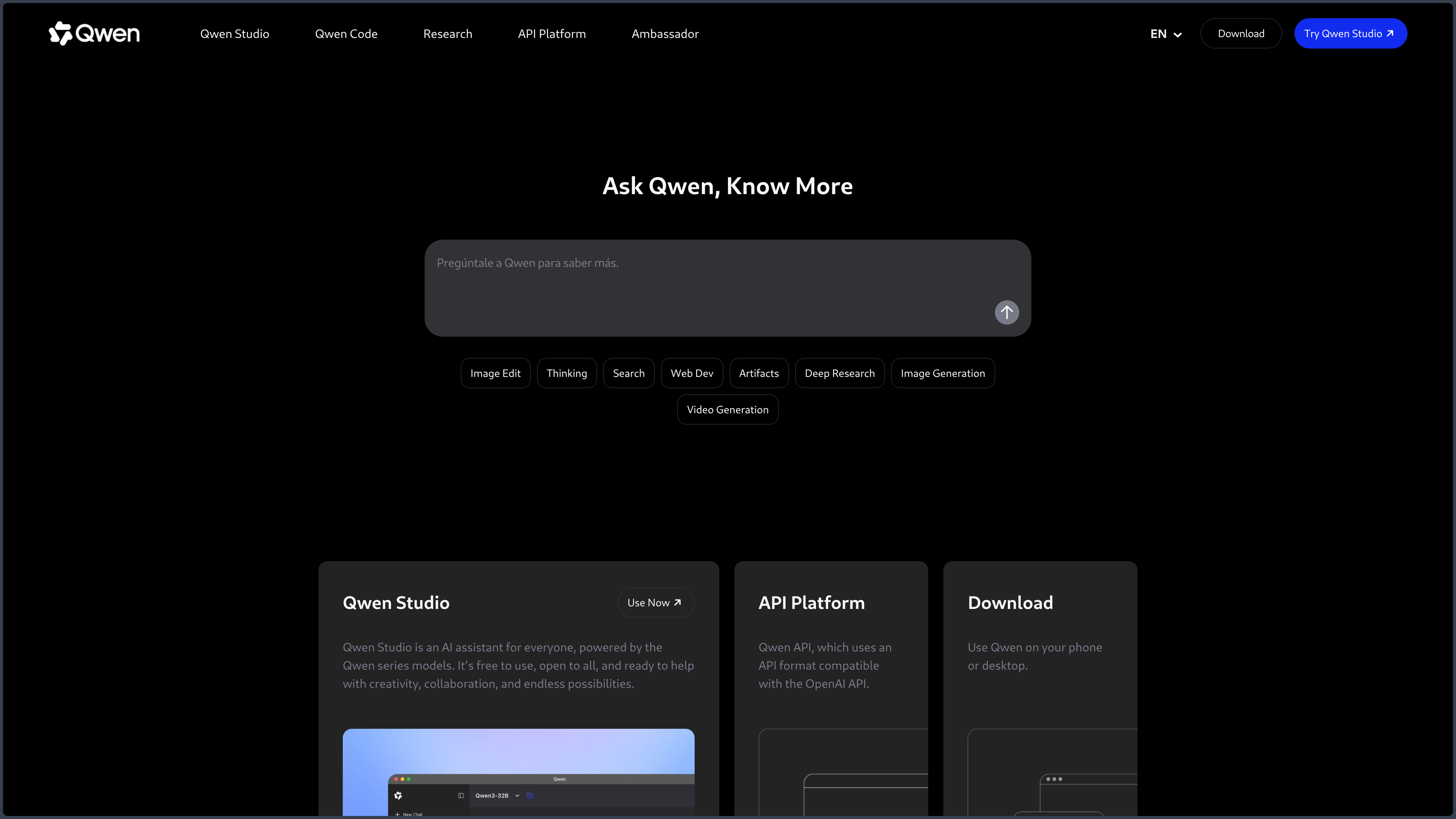
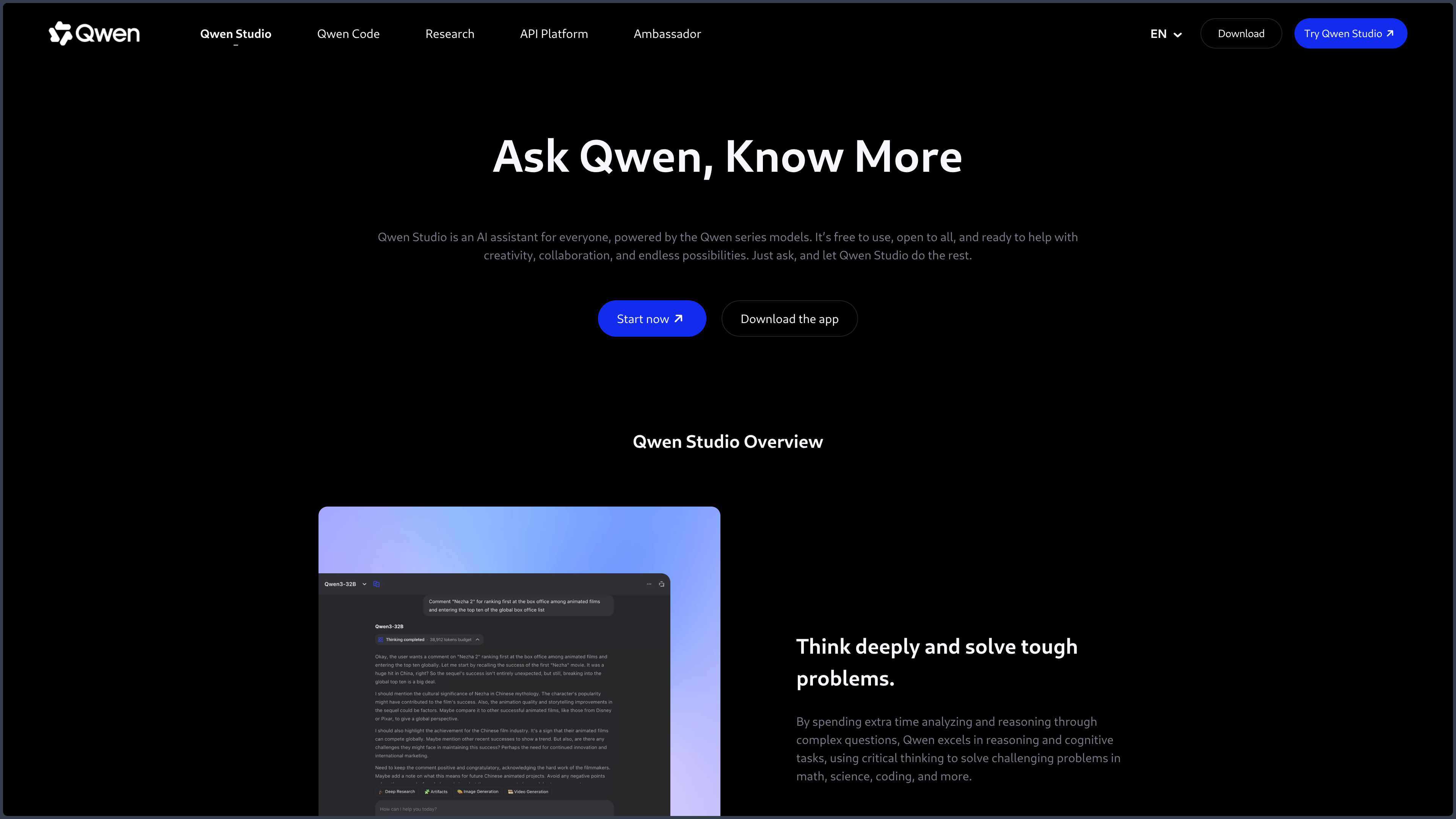
Qwen Studio is the interface aimed at users.
The Qwen models are the specialized engines.
The Qwen API and Alibaba Cloud services target developers.
Some models are also published as downloadable weights.
This diversity is precisely what makes Qwen interesting.
The user can start in a classic cloud assistant to converse, search, analyze documents, or work with multiple media, then find the same technological family in an API or in locally run models.
Qwen covers a particularly broad spectrum: text, reasoning, code, vision, audio, video, image, embeddings, and agents.
This multimodality gives Qwen Studio the appearance of a very general-purpose platform.
The important difference is, however, not the length of the feature list.
It lies in the possible continuity between:
hosted service → developer tools → open-weight models → private infrastructure.
A prototype can start in Qwen Studio.
It can then be integrated via API.
Some building blocks can finally be moved to a private infrastructure when the model and its license allow it.
This flexibility gives Qwen unusual depth for an ecosystem that is also accessible to the general public.
It also creates real complexity.
Models, sizes, variants, licenses, and services do not all have the same capabilities or conditions.
A result obtained in Qwen Studio is therefore not automatically reproducible with a locally downloaded model.
Features
Qwen Studio: multimodal assistant
Qwen Studio lets you work with text, documents, images, and, depending on available models, audio or video.
It can answer, write, summarize, translate, search the Web, or support document analysis.
Visual generation or interactive content creation features also extend the assistant beyond text.
This breadth is useful for experimenting with several forms of work from the same interface.
It is, however, necessary to understand what lies behind this apparent unity.
Qwen's multimodality does not necessarily come from a single model capable of doing everything with the same quality.
The ecosystem can mobilize specialized families depending on the task.
The "Qwen" name therefore brings consistency to the whole.
Actual performance always depends on the model or service used.
Search, documents, and long context
Qwen models can process large documents, answer targeted questions, and combine several sources in a conversation.
Search features can also add recent information.
Long context is useful for reports, documentation, code, or important files.
It should not be interpreted as perfect memory.
A model can ignore a passage, give too much weight to a section, or lose a specific piece of information in a very large corpus.
For serious documentary projects, the important question is therefore not only:
"How many tokens does the model accept?"
but:
"Does it correctly retrieve the important information in my actual corpus?"
Multimodal creation
Qwen covers several creative needs: image generation or editing, video generation, and other multimodal processing depending on available models and services.
This breadth reduces fragmentation during experimentation.
An idea can be described, analyzed visually, then transformed without immediately switching ecosystem.
The depth of control remains different from a specialized tool.
Qwen should therefore be considered a multimodal experimentation ground rather than an automatic replacement for a dedicated creation software.
Code and specialized tools
Development is another important dimension of the ecosystem.
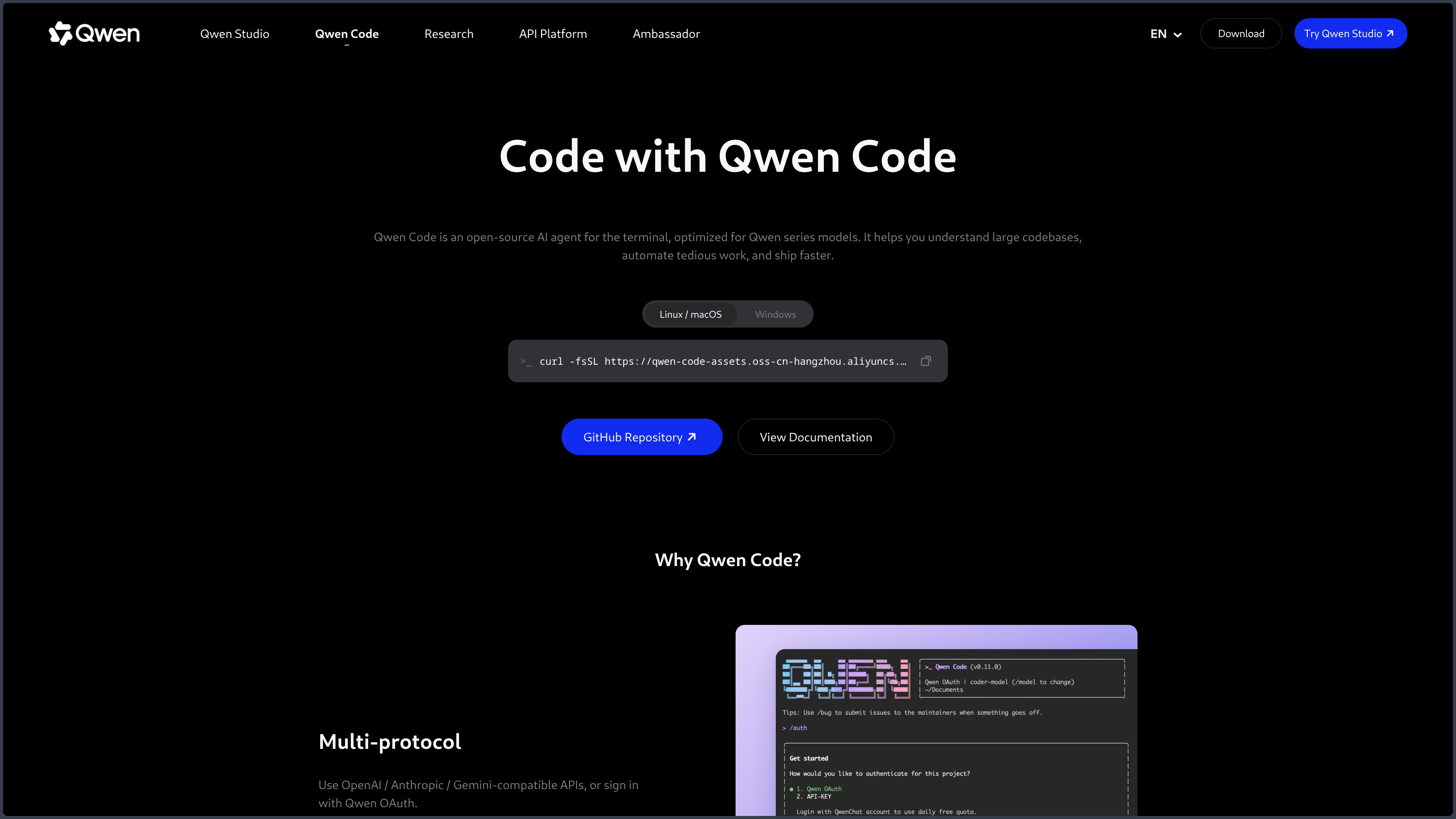
Specialized models and tools can explain, generate, or modify code, work with files, and participate in agentic workflows.
This capability does not turn Qwen Studio into an IDE.
It mainly shows that the Qwen family can serve as an engine in more specialized development tools.
This is an important distinction to avoid mixing:
- the model;
- the Qwen Studio interface;
- an agent using Qwen;
- a programming tool built around the model.
API and integration
The Qwen API lets you integrate the models into applications.
Formats compatible with conventions common in the AI ecosystem can facilitate migrating some prototypes.
This layer lets a project move from manual testing to programmatic use.
It also offers finer choice of model, parameters, and workflow.
Costs, limits, data retention, and features available in the API must not be automatically inferred from Qwen Studio.
These are two different levels of the same ecosystem.
Agents and RAG systems
Models compatible with tool calling can be used to build agents, document assistants, or RAG systems.
They can be connected to:
- a document base;
- a search engine;
- business functions;
- an execution environment;
- external tools.
The agent's quality then depends as much on the surrounding system as on the model itself.
Permissions, document retrieval, memory, orchestration, and validation become important components.
It would therefore be misleading to automatically attribute to "Qwen" all the capabilities of an agent built with this family of models.
Open-weight models and local execution
An important part of Qwen's identity comes from models published as downloadable weights.
The availability of different sizes lets you adapt the trade-off to the hardware.
A lighter model can run on a workstation.
A larger variant may require a server or several accelerators.
Depending on their license and format, these models can be used with several inference engines.
This possibility offers more control over:
- data;
- infrastructure;
- costs at scale;
- deployment rules;
- some forms of customization.
The trade-off is technical.
Memory, quantization, format, precision, inference engine, and software versions strongly influence the experience.
A quantized or distilled version can be much more hardware-accessible while producing different behavior from the full model.
Local must therefore be evaluated as a specific deployment, not as a guaranteed copy of Qwen Studio.
Use Cases
Using a general-purpose assistant
Qwen Studio can support writing, explaining, searching, synthesizing, or analyzing documents from a single interface.
Exploring multiple modalities
Images, audio, video, and documents can be analyzed or generated depending on available models.
This diversity is handy for quickly testing multimodal workflows.
Working on long documents
Models with long context can be used to analyze reports, documentation, or large code bases.
Developing an application
Developers can use the API to integrate text, vision, or other capabilities into a product without immediately administering the model.
Prototyping with code
Qwen development tools can help explain, generate, or modify code and build prototypes.
Deploying a model locally
Open-weight versions let you build a more autonomous or private solution when hardware, license, and performance fit.
Building an agent or RAG system
Models compatible with tool calling can be connected to a document base, external functions, or an execution environment.
PANACHES Review
The cloud → API → local continuity is the real point
Qwen is more interesting as an ecosystem than as just another assistant.
The ability to start with a hosted service and then explore the API or local models gives several technical paths around the same family.
This continuity can be valuable for a project that starts as a prototype and then becomes more sensitive to costs, confidentiality, or infrastructure control.
Very broad multimodality
The presence of text, vision, audio, image, video, and code reduces fragmentation during experimentation.
This breadth does not mean that each feature reaches the depth of a specialized tool.
It mainly makes Qwen interesting as a testing platform and as a model family covering several needs.
The single name masks several realities
Qwen Studio, open-weight models, the API, and specialized tools share a brand.
They do not automatically share the same performance, features, licenses, or data policies.
The sheet must therefore constantly maintain this hierarchy.
Diversity quickly becomes hard to follow
Model names, sizes, variants, and services evolve quickly.
You must always precisely identify what you are using.
A claim valid for a hosted version is not automatically valid for a local model.
Local brings control, not a perfect reproduction of the cloud
This is probably one of the most important lessons of Qwen.
Downloading weights opens many possibilities.
It also shifts to the user the management of hardware, inference engine, security, versions, and performance.
Openness brings control.
It also brings responsibility.
Points of Attention
- Distinguish Qwen Studio, models, API, and Alibaba Cloud services.
- Check the license of each model or repository: no single rule covers the whole ecosystem.
- Open weight does not mean Qwen Studio is open source.
- Multimodality may rely on several specialized models rather than on a single system.
- Results vary greatly depending on the model, its size, and its execution mode.
- Long context does not guarantee perfect retrieval of every piece of information.
- Large models can require a lot of memory and compute.
- Quantization or distillation can noticeably change quality.
- Cloud costs, quotas, and features evolve independently from local models.
- Confidential data must be compatible with the hosted service conditions.
- Web searches and generated content must be verified.
- Agents add their own permission and execution risks.
- Local tools may require updates to support new models.