Overview

A character is waiting in the middle of an empty scene.

They already have a face, a body, clothes, and probably a complicated backstory. All they need now is a believable pose, an environment, lighting that does not turn their skin into plastic, and a camera positioned somewhere other than knee level.

In a conventional 3D application, you might have to begin by modeling the character.

In Daz Studio, they are often already there.

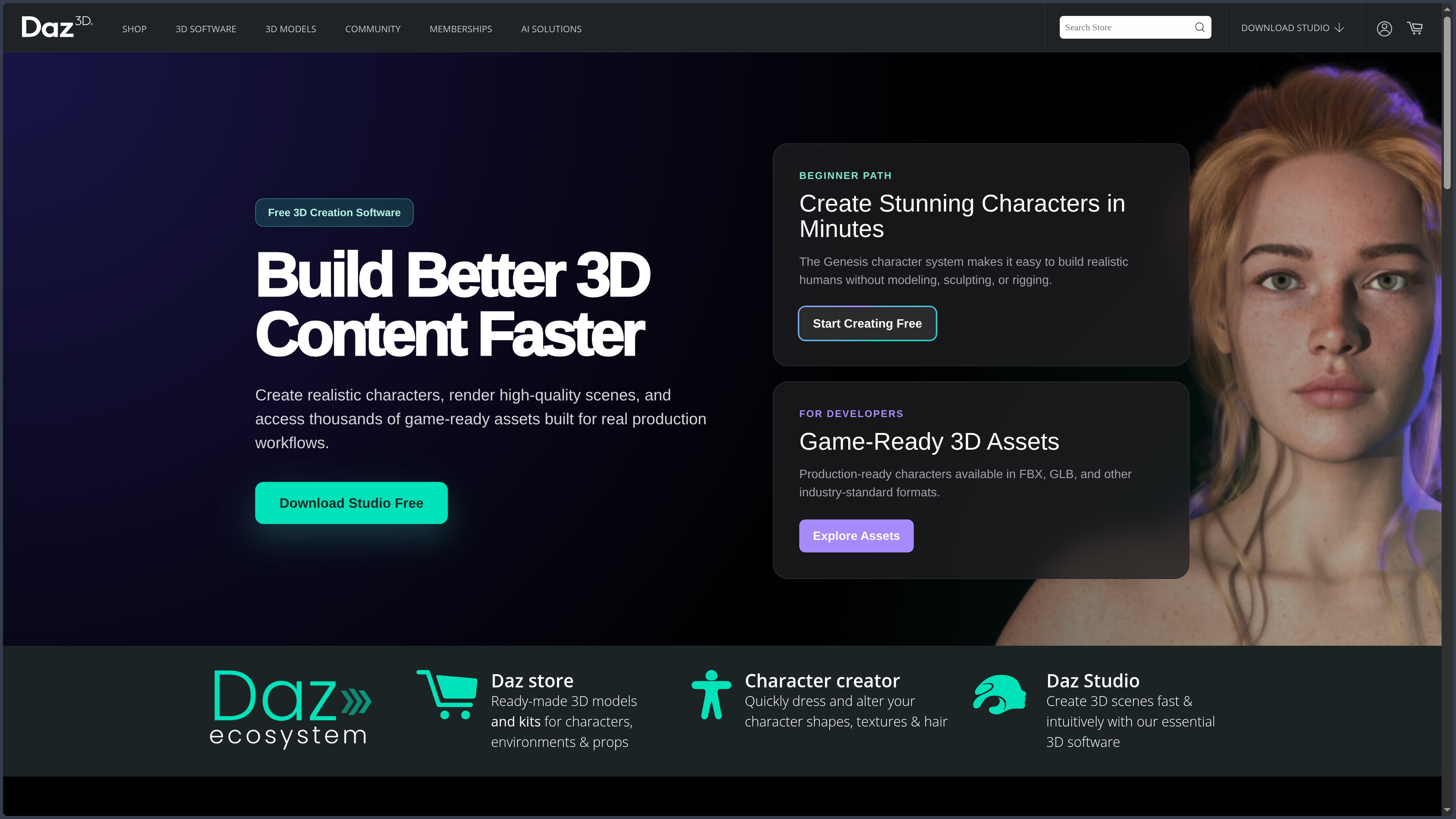
Daz Studio is a virtual studio built around characters and assets ready to be assembled.

Developed by DAZ Productions, Inc., the application lets you load a figure, modify its shape, assign it a face, clothing, hair, and a pose, then build a scene around it before producing an image or animation.

The application itself is free.

Its wider universe, however, revolves around an enormous marketplace of separately sold characters, clothing, expressions, poses, props, creatures, vehicles, lighting setups, and environments.

Creating without starting from modeling

Daz Studio does not ask you to build a human one vertex at a time.

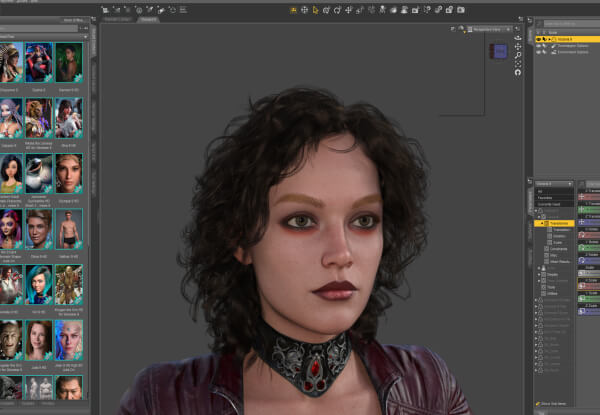
Its Genesis system provides figures that are already modeled, rigged, and ready to be transformed. Sliders let you blend different shapes, adjust proportions, change facial features, or combine several characters to create a new one.

You can begin with a realistic body, push it toward a stylized silhouette, change its apparent age, alter its build, or move it far enough away from human anatomy for passport control to start asking questions.

Compatible clothing, hair, and accessories generally follow the figure’s transformations through built-in fitting systems.

This approach makes character creation considerably more accessible.

It also changes the nature of the work: you do not always manufacture every piece. You select, combine, adjust, light, and stage.

Daz Studio does not replace modeling. It lets you begin after it.

Free software surrounded by a vast marketplace

Daz Studio becomes truly powerful when connected to its library.

The Daz catalog contains tens of thousands of modular products: characters, morphs, skin textures, clothing, poses, expressions, environments, props, materials, lighting setups, and animations.

Someone can therefore build a complex scene without knowing how to create clothing, sculpt a face, or construct a complete rig.

This abundance is Daz’s greatest strength.

It is also its main trap.

The application is free, but a visually coherent project can quickly require several paid characters, outfits, hairstyles, poses, and environments. The shopping cart then begins to develop a personality of its own. A personality curiously attracted to limited-time discounts.

A specialized studio, not a universal 3D suite

Daz Studio can organize a scene, customize characters, and manage cameras, lights, materials, simulations, poses, and renders.

It can also import certain objects, modify geometry parameters, and provide additional editing tools through its Premier version.

It does not, however, offer the depth of a general-purpose application such as Blender, Maya, or Cinema 4D for modeling, sculpting, UV work, advanced rigging, visual effects, or complex animation.

Its specialty is more precise:

quickly bringing convincing characters into a scene ready to tell a story.

Features

Building characters with Genesis

Genesis sits at the center of the Daz ecosystem.

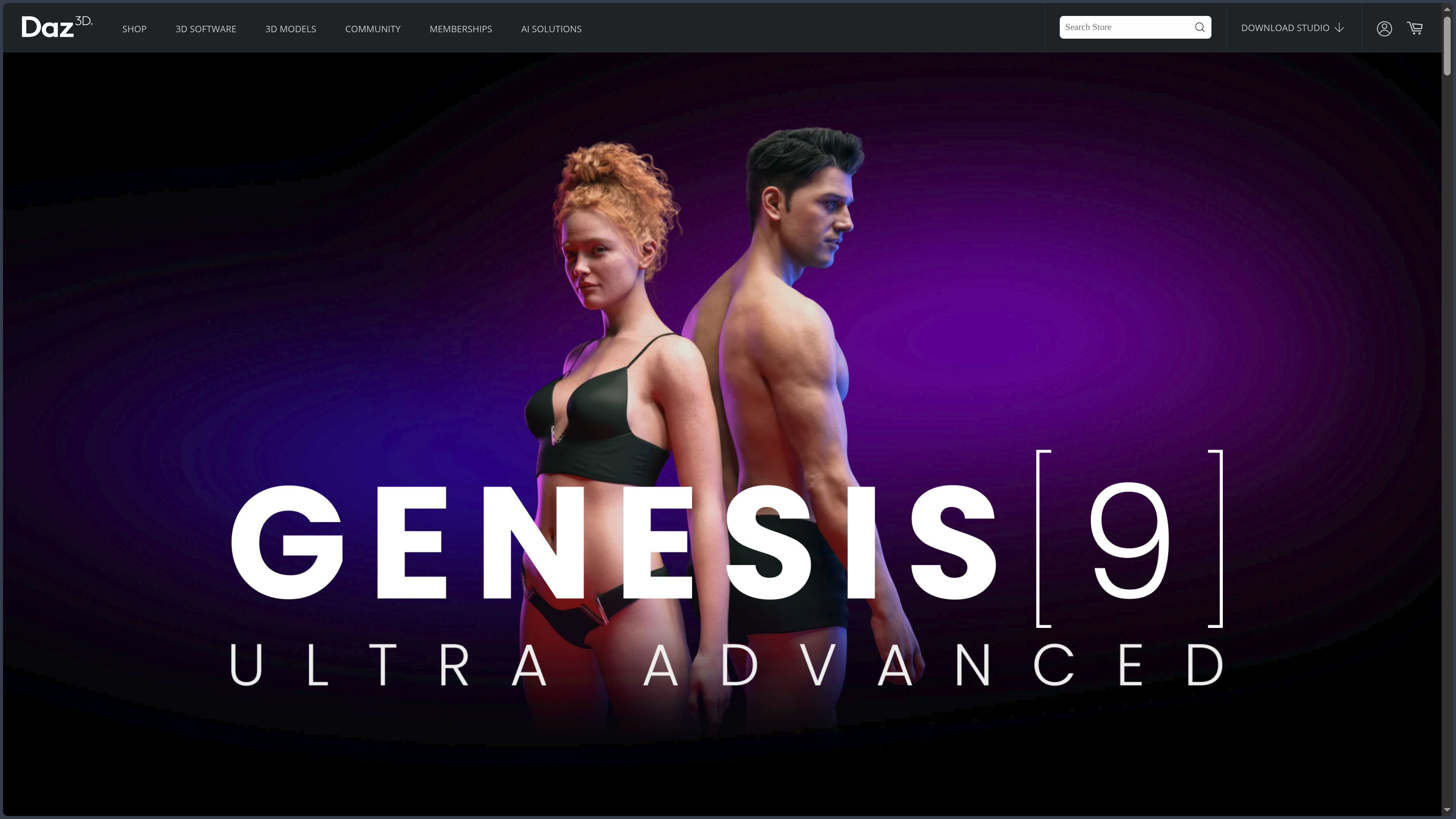
Each generation provides a base compatible with a collection of characters, shapes, textures, clothing, and accessories. Genesis 9 is currently the main generation, although Genesis 8, 8.1, and older libraries remain widely used.

Customization is mainly handled through morphs and presets:

  • blend several faces or body shapes;
  • adjust the head, body, and proportions;
  • apply skin textures, makeup, and details;
  • add hair, clothing, and accessories;
  • modify expressions and eye direction;
  • load realistic, stylized, or fantastical characters.

This approach does not provide the absolute freedom of manual sculpting.

It offers something else: a fast way to explore identities without reconstructing the entire anatomy every time.

Dressing and posing without rebuilding everything

Compatible clothing can automatically adapt to the character’s shape. When the silhouette changes, Daz Studio attempts to make the clothes, hair, and accessories follow.

The result sometimes needs correction. A complicated coat and an acrobatic pose can still produce a collision worthy of a small textile accident.

For posing, Daz Studio combines:

  • direct manipulation of the skeleton;
  • rotation and translation controls;
  • pose presets;
  • facial expressions;
  • corrective morphs;
  • symmetry and reset tools;
  • specific controls provided with certain characters.

Presets provide a quick starting point. Manual adjustments then help avoid the mannequin effect, floating feet, or that mysterious hand embedded in the hip.

Finding compatible assets

The Smart Content panel organizes products according to the content selected in the scene.

When a character is active, the application can filter clothing, poses, materials, or accessories designed for that figure. This contextual logic becomes valuable once the library contains several generations of characters and enough files to open a small municipal media center.

Content can be installed and managed with Daz Install Manager, Daz Connect, or manual installation.

Tool Main purpose
Smart Content Display assets associated with the selected character or object
Content Library Browse installed folders and files directly
Daz Install Manager Download, install, and update products
Daz Connect Install certain content from within Daz Studio

Smart Content simplifies navigation when the metadata is correct.

For older products, external content, or manual installations, the Content Library often remains necessary.

Building and lighting a scene

Daz Studio lets users assemble characters, objects, and environments into a complete scene.

You can position cameras, adjust focal lengths, compose the image, add lights, or use HDRI environments. Materials then control skin, fabric, glass, metallic surfaces, and the way each element reacts to lighting.

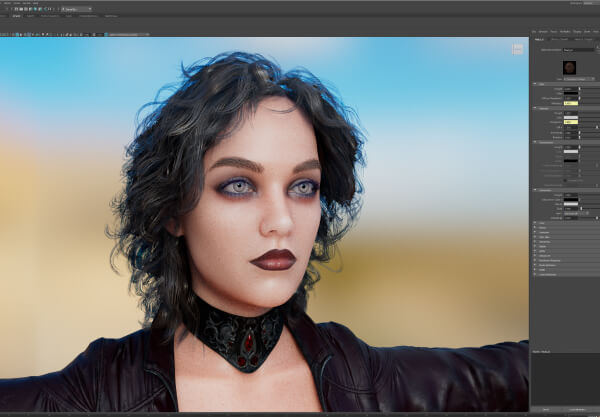
The NVIDIA Iray engine is particularly associated with Daz Studio’s realistic renders. It simulates lighting, reflections, transparency, and the physical properties of materials to produce detailed images.

The final result, however, depends just as much on staging as it does on the assets.

An expensive character, an 8K skin texture, and three professional lighting setups will not automatically rescue a camera placed against a wall. Technology still has a few reasonable limits.

Simulating clothing and hair

The dForce physics engine simulates the behavior of compatible clothing, fabrics, and hair.

Instead of remaining frozen around the character, a dress can fall under gravity, conform to a pose, or react to a surface. Hair designed for dForce can also gain more movement.

These simulations improve realism, but they require patience.

A poor starting pose, a deep collision, or an unsuitable mesh can turn an elegant garment into a geometric explosion. It may be necessary to change the initial position, increase the number of simulated frames, or isolate certain objects.

The Premier version notably adds a Simulation Manager for processing elements individually and gaining more control over complex scenes.

Animating and telling movement

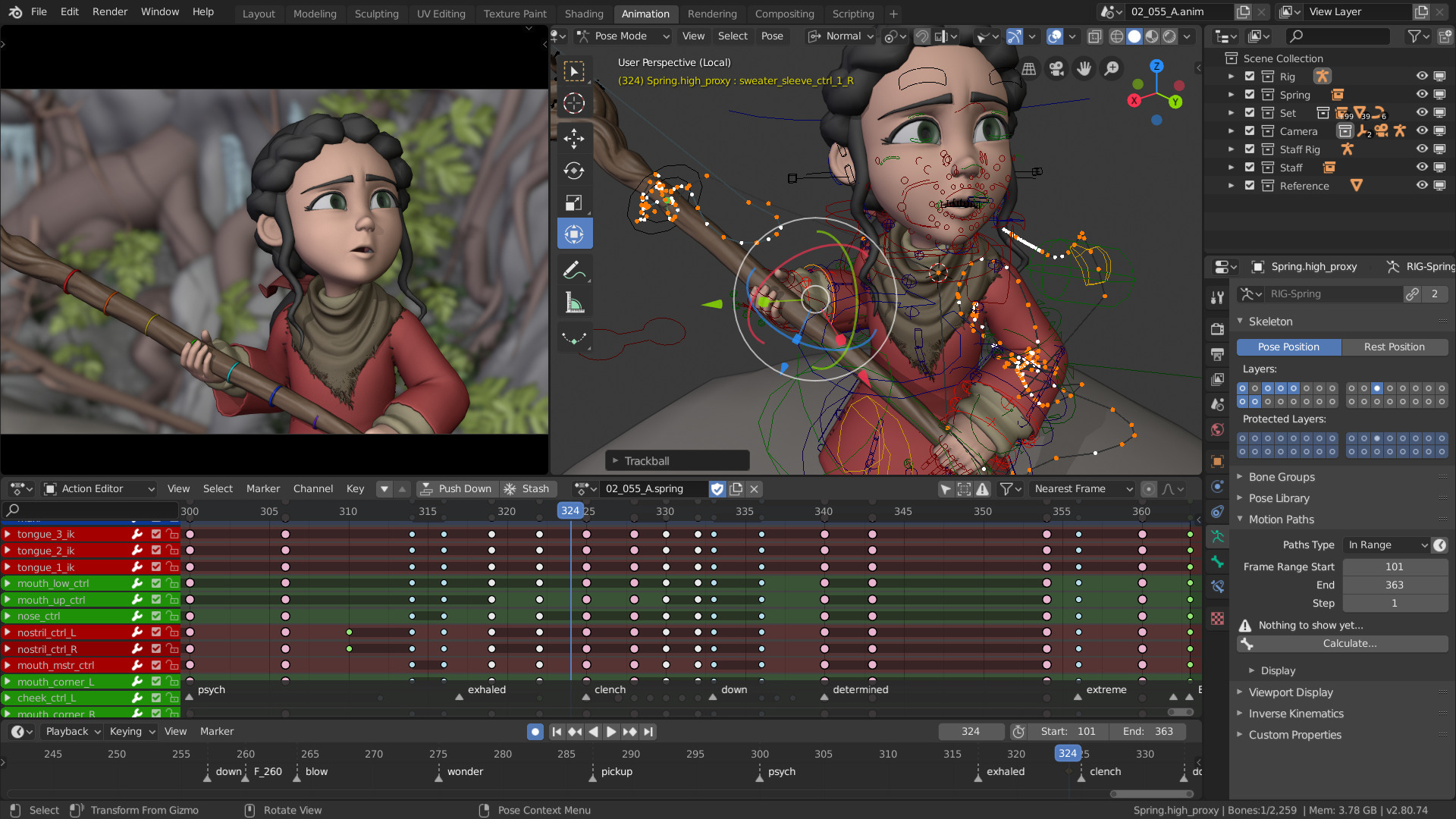
Daz Studio includes a timeline, rigging tools, and animation features for changing poses, expressions, cameras, and objects over time.

It can be used to:

  • create small movements;
  • animate a camera;
  • prepare a sequence;
  • use preset animations;
  • produce a short scene;
  • prepare a character before export.

Animation genuinely exists in Daz Studio, but it is not the application’s smoothest area.

For complex character animation, advanced curve editing, or cinematic production, Blender, Maya, Cinema 4D, Unreal Engine, or a specialized tool will generally offer more control.

Daz then becomes the place where the character is prepared before being sent elsewhere.

Moving to Blender, Maya, or a game engine

Daz provides export bridges to several tools:

Destination Possible use
Blender Retouching, sculpting, animation, rendering, and integration into a larger scene
Maya Animation, rigging, and production pipelines
Cinema 4D Motion design, rendering, and 3D composition
Unreal Engine Cinematics, real-time visualization, and video games
Unity Prototyping and interactive development
3ds Max 3D production, animation, and visualization
ZBrush via GoZ Sculpting and detailed shape modification

The bridges can transfer characters, clothing, textures, poses, rigs, and sometimes environments.

They do not always translate every proprietary feature perfectly. Materials, complex hair, geografts, morphs, or rigs may require corrections after export.

The transfer is therefore closer to translation than teleportation.

Daz Studio prepares the character quickly. The next application takes back control.

Adding Daz Studio Premier tools

Daz Studio Premier is an enhanced version available through the Daz Premier subscription.

It notably adds:

  • sculpting and geometry correction tools;
  • a render queue for processing multiple scenes;
  • a dForce Simulation Manager;
  • pose converters for Genesis 9;
  • shape transfers from older Genesis generations;
  • advanced rig conversion and export tools;
  • environment export to Blender;
  • scene optimization and management features.

These additions address some limitations of the free application and reduce the need to move through several external tools.

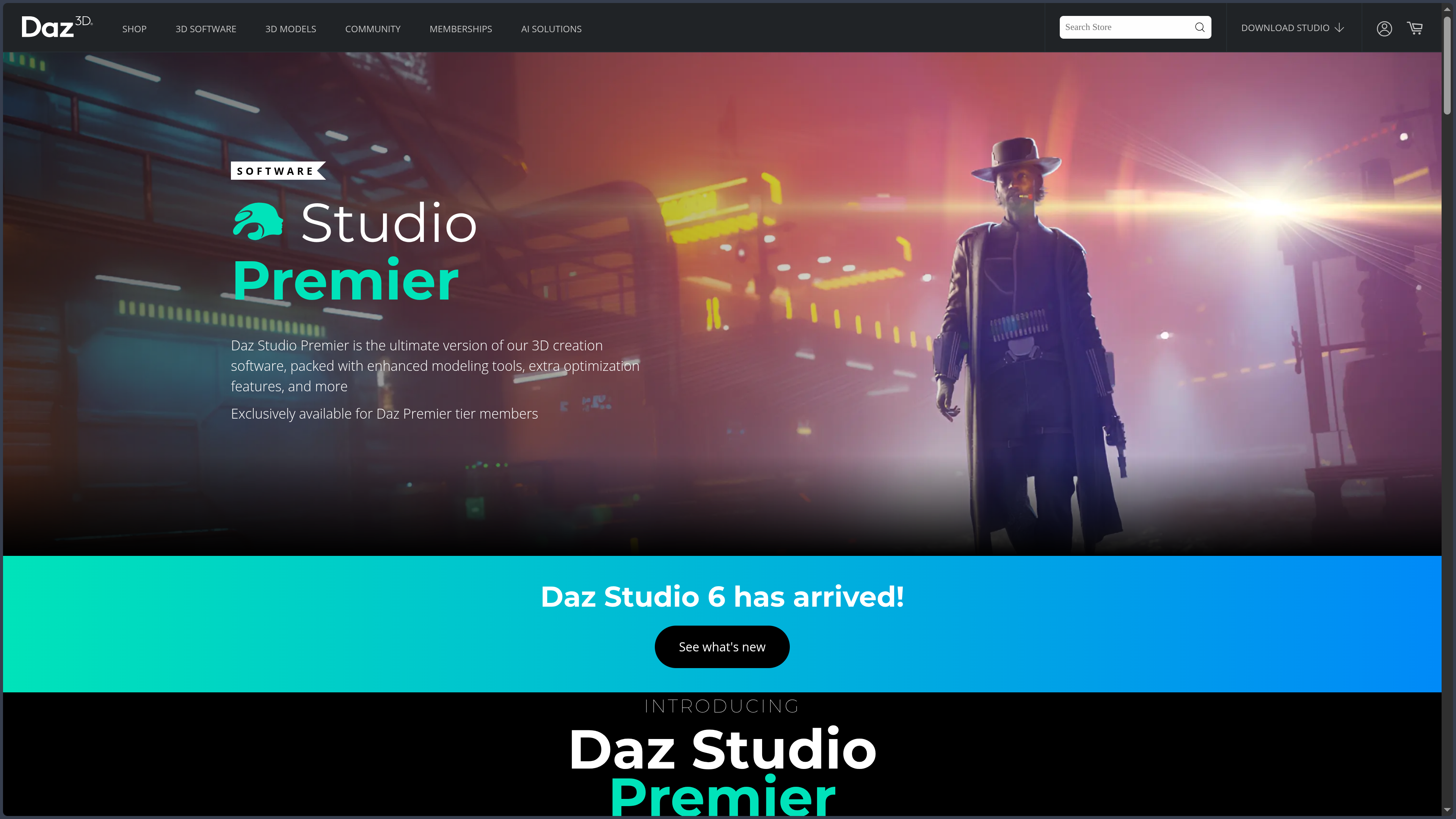
They do not, however, introduce a different render engine or a completely separate application. The foundation remains Daz Studio, with additional features activated through the subscription.

Use cases

Illustrating a story with recurring characters

An author is preparing an illustrated novel, a comic, or a visual novel.

She needs the same characters to appear across several scenes, with consistent clothing, recognizable faces, and appropriate expressions. Drawing or modeling every appearance from scratch would quickly make the project difficult to sustain.

Daz Studio makes it possible to create a character base, save its morphs, materials, and outfits, then reuse it across different environments.

The camera and lighting can change.

The character remains the same.

This continuity becomes particularly useful for long-form narratives, illustration series, and projects where consistency matters more than the absolute uniqueness of every asset.

Preparing a cover or narrative illustration

A character needs to stand on the roof of a building in the rain, with a futuristic city behind them and enough drama in their eyes to justify the title of the novel.

Daz Studio makes it possible to assemble this scene quickly: character, clothing, pose, environment, lighting, and camera.

The render can be used directly, but it can also become a base for photobashing, digital painting, or composition in Photoshop, Krita, or Clip Studio Paint.

In this workflow, 3D does not replace illustration.

It provides consistent perspective, calculated lighting, and anatomy that the artist can then interpret, repaint, or deliberately break.

Creating a pose reference

An illustrator needs a precise pose from a difficult angle.

Instead of trying to attach a mirror to the ceiling or convincing a friend to remain crouched for twenty minutes while holding a plastic sword, they can place a Genesis figure, adjust the limbs, position the camera, and test several focal lengths.

The scene becomes a controllable reference.

The lighting, body shape, camera height, or tension in an arm can be changed without restarting the entire session.

Daz Studio is particularly useful here because it brings anatomy, posing, clothing, and perspective into the same space.

Prototyping a character for a game

A team is preparing a prototype and wants to obtain several distinct characters quickly.

Daz Studio can help explore silhouettes, faces, outfits, and identities before beginning more precise production. The characters can then be exported to Blender, Unity, or Unreal Engine.

This method speeds up experimentation, but it does not automatically produce a final game-ready character.

Mesh density, textures, materials, rigs, morphs, and performance must still be checked. The Interactive License for the assets being used must also be verified.

The prototype can appear quickly.

The pipeline still asks to see the paperwork.

Producing portraits and virtual scenes

Daz Studio works like a photography studio without a physical camera.

You can choose a character, prepare their appearance, build a lighting setup, adjust the focal length, change the depth of field, and produce a series of portraits.

This approach suits artists who enjoy photography, fashion, or portraiture but want to work with fictional, fantastical, or fully controllable characters.

The result depends heavily on the skin, eyes, hair, and above all the lighting.

Realism does not come only from the number of pixels inside a texture. It comes from the way the face meets the light.

Preparing a scene before finishing it elsewhere

An artist owns a Daz library but prefers to render and retouch inside Blender.

They can build the character in Daz Studio, select its morphs, clothing, and pose, then use the bridge to Blender to continue working.

Blender receives an already substantial base: model, rig, textures, clothing, and accessories.

The artist can then correct the materials, rework the hair, optimize the geometry, modify the rig, or integrate the character into a more complex scene.

Here, Daz Studio becomes a character creator connected to a more general-purpose 3D suite.

PANACHES review

The easiest approach would be to describe Daz Studio as free 3D software.

That would be true.

It would also miss almost everything.

Daz Studio is primarily a gateway into a complete system of modular characters.

Its strength does not come from one isolated spectacular tool. It comes from the continuity between Genesis figures, morphs, clothing, poses, environments, the marketplace, the content manager, and bridges to other applications.

Someone can open the program with no experience, load a figure, give it an outfit, and produce a first image on the same day.

That first result may not be particularly subtle.

But it will exist.

And once lighting, cameras, materials, and composition are understood, Daz Studio can produce far more than the generic renders it is sometimes reduced to.

Assembly software in the noblest sense

Assembly is not lesser work.

Choosing a silhouette, blending several faces, adapting an outfit, building a scene, and directing the lighting all require judgment. Two people with exactly the same assets can produce completely different images.

Daz Studio sometimes feels more like a film set than a sculpting workshop.

The actors already exist.

The costumes are hanging backstage.

The sets are waiting in storage.

The work consists of deciding who enters, how they stand, where the camera looks, and what the light is trying to say.

Daz Studio does not always ask you to manufacture the pieces. It asks you to do something with them.

Accessibility that can hide complexity

Getting started is quick.

Mastery is much less so.

Once you move beyond the first poses, Daz Studio reveals a dense vocabulary: morphs, geografts, subdivisions, normal maps, surfaces, shaders, dForce, instances, render settings, product dependencies, and compatibility between generations.

The interface can make everything appear to work with a simple click.

Then a garment passes through a leg, a material loads completely black, a product requires three missing add-ons, and Smart Content suddenly decides that nothing exists.

The software becomes considerably less magical at that point.

This complexity does not cancel its accessibility. It simply reminds us that a tool can remove the initial modeling stage without removing everything else involved in 3D.

Free software that makes you want to buy things

Daz Studio can genuinely be used for free through the Starter Essentials and free content.

Its business model, however, relies on the desire to expand the library.

A hairstyle is missing.

Then an outfit.

Then an environment that matches the outfit.

Then a pose that works with the environment.

Then another character, because the first one is beginning to feel lonely inside this entire economy built around them.

Promotions are frequent, sometimes complicated, and encourage purchases for a future need that may never arrive.

The risk is not only financial.

A library that has grown too large can become harder to navigate than the project itself.

How does it compare with the alternatives?

Poser remains the closest historical alternative: ready-made characters, posing, clothing, scenes, and rendering. Its ecosystem and approach differ, but the comparison is direct.

Character Creator is aimed more at professional character pipelines, animation, and integration with iClone, Unreal Engine, and other tools. It offers more structured control, but its price is considerably higher.

MakeHuman provides a more open and free approach to character creation, with a less commercial ecosystem and fewer highly detailed assets.

VRoid Studio becomes particularly interesting for anime and stylized characters, with a more focused and immediately recognizable approach.

Blender remains the general-purpose choice. It requires more initial work but offers much deeper control over modeling, sculpting, rigging, animation, and rendering.

Daz Studio therefore does not win through universality.

It wins when a project needs characters quickly, many variations, and a library capable of turning an empty scene into a virtual set.

Within a PANACHES workflow, it can sit between writing, moodboarding, illustration, and 3D production. A character is born inside a profile. Daz gives them a body, a posture, and a light. Blender, Unreal Engine, or an image-editing application can then take over the material.

Daz Studio does not replace the 3D artist. It sometimes saves them from rebuilding the human being from the first polygon.

Points to consider

  • Free software does not mean a free ecosystem: Daz Studio and the Starter Essentials are available without payment, but most characters, clothing, poses, hairstyles, environments, and advanced extensions are sold separately.

  • Daz Studio Premier requires a subscription: additional features—including sculpting, Render Queue, Simulation Manager, converters, and advanced export tools—are tied to the Daz Premier tier. Some exclusive content remains available only for the duration of the subscription.

  • Licensing must be checked product by product: rendered images and videos can generally be used commercially under the standard license. Redistributing the actual 3D data inside a game or application may require an Interactive License for each asset. Commercial 3D printing may also require an additional license.

  • Some products are subject to specific restrictions: editorial content, trademarks, recognizable characters, or additional licenses may alter the usual rights. A product being available in the marketplace does not mean it can be used in any way whatsoever.

  • Rendering can become highly demanding: high-definition characters, complex hair, 4K or 8K textures, detailed environments, and dForce simulations quickly consume system memory and VRAM. NVIDIA Iray particularly benefits from compatible NVIDIA graphics cards.

  • Daz Studio 6 begins a transition period: version 6.25 became the general release in June 2026, but some scripts, plugins, and bridges designed for Daz Studio 4 still need to be adapted. Daz Studio 4.24 can remain installed alongside it to preserve certain older workflows.

  • Bridges do not guarantee a perfect transfer: compatibility depends on the versions of Daz Studio and the destination application. Some materials, hair systems, simulations, morphs, or rigging systems may require corrections after export.

  • Genesis generations are not fully interchangeable: clothing, poses, or morphs designed for a specific generation do not always work directly with another. AutoFit systems and converters exist, but the result may still need adjustment.

  • Library management becomes real work: dependencies, multiple installation methods, metadata, and custom folders can make a large catalog difficult to maintain. Backing up files, metadata, and library paths can prevent a few particularly uncreative evenings spent rebuilding everything.

Daz Studio can provide a character ready to pose. It does not choose the right lighting, verify every license, or spontaneously organize the three thousand products bought during a sale at two in the morning.