Overview
In a classic 3D software, creating a character can begin with modeling.
In Daz Studio, it is often already there.
The software relies on a vast ecosystem of ready-to-assemble characters, clothing, hairstyles, poses, expressions, environments, and accessories.
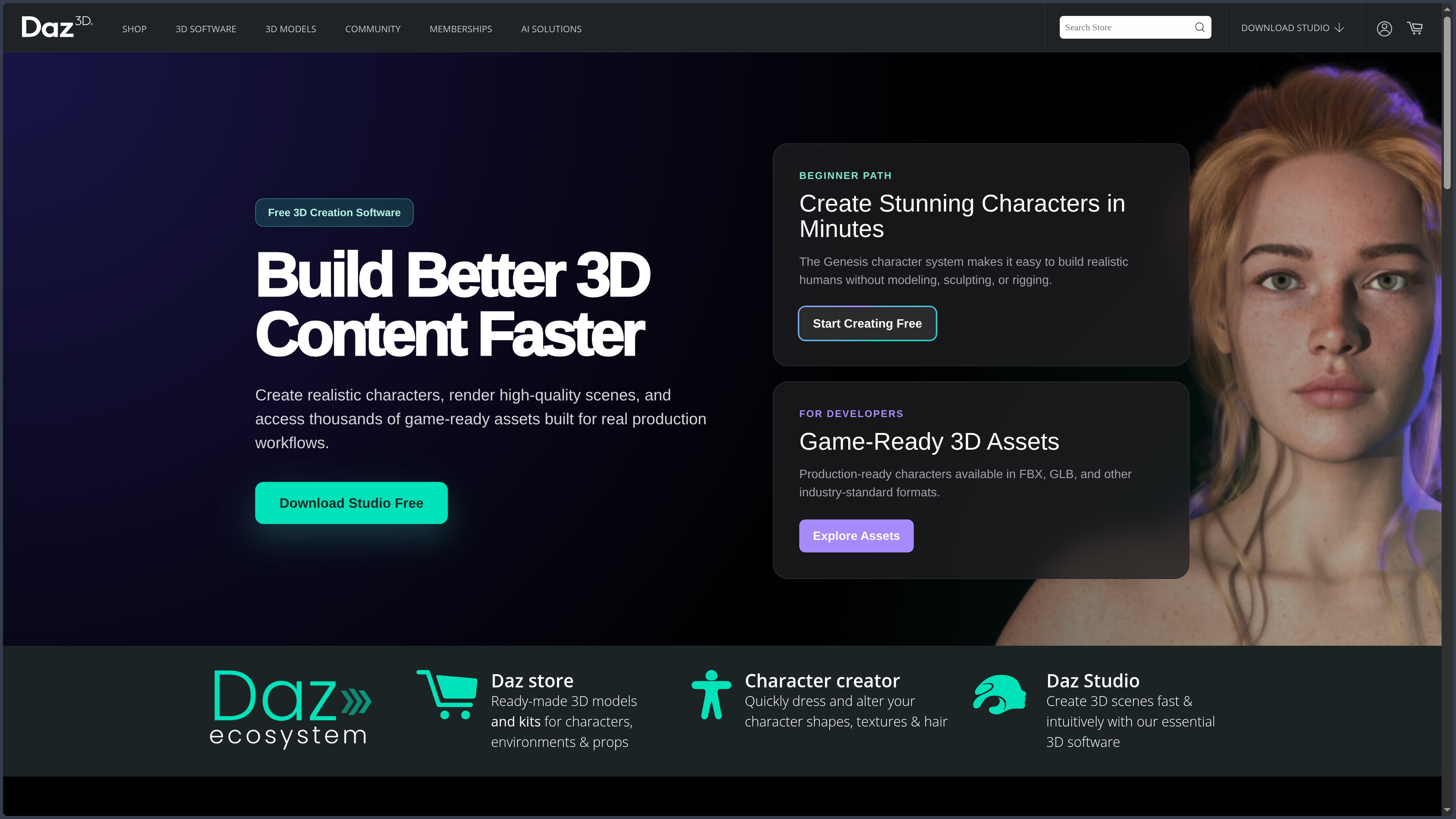
Daz Studio is a virtual studio built around pre-prepared characters and assets.
Its Genesis system provides modeled and rigged figures that the user can transform with morphologies, dress, pose, then place in a scene.
This approach completely changes the nature of the work.
Daz looks more like a virtual stage than a fabrication workshop.
The actors, costumes, and environments already exist.
The work consists of:
select → combine → adjust → pose → light → stage.
This logic explains why the software can be productive very early, even for someone who does not know how to build a rig or sculpt a face.
It is also why reducing Daz Studio to a "free 3D software" would be misleading.
The software itself is free.
Much of its power comes from its commercial catalog.
This library makes it possible to quickly produce a complex scene.
It also introduces progressive cost, dependence on compatibility between generations, and real organizational work.
Daz Studio remains, finally, a specialized tool.
It can customize, pose, simulate, render, and animate.
It does not have the depth of Blender or Maya for modeling, sculpting, advanced rigging, effects, or technical pipelines.
Its real strength is more precise:
quickly bring convincing characters into a scene ready to be told.
Features
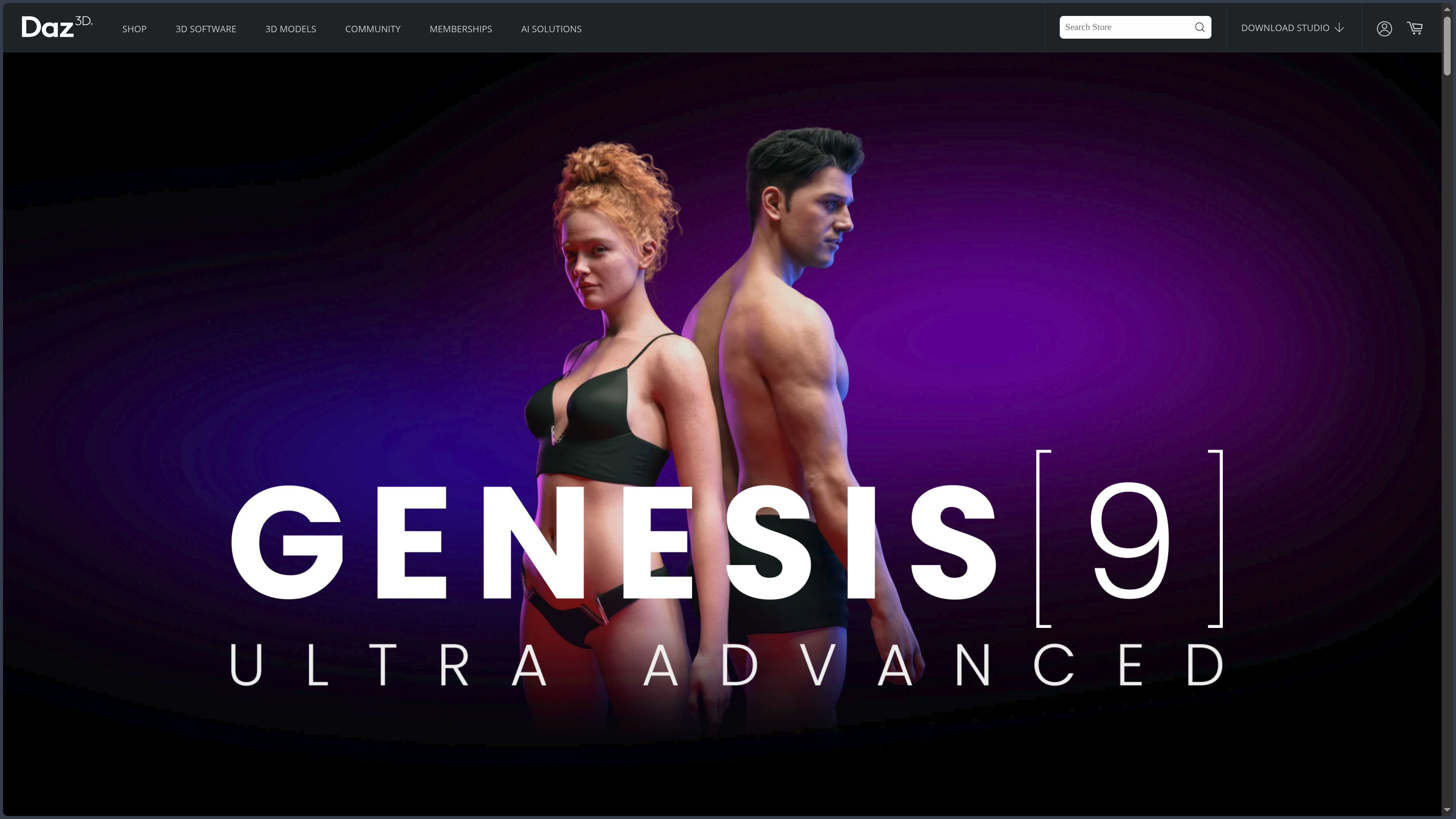
Genesis: starting from an already structured character
Genesis forms the center of the Daz ecosystem.
Figures can receive compatible morphologies, textures, clothing, hair, and accessories.
Multiple shapes can be combined to produce realistic, stylized, or fantastical characters.
This method offers less freedom than manual sculpting.
It makes it possible to explore identities extremely fast.
Apparent age, proportions, face, build, or expression can evolve without rebuilding the character.
The real difference is that the rig and structure already exist.
The creator can therefore immediately begin making staging decisions.
Clothing and compatibilities
Compatible clothing generally follows character transformations.
When a morphology changes, Daz Studio tries to adapt outfits, hair, and accessories.
This automation makes it possible to quickly build variants.
It does not work perfectly in every situation.
An extreme silhouette, a complex coat, or an acrobatic pose can produce collisions and deformations.
The different Genesis generations are not fully interchangeable either.
Some content may require conversion or adjustment.
The larger the library grows, the more compatibility becomes a real production question.
Posing and directing characters
Daz Studio provides skeleton controls, predefined poses, expressions, and corrective morphs.
This approach gives relatively direct access to staging.
The user can start from an existing pose then modify it.
This logic greatly speeds up narrative illustrations or drawing references.
It does not guarantee that a pose is convincing.
Weight, tension, support, and intent must always be directed.
A preset is only a starting point.
Smart Content and library
Daz's vast catalog would quickly become unusable without organization.
Smart Content and library tools try to identify compatible resources and make them easier to find.
This layer becomes important when the project has many generations of characters, clothing, poses, and environments.
Library organization ends up becoming a skill in itself.
Accumulating thousands of assets can slow down work more than it speeds it up.
A good selection of coherent resources is often better than a gigantic catalog.
Camera, lighting, and rendering
Characters, environments, accessories, lights, and cameras can be assembled into a complete scene.
The Iray engine is strongly associated with Daz Studio's realistic renders.
This layer shows that Daz is not just a character configurator.
It can become a true virtual studio.
The result, however, depends heavily on staging.
Two people with exactly the same assets can produce very different images depending on:
- focal length;
- framing;
- pose;
- lighting;
- materials;
- composition.
This is precisely where assembly becomes real creative work.
dForce and simulations
dForce can simulate certain compatible clothing and hair.
This capability improves the realism of clothing that must fall, fold, or react to the pose.
Simulation still requires experimentation.
A garment may pass through the character, twist, or require a pose modification.
dForce is therefore not a "make it realistic" button.
It constitutes an additional tuning step.
Animation
The timeline makes it possible to animate poses, objects, and cameras.
Daz Studio can therefore produce simple movements and sequences.
This capability is enough for certain narrative or previsualization uses.
For complex character animation, Blender, Maya, or other specialized tools offer more control.
Animation in Daz remains particularly useful when the goal is to quickly put existing assets in motion.
Bridges to other software
Daz offers bridges and exports to Blender, Maya, Unreal Engine, Unity, ZBrush, and other environments.
This openness is essential.
Daz Studio can become the place where the character is assembled, dressed, and posed before a more specialized tool takes over.
The transfer is not perfect.
Materials, hair, morphs, or rigs may need corrections.
The real value is avoiding rebuilding the character entirely.
Daz Studio Premier and additional tools.
Additional features may be offered depending on Daz offers.
They can deepen editing, conversion, or production tools.
The sheet should not turn them into a detailed catalog.
The important idea remains that the Daz ecosystem is not limited to the free base software.
Some workflows may depend on additional content or features.
Use Cases
Illustrating a story
Recurring characters can be dressed, posed, then placed across several scenes without rebuilding each element.
Preparing a cover
A character, environment, and lighting can be quickly assembled to produce a narrative illustration.
Creating a pose reference
Genesis figures can be used to study framing, anatomy, and position before drawing.
Prototyping a game character
A figure can be visually prepared then exported to Blender, Maya, or an engine for more technical adaptation.
Producing portraits and virtual scenes
The asset library makes it possible to quickly create images around realistic or stylized characters.
Preparing a scene before finishing it elsewhere
Daz can provide characters, poses, and starting environment, then leave rendering, retouching, or advanced animation to another software.
Building a series of recurring characters
The same bases, clothing, and resources can maintain a certain visual continuity between several scenes.
PANACHES Review
Assembly is a real craft here
Choosing a silhouette, mixing morphologies, finding an outfit, building a frame, and directing lighting requires judgment.
Two users with the same assets can produce radically different images.
Daz therefore looks more like a film set than a sculpting workshop.
Accessibility hides real depth
The first render can be obtained quickly.
Mastery then requires understanding materials, morphs, compatibilities, simulation, lighting, and library organization.
Daz removes initial modeling.
It does not remove everything else in 3D.
Free opens the door to a catalog economy
The software can really be used without payment.
But the ecosystem naturally pushes toward buying more characters, clothing, and environments.
The risk is not only financial.
A huge library can become hard to organize and slow down work.
Genesis is a strength because it imposes a common base
This structure lets characters, morphs, clothing, and poses work together much more easily than an arbitrary assembly of assets.
It also introduces compatibility boundaries between generations.
The structure speeds up work.
It also creates dependence on the ecosystem.
Its boundary with Character Creator must remain clear
Daz Studio excels at assembly, posing, and staging.
Character Creator focuses more on technical preparation of a character for a pipeline.
The two can cross paths.
Their center of gravity is not the same.
Points of Attention
- Free software does not mean a free ecosystem.
- Licenses must be checked product by product.
- Some resources have particular redistribution or usage restrictions.
- Heavy scenes can consume a lot of RAM and VRAM.
- Different Genesis generations are not fully interchangeable.
- Managing a large library becomes real maintenance work.
- dForce simulations may require several attempts.
- Bridges to other software do not guarantee a perfect transfer.
- Advanced animation remains more comfortable in specialized tools.
- Important content must be saved independently of the shop and content manager.
- Additional Daz offers can change the real cost of the workflow.