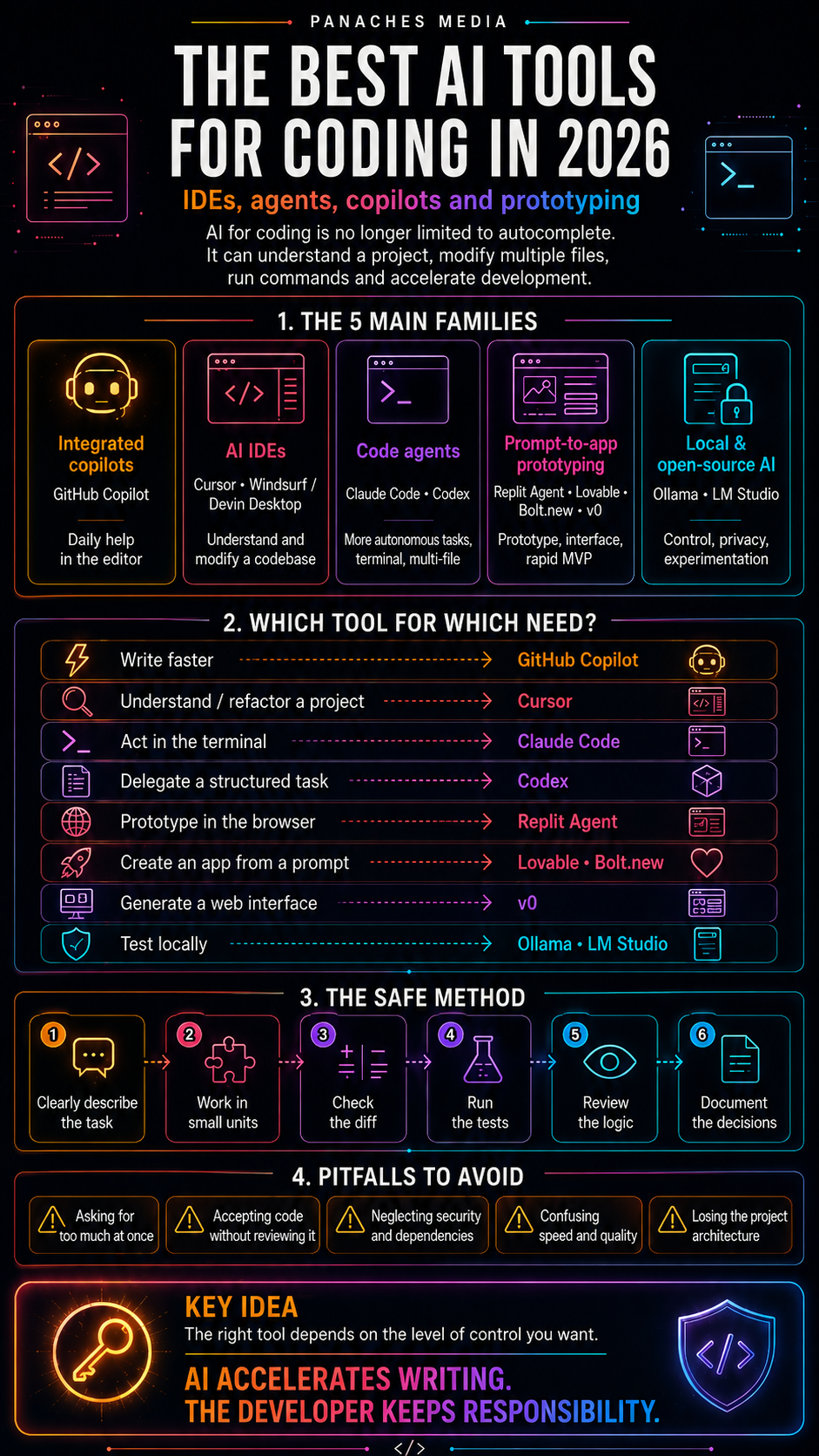
Coding is not only about writing lines in an editor.
It is reading, testing, searching, comparing, documenting and returning to the code without losing the thread.
The problem is often not a lack of tools.
It is their dispersion.
A developer can quickly move from a code editor to documentation, from a terminal to a browser, from a note file to an error message, from a quick test to a technical decision that needs to be kept somewhere.
We write. We check. We search. We fix. We document. We start again.
And when the environment is too fragmented, every detour costs a little attention.
Keeping code in context
Panaches aims to reduce that friction.
The code editor belongs to the same space as notes, documents, the browser, the terminal and Ambre IA. The goal is not to replace the specialized environments developers already use, but to offer a coherent workspace for writing, understanding, testing and documenting a project without opening ten windows at every turn.
Code never lives alone.
It interacts with documentation. With an idea. With an error. With a resource. With a decision made yesterday. With a note you do not want to lose.
That continuity is what matters.
Testing without losing the thread
The integrated terminal makes it possible to run a command, check a script, test a hypothesis or quickly read an output.
Error messages and results stay close to the working context, helping you understand what is happening instead of wasting time mentally rebuilding the path.
It is not spectacular.
But in a real project, these small continuities often change everything: keeping the command, the error, the idea and the file inside the same working landscape.
Ambre IA as support, not as pilot
Ambre IA can support this flow: explain an error, rephrase a function, summarize a technical decision, prepare documentation or help clarify a piece of code.
It does not replace the developer’s judgment.
It works more as support in moments when attention becomes fragmented: when an error blocks progress, when a function becomes unclear, when documentation needs to be summarized, when a technical intention must be rephrased before moving on.
The important point remains the same: keeping the creator in control.
Development is also organization
In Panaches, development is not isolated from the rest of the project.
It interacts with ideas, documents, resources and decisions. A code project can contain notes, links, screenshots, files, tests, drafts, explanations and paths to revisit later.
Coding is therefore not only about producing lines.
It is also about understanding what you are building, keeping track of choices and preventing the project from becoming a forest of files without memory.
Key takeaways
Coding in Panaches is not about replacing a specialized IDE.
It is about offering a more continuous workspace to write, test, understand, document and keep code connected to the rest of the project.
The goal is simple: reduce dispersion, keep context alive and help the developer, creator or learner stay in control of their path.