Overview

An image already exists.

The character works. The lighting works. The environment tells a story.

All that remains is to make the character walk toward the camera.

Then add a slight lateral tracking shot.

Then preserve exactly the same face in the next shot.

Then change lenses, move into a low-angle shot, add a second scene, turn everything into a vertical advertisement, and prevent the character’s jacket from mysteriously becoming green between two generations.

In other words, the problem is no longer simply to generate a video.

You have to start directing it.

Higgsfield was built precisely on that boundary.

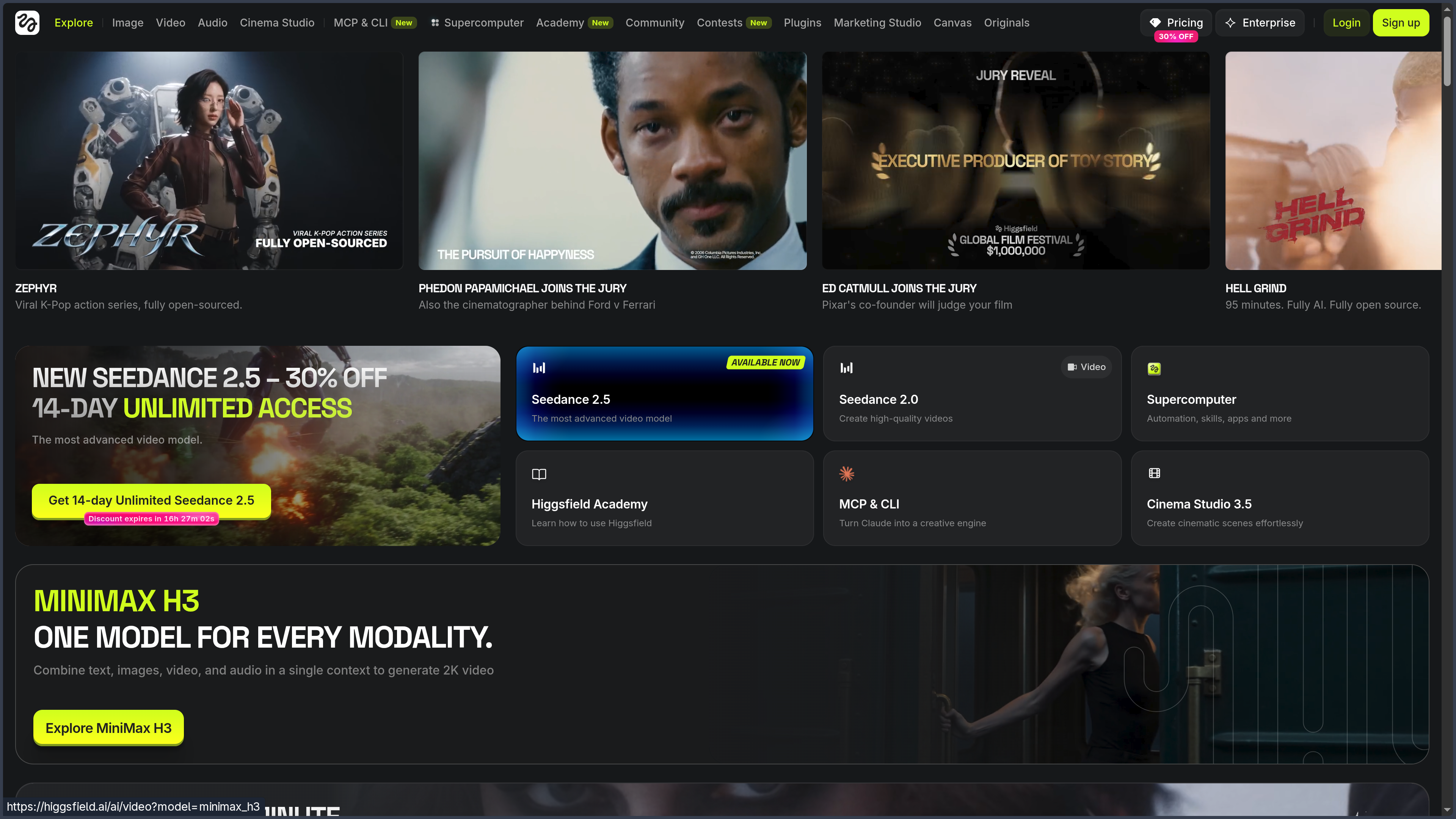
Higgsfield AI is a generative creative platform focused on images, video, and visual production, with particular attention to camera control, character consistency, and connected workflows.

The platform runs directly in the browser and combines its own technologies with numerous third-party models.

At the time of this profile, its interface notably provides access to families such as Soul 2.0, Cinema Studio, Seedance 2.0, Kling 3.0, Veo 3.1, WAN, Nano Banana, Flux, GPT Image, and other models likely to evolve quickly.

This variety could make Higgsfield little more than an aggregator.

That is not what makes it interesting.

The essential part lies in the layer built around the models:

  • camera movements and settings;
  • reusable characters and elements;
  • visual references;
  • image editing;
  • image-to-video workflows;
  • advertising generation;
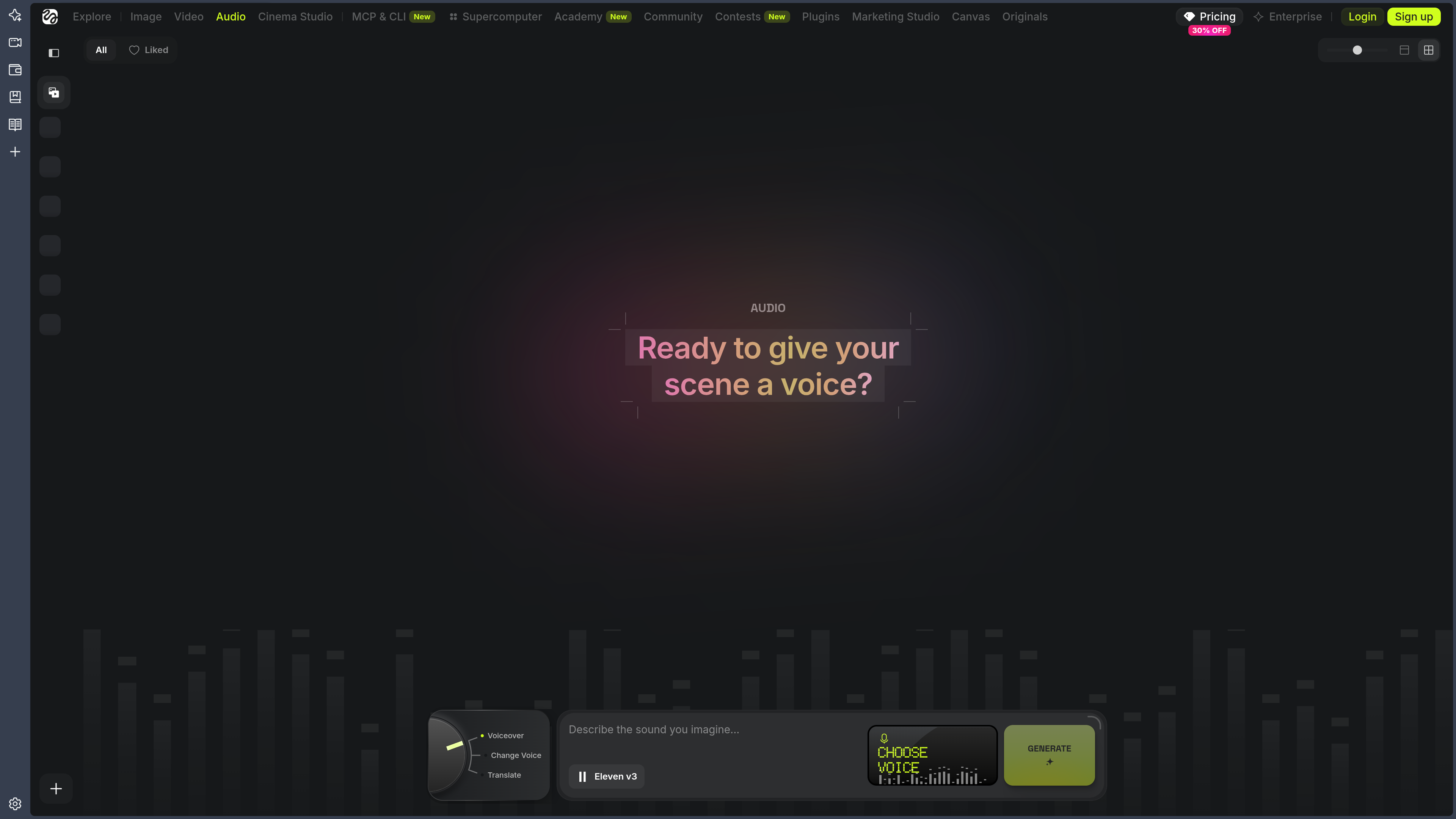
  • lip-sync and avatars;
  • collaborative spaces;
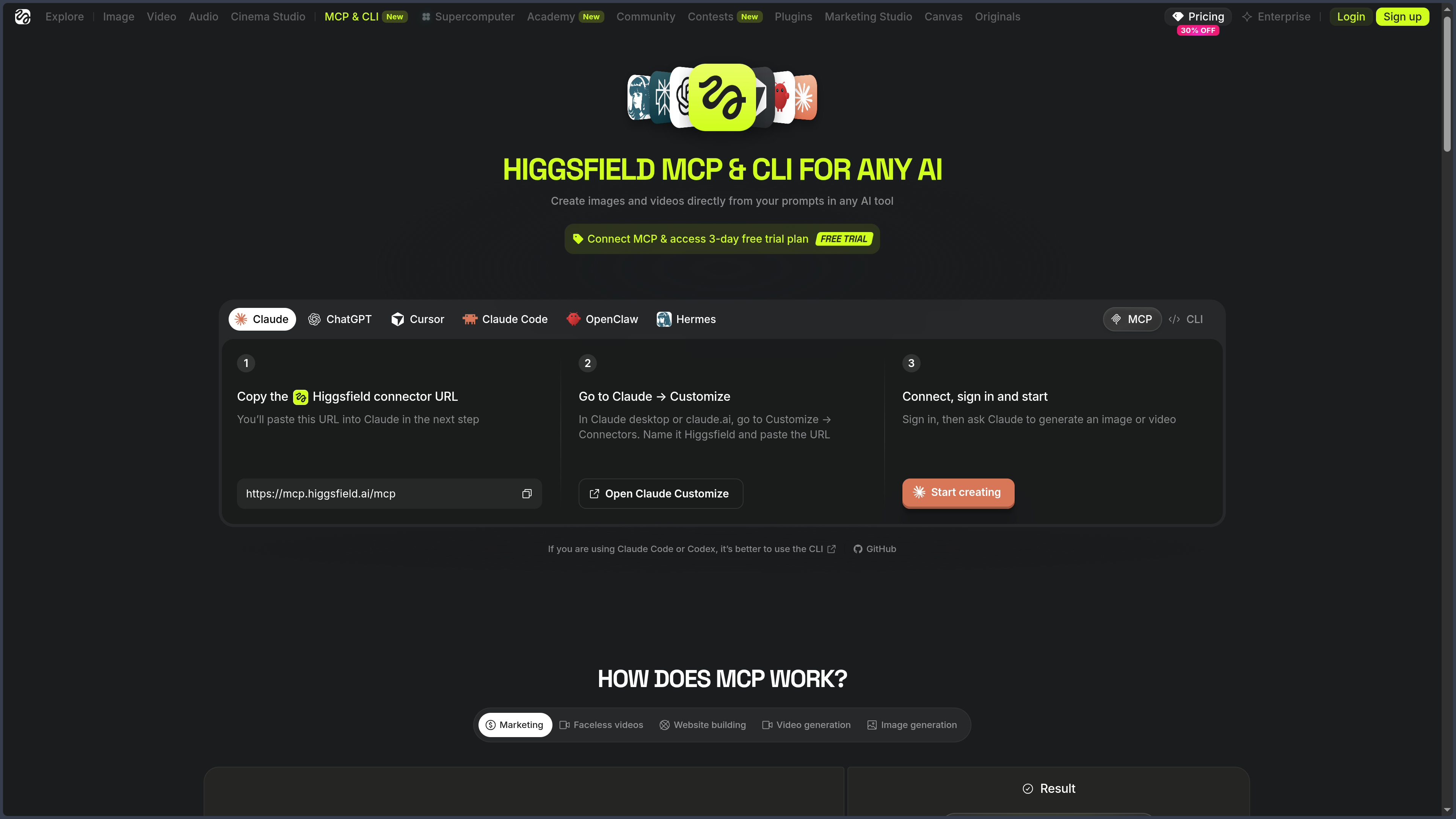
  • agent-based automation;
  • visual pipelines inside Canvas.

Higgsfield is not merely trying to offer the model that generates the image. It is trying to build the studio around that generation.

From prompts to camera language

Early video generators mainly asked for a description.

“A woman walks down a street in the rain.”

The model then decided much of everything else.

Higgsfield became known for a different approach: allowing the creator to describe more precisely how the camera looks at the scene.

Tracking shots, zooms, dollies, orbits, crane movements, angles, speed, and combinations of movement become part of the generation vocabulary.

The idea sounds simple.

It changes quite a lot.

In a film, the same character shot with a static camera, a slow push-in, or a fast rotation around them does not tell the same scene.

The camera does not simply record the action.

It participates in its meaning.

A tool that has grown far beyond its beginnings

Reducing Higgsfield today to camera-motion presets would be incomplete.

The platform has evolved into a suite containing several specialized environments.

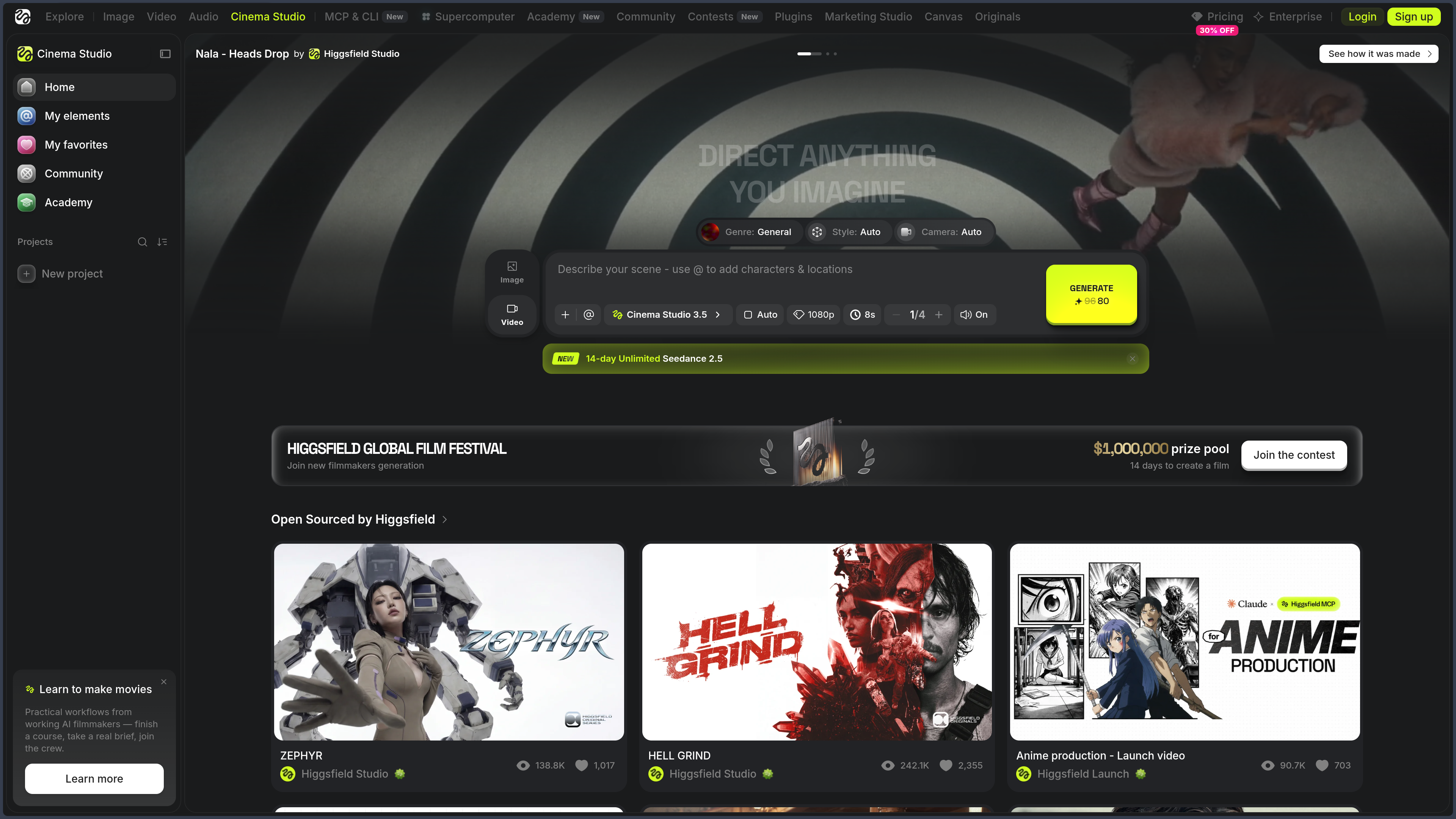
Cinema Studio focuses on creating shots and sequences.

Soul works more directly with images, aesthetics, and characters.

Canvas visually connects several generation steps.

Marketing Studio turns products and briefs into advertising content.

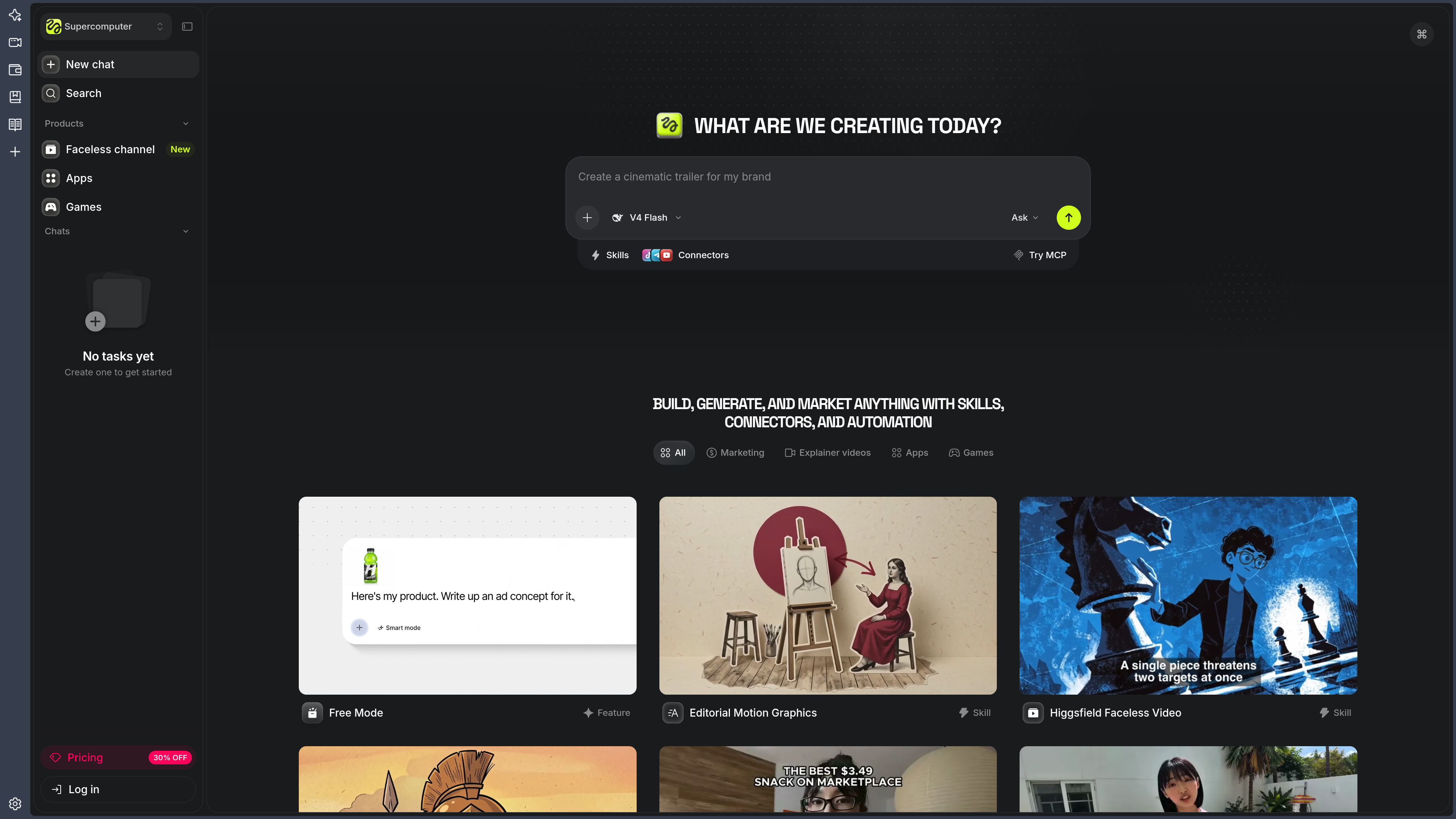
Supercomputer introduces an agentic logic capable of planning and chaining multiple operations together.

Higgsfield is therefore beginning to look less like one tool and more like a collection of workshops sharing the same models and assets.

That is ambitious.

It is also much harder to understand than a simple “Generate” button.

A multi-model platform

Higgsfield does not depend on a single generative engine.

Depending on the feature and availability, different models may be offered for image generation, video, or editing.

This strategy has an obvious advantage: creators can choose an engine according to the type of shot instead of moving the entire project between several platforms.

One model may handle realistic movement better.

Another may produce a specific aesthetic.

A third may be more interesting for speed or cost.

This abundance, however, creates a new problem.

Instead of asking:

“Which tool should I use?”

you start asking:

“Which tool inside the tool should I use?”

Higgsfield is gradually responding to this complexity with interfaces such as Cinema Studio and Supercomputer, which attempt to place creative intent ahead of the technical choice of model.

Features

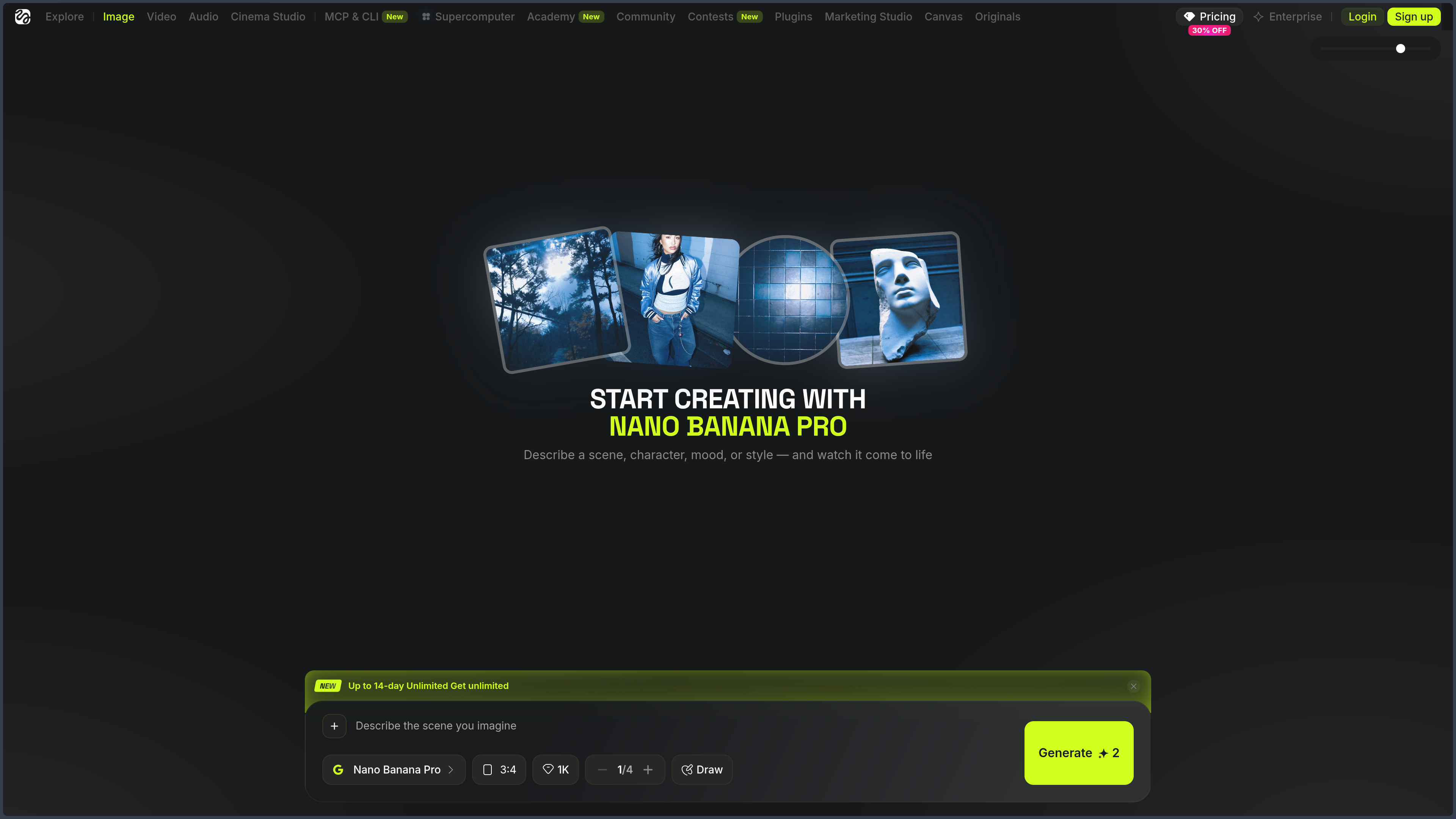
Generating images with multiple engines

Higgsfield provides an image-generation environment based on text or visual references.

The platform combines its own models with several external models depending on the period.

Users can generally control:

  • the prompt;
  • aspect ratio;
  • model;
  • references;
  • character identity;
  • style;
  • certain presets;
  • resolution or quality depending on the engine.

The resulting images can then become references for another generation, be edited, or serve as the first frame of a video.

That continuity matters.

An image is not necessarily the final result.

It can become the first frame in a chain.

Building an aesthetic with Soul

Soul is the family of image models and tools developed around Higgsfield’s visual identity.

Soul 2.0 places particular emphasis on portraits, fashion, photography, and images that try to feel more like a genuine shoot than a technical demonstration of generation.

Presets make it possible to establish an aesthetic direction quickly.

They can influence the type of photography, atmosphere, lighting, or composition without requiring an endless prompt describing every visual decision.

This approach reduces some of the verbal work.

The creator does not necessarily need thirty-seven adjectives to explain that they want a slightly imperfect editorial photograph with side lighting from an independent magazine.

They can begin from an existing direction and then modify it.

Preserving identity with Soul ID

Character consistency remains one of the most visible problems in image and video generation.

A character works in one shot.

In the next, their nose changes.

Then their eyes.

Then their jaw.

By the fourth shot, you begin to suspect that the screenplay is secretly telling the story of several very closely related cousins.

Soul ID tries to reduce this problem.

The user trains an identity from a set of reference photographs. That identity can then be reused across different generations, poses, lighting conditions, outfits, and environments.

The goal is not merely to copy a photograph.

It is to build a representation of the face stable enough to recover it from different angles.

A Soul ID identity can then be used across several Higgsfield environments.

This becomes particularly useful for:

  • a recurring character;
  • a brand avatar;
  • a virtual creator;
  • an advertising campaign;
  • a narrative series;
  • a digital presenter.

Consistency, however, is never a mathematical guarantee.

The character can still drift, particularly when poses, styles, or angles become extreme.

Soul ID reduces the problem.

It does not remove the need to look at the images.

Directing shots with Cinema Studio 3.5

Cinema Studio 3.5 is Higgsfield’s cinematic production environment.

It brings characters, locations, props, style, lighting, camera, and video generation together in one space.

The goal is to move from an isolated generation toward the logic of a shot.

The creator can prepare a scene and then work with parameters such as:

  • character;
  • environment;
  • props;
  • emotion;
  • art direction;
  • color;
  • lighting;
  • camera type;
  • lens style;
  • movement.

This approach brings the interface closer to a preproduction tool than to a simple prompt box.

You no longer describe only what exists inside the image.

You begin organizing how that image will be filmed.

Controlling camera, lens, and movement

Camera control remains one of Higgsfield’s signatures.

Cinema Studio makes it possible to define the optical and cinematic behavior of a shot more precisely.

Depending on the available features and models, creators can work with movements such as:

  • dolly in or out;
  • lateral tracking;
  • orbit;
  • pan;
  • tilt;
  • zoom;
  • crane;
  • subject tracking;
  • angle changes;
  • combinations across several axes.

Recent versions of Cinema Studio also add camera, lens, style, and color-grading choices.

This logic does not make video deterministic in the way a 3D application would.

The generative model still retains room for interpretation.

But the creator gains more vocabulary for explaining what they want.

There is already a small difference in craft between “make me a video” and “move slowly toward the subject with the feeling of a long lens.”

Reusing characters, locations, and props with Elements

Cinema Studio can save certain components as Elements.

An element can represent a character, location, or prop that needs to reappear across several shots.

Instead of systematically importing the same reference again, the project can reuse the saved element.

This brings Higgsfield closer to a genuine production environment.

Element Role
Character Preserve a protagonist or recurring character
Location Reuse an environment or location identity
Prop Maintain an important object across several scenes
Style / references Preserve a shared visual direction

Perfect consistency remains difficult in generative video.

But named, reusable assets already allow a different way of thinking than disposable files.

The project begins to develop a visual memory.

Getting assistance from Mr. Higgs

Cinema Studio includes an assistant called Mr. Higgs.

It can help prepare certain aspects of the shot: prompt, camera, lighting, or breaking an intention down into several shots.

The point is not necessarily to let AI make every decision.

It can serve as an intermediary between an idea expressed in ordinary language and the many available parameters.

“I want the scene to begin like a calm advertisement and gradually become oppressive.”

The assistant can help translate that intention into more operational choices.

This logic becomes particularly useful as the interface accumulates models, options, references, and parameters.

The modern difficulty is sometimes no longer a lack of tools.

It is having twenty-seven of them in front of you and remembering which one corresponds to the idea you had five minutes earlier.

Moving from image to video

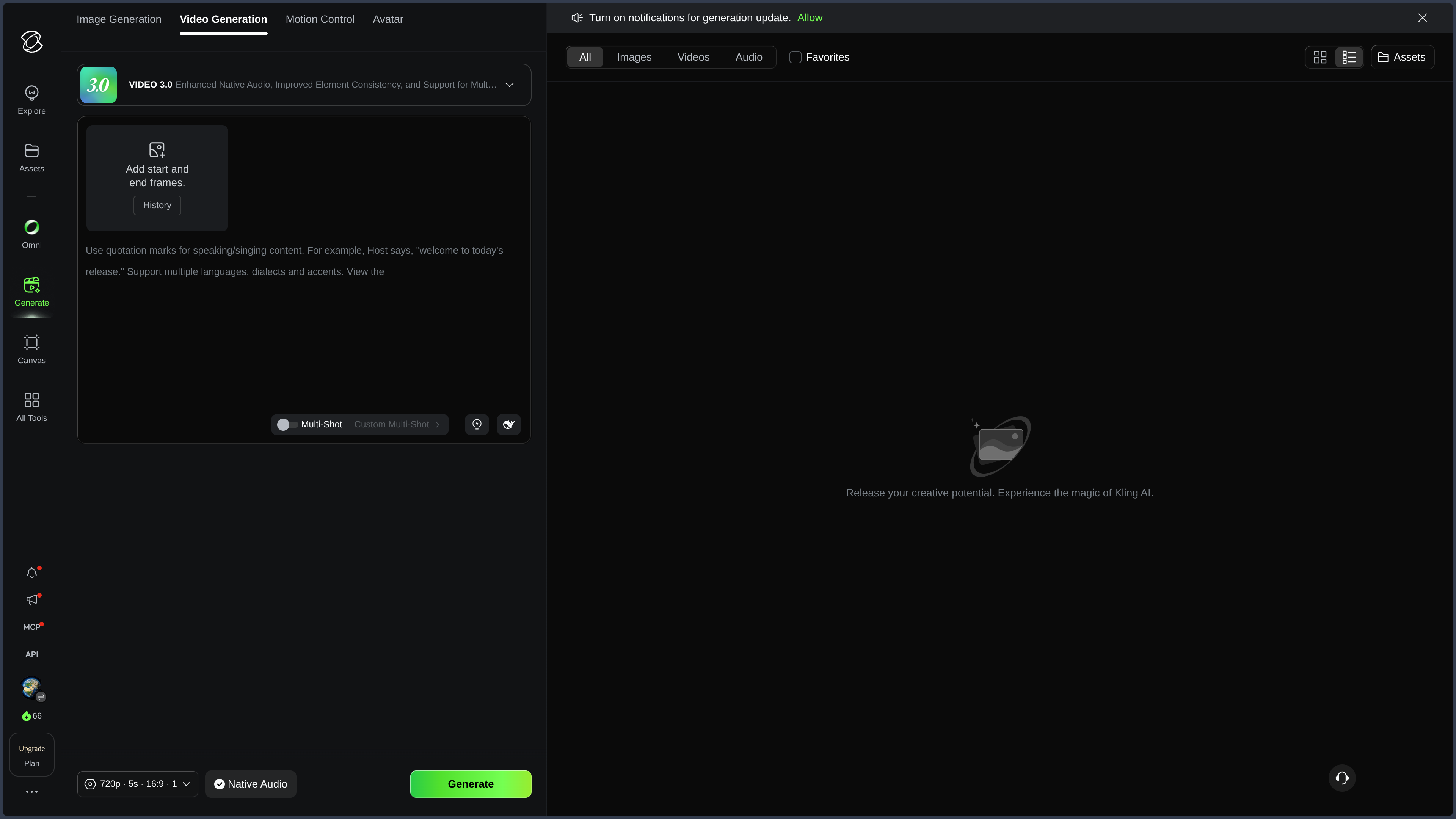
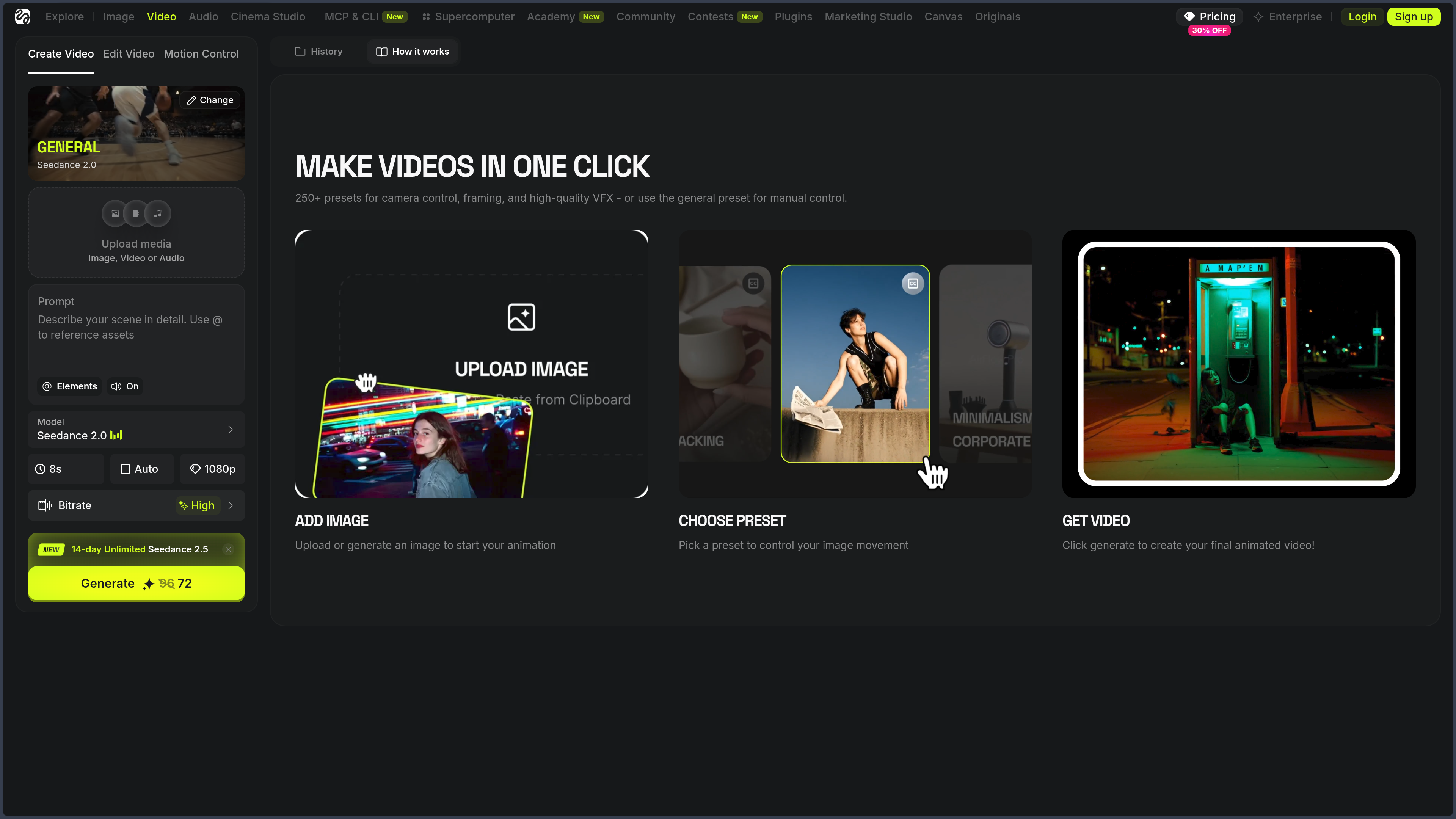
Higgsfield allows an image to be used as the starting point for an animation.

The image may come from the platform or be imported.

The system then interprets the requested movement while taking the subject and camera into account.

Several presets simplify common movements.

The platform also provides starting and ending controls depending on the available models.

This method becomes particularly useful when the first image has already been approved.

The creator keeps the framing, character, and visual direction instead of asking the model to rebuild the entire scene from text.

In a creative workflow, that often becomes:

concept → image → correction → animation

rather than:

prompt → video → discreet prayer addressed to statistics.

Drawing edits directly

Draw to Edit and related tools allow the user to indicate a zone or intention visually.

Instead of explaining only through text that an object should appear here or that this area needs to change, the user can draw or paint directly on the image.

This interaction becomes useful for:

  • replacing an element;
  • modifying clothing;
  • moving a visual intention;
  • adding an object;
  • correcting an environment;
  • guiding a transformation.

The drawing does not need to be beautiful.

It serves as a spatial instruction.

A clumsy circle can sometimes explain “put the product here” more clearly than an entire paragraph written with legal precision.

Editing images with Canvas

Higgsfield Canvas provides a node-based visual workspace.

Prompts, images, videos, references, and models can be connected together on the same canvas.

One output becomes the input for a new operation.

You can therefore build a chain such as:

prompt → image → edit → variation → video → upscale

or create several branches from the same concept.

Canvas notably makes it possible to:

  • organize references;
  • build a moodboard;
  • connect several generations;
  • test different models;
  • create variations;
  • transform an image into video;
  • share the workflow;
  • collaborate inside the same workspace.

The logic recalls node-based 3D interfaces or ComfyUI, but with a much more visual and accessible approach.

The creator does not write code.

They build the path the idea follows.

Generating advertisements with Marketing Studio

Marketing Studio targets much more directly commercial use.

The user can provide a product from a URL or images.

The platform then retrieves the necessary information and helps build an advertisement.

Depending on the chosen mode, the result can take the form of:

  • UGC content;
  • product demonstration;
  • unboxing;
  • tutorial;
  • virtual try-on;
  • CGI advertisement;
  • editorial video;
  • cinematic spot;
  • freer scenario.

The product can be associated with an avatar, creative direction, and format.

Marketing Studio then handles much of the script, shots, camera, and editing.

That does not mean the first generated advertisement will automatically be good.

It means a workflow previously spread across writing, casting, shooting, editing, and generation is compressed into one environment.

Turning a product URL into a campaign

One of Marketing Studio’s most concrete features is the ability to begin directly from a product page.

Higgsfield can extract information such as:

  • product name;
  • description;
  • images;
  • visual elements;
  • information useful to the script.

These data then feed the generation.

The system can produce several variations for different formats or marketing angles.

This becomes particularly interesting for advertising tests.

A brand is not necessarily looking for the perfect advertisement.

It is often looking for twenty versions good enough to discover which one actually works.

Automation then changes role.

It does not simply replace a shoot.

It increases the number of experiments that become possible.

Creating avatars and lip-sync

Higgsfield provides several tools related to talking avatars, voice, and lip synchronization.

An image or character can be associated with an audio track or generated voice depending on the workflow.

The model then attempts to synchronize mouth movement with dialogue.

This capability is notably used for:

  • UGC content;
  • virtual presenters;
  • advertisements;
  • explainer videos;
  • social characters;
  • product demonstrations.

The result depends heavily on the model, face, angle, and audio.

An avatar speaking correctly in a frontal portrait can become considerably more experimental when asked to whisper while running in profile through heavy rain.

Video generation enjoys challenges.

It is not always required to win them.

Working with several video models

Higgsfield provides access to several video engines according to its current catalog.

At the time of this verification, the platform notably highlights models such as Seedance 2.0, Kling 3.0, Veo 3.1, WAN, and other engines.

This diversity makes it possible to adapt the model to the shot.

Need Selection logic
Fast draft Prioritize speed and cost
Hero shot Prioritize consistency and quality
Complex movement Choose an engine strong on dynamics
Realism Favor the engine most convincing for the type of scene
Strong style Choose according to the produced aesthetic
Native audio Select models offering that capability

The idea of one absolute best model remains fairly fragile.

The model suited to the shot is a much more useful question.

Orchestrating work with Supercomputer

Higgsfield Supercomputer pushes this logic even further.

It works as an agent capable of receiving a request in natural language and then organizing several production steps.

For example:

“Create a vertical advertisement for these shoes, with three different hooks and a more cinematic version.”

The system can analyze the objective, choose tools or models, prepare the steps, and indicate the credit cost before execution.

Supercomputer can work on creative tasks but also broader workflows.

Higgsfield is developing around this space:

  • agents;
  • Skills;
  • automations;
  • connectors;
  • document generation;
  • website creation;
  • applications;
  • games;
  • marketing workflows.

This evolution extends well beyond generative video.

Higgsfield begins here to experiment with a more general idea: a creative agent that uses the studio’s tools itself.

Using Skills and connectors

Supercomputer can install or use Skills, meaning specialized workflows.

A Skill can encapsulate a production method:

  • create an advertisement;
  • turn an idea into motion design;
  • produce a podcast clip;
  • build an explainer;
  • prepare marketing content.

Connectors can also link the agent to certain external services.

Higgsfield notably presents integrations with storage, collaboration, communication, or design tools.

The principle is interesting.

Instead of asking the user to move information between five interfaces, the agent tries to become the point of passage.

This ambition brings Supercomputer closer to an automated workspace than to an image generator.

Collaborating inside a project

Cinema Studio and Canvas provide collaborative features.

Several members can share projects, references, and elements.

This becomes important when production extends beyond a single creator.

A director can define a scene.

Another member tests variations.

Someone works on art direction.

Another person uses the same assets for marketing.

Generative imagery then encounters an old creative-production problem:

how do you share decisions without turning the project folder into a graveyard of files named final_final_02_use_this_one?

A centralized platform does not solve every production method.

It can at least prevent a few digital burials.

Use cases

Preparing a cinematic sequence

A director has a precise idea.

A character walks through an empty corridor. The camera slowly pulls backward in front of them. A red light appears in the distance. The following shot needs to find the same character in profile.

Cinema Studio makes it possible to build the first scene, choose an identity, define the camera, prepare the movement, and generate several variations.

The character and certain elements can then be reused in the next shot.

The result does not replace a shoot or a 3D pipeline when every movement must be exactly reproducible.

But it makes it possible to explore staging extremely quickly.

This becomes useful for:

  • concept films;
  • previsualization;
  • pitches;
  • animated storyboards;
  • music videos;
  • generative short films;
  • shot exploration.

The idea stops being a sentence.

It begins to have a camera.

Creating a recurring character

A creator wants to publish images and videos featuring the same character every week.

Simply generating “the same woman” in every prompt quickly produces visible variations.

Soul ID makes it possible to build a reusable identity.

The character can then change clothing, environment, lighting, or framing while maintaining greater continuity.

This approach suits:

  • human mascots;
  • virtual influencers;
  • fictional characters;
  • campaigns;
  • visual narratives;
  • social channels.

Consistency still needs to be checked.

But it becomes possible to build a series around one character rather than hoping to accidentally recover their cousin in every new generation.

Turning concept art into a video shot

An artist creates an image in Photoshop, Midjourney, Flux, Soul, or another tool.

The image already has the desired composition.

It is imported into Higgsfield and used as the starting point for the video.

The creator selects a camera movement and describes the action.

The generation then animates the scene.

This workflow separates two problems:

create the right frame

then

create the right movement.

That separation is often more productive than immediately asking the model to solve composition, character, style, camera, and animation in a single generation.

Making an advertisement without a shoot

A small brand has a product page but no budget to organize several shoots.

It imports the URL into Marketing Studio.

The system retrieves the main information, proposes a script, and constructs a video with the product, avatar, voice, and staging.

Several directions can be tested:

Natural UGC.

Product demonstration.

More spectacular advertising.

Vertical format.

A variation with another hook.

The goal is not necessarily to replace every traditional production.

It is to make possible a quantity of tests that a small budget could otherwise never finance.

Producing variations for social media

A 16:9 video works well for a campaign.

Now a vertical version is needed, along with several hooks and different visual variations.

Higgsfield makes it possible to reuse the same assets, characters, and products across several generations.

Marketing Studio and generation workflows can accelerate these variations.

The creator can test different openings without rebuilding the entire campaign.

In social marketing, this ability has particular value.

The question is often not:

“Can we produce a video?”

but:

“Can we produce enough variations before the algorithm and audience get bored with the previous one?”

Building an evolving moodboard

An art director is developing the visual universe of a project.

They gather several references in Canvas.

A prompt produces a first image.

That image is connected to several style variations.

One variation becomes a video.

Another is used to test different environments.

The canvas visually preserves the relationships between these explorations.

The moodboard stops being merely a collection of images.

It becomes a decision tree.

This logic is particularly suited to phases where the final answer is not yet the goal.

The goal is to understand which directions deserve to exist a little longer.

Quickly preparing several storyboard shots

A script contains ten sequences.

Creating each storyboard manually takes time.

Higgsfield can help build characters and scenes, then produce different perspectives or movements.

Cinema Studio and references help preserve more continuity between shots.

The result can be used to present:

  • camera angle;
  • atmosphere;
  • environment;
  • characters;
  • movement;
  • lighting.

For a real production, these images do not necessarily become the final shots.

They allow the team to discuss something visible.

And that already makes an enormous difference compared with a sentence such as:

“Here I imagine a fairly slow tracking shot, but with some energy anyway.”

Creating a content series with Supercomputer

A brand wants to produce several pieces of content from a single campaign.

It can ask Supercomputer to prepare different variations and let the agent choose the necessary tools.

The objective becomes broader than one generation.

A coherent series needs to be produced.

The agent can orchestrate several steps and present the cost before rendering.

This logic becomes interesting for repetitive workflows.

A person keeps direction.

The machine takes over more of the circulation between tasks.

This is probably one of Higgsfield’s most important directions.

The future of these platforms may not simply consist of offering a better Generate button.

It may consist of understanding why we were going to press it.

Creating UGC content with an avatar

A company wants to test a format similar to creator videos.

It selects or creates an avatar, supplies the product, and prepares a message.

Marketing Studio can generate a presenter, dialogue, mobile-style staging, and lip synchronization.

The result aims to look more like spontaneous social content than a traditional advertising spot.

This type of generation should nevertheless be used with judgment.

The fact that a video can resemble a human testimonial does not mean it should be presented as a real testimonial.

The power of simulation also increases the responsibility of whoever publishes it.

PANACHES review

It would be easy to present Higgsfield as a competitor to Runway, Kling, or Veo.

That would be partly true.

But that comparison is becoming less and less sufficient.

Higgsfield is primarily trying to become the creative layer above the models.

The model generates.

Higgsfield tries to organize how it is directed, combined, and reused.

That difference may seem subtle.

It could be far more important than the next quality gain on a video benchmark.

The model matters less when the studio knows how to change it

A recurring concern appears in generative tools:

“What happens if a better model comes out tomorrow?”

A platform built around a single engine can age quickly.

Higgsfield responds by aggregating several models and building its value in the tools around them.

The model can change.

The project, characters, canvas, camera, and workflow remain inside the same environment.

That strategy makes a lot of sense.

It avoids confusing a model provider with a creative tool.

For a creator, today’s best engine may become the second choice in three weeks.

A good working method should survive a little longer.

Cinema Studio addresses a real problem

Most generators can now produce attractive sequences.

The challenge is shifting toward control.

How do you recover the character?

How do you preserve the location?

How do you position the camera?

How do you build the next shot?

How do you make several clips look like pieces of the same film rather than five different demonstrations of artificial intelligence?

Cinema Studio addresses these questions directly.

Not everything is solved.

Generation remains probabilistic.

Characters can drift.

Props change.

Spatial continuity does not equal that of a persistent 3D scene.

But the software is beginning to speak the language of the director rather than the benchmark.

That is an important evolution.

Soul ID solves an essential part of the problem

Character generation has never really suffered from a lack of attractive faces.

It suffers because those faces regularly forget who they are.

Soul ID makes Higgsfield considerably more interesting for recurring projects.

A persistent identity has more creative value than a perfect portrait used once.

A story, brand, or series needs memory.

Consistency is not spectacular inside a ten-second demonstration.

It becomes essential by the twentieth shot.

Canvas brings Higgsfield closer to real creative workflows

Canvas is probably one of the most interesting parts for people who work through exploration.

The linear prompt has a weakness.

It forgets the paths you did not choose.

A canvas, on the other hand, can preserve several branches.

One image leads in three directions.

One direction produces a video.

Another becomes a reference.

The third remains visible because it may be useful tomorrow.

This way of working resembles the real creative process more closely.

Creating does not always mean moving in a straight line.

Sometimes it means leaving several paths open long enough to discover which one has something to say.

Supercomputer opens another battle

With Supercomputer, Higgsfield is no longer competing only with video platforms.

It enters the world of creative agents.

The question becomes:

“Can we ask for an outcome rather than a sequence of operations?”

Create a campaign.

Prepare a video.

Analyze references.

Build a mini-site.

Repurpose content.

The agent then chooses the tools.

This direction has enormous potential.

It also carries a risk.

The more the system automates intermediate decisions, the more the creator must remain capable of identifying which ones actually deserve attention.

Automating clicks is useful.

Automating taste deserves a little more caution.

A good creative agent should remove unnecessary tasks, not remove the choices that make the work ours in the first place.

An impressive platform that has become dense

Higgsfield adds features extremely quickly.

Cinema Studio.

Soul.

Canvas.

Marketing Studio.

Apps.

Supercomputer.

MCP.

Agents.

New models.

Presets.

Avatars.

That pace is stimulating.

It can also make the platform difficult to understand.

A newcomer who simply wanted to animate a photograph may find themselves facing a small software metropolis.

The question then becomes less “is it powerful?” than “where am I supposed to enter?”

Higgsfield will need to keep working on that readability.

Supercomputer is probably part of the answer: let the user express the goal and automatically guide the workflow.

The credit system remains the meter behind creativity

Like many generative platforms, Higgsfield uses credits.

And not every model consumes the same amount.

A lightweight image and a premium video shot obviously do not have the same cost.

The problem appears when the work becomes exploratory.

An artist does not always know in advance how many generations will be needed.

A bad result still consumes credits.

So does a scene that is almost right but slightly wrong.

Then its correction.

Then the variation because, actually, perhaps the first lighting was better.

Credits turn every experiment into a small economic decision.

Unlimited offers reduce that pressure for certain models and plans, but they have their own conditions and change regularly.

The cost of the real workflow therefore matters more than the subscription price alone.

How does it compare with the alternatives?

Runway remains one of the most established AI creative suites for video, editing, and professional workflows. Its editing environment and history are more mature, while Higgsfield pushes particularly hard on cinematic control, characters, and specialized studios.

Kling AI provides direct access to a particularly strong family of video models. Higgsfield itself offers certain Kling models while adding its camera, identity, and production layers. The choice therefore also depends on how much value is placed on the tools surrounding the model.

Krea focuses on a very visual, multi-model approach to image, video, editing, and real-time exploration. Higgsfield has a more directly cinematic identity centered on characters and advertising.

Pika remains highly accessible for quickly creating video effects and transformations. Higgsfield has become broader and more oriented toward structured workflows.

Luma AI, through Dream Machine, has a strong identity around video generation and proprietary models. Higgsfield distinguishes itself more through its role as a multi-model studio.

Higgsfield therefore becomes particularly interesting when three needs meet:

generate, preserve, direct.

Generate an image or video.

Preserve a character, style, or element.

Direct the camera and workflow.

Within a PANACHES workflow, Higgsfield can come after writing, storyboarding, concept art, and character creation. It becomes a space where references begin to move, where shots are constructed, and where different visual ideas can be transformed into sequences or campaigns.

Higgsfield is interesting not because it can produce a video from a prompt, but because it is beginning to understand that a video is almost never an isolated object. It belongs to a character, a shot, a series, a campaign, or a story.

Points to consider

  • Pricing changes quickly: Higgsfield uses plan names and prices that may vary by region, period, or commercial testing. Individual offers observed in 2026 begin around $9/month and can rise much higher depending on credits and included capabilities.

  • The system relies on credits: each generation can consume a different number of credits depending on the model, duration, resolution, and options. Two video models available inside the same interface can therefore have very different costs.

  • Credits are not stored money: the terms specify that they have no monetary value, are generally not transferable, and may expire or be lost in certain situations, particularly when canceling an account depending on the type of credit.

  • Subscriptions renew automatically: the exact billing period of the selected plan should be checked carefully, especially when a promotional price is displayed as a monthly amount but corresponds to annual billing.

  • Unlimited plans have their own conditions: unlimited access may apply only to certain models, periods, or service tiers. “Unlimited” therefore does not necessarily mean every premium model can be used without restrictions.

  • The model catalog changes constantly: Higgsfield integrates numerous third-party engines. A model available today may evolve, change cost, be replaced, or disappear depending on provider agreements and APIs.

  • Higgsfield remains a cloud service: generations are performed remotely. There is no local mode comparable to ComfyUI or an open-source model running on your own machine.

  • Results remain probabilistic: camera controls, references, and Elements improve direction, but they do not provide the deterministic precision of 3D software or a real shoot.

  • Character consistency is not absolute: Soul ID greatly reduces certain variations, but extreme expressions, unusual angles, occlusions, or stylistic changes can still cause drift.

  • Consistency across several shots remains challenging: reusing a character, location, or prop helps continuity, but the exact geometry of a room or position of an object is not guaranteed as it would be inside a persistent 3D scene.

  • Generated content is not guaranteed to be unique: the terms state that other users may receive similar or potentially identical results. Higgsfield does not guarantee absolute originality or exclusivity of outputs.

  • Users must hold the rights to imported content: photographs, videos, voices, trademarks, characters, and other references must be legally usable and transferable to the platform.

  • Faces and voices require appropriate consent: when media contains an identifiable person, the terms require the user to have the necessary permissions to use that material with the service.

  • Commercial use of outputs is permitted by Higgsfield: the platform does not claim ownership of inputs or outputs and does not prohibit their commercial use. This does not guarantee that every generated item can legally be exploited if third-party rights are involved.

  • Content may be used to improve and train models: the terms published in July 2026 provide for the use of inputs, outputs, and other content to train and improve Higgsfield technologies. Deleting the content or account stops this use going forward according to the applicable provisions.

  • Enterprise plans treat data differently: Higgsfield states that content from customers covered by certain Enterprise agreements is not used to train or improve its models and is handled according to the corresponding contractual provisions.

  • The new terms have a transition period: the version published on July 26, 2026 applies immediately to new users registering from that date, but comes into force on August 27, 2026 for certain existing users.

  • Private and public content should be distinguished: Higgsfield states that it does not use private content in marketing without consent. Content made public through the community, contests, or showcases may, however, be used according to the applicable terms.

  • Higgsfield outputs cannot freely be used to train other AI models: the terms restrict the use of outputs for training, distillation, or knowledge transfer into other machine-learning systems without the required authorization.

  • Generated content may require AI disclosure: where applicable law requires it, users must indicate that content was artificially generated or manipulated and must not remove certain provenance markers that may be applied.

  • Avatars and UGC content require editorial care: an artificial video may resemble a testimonial, demonstration, or real statement. The technical ability to produce that appearance does not remove the need for transparency toward the audience.

  • Supercomputer also automates creative decisions: automatic orchestration saves time, but it may choose models, steps, and methods on the user’s behalf. For sensitive productions, it remains useful to understand what the agent is actually executing.

  • Canvas and Cinema Studio do not replace a complete editing application: they provide powerful structure for generation and production, but DaVinci Resolve, Premiere Pro, After Effects, or another specialized tool may still be needed for advanced editing, compositing, or finishing.

Higgsfield can choose a camera, preserve a face, generate the shot, write the advertisement, and ask an agent to produce twenty variations. It still cannot decide which one genuinely deserves to be shown. As generation becomes easier, that decision may become the most important part of the work.