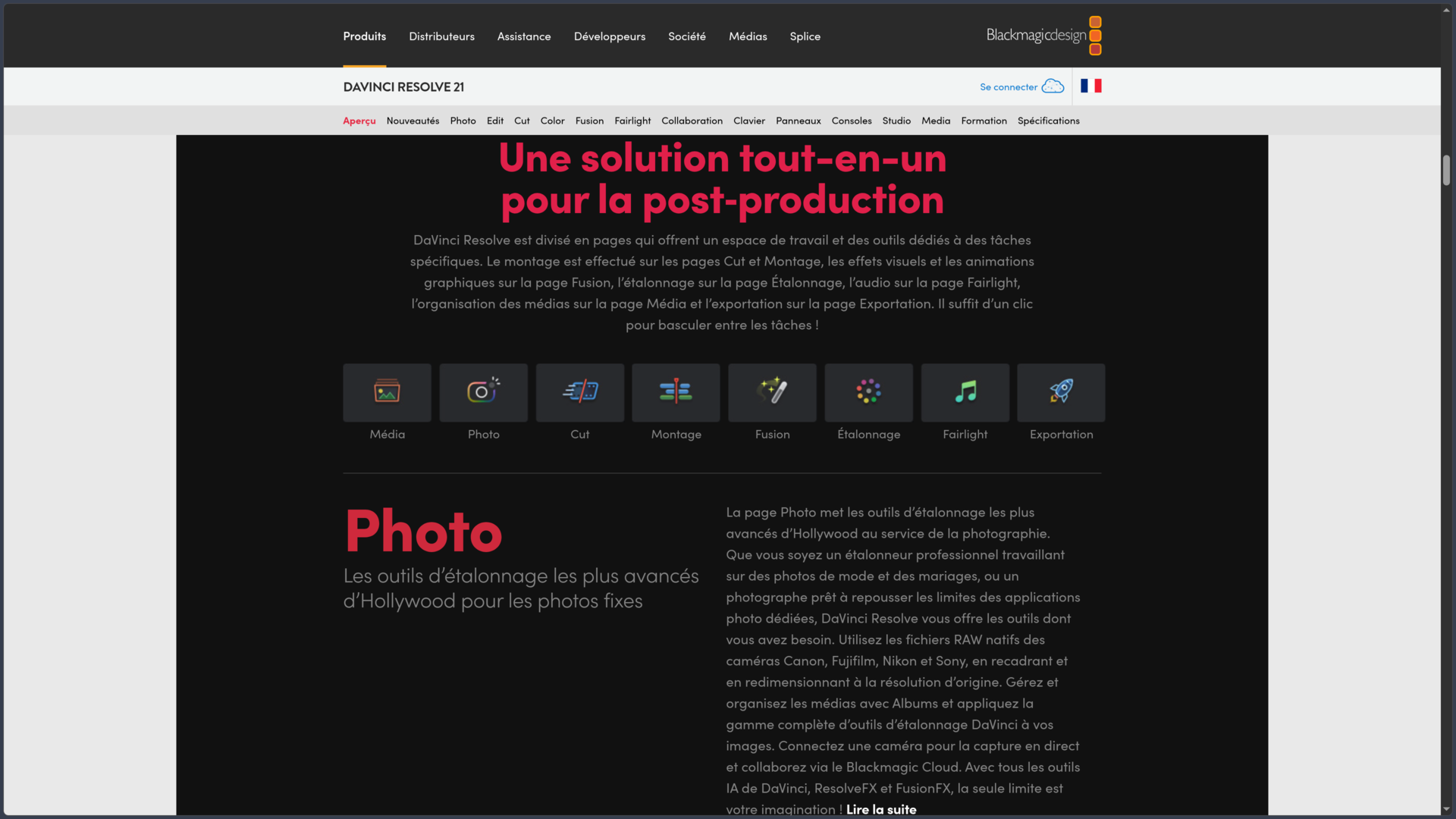
Overview
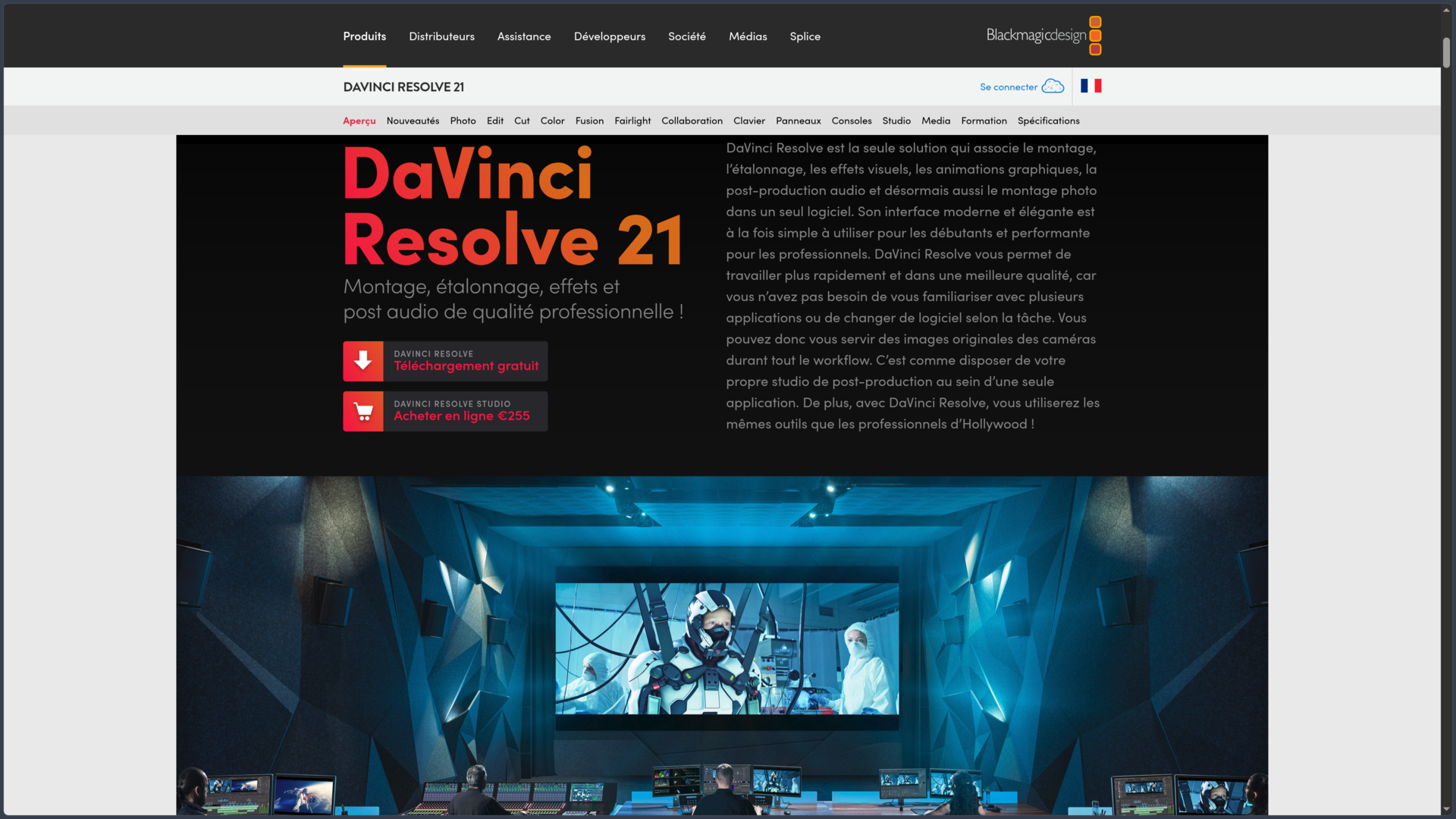
DaVinci Resolve is a post-production suite developed by Blackmagic Design that brings together video editing, color grading, visual effects, motion graphics and audio processing in a single application. With version 21, it also includes a workspace dedicated to photography.
Unlike a video editor focused primarily on assembling sequences, Resolve organizes work around several specialized workspaces. An editor can build a film, move on to color grading, create effects in Fusion, work on sound with Fairlight and then prepare delivery files without constantly transferring the project between different applications.
This organization meets the needs of both independent creators and post-production teams. Short films, documentaries, YouTube videos, music videos, advertisements and cinematic productions can follow a complete workflow within the same environment.
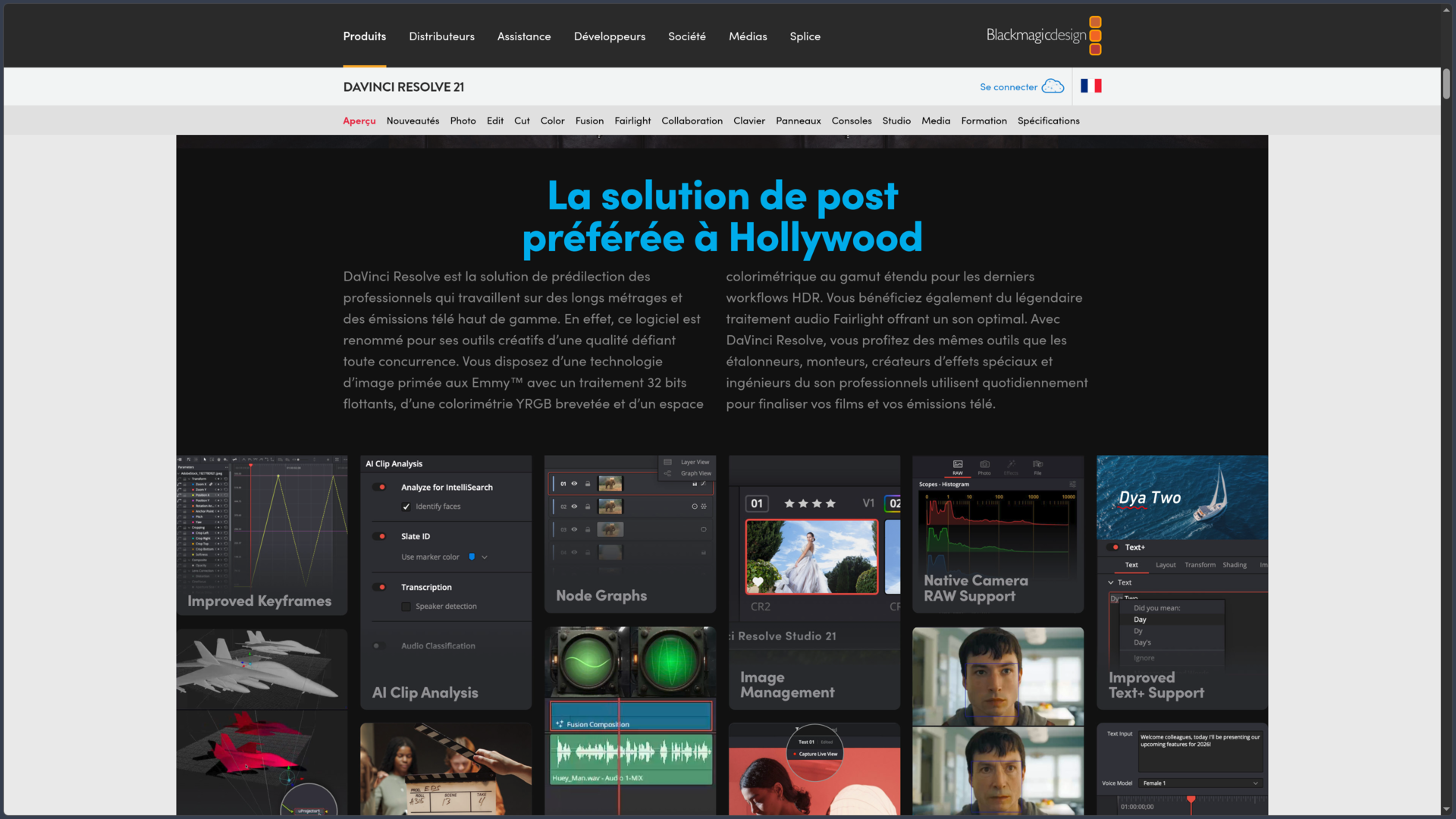
DaVinci Resolve 21 notably introduces a new Photo page, improvements to keyframe editing, intelligent media search features and new graphic tools for Fusion. These additions continue the software's evolution toward a broader audiovisual creation environment.
The application is available on Windows, macOS and Linux, with a dedicated iPad app. It comes in two main editions: DaVinci Resolve, which is free, and DaVinci Resolve Studio, which is paid. The free version is already a complete video editor; Studio adds advanced processing capabilities, artificial intelligence, format support and post-production features.
Features
Video editing: two complementary approaches
DaVinci Resolve provides two main workspaces for editing: Cut and Edit.
The Cut page prioritizes speed. It makes reviewing footage, assembling shots and working on the timeline easier through an interface designed to reduce the number of operations required. It is particularly suitable for projects that need a quick first version, such as a news video, interview or social media content.
The Edit page provides a more traditional and precise environment. It allows users to work with multiple tracks, perform three-point editing, refine cuts, synchronize multicamera footage and add titles, transitions or effects.
Both workspaces use the same project. It is therefore possible to quickly build a sequence in Cut, then switch to Edit to refine cuts, organize tracks and finalize the pacing.
Keyframe animation tools also allow parameters to change over time, including an element's position, scale or opacity. Version 21 improves this system to provide greater control over animations and their curves.
Color grading: precise image control
Color grading is one of DaVinci Resolve's historical strengths. The Color page provides a specialized environment for adjusting exposure, white balance, contrast, colors and the overall appearance of a sequence.
The workflow notably relies on a node-based structure. Each node can represent a correction or processing stage, allowing complex adjustments to be built without combining every modification into a single effect.
Primary correction tools affect the entire image, while secondary corrections allow users to work on a specific color, object or area. Masks, color qualifiers and tracking systems make it possible to modify one element without necessarily affecting the rest of the shot.
Resolve also provides color management and HDR tools. These are particularly important when footage comes from different cameras or needs to be prepared for several delivery formats.
Version 21 notably expands color grading workflows with new node management tools, group versions and MultiMaster trim passes.
Fusion: visual effects and motion graphics
Fusion is the workspace dedicated to compositing, visual effects and motion design.
Its workflow relies on interconnected nodes rather than simply stacking effects on a timeline. A composition can combine multiple video sources, masks, keying, transformations, graphic elements and processing operations to produce a final result.
This approach can notably be used to create animated titles, perform green-screen compositing, remove certain elements from a shot or integrate 3D elements into a sequence.
Fusion also includes tracking, particle and animation tools. Certain advanced features, such as specific 3D tracking processes, depend on the Studio edition.
In DaVinci Resolve 21, Fusion notably gains the Krokodove collection, which introduces more than 70 new graphic elements. The aim remains to create and modify effects directly within the project without multiplying file exchanges with an external application.
Fairlight: audio editing and post-production
The Fairlight workspace turns DaVinci Resolve into an integrated audio post-production workstation.
It is not limited to adjusting music volume. It allows users to record voices, clean up dialogue, synchronize sound, adjust equalization, process dynamics and build mixes involving numerous tracks.
A project can therefore bring together dialogue, ambience, sound effects, voice-overs and music in a specialized environment while retaining immediate access to the video edit.
Fairlight also provides ADR features for dialogue replacement and tools suited to multichannel or immersive productions. The most advanced capabilities depend on the edition being used and the hardware configuration.
Version 21 notably introduces audio track organization through folders, designed to simplify navigation in complex projects.
Photo: a new workspace in Resolve 21
DaVinci Resolve 21 introduces a Photo page dedicated to processing still images.
It brings some of the software's color grading tools into photography. Users can therefore take advantage of Resolve's color correction capabilities to develop a visual look, harmonize images and perform retouching.
Integrating photography is consistent with the software's approach: an audiovisual project may require still images, color references, promotional visuals or content intended for different platforms.
The Photo page broadens Resolve's applications without eliminating its primary purpose as a video post-production suite. Photographers who already manage a large catalog will notably need to examine its library management capabilities and how well they fit their existing workflows.
Artificial intelligence and Studio features
DaVinci Resolve incorporates processing based on artificial intelligence, but not all of these features are available in the free version.
The Studio edition includes the DaVinci AI Neural Engine, which is notably used for automatic tracking, mask creation, certain image treatments and several audio operations.
Tools such as Magic Mask make it easier to isolate a person or object so that a targeted correction can be applied. Other features can improve image resolution, reduce video noise or isolate a voice in a difficult recording.
Version 21 notably adds AI IntelliSearch, which allows users to search for elements within media based on their content, along with new AI-assisted features such as CineFocus and certain retouching processes.
These automated tools are useful for accelerating footage review and certain technical operations, but they do not replace manual control. A mask, transcript or automatic correction may need adjustments before delivery.
Access to AI features should therefore be checked for each edition, particularly when a project depends on a specific tool.
Media management and export
The Media and Deliver pages handle the beginning and end of the workflow.
The Media workspace allows users to import footage, organize it into bins, manage metadata and prepare sequences before editing. Synchronization tools are particularly useful for projects recorded with multiple cameras or separate audio files.
The Deliver page provides settings adapted to the final destination, whether the output is an online video, production master, file intended for television or a more specialized distribution format.
Presets make it possible to quickly prepare exports for YouTube, Vimeo or TikTok, while custom settings provide more precise control over resolution, codec, bitrate and audio.
The render queue is useful when several versions of the same video need to be produced. A creator can prepare a high-quality master, a compressed version and several variations without having to start each export separately.
Compatibility with professional codecs and formats nevertheless depends on the edition, operating system and sometimes the hardware being used.
Collaboration and Blackmagic Cloud
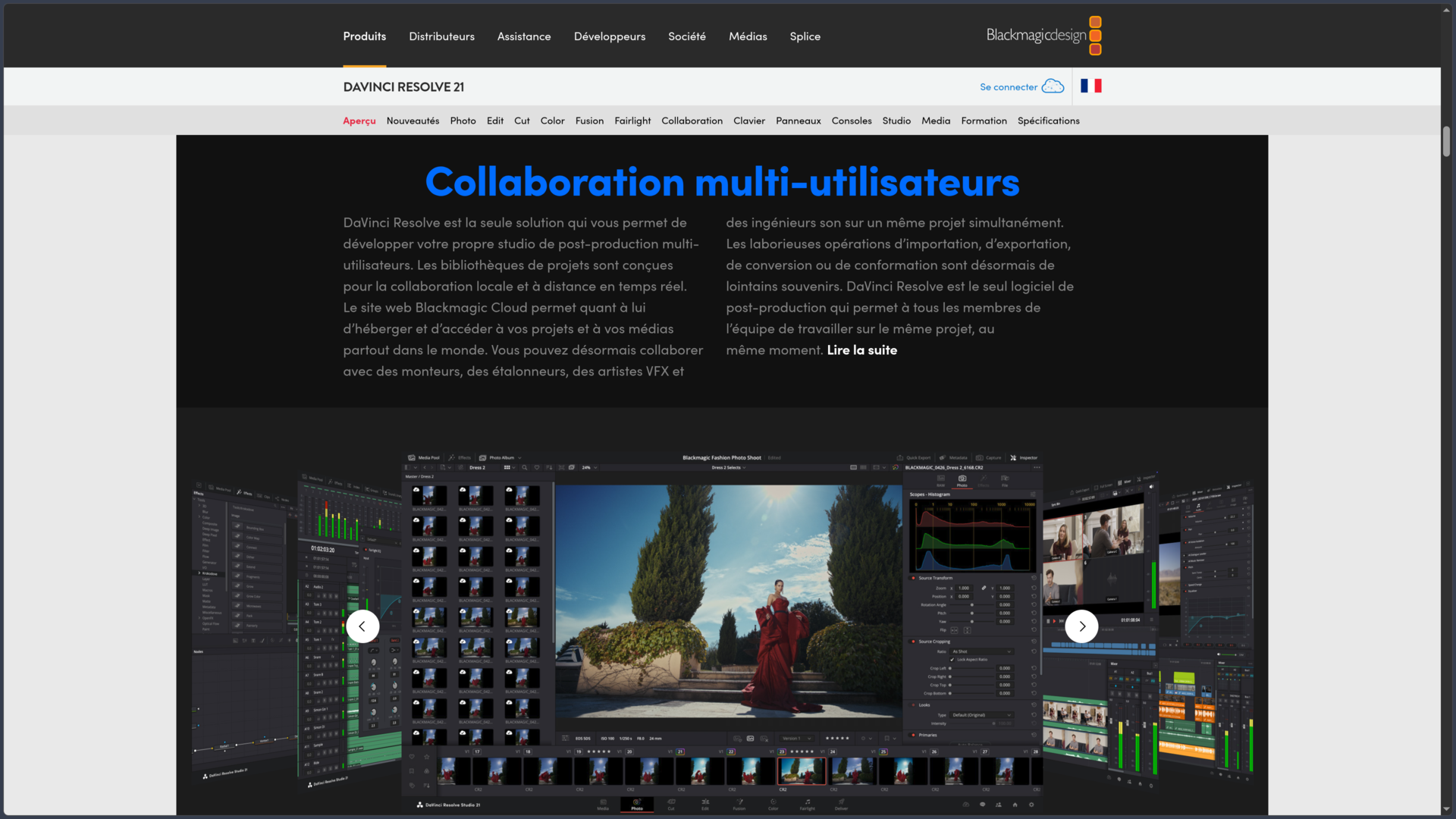
DaVinci Resolve includes multi-user collaboration features that allow several professionals to work on the same project.
An editor, colorist, visual effects specialist and sound engineer can work on different stages of production without systematically exchanging a succession of independent project files.
Blackmagic Cloud extends this workflow to teams spread across multiple locations. It makes it easier to share project libraries and synchronize media, particularly when each person works with their own local copy.
These features do not mean that all files are automatically hosted in the cloud. Storage, synchronization and the services used depend on the chosen configuration. Certain Blackmagic Cloud services may also involve costs separate from the software.
Free version, Studio and iPad application
DaVinci Resolve offers a particularly extensive free version, but the differences with Studio should be considered before starting a demanding project.
| Edition | Main characteristics |
|---|---|
| DaVinci Resolve 21 | Free on desktop. Editing, color grading, Fusion, Fairlight and collaboration. Supports projects up to Ultra HD 3840 × 2160 at 60 frames per second within the conditions of the free edition. |
| DaVinci Resolve Studio 21 | Paid edition priced at €255 on the French website. Notably adds the Neural Engine, advanced effects, noise reduction, additional formats and extended resolution and frame-rate capabilities. |
| DaVinci Resolve for iPad | Free application with a separate Studio in-app purchase. Interface and features adapted to iPad, with limitations related to the device model and available memory. |
On desktop, Studio supports workflows beyond 4K, as well as 10-bit processing and higher frame rates. Certain encoding and hardware acceleration features are also reserved for this edition.
The iPad application is not a perfectly identical reproduction of the desktop version. It notably prioritizes editing and color grading and requires a compatible device. Older models may encounter resolution or memory limitations.
Use cases
Editing a YouTube video or documentary
DaVinci Resolve allows users to prepare footage, organize sequences, build a narrative and finalize the edit within a single application.
An interview can be synchronized with separately recorded audio, enhanced with illustrative footage, color graded and then mixed in Fairlight. The project can subsequently be exported using settings adapted to YouTube or another platform.
For regular production, presets and media management tools help avoid rebuilding the entire workflow for each new video.
Producing a short film or music video
The combination of editing, Fusion, color grading and Fairlight makes it possible to handle a large part of an audiovisual work's post-production within the same environment.
Color grading tools help establish a consistent visual identity, while Fusion handles shots requiring effects or animation. Fairlight then takes care of dialogue, ambience and musical elements.
The distinction between the free version and Studio becomes particularly important when the production requires professional formats, advanced processing or delivery beyond the limits of the free edition.
Creating short-form content and social media variations
DaVinci Resolve can also be used to produce vertical videos, promotional clips or short versions of longer content.
The Cut page allows users to quickly build an edit, while vertical resolution settings and reframing tools make adaptation to social platforms easier.
Batch exporting becomes useful when the same production needs to be delivered in several formats or resolutions.
Organizing collaborative post-production
A team can use Resolve to distribute work between editing, color grading, visual effects and audio.
Multi-user features avoid some of the manual exchanges between applications, while Blackmagic Cloud facilitates collaboration between remote workstations when synchronization is configured.
This approach is particularly suitable for projects where several specialists need to work on the same production while maintaining consistent media and version management.
Conclusion
DaVinci Resolve is a complete post-production suite whose value lies in integrating several disciplines into a single application. Editing, color grading, visual effects and audio mixing each have a specialized environment, but remain connected to the same project.
The free version provides a particularly important entry point. It is not limited to a temporary demonstration and already allows complete Ultra HD videos to be produced while providing access to the software's main workspaces. Studio then meets the needs of productions requiring more AI processing, formats, effects or technical capabilities.
The arrival of the Photo page in Resolve 21 further broadens the software's scope. It does not, however, change its primary identity: DaVinci Resolve remains designed above all for audiovisual editing and post-production workflows.
This extensive feature set involves a learning process. The structure of specialized pages becomes coherent once mastered, but Fusion, node-based color grading and Fairlight's advanced features require more practice than a video editor focused on ready-made templates. Fortunately, Blackmagic Design provides official training materials and exercise files to support this progression.
For editing a video, building a consistent color identity, producing visual effects, finalizing a soundtrack or organizing collaborative production, DaVinci Resolve provides an environment capable of supporting a project from its original footage through to final delivery.
Points to consider
-
The free version is complete, but not unlimited. Restrictions notably concern certain formats, resolutions beyond Ultra HD, high frame rates and several advanced processing features reserved for Studio.
-
DaVinci Resolve Studio is listed at €255 on Blackmagic Design's French website. The license and the Studio in-app purchase for the iPad application are separate offers.
-
The iPad application does not perfectly match the desktop version. Its features and performance notably depend on the device generation, available memory and iPadOS version.
-
Hardware configuration matters considerably. 4K projects, Fusion effects, noise reduction and AI processing may require a suitable graphics card and sufficient memory.
-
Codec compatibility varies by operating system and edition. On Linux in particular, it is important to check which formats are actually supported before committing to a production workflow.
-
Blackmagic Cloud does not mean that all media is automatically backed up online. Project sharing, file synchronization and potential service costs should be examined separately.
-
Official training materials are an important resource. Blackmagic Design provides free videos, guides and exercise files, although not all learning materials have been updated to version 21 yet.
-
AI tools do not eliminate the need for human review. Intelligent search, masking and automatic processing should be checked before a project is delivered.