
Overview
Codex is an AI software development agent designed by OpenAI. Rather than merely completing a line in an editor or generating code in a conversation, it can inspect a repository, locate the files relevant to a request, make coordinated changes, run the project's tools and present the result to the developer. It becomes particularly useful when a task spans multiple files or requires a sequence of actions: understand, intervene, test, correct and verify what has changed.
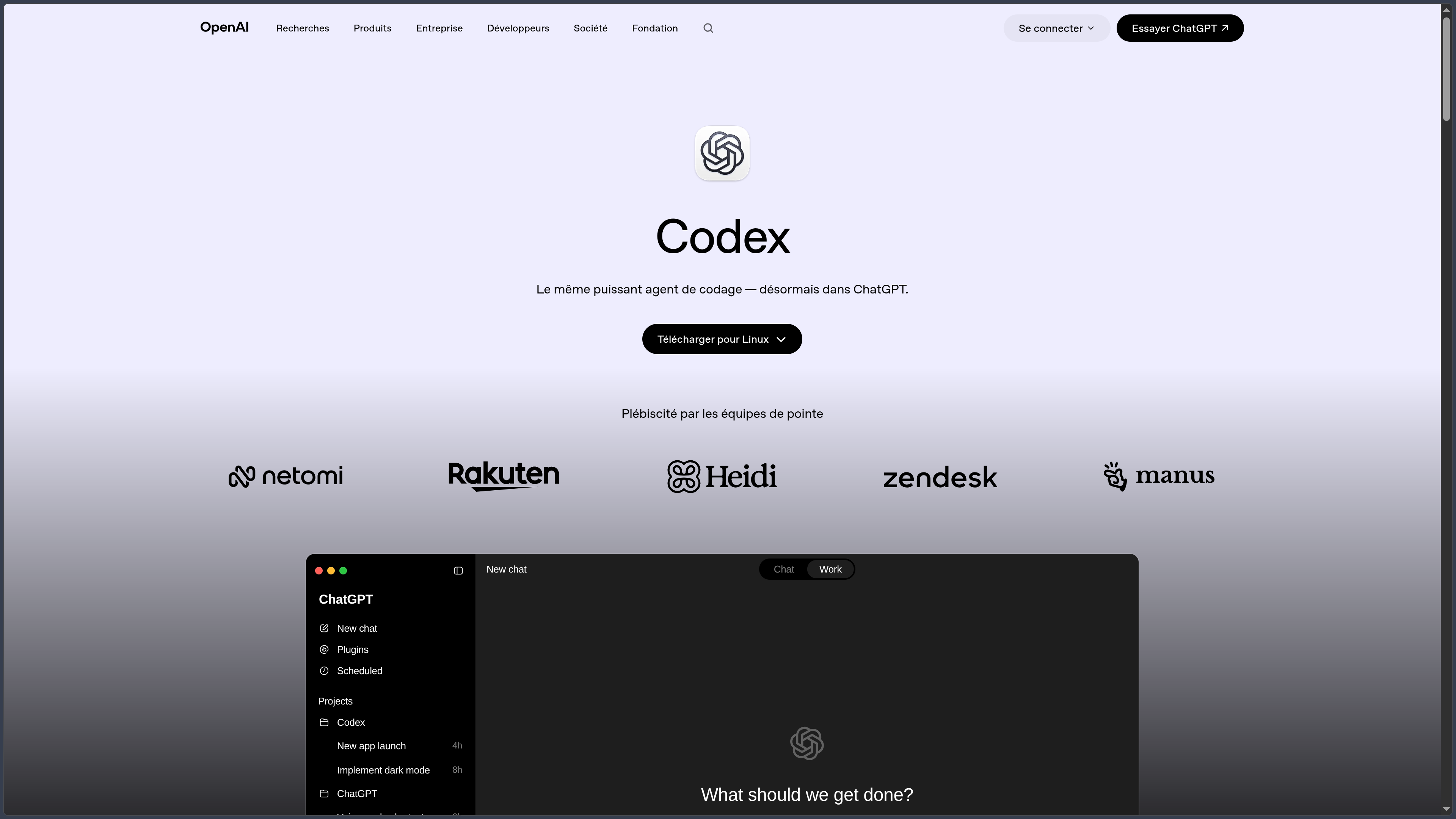
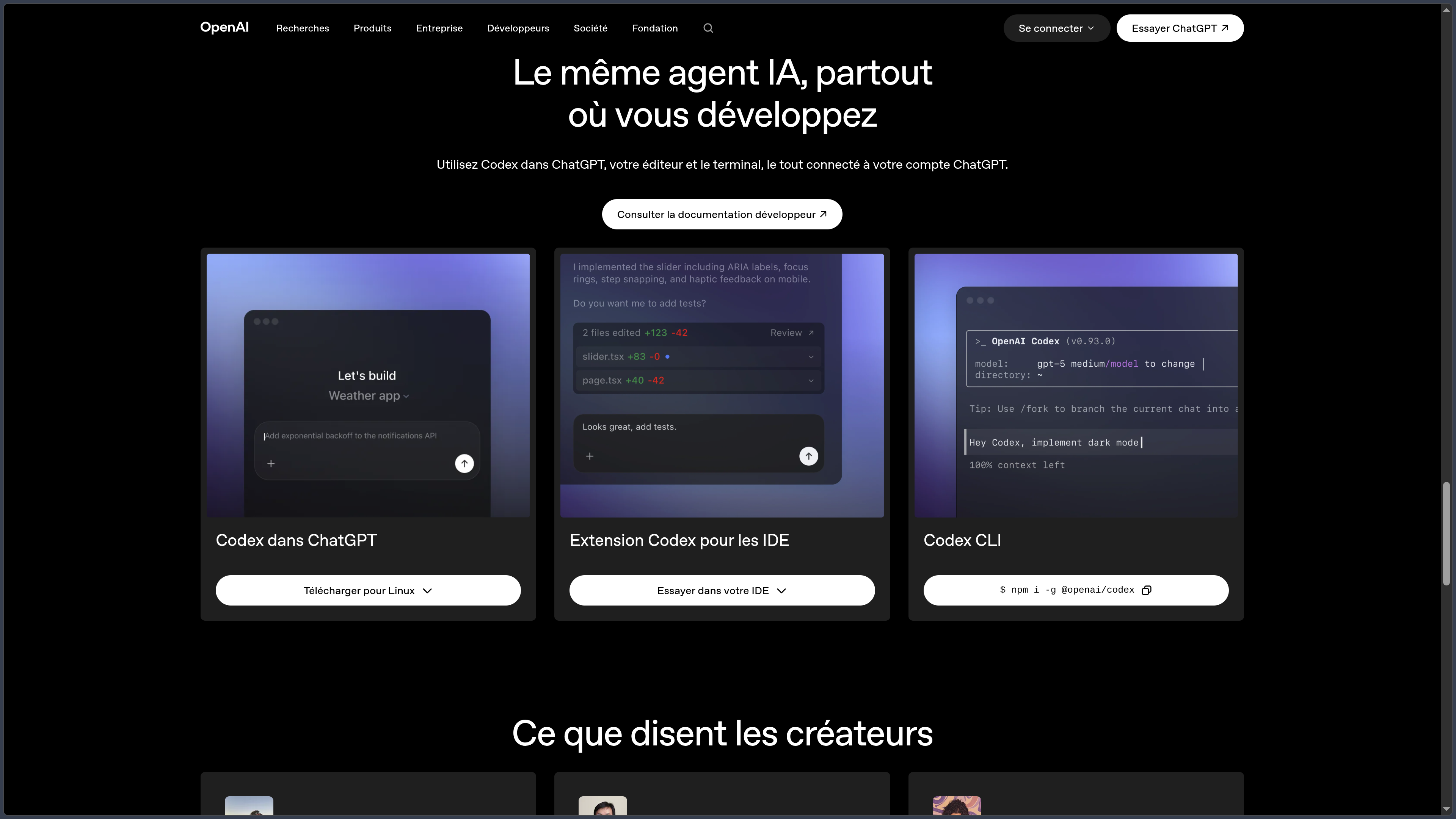
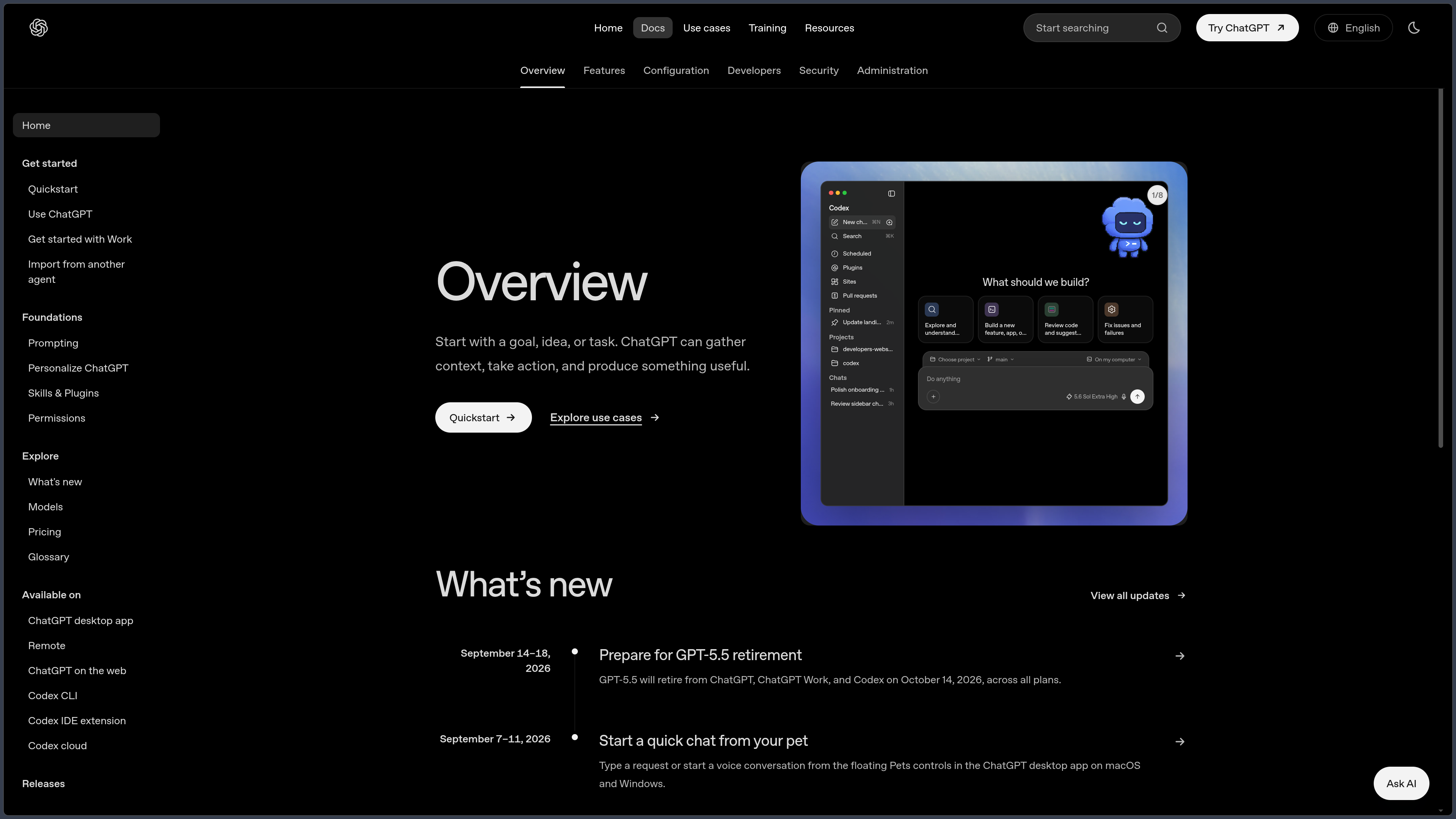
The same agent is accessible through several interfaces. Codex CLI runs from the terminal, the IDE extension supports work in the editor, and Codex mode in the ChatGPT desktop app brings projects and sessions together. On the Web, Codex Cloud can run tasks in remote environments linked to repositories. Mobile access is used notably to check and manage certain tasks remotely; it does not replace a native development environment installed on a phone.
This variety addresses two distinct needs. Working locally allows the agent to operate in the project directory with tools that are already installed; a cloud task can be delegated to an isolated environment, then returned as changes to review. The desktop app also provides Git worktrees, which help isolate several tasks without mixing their changes in the same working copy of the repository.
Local does not mean offline AI. In a local session, files and commands are handled on the developer's machine, but the model used is generally hosted and receives project context to process the request. This distinction matters for private repositories, secrets and organizations subject to data-processing requirements.
Codex is included in ChatGPT plans, including Free and Go, with limits that vary by plan. The CLI and IDE extension can also be used with an API key and separate usage-based billing. Finally, the CLI core and SDK are open source under the Apache 2.0 license, but this does not make the models, IDE extension or cloud service open source. The openness of the client tools must be distinguished from that of the product as a whole.
Features
Understanding a repository before touching the code
Codex can navigate files and directories, search for symbols, inspect a project's configuration and use the commands available in its environment. A request such as “why is this route failing?” can lead it to follow the path between an interface, an API and tests rather than proposing a fix without seeing the relevant code.
This exploration leads to multi-file interventions: implementing a feature, fixing a regression, migrating dependencies, refactoring or updating tests. The agent can describe its approach and adapt its changes after a compilation error. It nevertheless depends on the quality of the context, the access granted and how precisely the task is defined. An overly broad instruction may produce a much larger diff than expected.
The right unit of work is therefore not “write me a file,” but a verifiable change in an existing project. The developer remains responsible for defining the scope and checking that the final behavior genuinely meets the need.
Terminal and IDE: working with familiar tools
Codex CLI starts in a project directory. It can read and modify authorized files, execute build commands, run tests or inspect Git status. The interactive interface allows users to resume a session, choose available settings and request a review of changes. The non-interactive codex exec mode is intended for scripts and automated pipelines.
The IDE extension brings in editor context: open files, code selections, explanations and modifications that can be viewed alongside ongoing work. It is documented for VS Code-family environments as well as integrations such as JetBrains and Xcode. Exact capabilities vary by editor and integration; a menu or feature should not be assumed to exist in precisely the same form everywhere.
On Windows, macOS and Linux, the CLI can run directly in the project's environment. On Windows, native execution and WSL2 workflows are documented. The choice matters notably for dependencies, file paths and Linux tools on which a repository may rely.
Desktop app, worktrees and parallel tasks
In the ChatGPT desktop app, Codex lets users open a project and choose where to run a task: in the local directory, in an isolated Git worktree or in a configured cloud environment. The diff view and Git commands then make it possible to inspect what changed, keep part of the work or discard it before integration.
A worktree provides useful separation when a bug needs to be fixed while another task prepares a feature. Each task works in its own working copy linked to the repository, without overwriting uncommitted files in the main session. This does not remove the need to resolve conflicts when combining changes, but it avoids turning a single branch into a shared worksite for several agents.
Desktop mode also includes a terminal associated with the project. Users can still run a test themselves, inspect an error output or take control of Git without leaving their working context.
Codex Cloud: delegating a task in a remote environment
Codex Cloud executes requests in isolated containers linked to a repository and a branch or commit. The environment can install dependencies, run setup scripts and provide the tools required for the work. The agent then inspects the code, makes changes and attempts to verify them before presenting a response and a diff.
The benefit is the ability to launch several independent tasks in parallel without tying up the main computer. A fix, a documentation update and test work can progress in separate environments. The results can then be examined and, depending on integrations and permissions, turned into a pull request.
The service still requires configuration: repository access, dependencies, possible secrets and network rules are not automatically identical to those on the local machine. During cloud agent execution, Internet access is disabled by default unless the environment explicitly allows limited or broader access. Code is processed on remote infrastructure, which must be considered before connecting a sensitive repository.
Tests, code review and Git operations
Codex can run tests and tools already present in a project, analyze their results and revise a change when checks fail. It can also request or produce a code review based on a diff, branch or uncommitted changes. The review looks for potential defects; it does not necessarily modify files and can be carried out separately from implementation.
With a GitHub repository connected to Codex Cloud, a review can be requested from a pull request and, depending on configuration, triggered automatically. The agent can also address certain comments and propose a fix on the authorized branch. Branch protections, human approvals and CI checks retain their role: an AI-assisted review is neither a security guarantee nor proof that every functional case has been covered.
Practical value comes from the change → check → read the diff loop rather than a promise of correct code on the first attempt. The project's tests remain the reference for rules that can be checked automatically.
AGENTS.md instructions, skills and connected tools
An AGENTS.md file can define a repository's conventions: architecture, commands to use, modification rules, formatting and project-specific constraints. Codex reads these instructions before starting a task and can combine global guidance with instructions for a particular directory. This project memory reduces the need to repeat the same context, without making textual instructions infallible.
Skills add reusable procedures and resources. Plugins and MCP servers can connect Codex to external tools or services when the interface in use and its permissions allow it. This makes it possible to combine a working method with documentation resources, tickets or team tools without including every instruction in each request.
These mechanisms do not serve the same purpose as an automated test. To actually enforce a syntax constraint, formatting policy or security check, it is still preferable to implement it in a validator, hook or CI. An AGENTS.md instruction describes what should be done; an executable check verifies that it has been done.
Automations, scriptable CLI and SDK
Beyond interactive sessions, Codex can participate in repeatable workflows. The codex exec command, SDK and CI integrations can, for example, run a targeted analysis, prepare a change or produce review feedback as part of an automated process. The official GitHub Action connects these tasks to repository events and the permissions defined in the workflow.
Scheduled tasks allow Codex, in eligible environments, to carry out recurring operations on a local project or suitable environment. This can support documentation maintenance, periodic reviews or preparation work, but it assumes that the necessary files, tools and context are available when the task runs.
Automation must be scoped carefully: an agent that can change files and execute commands should not be given all the permissions of a production account by default. Sensitive tasks require limited permissions, accessible logs and a way to roll back changes.
Permissions, sandboxing and data processing
Codex provides approval and sandboxing policies designed to limit which files, commands and network access are permitted. Implementation depends on the platform: the mechanisms used on macOS, Linux and Windows are not identical. Developers can adjust the degree of autonomy to their context, but opening up the environment also increases the potential consequences of a misunderstanding or a malicious instruction contained in the repository.
Files, logs and command outputs may contain confidential information. API keys, .env files, customer data and deployment credentials should therefore not be exposed unnecessarily. Simply launching Codex from a local terminal does not mean all data remains on disk, since context is sent to the hosted model. Cloud sessions, meanwhile, run on infrastructure managed by OpenAI.
Data-use rules depend on the account and authentication method. For Business, Enterprise, Edu and the API, OpenAI states that business inputs and outputs are not used to train its models by default; specific sharing options may exist for some API organizations. On personal plans, conversations may contribute to model improvement unless the corresponding setting is disabled. Retention policies and workspace permissions should be examined before any sensitive use.
ChatGPT plans and API billing: two different routes
Codex is integrated into Free, Go, Plus, Pro, Business, Edu and Enterprise plans, but quotas and features vary. Free plans allow limited use; paid plans provide greater capacity and, depending on the plan, additional cloud or organizational features. Credits may extend usage when the plan supports them.
| Access | Billing model |
|---|---|
| ChatGPT Free / Go | Codex included with quotas suited to occasional or lightweight tasks. |
| ChatGPT Plus / Pro | Codex included with capacities and limits varying by plan; additional credits may be available for eligible accounts. |
| Business / Edu / Enterprise | Access and administrative controls depend on the contract, roles and the selected credits or billing model. |
| OpenAI API key | Usage billed separately at the API rates for the models used; some ChatGPT- and Codex Cloud-specific features are unavailable. |
This distinction avoids a common confusion: signing in with an API key does not automatically use the quota of a ChatGPT subscription. Conversely, ChatGPT sign-in does not add credit to an API project. Prices, quotas, available models and sharing rules may change; the account usage dashboard and official pricing page are the reference for the terms actually applicable.
Use cases
Understanding and fixing a regression in an existing project
A feature stops working after an update. Codex can search for the entry point, trace calls across several components, inspect tests and propose a targeted fix. Once the patch is applied, it runs the available checks and shows the diff so the developer can verify the scope of the intervention.
This is particularly useful when an error involves several software layers. The result still needs to be validated by a functional test or a real reproduction of the problem: a green test suite may not cover the original scenario.
Preparing a feature without disrupting ongoing work
A developer can open a separate worktree and assign a feature to Codex while continuing their own changes on another branch. The agent explores the repository's conventions, builds an initial implementation, writes relevant tests and then presents the modified files.
The work can then be reviewed, adjusted and integrated with Git. This organization is most useful for tasks defined narrowly enough to progress independently; several agents changing the same part of the code can instead multiply conflicts.
Reviewing a pull request and strengthening checks
Before merging, Codex can examine changes for logic errors, potential regressions or deficiencies in edge-case handling. A review can be requested locally or from GitHub when the cloud integration is configured.
AGENTS.md rules can specify invariants to watch for, while CI remains responsible for formatting, tests and deterministic checks. Codex therefore adds contextual examination, but replaces neither human review nor repository protections.
Automating repetitive technical maintenance
A team can use the CLI or SDK to prepare simple migrations, periodically inspect certain parts of the code or keep technical documentation aligned with project changes. Automations can run in a defined environment, with limited permissions and checks after modifications.
The benefit depends above all on workflow quality. A well-described repetitive task with tests and a validation procedure is more suitable for automation than a vague request giving the agent unrestricted freedom over an entire repository.
Conclusion
Codex offers a way of working in which the assistant no longer merely provides code to copy: it operates within the project, uses the developer's tools and produces verifiable changes. This difference changes the nature of the interaction. A complete problem can be delegated instead of a succession of file fragments, provided that what must be changed and how to recognize a correct result are clearly defined.
The variety of environments is central to its approach. The CLI preserves the familiarity of the terminal, the IDE places assistance alongside the code, the desktop app makes it easier to organize projects and worktrees, and Codex Cloud allows work to be delegated to isolated environments. These are not perfectly interchangeable interfaces: their access, security constraints and collaboration capabilities differ.
Making the CLI and SDK available under Apache 2.0 is another important characteristic for developers who want to examine or integrate certain components. This openness is partial: hosted models, the IDE extension and Codex Cloud do not become open source because the terminal client is.
The main trade-off concerns autonomy. Allowing the agent to read a repository, modify files or run commands can reduce repetitive operations, but shifts part of the work toward defining scope, managing permissions and verifying the result. Project instructions provide a framework; tests, Git rules and human review provide executable and observable checks.
Finally, Codex works with hosted models. Organizations must therefore examine data policies, while individuals need to distinguish quotas included with ChatGPT from separate API billing. For exploring a codebase, fixing bugs, developing features, reviewing changes or automating well-defined maintenance, Codex is an agentic development environment whose usefulness depends as much on project quality and its checks as on the agent's capabilities.
Points to consider
-
Codex is not an AI system that runs entirely offline. Even when working on local files, processing a request generally involves hosted models and the transmission of context.
-
Open-source status notably applies to the CLI and SDK under Apache 2.0. The IDE extension, Codex Cloud and models do not automatically share that license.
-
The interfaces do not have identical capabilities. Terminal, IDE, desktop app, Web and mobile access differ in their execution capabilities, integrations and permissions.
-
Cloud tasks use configured remote environments. Repository access, dependency installation, secrets and networking must be set up before a sensitive project is entrusted to them.
-
Quotas included with ChatGPT and API billing are separate. An API key incurs separately billed usage; plan limits and credits may change.
-
Permissions and sandboxing reduce risks without eliminating them. Pay particular attention to destructive commands, sensitive files, connected services and network access.
-
A generated diff or a successful test does not guarantee that a task has been completed correctly. Code review, functional checks and Git protections remain necessary.
-
AGENTS.mdinstructions guide the agent but do not replace a validator. Essential constraints should be checked by tests, quality tools or CI. -
Data-processing rules vary by account. Professional plans and the API have commitments distinct from the training settings of personal plans; consult the policy applicable to your workspace.