

Overview
WriteControl is a writing platform designed for book authors, particularly novelists. Developed by the French company SpinalSoft, it brings story planning, drafting, progress tracking, text revision and manuscript preparation together in a single workspace. Its value does not lie in making word processing more complicated, but in connecting each chapter to information that is genuinely useful while writing.
An author can start by creating a book project, defining its structure, writing chapter by chapter and keeping characters, research and goals alongside the manuscript. Chapters can be rearranged, and their summaries offer an overview of the narrative before delving into each scene. The tool is therefore aimed at people who want to move beyond a single document that has become difficult to navigate without multiplying scattered files.
WriteControl operates primarily as an online service, accessible through a browser. Text is saved automatically, and an offline mode allows writing to continue under the conditions supported by the application. Official apps are also available for Android, iPhone and iPad; however, access to certain mobile features depends on the subscription, and the experience may differ from the browser version.
The platform combines a free plan for starting a book with a Premium offer for proofreading, advanced organization, AI assistance and publication preparation. It also offers a print-on-demand service, separate from the subscription, allowing authors to order a physical copy of their work.
Features
A structured manuscript rather than an endless document
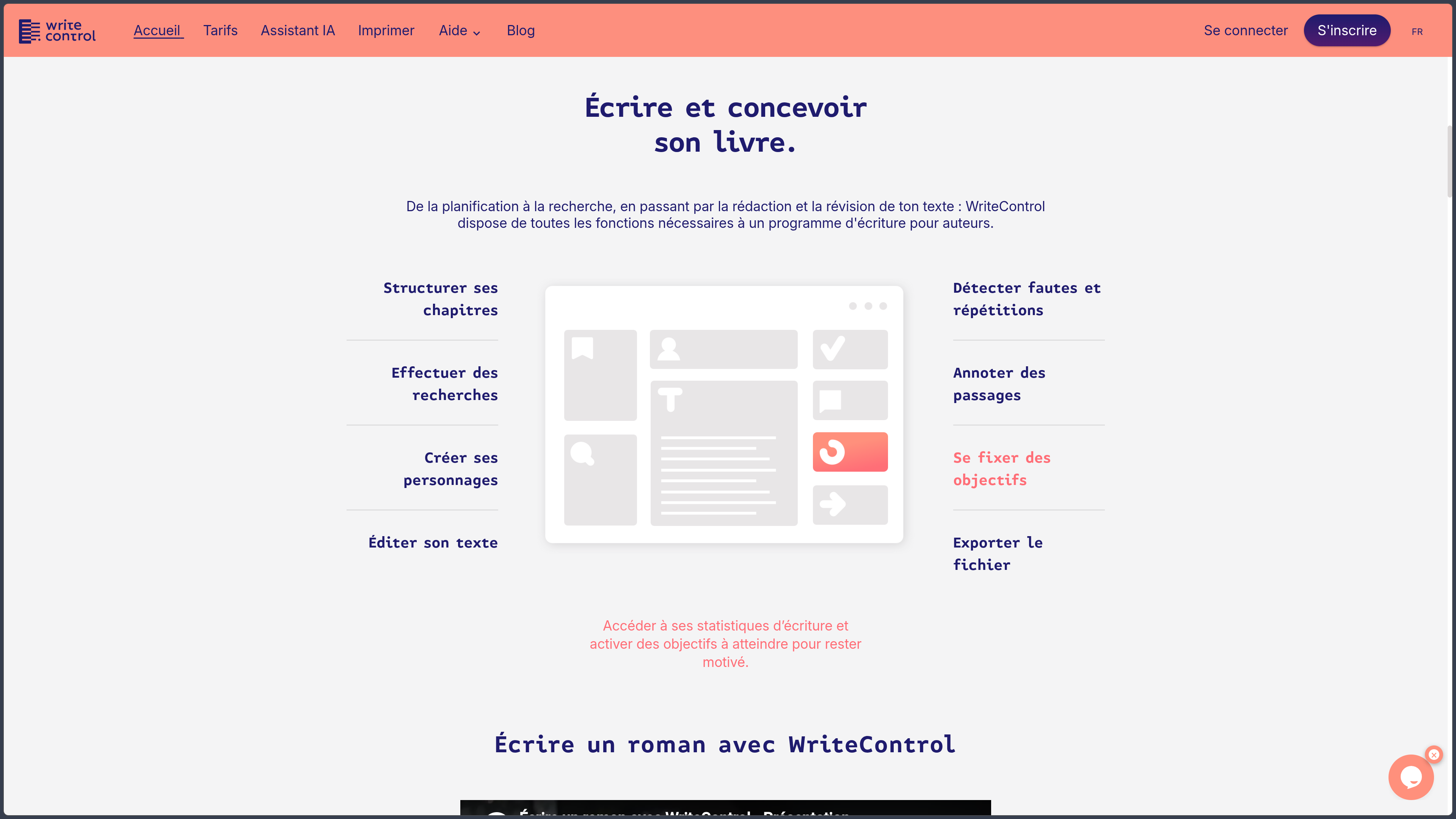
WriteControl's editor retains the familiar layout of a word processor while organizing the book around a structure of chapters and subchapters. Each section can have a summary and can be moved or rearranged to change the story's construction. The tile-based view helps authors consider the book as a whole: it makes it easier to identify an overloaded chapter, a missing transition or an event placed at the wrong point.
This structure does not replace narrative work; above all, it prevents a decision about the order of events from requiring manual reformatting of a lengthy file. An author can devote one session to the novel's architecture, then return to writing a specific passage without losing track of the project.
Characters, worldbuilding and documentation
Character profiles bring together information useful for maintaining consistency in fiction: identity, appearance, personality and development throughout the story. The mobile apps also highlight profiles for locations, objects and worldbuilding elements. These resources act as the project's memory when a detail mentioned at the beginning of the manuscript needs to be retrieved several weeks later.
WriteControl also lets authors collect documents and research notes related to the book. Language tools notably include a dictionary, synonym search and thesaurus; an integrated encyclopedia is among the Premium features. The idea is to reduce back-and-forth between the text and its references without claiming to replace source verification for important factual information.
Mind mapping and plot planning
The mind map offers a different representation from the linear outline. It can connect ideas, track several narrative threads or record leads that are still incomplete before deciding where they will appear in the manuscript. This approach can be useful for a plot with several characters or a story whose events need to converge gradually.
The mind map is one of the Premium tools. It complements chapter summaries rather than duplicating them: summaries show what happens in a particular section, whereas the map helps explore connections between ideas and story elements.
Writing regularly: goals, statistics and focus
WriteControl tracks progress through word counts, writing time and activity statistics. Users can set daily or overall goals and see how their manuscript is progressing. Tracking obviously does not produce a story on the author's behalf; it provides reference points for maintaining a routine and measuring what remains to be done.
A text-focused writing mode and different ambient themes allow the interface to be adapted. Authors can favor a clean display for drafting, then reopen planning and revision tools when the session calls for them. Some customization options depend on the subscribed plan.
Proofreading, annotating and refining style
Revision is supported by several complementary tools. The Premium proofreader flags spelling, grammar and typography issues and suggests corrections. The repetition detector helps identify words placed too close together within a passage, while notes and comments make it easier to mark sections for a second reading.
Automatic suggestions remain decision-making aids. A repetition may be intentional to create rhythm, and a proposed correction may not suit a narrative voice or dialogue. The author therefore remains responsible for stylistic choices, particularly in fiction, regional language and deliberate linguistic effects.
AI assistant: suggestions, not an automatic author
WriteControl includes an artificial intelligence-based writing assistant. Depending on the available features, it can provide feedback on a passage, suggest alternative wording, propose a chapter title or summary, identify the characters present and generate illustrations from a description.
These tools can help unlock an idea or facilitate an initial analysis, but their responses require checking: a rewrite can distort the tone, a summary can omit a decisive element, and an assessment of consistency is not equivalent to a complete editorial reading. Features and access vary by plan. For a confidential manuscript, authors should also consult the data-processing terms before submitting passages to the assistant.
Backups, history and offline work
Writing is saved automatically online, and WriteControl advertises regular backups as well as a history of projects and chapters. The service also offers an offline mode: the application keeps certain data in the browser so writing can continue when the network is unavailable.
This does not make it local-first software. Synchronization between devices and certain features require a connection; offline capabilities depend on content already available and the environment being used. Regularly exporting an independent copy of the manuscript remains a sensible precaution for a long-term project.
Importing, exporting and preparing an edition
WriteControl can import text from Word or LibreOffice, avoiding the need to start from scratch when a manuscript already exists. The service also supports Word, LibreOffice/ODT and HTML exports, with automated layout options depending on the subscription.
The distinction between plans matters: the free account notably includes Word export, whereas Premium adds advanced manuscript preparation, EPUB export for ebooks and a print-ready PDF. Front matter, such as a preface or acknowledgments, can also be prepared in a dedicated workspace. Authors should review the resulting files to check page breaks, headings, notes and final presentation before distribution.
From writing to a printed book
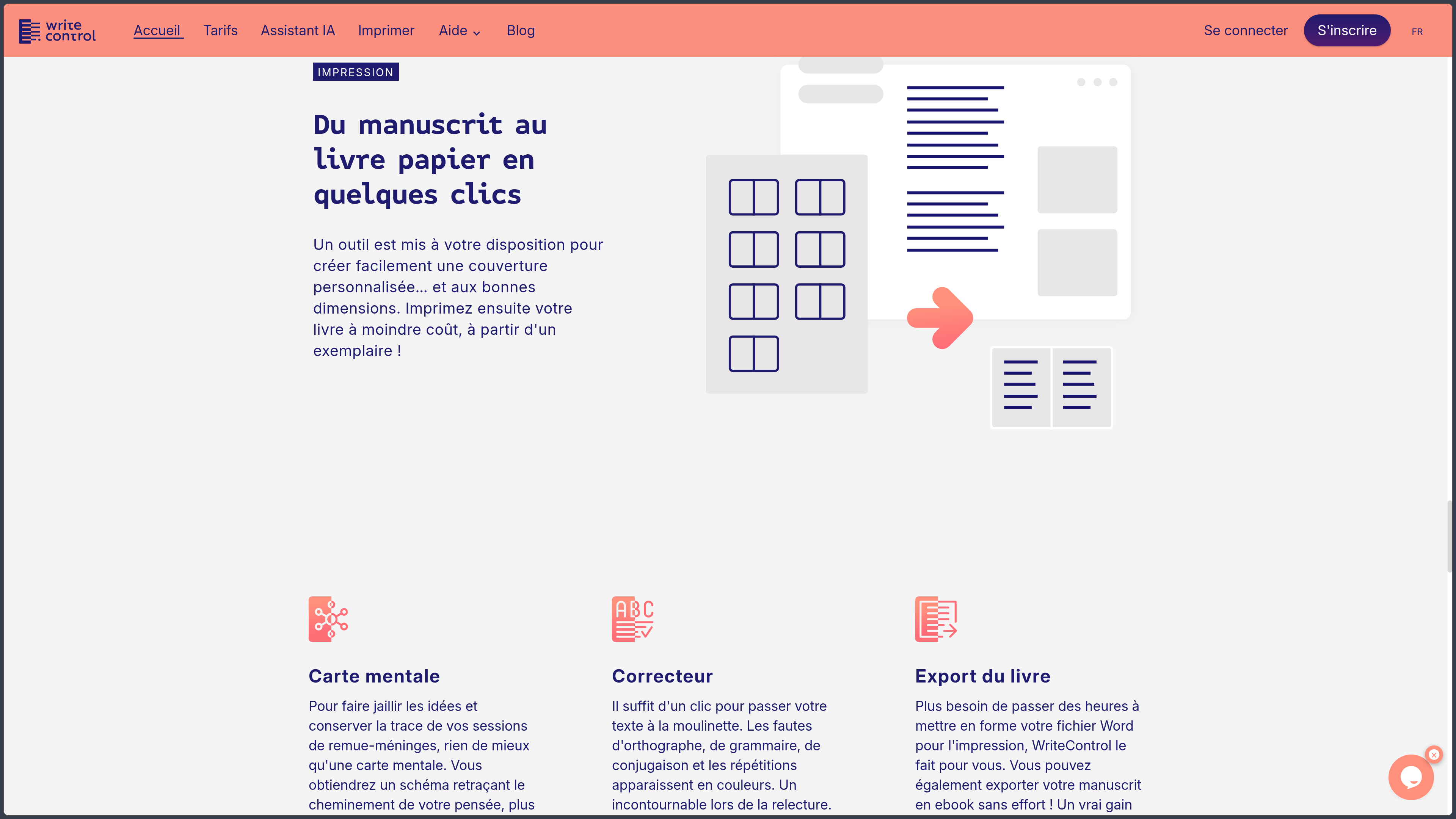
WriteControl highlights an additional cover creation and print-on-demand service, with the option of ordering a book starting from a single copy. This continuity avoids a complete break between writing the manuscript and preparing a physical edition.
However, generating a printable file, included in certain Premium features, must be distinguished from the production and delivery of physical copies. The price of an order notably depends on the book's specifications and associated charges. The stated relationship with Books on Demand supports this printing service; it does not mean that a Premium subscription includes free printed books or that commercial distribution is automatic.
Use cases
Building a first novel without losing the thread
A first-time author can begin with an idea, create a project and divide the story into chapters. Summaries provide an overview, character profiles help avoid basic inconsistencies, and writing goals make the work more concrete. The manuscript remains editable as the plot evolves, without requiring a rigid planning method from day one.
Returning to a manuscript already in progress
Existing text in Word or LibreOffice can be imported to establish a chapter structure and benefit from progress-tracking tools. Proofreading, notes and the repetition detector then support a rewriting phase. Export options allow authors to retrieve their text outside WriteControl rather than keeping it permanently locked into the platform.
Managing fiction with multiple characters
For an ensemble narrative or a detailed fictional world, profiles, research resources, the mind map and summaries offer several ways into the same narrative information. An author can check a character detail, reconsider a connection between two plotlines or move a chapter before rewriting the transitions involved.
Preparing an ebook or printed copy
Once the text has been proofread, Premium features can produce an EPUB or a PDF laid out for printing. The author can then review the result, prepare a cover and, if desired, order a physical copy through the service provided. This process suits the preparation of a personal copy or a self-publishing project, provided publication requirements and manufacturing costs are checked separately.
Conclusion
WriteControl differs from a general-purpose word processor through its organization around the entire book. It provides more than a page on which to write: chapters, summaries, character profiles, documentation and statistics remain connected to the same project, making it easier to move between planning, drafting and revision.
Its free plan allows authors to try this approach on a real project, with essential features and the ability to retrieve their text in Word format. Premium becomes particularly relevant when authors want to work on language with dedicated tools, visualize their plot, use the AI assistant or prepare output formats more directly suited to publishing.
Print-on-demand extends this process to the physical book, but is a separate service. Likewise, availability across several devices should not be confused with a fully local solution: backups and synchronization are part of an online service supplemented by offline capabilities.
For writing a novel, returning to a manuscript, maintaining a writing routine or gradually organizing a project through to export, WriteControl offers a coherent set of specialized tools. The choice between free and Premium mainly depends on the number of projects, the need for proofreading and the desire to use advanced publishing formats.
Points to consider
- The free account is limited to five projects, compared with one hundred with Premium. Word export is available for free, but several analysis tools and publishing formats require a subscription.
- Premium is listed at €12.90 including VAT per month or €119 including VAT per year. Monthly billing is advertised without commitment; terms may change.
- Mobile apps are available, but their access and features are not necessarily identical to the Web version. The Google Play listing notably indicates mobile use intended for Premium members.
- Offline does not mean exclusively local storage. The platform keeps certain data in the browser and synchronizes writing online when conditions allow.
- Proofreading and AI suggestions must be reviewed. They may miss a stylistic nuance, alter narrative intent or produce errors.
- Regular export remains advisable, even with WriteControl's advertised automatic saving and history.
- EPUB, print-ready PDF and ordering a physical book are separate operations. The Premium subscription does not automatically cover the cost of manufacturing and delivering copies.
- The service is proprietary. Authors using AI features or hosting sensitive manuscripts should examine the applicable terms of use and privacy policy.