
Presentation
WebStorm is an integrated development environment specialized in JavaScript and TypeScript, developed by JetBrains for Windows, macOS and Linux.
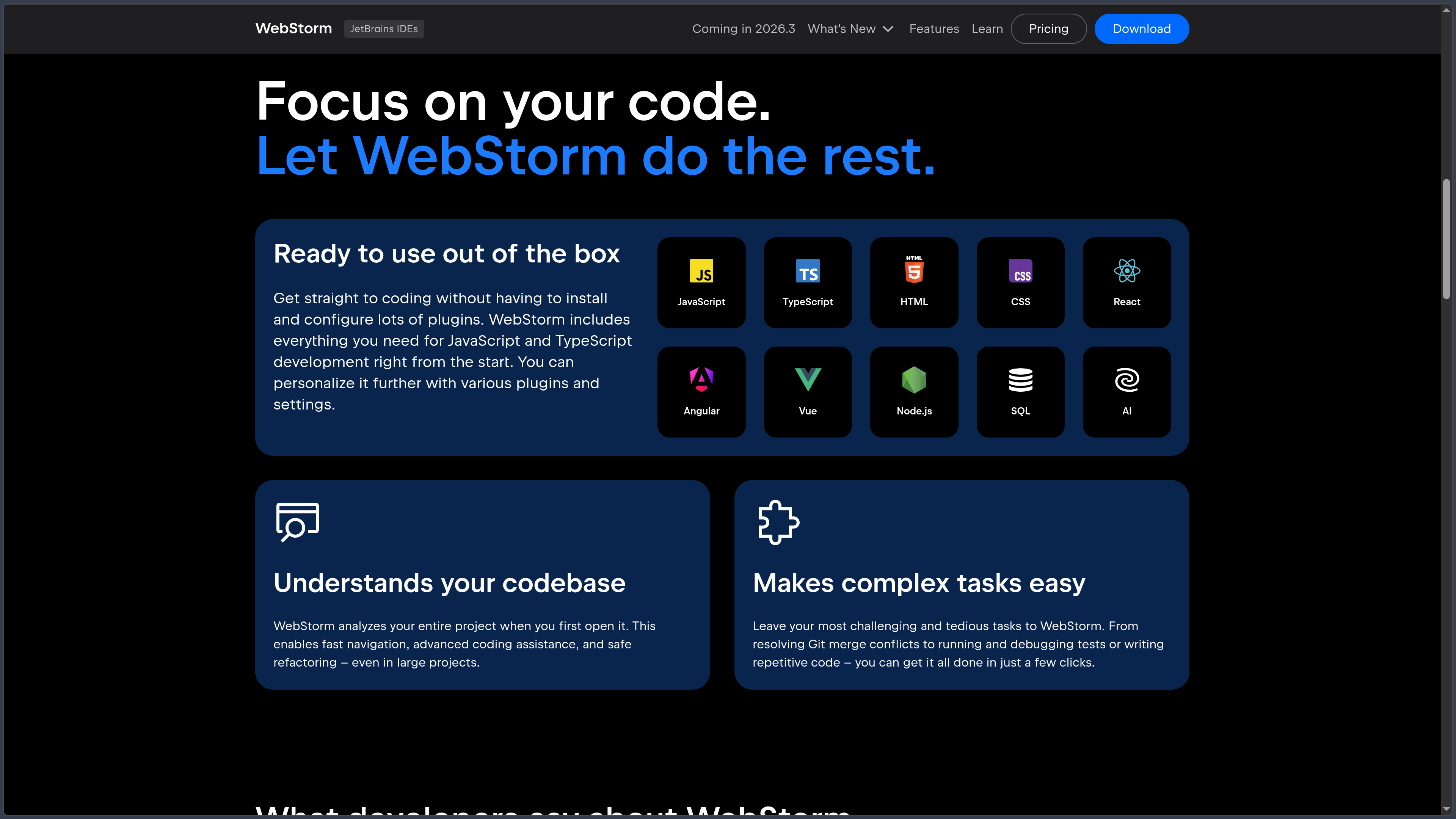
Unlike a general-purpose editor that is progressively completed with numerous extensions, WebStorm directly provides a large part of the tooling required for Web development: code analysis, completion, refactoring, debugger, testing, Git, Node.js, frontend frameworks, databases and terminal.
The IDE natively understands JavaScript, TypeScript, HTML, CSS, JSON and the main tools in the Node.js ecosystem. It also provides deep support for React, Vue and Angular, while other technologies such as Svelte can be added through JetBrains plugins.
WebStorm can also serve as an environment for full-stack projects thanks to Node.js, integrated SQL tools and remote or containerized environments.
Since WebStorm 2024.2.4, JetBrains has offered a free license for individuals for non-commercial use. Commercial projects still require a paid license.
As of October 3, 2026, WebStorm 2026.2.2 is the current stable version.
Features
JavaScript and TypeScript
WebStorm performs deep analysis of JavaScript and TypeScript.
The IDE provides contextual completion, symbol navigation, find usages, type information, error detection and refactoring.
It understands modules, imports, classes, functions, types and relationships between files, which notably makes working on large codebases easier.
WebStorm 2026.2 adds support for TypeScript 7, including its new Go-based language server.
Refactoring
The IDE provides numerous automated refactoring tools.
It can rename a symbol throughout the project, move files or components, extract functions and variables, modify signatures or update affected imports.
These operations use project analysis rather than simple textual search and replace.
They become especially valuable in TypeScript applications or projects containing many modules.
React
WebStorm provides deep integration with React.
It understands JSX and TSX, components, props, Hooks and imports and provides adapted completion, navigation, inspections and refactoring.
Creating a new React project can notably use Vite.
The JavaScript debugger and testing tools can work directly with React applications from the IDE.
Vue and Angular
WebStorm directly supports Vue.js and Angular.
For Vue, the IDE understands Single-File Components, components, properties, slots, templates and other framework-specific elements.
For Angular, it provides navigation, completion and analysis around components, templates, directives, services and other framework structures.
JetBrains tooling evolves alongside the language servers and recent versions of these ecosystems.
Svelte and other frameworks
Svelte can be used through the official plugin available from JetBrains Marketplace.
It notably provides syntax highlighting, completion, automatic imports, navigation, refactoring and formatting.
WebStorm can also work with other Web technologies such as Astro, Next.js and many frameworks or libraries from the JavaScript ecosystem.
The depth of integration varies depending on whether support is built in directly or provided through a plugin.
Node.js and JavaScript runtimes
WebStorm provides dedicated tools for Node.js.
Applications can be run and debugged directly from the IDE using different configurations.
The integrated terminal remains available for npm, pnpm, Yarn, package.json scripts and other project commands.
WebStorm can also use a remote Node.js runtime when the application runs on another machine or inside a virtualized environment.
Debugger
The JavaScript debugger can set breakpoints, step through execution, inspect variables and examine the call stack.
It can work with frontend code in the browser as well as Node.js applications.
Run and debug configurations can be saved with the project.
WebStorm also makes it possible to run or debug different scripts and tests directly from the editor.
Testing
WebStorm integrates several JavaScript and TypeScript testing tools.
Depending on the project, it can work with the Node.js test runner, Jest, Vitest, Mocha, Cypress or Playwright.
Results are displayed in a structured view with direct navigation to the relevant tests.
Tests can be rerun or debugged without leaving the IDE.
Git and version control
WebStorm integrates Git and several version-control features directly into its interface.
Users can inspect diffs, history, commits, branches and merge conflicts.
The IDE also includes tools for pull requests and can be extended with different development-platform integrations.
A terminal remains available for command-line-based Git workflows.
Databases and SQL
WebStorm includes the Database Tools and SQL plugin by default.
It brings in the main DataGrip capabilities and can connect to databases such as PostgreSQL, MySQL, MariaDB, SQLite, SQL Server, Oracle and several NoSQL systems.
Users can explore tables and schemas, execute queries, edit data and benefit from SQL completion and analysis.
This integration is particularly useful in Node.js or full-stack applications that work directly with a database.
Remote Development and WSL
WebStorm can work with projects located in a remote environment.
A remote machine can host the code, indexing, builds and tools while JetBrains Client displays the interface on the local machine.
The IDE also supports WSL on Windows, making it possible to use a Linux toolchain without leaving WebStorm.
These workflows are useful when development needs to be closer to the production environment or rely on a more powerful machine.
Dev Containers
WebStorm supports Dev Containers.
A Docker container can serve as a complete development environment with dependencies, runtime and tooling defined by the project.
This approach helps reproduce the same environment across several developers.
Projects can be opened in a local Dev Container or configured with Docker Compose.
AI and agents
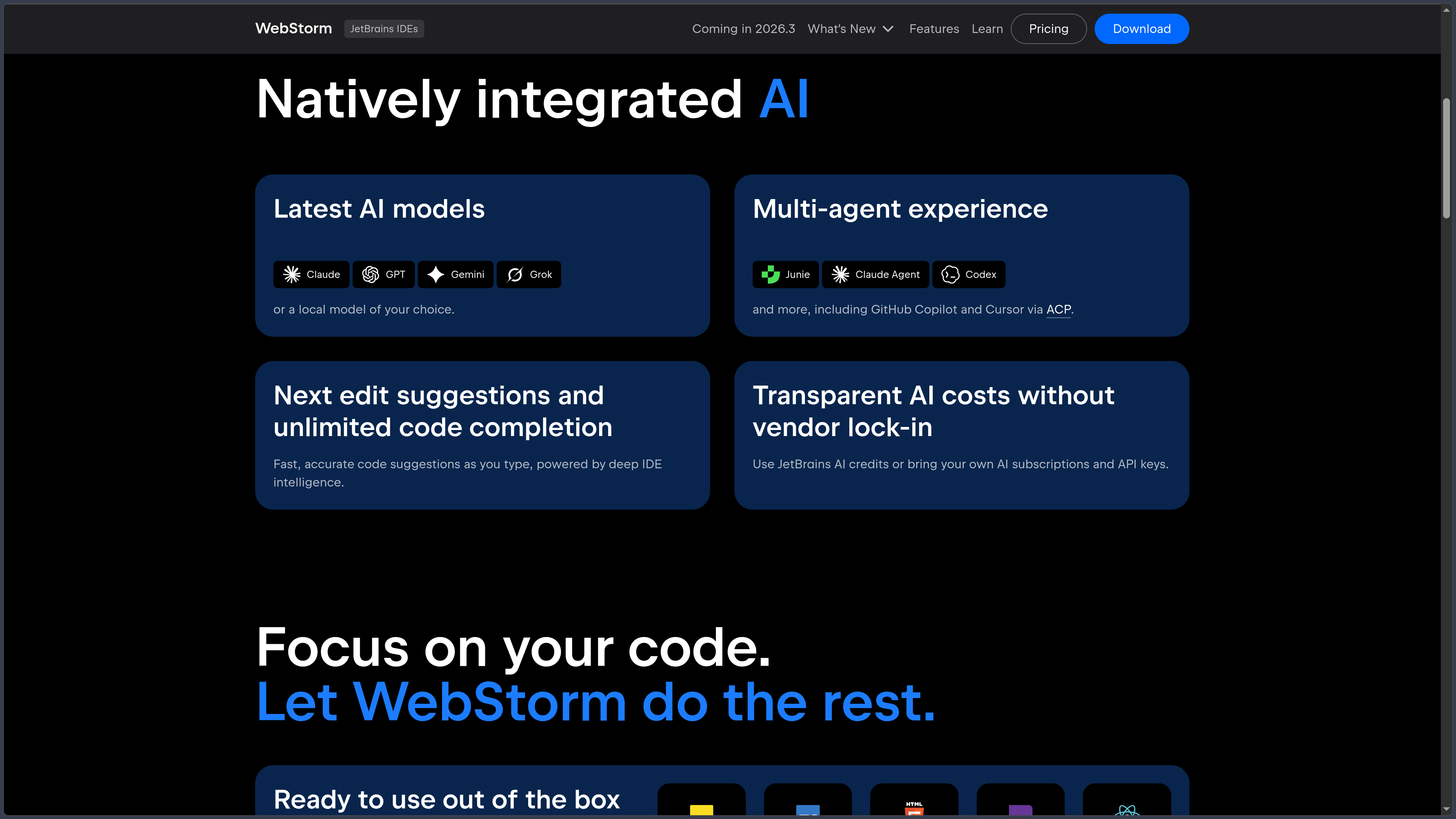
WebStorm integrates JetBrains AI features along with several development agents.
Junie, developed by JetBrains, can plan tasks, modify multiple files, execute commands or tests and use context provided by the IDE.
The environment can also host agents such as Codex, Claude Agent and GitHub Copilot, as well as external agents compatible with Agent Client Protocol.
WebStorm 2026.2 integrates GitHub Copilot natively without requiring the former separate plugin.
Skills and MCP
Agents can receive additional instructions or knowledge through skills.
WebStorm 2026.2 notably introduces a manager designed to make this knowledge reusable across projects and sessions.
JetBrains AI tools can also use MCP — Model Context Protocol servers to communicate with external tools and services.
Available capabilities depend on the selected agent and authentication mode.
Plugins and customization
WebStorm is built on the IntelliJ platform and can be extended through JetBrains Marketplace.
Plugins, themes, keymaps and settings make it possible to adapt the IDE to different workflows.
This extensibility is nevertheless less central than in an editor such as VS Code because many Web features are already built directly into WebStorm.
Use cases
Develop a TypeScript application
Type analysis, navigation and refactoring make WebStorm particularly suitable for large TypeScript codebases.
The IDE can follow relationships between modules and apply consistent changes across multiple files.
Build a React, Vue or Angular application
WebStorm brings the framework, debugger, testing, Git and terminal together in one place.
Framework-specific tooling reduces dependence on a long list of separate extensions.
Develop a Node.js backend
The IDE can run and debug Node.js, manage project scripts and work with databases from the same interface.
It is therefore also suited to server-side JavaScript or TypeScript applications.
Work on a full-stack application
Frontend, Node.js, SQL, terminal and Git can all be brought together in the same environment.
WebStorm can therefore serve as the main IDE for an application combining interface, API and database.
Develop in a remote environment
Remote Development, WSL and Dev Containers allow development with a toolchain running somewhere other than the local computer.
The developer still retains JetBrains code analysis and the overall IDE experience in the interface.
Conclusion
WebStorm provides a highly integrated IDE for JavaScript and TypeScript, with particular emphasis on code analysis and refactoring.
React, Vue, Angular, Node.js, testing, debugger, Git and SQL tools are combined in the same environment, reducing the number of extensions required for a complete setup.
Remote Development and Dev Containers extend the IDE to modern architectures, while Junie and external agents now add an AI-powered automation layer.
This richness makes WebStorm heavier than a minimalist editor, but in return provides a more consistent environment immediately after installation.
For developing and maintaining large JavaScript or TypeScript projects in a specialized IDE, WebStorm is one of the major solutions in the ecosystem.
Points to consider
-
WebStorm 2026.2.2 is the current stable version as of October 3, 2026.
-
WebStorm is free for individuals for non-commercial use. This license notably covers learning, personal projects, content creation and certain open-source contributions without commercial benefit.
-
The non-commercial license provides access to the complete IDE. It is not a technically reduced edition of WebStorm.
-
A commercial license is required for professional projects or development that provides a commercial benefit.
-
The currently listed individual commercial price starts at $7.90/month or $79 for the first year depending on the billing method, before taxes.
-
A full 30-day trial is available before choosing a license type.
-
Annual subscriptions include a perpetual fallback license, allowing continued use of a specified version after later ending the subscription, subject to JetBrains terms.
-
WebStorm is proprietary software. Its use is governed by JetBrains licensing agreements.
-
JetBrains AI Free is included, but higher AI tiers, certain models or agents may have their own quotas and pricing.
-
The free non-commercial license requires certain anonymous statistics to be sent. Detailed code-related data collection is enabled by default but can be disabled in settings.
-
With a commercial license, detailed data collection is disabled by default and users have more granular control over sharing.
-
AI agents can modify files and execute commands. Their changes should remain subject to review before integration.
-
GitHub Copilot has its own terms and authentication mechanisms, independently of JetBrains AI.
-
Svelte support currently requires a plugin, unlike several Web integrations included directly in the IDE.
-
Remote Development requires a valid WebStorm license for the IDE backend, even though JetBrains Gateway itself is free.
-
Plugins have their own licenses, dependencies and maintenance cycles. Their compatibility should be checked during major upgrades.