
Overview
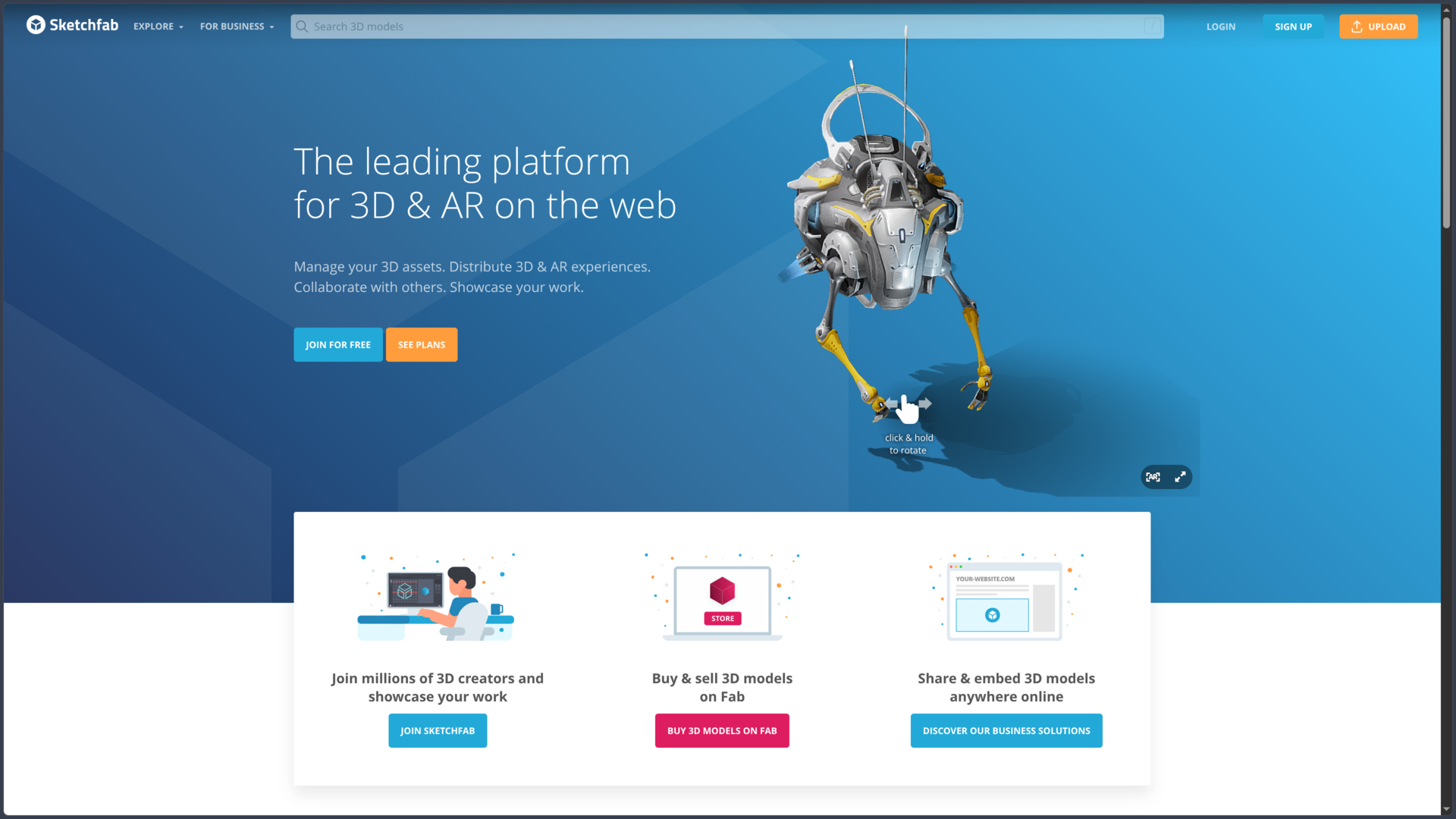
Sketchfab is a Web platform specialized in publishing, viewing and sharing interactive 3D content. Rather than presenting a model only through screenshots or rendered videos, creators can publish it in a real-time viewer that lets visitors rotate around the object, zoom in, play animations or inspect its geometry directly from a browser.
Created in France in 2012 and acquired by Epic Games in 2021, Sketchfab has built a large community of 3D artists, studios, designers, architects, museums, teachers, engineers and enthusiasts. The platform currently reports more than 8 million 3D models and more than 25 million registered accounts.
Its role has nevertheless evolved since Epic Games launched Fab in October 2024. The Sketchfab Store closed and the buying or selling of commercial models now takes place through Fab. Sketchfab remains active as a publishing platform, 3D portfolio, viewer, sharing service, hosting solution, Web integration platform and community discovery space.
Models whose creators still allow free downloads remain available on Sketchfab under different Creative Commons licenses. The platform currently states that more than 700,000 models are available through its download ecosystem.
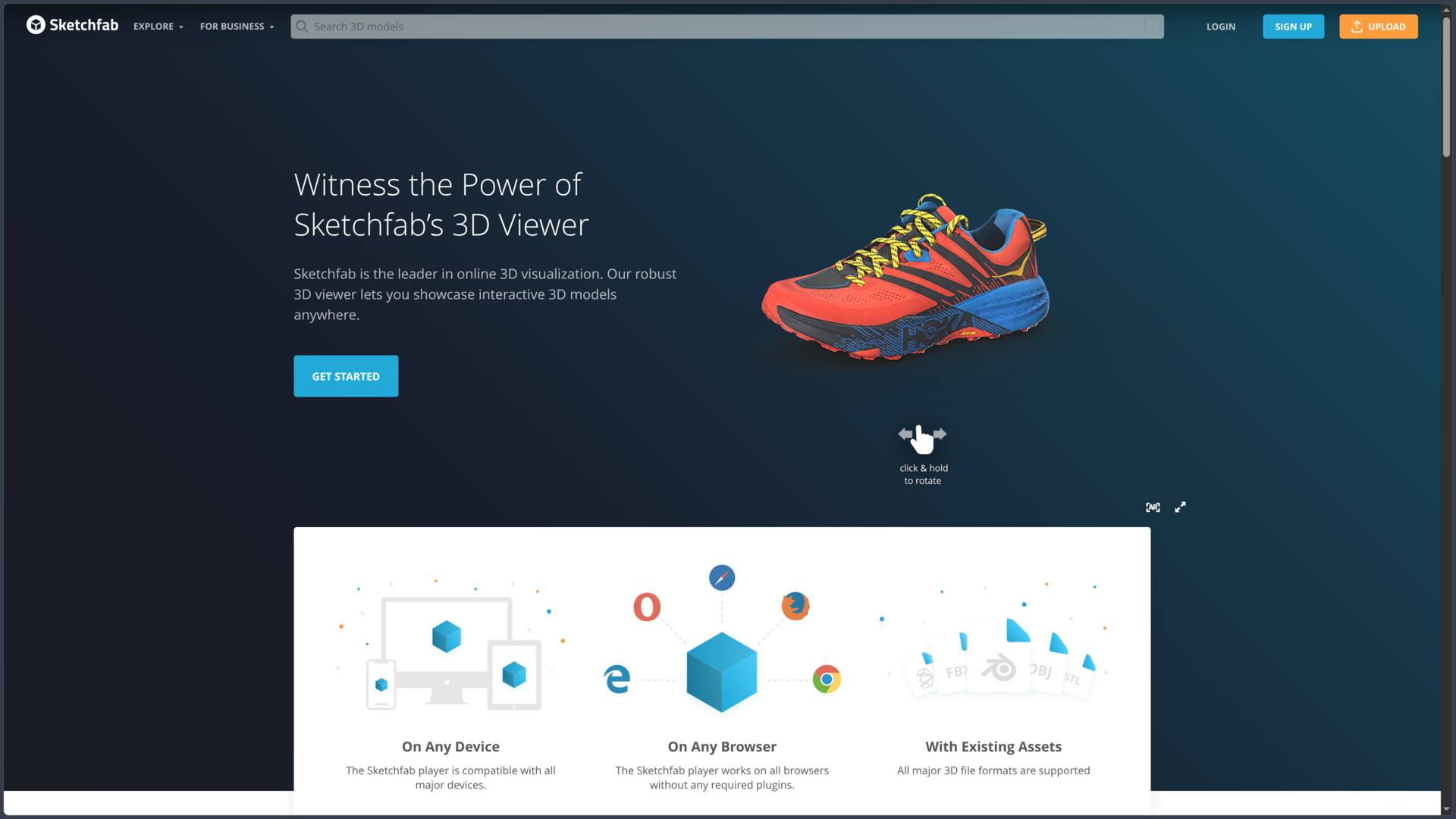
Sketchfab remains especially known for its universal 3D viewer, which works directly in modern browsers without a plug-in. It supports PBR materials, animation, lighting, post-processing, annotations, technical inspection, augmented reality and virtual reality.
For businesses, Sketchfab can also act as an integration technology through embeds, the Viewer API, 3D configurators, e-commerce features and Premium or Enterprise plans.
Features
A 3D viewer directly in the browser
The core of Sketchfab is its Web 3D viewer.
A published model can be explored directly from Chrome, Firefox, Safari, Edge and major mobile browsers without installing an additional plug-in.
Visitors can rotate around the object, zoom, enter full screen, use different navigation modes and play available animations.
The viewer uses real-time rendering capable of supporting Physically Based Rendering — PBR materials, shadows, image-based lighting and several post-processing effects.
This makes it possible to present a character, sculpture, architectural element or industrial product in a much more interactive way than with a conventional image gallery.
An integrated 3D editor for preparing the presentation
After uploading a model, Sketchfab provides a 3D editor directly online.
Creators can notably adjust:
- orientation and framing;
- camera field of view;
- background and HDRi environment;
- materials and textures;
- lighting;
- shadows;
- transparency;
- animation settings;
- post-processing effects.
Materials can use different PBR workflows with base color, metallic, roughness or glossiness, normals, ambient occlusion, emission, transparency, clear coat, refraction and other properties.
The editor therefore makes it possible to prepare a final presentation without necessarily recreating the render in Blender, Maya or a game engine.
It does not replace modeling software, however: Sketchfab is designed to present and visually configure an existing model, not to rebuild its geometry as Blender would.
Annotations for explaining a model
Annotations allow creators to attach interactive points to specific areas of a model.
Each annotation can draw attention to a detail and display explanatory text. Visitors can move between these points manually or follow a sequence defined by the creator.
This feature is particularly useful for:
- presenting product features;
- documenting an archaeological artifact;
- explaining a mechanism;
- creating educational material;
- commenting on architecture;
- building a guided tour.
The number of annotations available depends on the plan: up to 5 with Basic, 20 with Pro and 50 with Premium.
Inspecting geometry, UVs and materials
Sketchfab does not only display the final render.
Its Model Inspector can examine different technical components of the model, including geometry, wireframe, UVs, textures and several material channels.
This can be useful for an artist who wants to study how an asset was built or check the quality of a downloadable resource.
For a portfolio, it also makes it possible to show that a model does not rely only on attractive lighting or flattering rendering: topology, mapping and materials can be inspected directly.
The amount of information available naturally depends on what the creator uploaded.
A wide variety of 3D formats
Sketchfab accepts a large number of formats.
The main ones include:
- Blender
.blend; - FBX;
- glTF and GLB;
- OBJ;
- Collada DAE;
- Alembic ABC;
- STL;
- PLY;
- 3DS;
- DXF;
- VRML;
- IGES;
- various OpenSceneGraph and point cloud formats.
The most common texture formats are also recognized during import.
Sketchfab also provides or documents direct export systems from software such as Blender, 3ds Max, Maya, Cinema 4D, SketchUp, SolidWorks, Unity or ZBrush.
This compatibility explains why the platform can serve as a common destination for content coming from very different workflows.
Different upload limits depending on the plan
Sketchfab accounts do not all provide the same hosting capabilities.
The maximum size of a model notably depends on the plan:
| Plan | Maximum size per model |
|---|---|
| Basic | 50 MB |
| Pro | 200 MB |
| Premium | 500 MB |
| Enterprise | According to contract |
The limit includes the mesh, textures and other files included in the upload.
Paid plans also increase publishing capabilities and provide additional customization options.
A model made downloadable does not count toward certain monthly upload limits described by Sketchfab.
Public, private, unlisted or password-protected
A Basic account is mainly intended for public sharing.
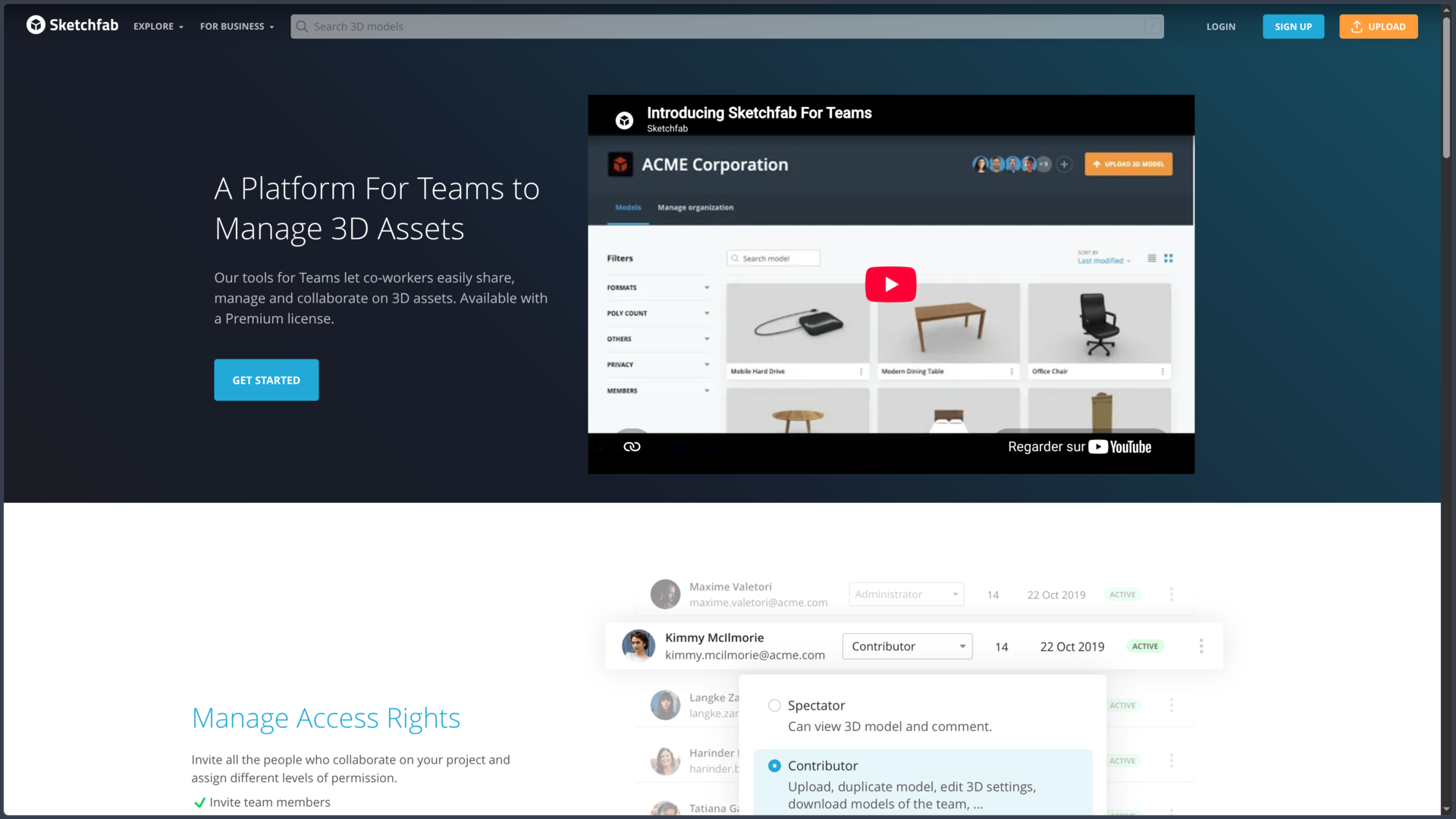
Starting with Pro, users can also make models private or unlisted so they remain accessible only through their URL.
Password protection can be added to private models.
This feature turns Sketchfab into a client presentation or validation tool: an artist can send an interactive model without immediately publishing the work to the entire community.
If the user later returns to a free account, Sketchfab keeps private models and their settings, but access and sharing become limited until the account is upgraded to Pro again or the model is made public.
Embedding a 3D model on a website
Each model can be embedded on a website through an embed.
The principle is similar to embedding a YouTube video: an iframe displays the Sketchfab viewer directly without requiring developers to build their own 3D rendering engine.
This feature is used in portfolios, museum websites, product pages, articles, educational materials and commercial presentations.
Depending on the subscription, different interface elements can be hidden or adjusted.
Premium and Enterprise plans offer more advanced customization, notably the ability to remove Sketchfab branding from the embed for a more white-label presentation.
Viewer API for creating interactive experiences
Sketchfab also provides a JavaScript Viewer API.
It can control the viewer from an application or Web page: camera movement, animation management, material changes, annotation control, screenshots, object display or interaction with different scene elements.
Developers can therefore use Sketchfab as a visualization engine rather than simply as a player.
Use cases can range from a basic interactive product page to a true 3D configurator, allowing users to change a color, material or certain parts of an object.
Available features and customization possibilities depend on the Sketchfab subscription used.
Augmented reality directly from the Web
Sketchfab allows certain models to be viewed in augmented reality on compatible mobile devices.
The experience can be launched from the browser without necessarily requiring a dedicated Sketchfab application.
Users can therefore virtually place furniture, an object, sculpture or product into their real environment to evaluate its scale and appearance.
This is especially useful for e-commerce, interior design, product design or cultural interpretation.
Compatibility depends on the browser, operating system and AR capabilities of the phone or tablet used.
Virtual reality viewing
The viewer also supports virtual reality on compatible setups.
Sketchfab has historically been used with headsets such as HTC Vive, Oculus/Meta Quest and Windows Mixed Reality systems.
A model can therefore become a space or object viewed at scale inside a headset rather than simply a scene displayed on a screen.
This has notably been used in museums, architecture, education and the presentation of places digitized through photogrammetry.
The exact experience depends on the WebVR/WebXR technologies supported by the browser and headset.
More than 700,000 downloadable Creative Commons models
Even though the commercial marketplace has moved to Fab, Sketchfab still maintains a large collection of free downloadable models.
Its Download API currently reports more than 700,000 3D models available under Creative Commons licenses.
Most require at minimum compliance with the terms of their specific license. Depending on the asset, users may encounter variants involving attribution, share-alike requirements, commercial restrictions or no-derivatives clauses.
Some resources are also released under CC0, allowing much more permissive reuse without the usual attribution requirement.
It is therefore essential to check the license of each model individually before using it in a game, video, application or any other project.
Free does not automatically mean free of obligations.
Downloading and conversion to glTF
When a creator makes a model downloadable, Sketchfab lets other users retrieve the files according to the available options.
The platform can notably convert models to glTF, a widely used format for real-time 3D exchange and display.
Creators can also retrieve their own models, and certain plans provide additional conversion capabilities, notably to glTF and USDZ.
Sketchfab also provides a Download API that allows third-party applications to integrate access to free models.
This API normally requires the end user to sign in with a Sketchfab account before downloading a resource.
A community focused on portfolios and discovery
Sketchfab also works as a discovery network for 3D artists.
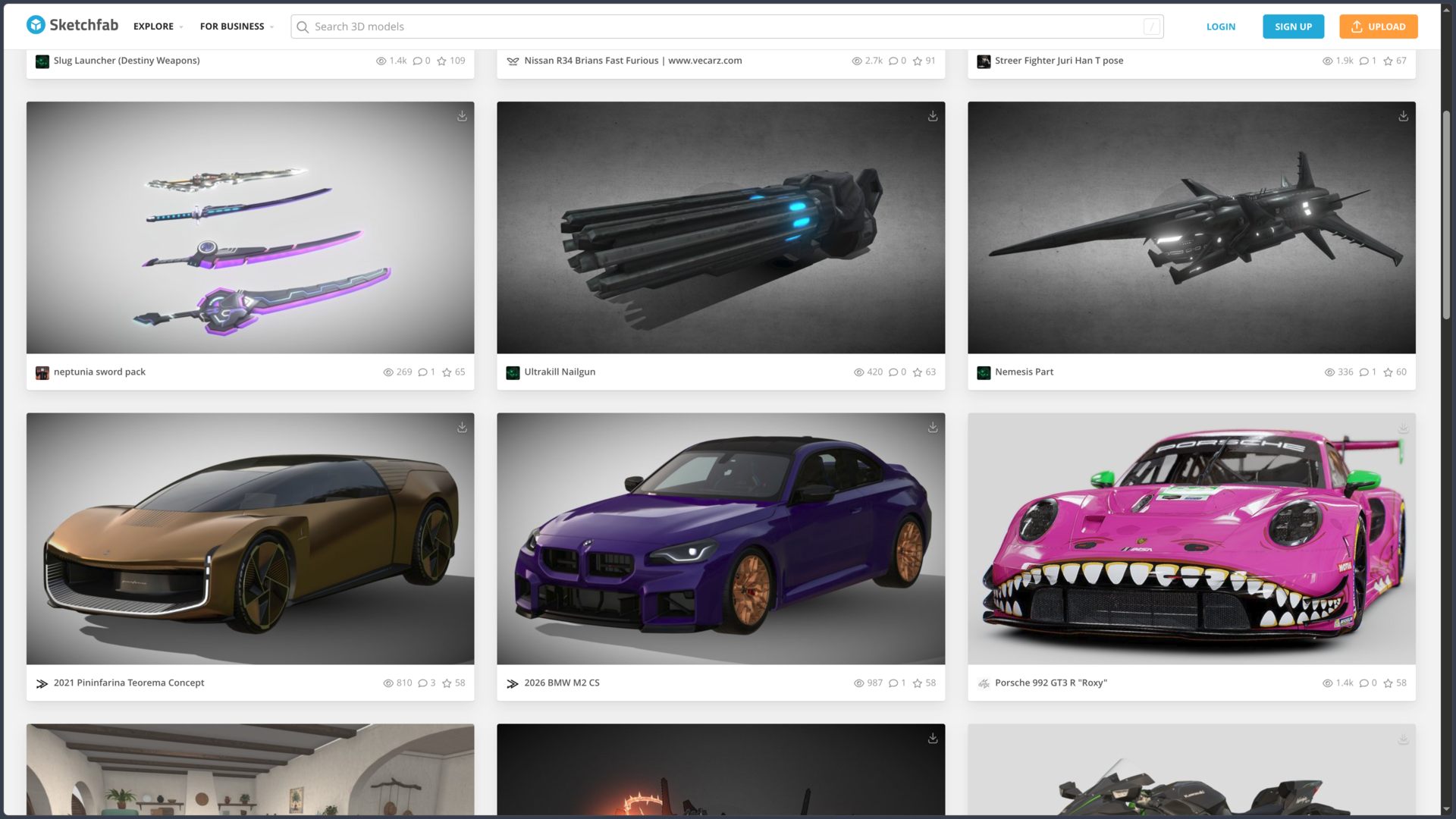
Users have profiles showing their models, collections, likes and follows. Content can be organized into categories such as characters, architecture, art, vehicles, cultural heritage, electronics, fashion, nature, science or places.
The Explore page notably distinguishes Human Created and AI Generated content, along with popular models, Staff Picks and downloadable assets.
Staff Picks serve as an editorial showcase for creations especially highlighted by the Sketchfab team.
For an artist, the platform can therefore function as a true interactive 3D portfolio, complementary to ArtStation, Behance or a personal website.
Cultural heritage, museums and photogrammetry
Sketchfab also plays an important role in cultural heritage digitization.
Museums, universities and cultural institutions use the platform to publish 3D scans of historical artifacts, sculptures, buildings or archaeological sites.
The viewer allows users to manipulate the object virtually, while annotations can provide historical or scientific context.
Some institutions also allow downloads of their scans under Creative Commons licenses or in the public domain.
Sketchfab therefore becomes not only an artistic platform but also a digital heritage library accessible through the browser.
Specific rules around generative AI
Sketchfab allows certain models to be identified with the NoAI label.
Its Terms of Use prohibit using NoAI-tagged content to build datasets for generative AI, develop generative AI programs or provide that content as input to such programs.
The platform also now distinguishes Human Created and AI Generated collections or categories.
For creators, these mechanisms provide a way to explicitly communicate certain usage restrictions around their work.
They do not replace reading the model license, however: NoAI and Creative Commons address different issues and must be considered together when both apply.
Commercial model sales have moved to Fab
The major recent change concerns the marketplace.
The Sketchfab Store closed on October 22, 2024, when Epic Games launched Fab.
Commercial models may still appear on Sketchfab, but purchases are now redirected to Fab when the asset has been migrated there by its creator.
Likewise, an artist who wants to sell new assets today must use Fab rather than the Sketchfab Store.
Sketchfab therefore now mainly retains its role as a publishing, visualization, community and sharing platform, while Fab handles the commercial marketplace.
This separation is important for understanding the two services: they belong to the same Epic ecosystem but no longer perform exactly the same role.
Basic, Pro, Premium and Enterprise
Sketchfab still offers several subscription levels for hosting and professional features.
| Plan | Current price | Positioning |
|---|---|---|
| Basic | Free | 3D publishing and discovery |
| Pro | $15/month billed annually | Individual artists and professionals |
| Premium | $79/month billed annually | Organizations and advanced 3D applications |
| Enterprise | On request | Teams, security, support and large-scale deployments |
Pro represents $180/year and Premium $948/year under current annual pricing.
Eligible students, teachers and institutions can receive an education Pro rate currently listed at $99/year.
Moving to a higher plan notably increases maximum model size, annotation capabilities, private model support and embed customization options.
Use cases
Presenting an interactive 3D portfolio
An artist working in Blender, Maya, ZBrush or another application can publish a model and then adjust lighting and materials in Sketchfab.
Instead of showing only a few static renders on a portfolio, they can let a recruiter or client rotate directly around the character or object.
The Model Inspector can also reveal topology, UVs or textures used.
For a 3D artist, this interactivity can effectively complement more image-oriented platforms such as ArtStation or Behance.
Sending a model to a client without requiring software installation
A designer can publish a private or unlisted model and simply send the client its URL.
The client opens the link in a browser, manipulates the object and reads annotations without having to install Blender, Maya or CAD software.
Password protection can be added when the content is not yet intended for the public.
Sketchfab then becomes a lightweight remote presentation and validation tool.
Embedding a 3D presentation on a website
A company can publish a product on Sketchfab and then embed the viewer directly on its own Web page.
Customers can rotate the model, zoom or inspect certain configurations without leaving the site.
With the Viewer API, the integration can go further by allowing color changes, variant selection or animation triggers.
For advanced needs, Premium and Enterprise provide greater control over the viewer’s appearance.
Finding free models for a project
A developer, artist or teacher can filter downloadable models and search for an asset suited to a project.
The library includes everything from game objects to historical scans, characters, vehicles, buildings and natural elements.
Before reuse, however, the exact Creative Commons license must be checked and attribution preserved when required.
For a commercial project, variants carrying a NonCommercial clause must obviously be excluded.
Publishing a photogrammetry or heritage scan
Someone using photogrammetry can upload the result of a scan of an object, sculpture or building to Sketchfab.
The viewer then makes it possible to share the reproduction with users who do not have specialized software.
Annotations can document different areas, while the embed can integrate the reproduction into an article, museum website or educational resource.
This capability explains the strong presence of cultural and scientific institutions on the platform.
Using Sketchfab as a 3D engine inside a Web application
A developer can embed the viewer and then control it with the Viewer API.
The application can modify the camera, materials or animations according to user interactions.
This makes it possible to build a product configurator or interactive experience without developing a complete custom WebGL renderer.
Sketchfab then becomes more of a hosted visualization infrastructure than simply a community website.
Conclusion
Sketchfab now occupies a fairly different position from the one it held when it combined portfolio, hosting and marketplace functions.
Since the Sketchfab Store closed and Fab launched in 2024, its main function has become very clear again: publishing, viewing, sharing and embedding 3D content on the Web.
Its viewer remains its main strength. It can display animated and textured models directly in a browser, inspect them, enrich them with annotations and embed them on almost any website. APIs can then turn that foundation into a configurator or more complex interactive application.
Sketchfab also retains a particularly valuable community dimension for artists. Profiles, collections, Staff Picks and millions of published models make it both a source of inspiration and a living portfolio much better suited to 3D than a simple image gallery.
The Creative Commons model library adds another dimension. More than 700,000 assets remain downloadable, with uses ranging from game development to education and cultural heritage. This richness nevertheless requires careful attention to licenses and attribution obligations.
The main limitation is now obvious: Sketchfab is no longer an independent commercial marketplace. Buying or selling assets takes place through Fab. For a creator looking only for a storefront, Sketchfab is therefore no longer the primary destination.
Advanced professional features also become expensive: Pro remains relatively accessible, but Premium reaches $79 per month billed annually, while enterprise needs require a custom quote.
For publishing 3D work, building an interactive portfolio, presenting a model to a client, sharing a cultural scan or embedding a PBR 3D viewer directly into a Web page, Sketchfab nevertheless remains one of the most specialized and accessible platforms in this field.
Points to consider
-
Sketchfab remains active, but its role has changed since Fab launched: the platform now focuses on publishing, sharing, viewing and Web-based 3D services.
-
The Sketchfab Store closed on October 22, 2024. Buying and selling commercial models moved to Fab.
-
Sketchfab currently reports more than 8 million models and 25 million registered accounts.
-
More than 700,000 models remain downloadable through Sketchfab’s Creative Commons ecosystem, according to current Download API documentation.
-
Licenses must be checked model by model. Attribution, commercial use, modification and redistribution can vary depending on the Creative Commons license selected by the creator.
-
CC0 content is a particularly permissive exception, but not every free model uses CC0.
-
The Basic account is free. Pro currently costs $15/month billed annually, or $180/year.
-
Premium costs $79/month billed annually, or $948/year. Enterprise is available on request.
-
Maximum model size is 50 MB with Basic, 200 MB with Pro and 500 MB with Premium.
-
Private, unlisted and password-protected models require Pro or a higher plan.
-
Annotations are limited by plan, with up to 5 on Basic, 20 on Pro and 50 on Premium.
-
Removing the Sketchfab logo from embeds requires Premium or Enterprise.
-
Sketchfab supports many formats, including BLEND, FBX, glTF/GLB, OBJ, DAE, ABC, STL, PLY, 3DS and several CAD or point-cloud formats.
-
Content marked NoAI may not be used for datasets, development or input of generative AI programs under the current Terms of Use.
-
Sketchfab mainly operates as a Web service. The viewer works across major operating systems and browsers, but the platform is not a desktop 3D modeling or creation application.