

Presentation
React Native is an open-source framework for building Android and iOS applications with React.
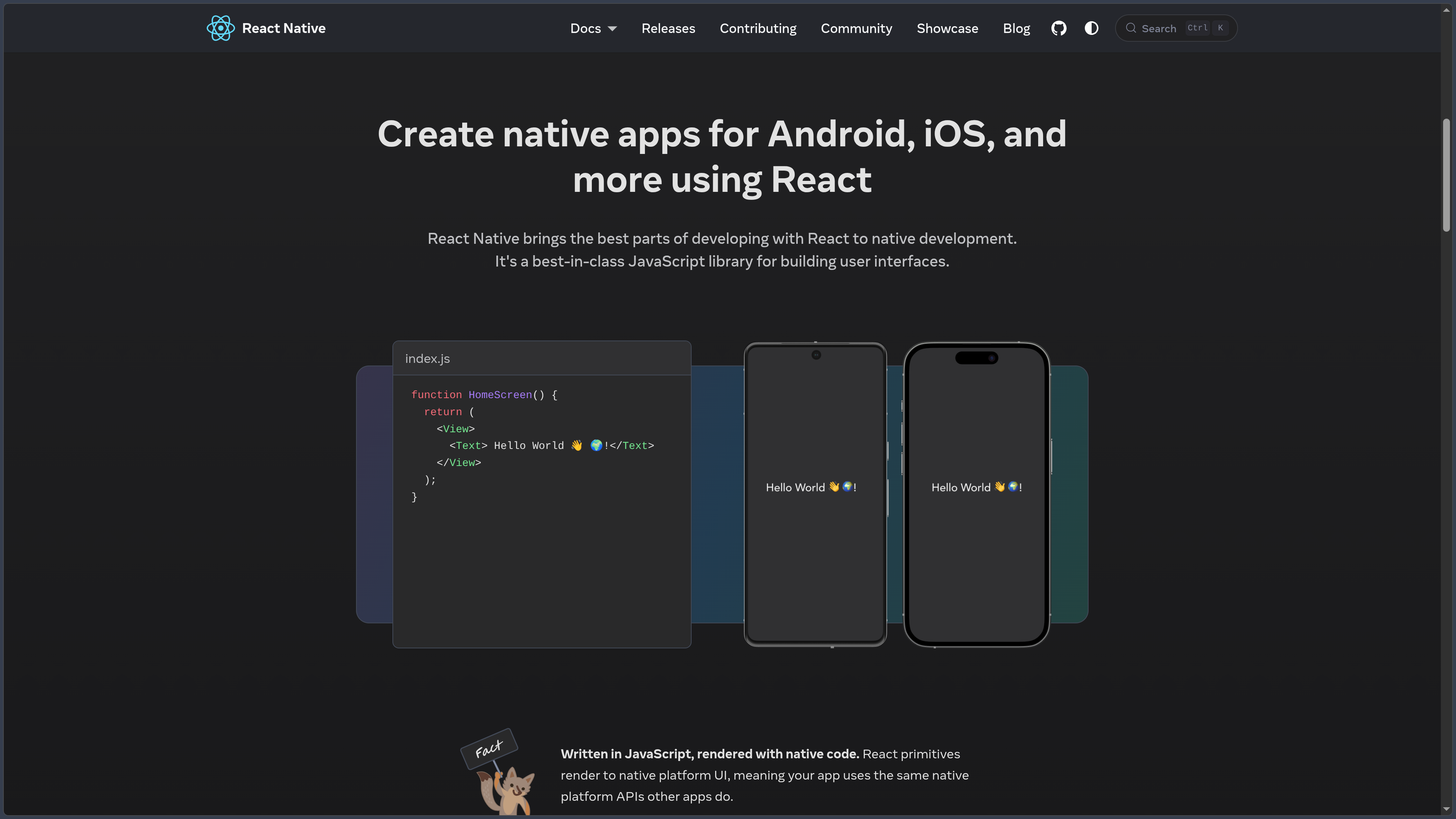
Developers describe the interface using React components and JavaScript or TypeScript, but the result is not an HTML page running inside a WebView. Components such as View, Text, Image and TextInput rely on native platform capabilities.
A large part of the application code can therefore be shared between Android and iOS while retaining the ability to write platform-specific code when their behaviors or APIs differ.
Since React Native 0.82, the framework has operated exclusively with its New Architecture, notably built around Fabric for rendering and TurboModules for native integrations.
The Hermes V1 JavaScript engine has been used by default since React Native 0.84.
As of October 3, 2026, React Native 0.87.1 is the latest stable version. The upcoming 0.88 branch is still in release candidate stage.
Features
Native components
React Native provides different Core Components that form the basis of mobile interfaces.
View structures the interface, Text displays text, Image handles images and TextInput manages user input.
ScrollView, FlatList, SectionList, Pressable and other components also cover several common requirements.
These components are connected to native platform views rather than to a browser DOM.
React, components and Hooks
React Native uses the React programming model.
Applications are composed of reusable components using props, state, context and Hooks.
Developers familiar with React for the Web therefore find many of the same concepts.
The visual elements differ, however: React Native components must be used instead of HTML tags.
Layout and styles
React Native includes its own styling system inspired by the Web.
Styles can be defined with JavaScript objects or StyleSheet.create().
Layout mainly relies on Flexbox, with the Yoga engine calculating element positioning.
Some properties resemble CSS, but React Native is not a complete implementation of the CSS language.
New Architecture
The New Architecture is now the only React Native architecture.
It replaces the historical legacy system and notably relies on Fabric, TurboModules, JSI and Codegen.
Fabric is the modern rendering system and improves interoperability between React and native platform views.
TurboModules modernizes communication with native features.
Native modules and components
An application can access capabilities not included in the React Native core by using community libraries or its own native code.
Turbo Native Modules expose functionality written notably in Kotlin, Java, Swift, Objective-C or C++ to JavaScript.
Fabric Native Components allow custom native views to be integrated into the React tree.
Codegen generates part of the interfaces required between the two environments.
Hermes
Hermes is the JavaScript engine optimized for React Native.
React Native distributes a Hermes version tested with each framework release in order to reduce compatibility issues.
Since version 0.84, Hermes V1 has been used by default.
The engine executes application JavaScript on Android and iOS without relying on a Web browser engine.
Metro
Metro is the bundler used by React Native.
It analyzes JavaScript and TypeScript modules, transforms the code and produces the bundle used by the application.
React Native 0.87 uses Metro 0.87, notably with improvements to source-map generation and memory consumption.
Development also benefits from Fast Refresh for quickly displaying code changes.
TypeScript
React Native directly supports TypeScript.
Since React Native 0.87, the Strict TypeScript API is the default public JavaScript API.
Type definitions are generated directly from the framework source code so they remain better synchronized with the real API.
Older deep imports targeting React Native internal files are no longer part of the modern public API.
Platform-specific code
Sharing code does not prevent certain behaviors from being adapted to Android or iOS.
The Platform API can detect the current platform and use a specific implementation.
It is also possible to create files such as Component.android.tsx and Component.ios.tsx.
An application can therefore share its general logic while retaining interfaces or native integrations specific to each system.
React Native DevTools
React Native DevTools provides a dedicated debugging environment.
It can notably inspect React components, props, state, performance and JavaScript activity.
The framework also provides LogBox for displaying errors and warnings during development.
These tools progressively replace several historical workflows relying on external tools or Chrome-based debugging.
Expo
React Native itself does not define a complete solution for navigation, builds, distribution or access to every device API.
For a new application, the React Native team now recommends using a React Native framework, particularly Expo.
Expo notably adds routing, native libraries, development tools and simplified build management.
React Native can nevertheless still be used directly with the Community CLI when the project has specific constraints or needs deep integration with an existing native application.
Integration into an existing application
React Native does not require an existing mobile application to be completely rebuilt.
It can be introduced progressively into a project already developed natively for Android or iOS.
Selected views or features can therefore use React Native while the rest of the application continues to use Kotlin, Java, Swift or Objective-C.
This approach is useful for projects wishing to adopt the framework gradually.
Use cases
Build an Android and iOS application
React Native can share a large part of the interface and business logic between both platforms.
Differences can be isolated in platform-specific files or components when necessary.
Develop with a React team
A team already experienced with React and TypeScript can reuse much of its knowledge for mobile development.
Components, Hooks and data models remain close to those used on the Web.
Build an application with Expo
React Native combined with Expo suits projects that want routing, native modules, a development environment and build tools quickly.
Custom native code remains possible when requirements go beyond the provided modules.
Access native APIs
React Native can communicate with device-specific capabilities, either directly or through libraries.
Camera, storage, notifications, sensors and other features can therefore be integrated into the application.
Progressively modernize a native application
A company can integrate React Native into selected parts of an existing application without replacing the entire project immediately.
This approach allows migration or adoption to happen in stages.
Conclusion
React Native brings the React programming model to native Android and iOS application development.
It makes it possible to share a large portion of the code while retaining access to platform-specific APIs and components.
The New Architecture, Fabric, TurboModules and Hermes have deeply modernized its internal operation, while TypeScript and Metro structure the development workflow.
React Native does not completely erase the differences between Android and iOS, however. Builds, certain APIs, permissions and several behaviors remain tied to the native platforms.
The ecosystem now recommends Expo for starting most new applications, while direct React Native usage remains suitable for projects requiring greater native control.
For building cross-platform mobile applications with React while retaining access to native capabilities, React Native is one of the major solutions in the JavaScript ecosystem.
Points to consider
-
React Native 0.87.1 is the latest stable version as of October 3, 2026.
-
React Native 0.88 is still in release candidate stage. Its stable release is therefore not used as the reference in this card.
-
React Native is free and open source under the MIT license, including for commercial use.
-
The project is now under the responsibility of the React Foundation. Meta remains an important contributor to the ecosystem.
-
Since React Native 0.82, the New Architecture has been mandatory. The old Legacy Architecture is no longer available as a runtime mode.
-
Hermes V1 has been the default JavaScript engine since React Native 0.84.
-
React Native 0.87 uses the Strict TypeScript API by default. Some older internal imports or historical types require migration.
-
React Native 0.87 requires Node.js 22.13 or later. The Android toolchain also uses Android Gradle Plugin 9 and Kotlin 2.0 or later.
-
Swift Package Manager is still experimental in React Native 0.87. CocoaPods remains the default supported path for iOS dependencies.
-
Building an iOS application locally requires macOS and Xcode. Android development can be performed from Windows, macOS or Linux.
-
React Native does not mean that 100% of the code will necessarily be identical between Android and iOS. Interfaces, permissions or platform-specific APIs may require adaptations.
-
The React Native team currently recommends a framework such as Expo for new applications. Direct use with the Community CLI remains supported when a project requires more control.
-
Community libraries need to be compatible with the New Architecture. Older libraries relying on historical native APIs may require an update or replacement.