Overview
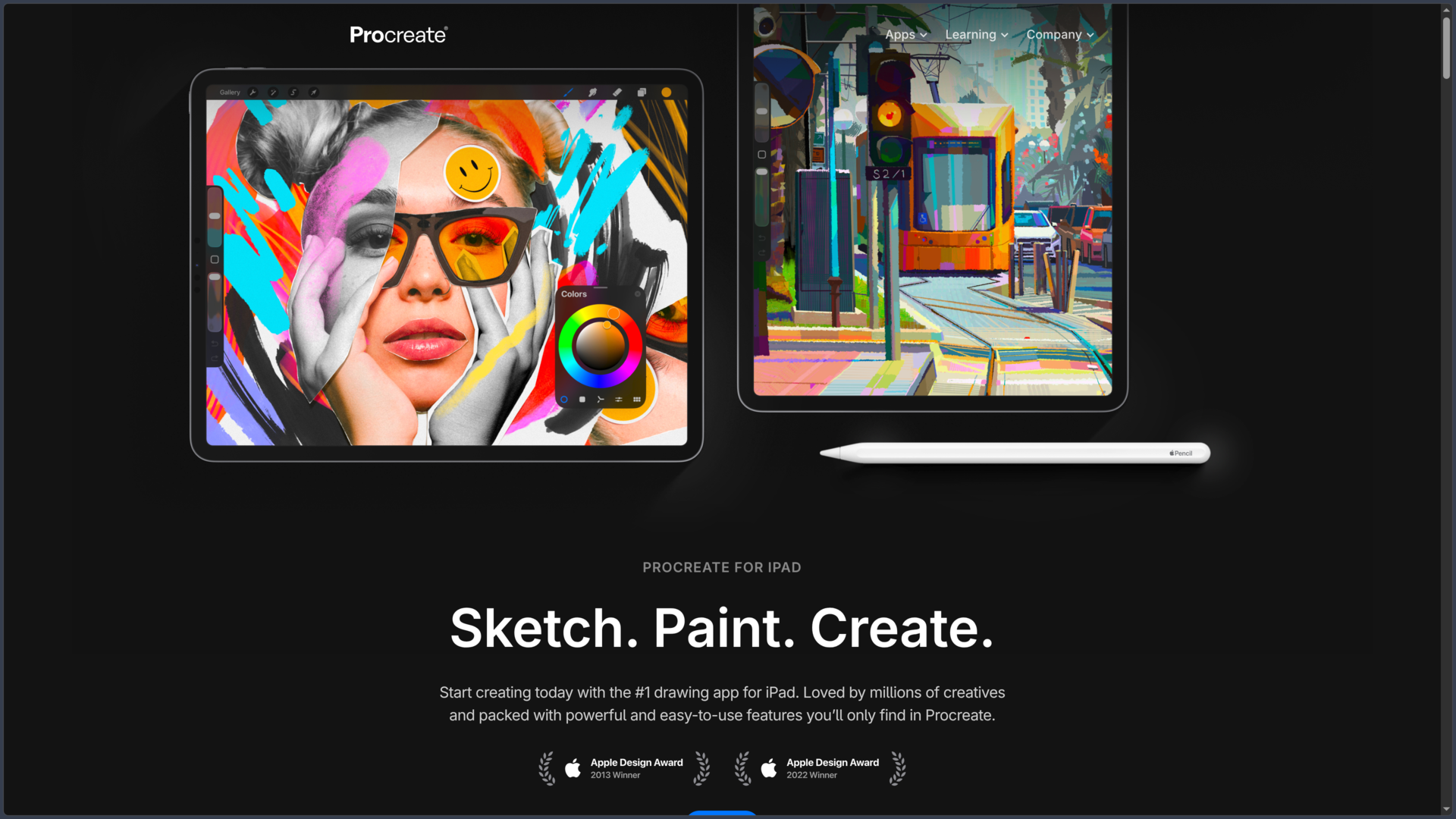
Procreate is a drawing, illustration and digital painting app designed specifically for iPad by Savage Interactive. It aims to capture the spontaneity of a sketchbook or traditional studio while adding digital capabilities: layers, undo gestures, selection tools, color adjustments and exports to other software.
Its interface is built around gestures. With a compatible Apple Pencil, pressure and tilt affect the brushes; touch shortcuts let users move the canvas, zoom or undo an action without interrupting their drawing. Painting with a finger is still possible, but the stylus offers finer control, especially for inking and line variation.
The app covers several practices: sketching, children's illustration, concept art, comics, lettering, painting, textures and short animations. Procreate is primarily a raster creation app based on pixels, although it keeps certain elements, such as text layers, in an editable vector form.
The current Procreate 5.4 branch has revamped the brush system: custom libraries, search, and brush storage in the iPadOS Files app, with optional synchronization through iCloud Drive. The official documentation lists version 5.4.14 at the time of verification.
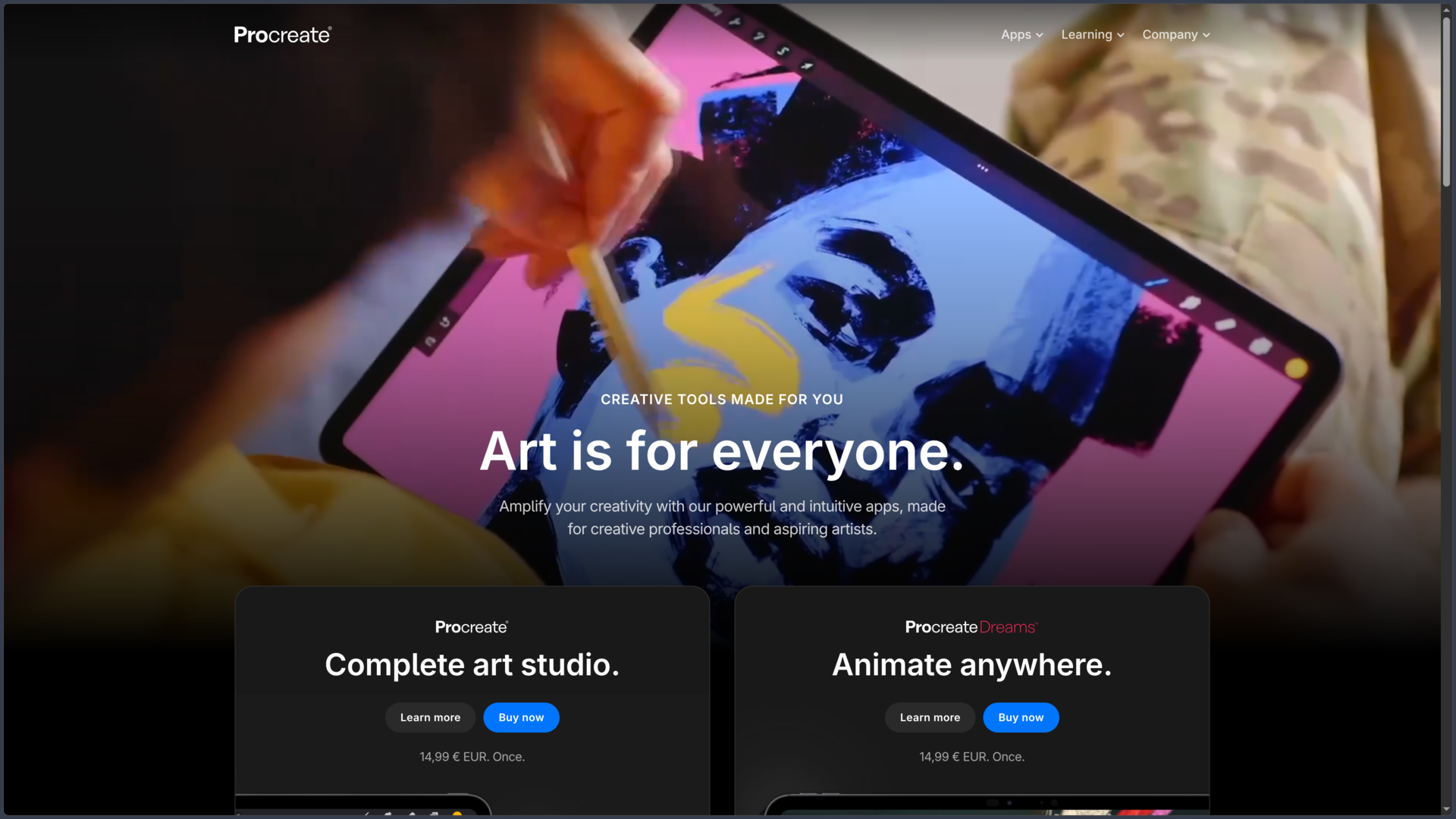
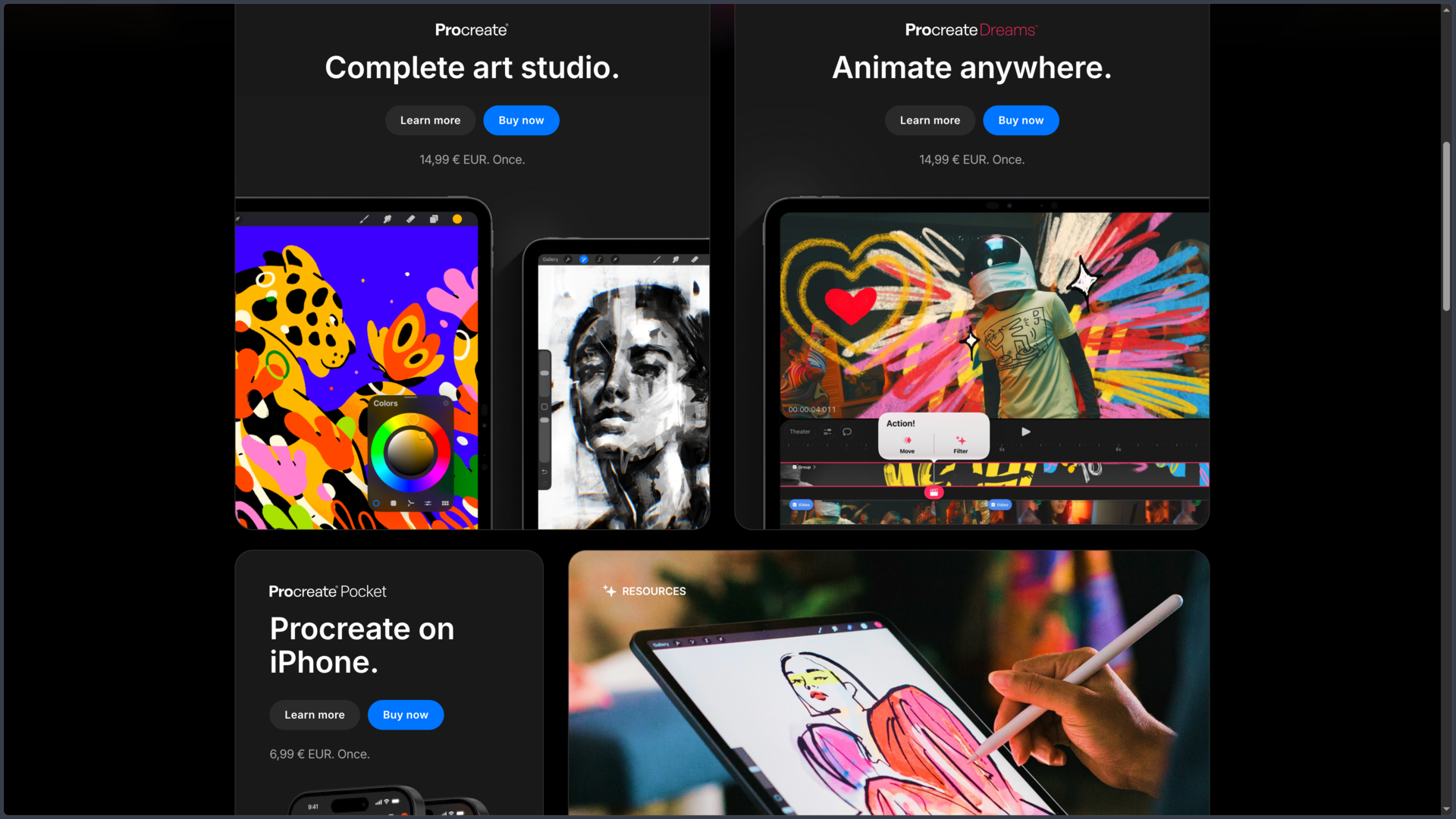
The business model is straightforward: a one-time purchase on the App Store, listed at €14.99 in France, with no subscription for the app. Be careful with similar names: Procreate Pocket is a separate iPhone app, while Procreate Dreams is dedicated to more extensive animation. Buying Procreate for iPad does not automatically provide access to these two products.
Features
Drawing with Apple Pencil and customizable brushes
The Valkyrie painting engine supports responsive strokes and a wide variety of materials: pencil, ink, watercolor, paint, pastel and graphic textures. The library includes hundreds of brushes, which can be supplemented with personal creations and imported brushes, including certain Photoshop brush packs.
Brush Studio lets users adjust shape, grain, dynamics, rendering and response to pressure or tilt. An illustrator can therefore build a precise inking brush, then prepare another for flat colors or textures, rather than constantly changing the same tool.
Since Procreate 5.4, brushes can be grouped into libraries, searched and managed in Files. They can remain on the iPad or be placed in iCloud Drive. This synchronization concerns brushes: it does not mean that every illustration in the gallery is automatically synchronized.
Composing and making corrections with layers
Layers let users separate sketching, inking, color, shadows and background so they can rework an illustration without starting over. Groups, layer masks, clipping masks and blend modes support more elaborate compositions with targeted adjustments.
Canvas size is set according to the project and hardware. Procreate supports very high-resolution images on certain iPad Pro models, but the maximum number of layers depends on both device memory and canvas dimensions. A large illustration intended for print may therefore require stricter layer organization than a sketch intended for a screen.
Selections, transforms and warping complete this workflow: repositioning a character, correcting proportions or adjusting an element becomes possible without redrawing the entire composition.
Structuring lines, perspective and color
QuickShape straightens lines and turns freehand shapes into regular geometry. Drawing guides provide 2D, isometric, perspective and symmetry grids; Drawing Assist can align strokes with the selected guide. These features are useful for constructing scenery, planning architecture or maintaining consistent proportions across a series of illustrations.
For color, ColorDrop speeds up filling areas, while palettes, harmonies, color profiles and curve adjustments help establish a consistent visual range. Adjustments such as color balance, hue and saturation, blur or gradient maps can then be applied during finishing.
Procreate also offers editable text and font import. Text can remain editable as long as it has not been rasterized; rasterization is required to apply certain painterly treatments. This makes it practical for adding a title or speech balloon without turning it into a complete vector layout application.
Comics, storyboards and simple animation
With Page Assist, each page in a project can be organized through an interface suited to multipage documents. The tool makes it easier to work on sequential sketches, comic pages or a short storyboard, with options to import, edit and share PDFs.
Animation Assist provides a frame-by-frame timeline, previews of neighboring frames (onion skinning) and playback controls. It suits GIFs, animated loops, movement tests and simple animatics. Creations can then be exported in compatible animation formats.
These features should not be confused with those of Procreate Dreams, a separate app intended for more complete animation projects, notably with a dedicated timeline and audiovisual media.
3D painting and finishing effects
Procreate can also import certain 3D models for painting directly on their surfaces, notably using color, roughness and metallic properties. A lighting studio helps examine the result, after which the work can be shared as images, animations or models depending on the available formats.
This feature is mainly used to texture or present an existing object: Procreate is not a complete 3D modeler and does not replace software designed to build geometry, organize a complex scene or animate characters in three dimensions.
For 2D images, treatments such as blur, liquify, chromatic aberration or halftone effects make it possible to explore different looks without leaving the app.
Exporting, exchanging files and showing the process
The native .procreate format notably preserves layers and document information. PSD import and export make it possible to continue work in Photoshop or another compatible application, although certain effects or layer behaviors may need to be checked after transfer.
For simpler delivery, Procreate offers formats such as PNG, JPEG, TIFF and multipage PDF. Animations and certain 3D projects have appropriate options, including GIF, MP4, OBJ or USDZ depending on the content.
The app can also record the creative process as a timelapse. This accelerated video is useful for presenting an illustration, showing the stages of a painting or preparing a short post, without having to record the screen separately throughout the session.
Local storage, backups and privacy
Illustrations are saved locally in the Procreate gallery on the iPad. Automatic saving while drawing must not be confused with an external backup: deleting the app, losing the device or experiencing a storage problem can cause works to disappear if they have not been exported or included in an iPad backup.
The help center recommends regularly exporting the original .procreate files to Files, iCloud Drive or independent storage, and backing up the device. iCloud synchronization of brush libraries, introduced in version 5.4, does not replace this procedure for artwork.
Procreate also states that it does not include generative AI, does not access users' artwork by design and does not track activity in its apps. This position should be distinguished from conventional drawing-assistance features, which are not image generators.
Use cases
Drawing and painting every day
With an iPad and a compatible stylus, Procreate can replace a sketchbook for observational sketches, character explorations, lighting studies or more elaborate paintings. Touch-based interaction makes it easy to move quickly from sketch to color, while layers preserve the different stages of the work.
Preparing an illustration or comic page
An artist can draw initial studies, construct the perspective of a background, position characters and finalize the inking before coloring. Guides, masks and custom brushes help maintain visual consistency. Page Assist lets users move through multiple pages, while PSD or PDF export can be used to continue layout and editorial preparation elsewhere.
Developing concepts and textures
For video games, animation or design, Procreate is suited to silhouettes, costume explorations, environments and moodboards. 3D painting also makes it possible to explore the surface of an existing model without replacing more specialized modeling and texture-production software.
Creating a short animation or sharing work
Animation Assist is suited to a loop, GIF or movement test. Timelapse serves a different purpose: documenting the creation of a still image in an accelerated video for a portfolio, presentation or social media post.
Conclusion
Procreate combines the feel of direct drawing with the possibilities of a digital studio in an app built around the iPad. Its brushes, layers and color tools make it possible to progress from sketch to finished illustration without constantly changing interfaces or hardware.
The brush overhaul in version 5.4 strengthens its appeal for people who develop their own tools: libraries, search and storage in Files make large collections easier to organize. The choice between local storage and iCloud Drive nevertheless concerns these brushes, not automatic synchronization of every artwork.
The app goes beyond drawing alone through Page Assist, Animation Assist, painting on 3D models and PSD exchange. These capabilities extend the workflow but do not replace advanced publishing software, a complete animation suite or a 3D modeler. The Procreate Dreams and Pocket apps serve separate purposes and are purchased separately.
The one-time purchase without a subscription remains easy to understand. Users nevertheless need a compatible iPad and must plan their file management: device memory limits some large canvases, while original files kept only in the gallery require regular backups.
For drawing, painting, building a visual world, illustrating comics or preparing concepts on the move, Procreate offers a coherent environment, provided users accept its iPad specialization and primarily raster-based approach.
Points to consider
- Procreate is only available for iPad. There is no native version of this app for Windows, macOS, Android or iPhone; Procreate Pocket is a separate iPhone product.
- The app costs €14.99 in France at the time of verification, as a one-time purchase without a subscription. Procreate Dreams and Pocket are not included.
- Procreate 5.4.14 requires iPadOS 16.3 or later. Check compatibility with the iPad and Apple Pencil model as well; a stylus is not essential for drawing with a finger.
- The number of layers depends on the iPad's memory and canvas size. Check this limit before starting a very high-resolution illustration.
- Artwork is not automatically synchronized through iCloud. Export
.procreatefiles and back up the iPad: automatic saving in the gallery is not an external backup. - iCloud synchronization introduced in version 5.4 applies to brushes. Even for brushes, Procreate recommends an independent backup of important libraries.
- Procreate is primarily a raster tool. Its text can remain vector-based and editable, but it does not replace a fully fledged vector drawing application.
- Personal artwork can be used commercially, subject to the rights attached to third-party content. Sample artwork, 3D objects and protected elements belonging to Procreate are not freely reusable for commercial purposes.
- The software does not offer generative AI, in line with its publisher's stated position. Stroke assistance, guides and stabilization remain separate drawing features.