
Overview
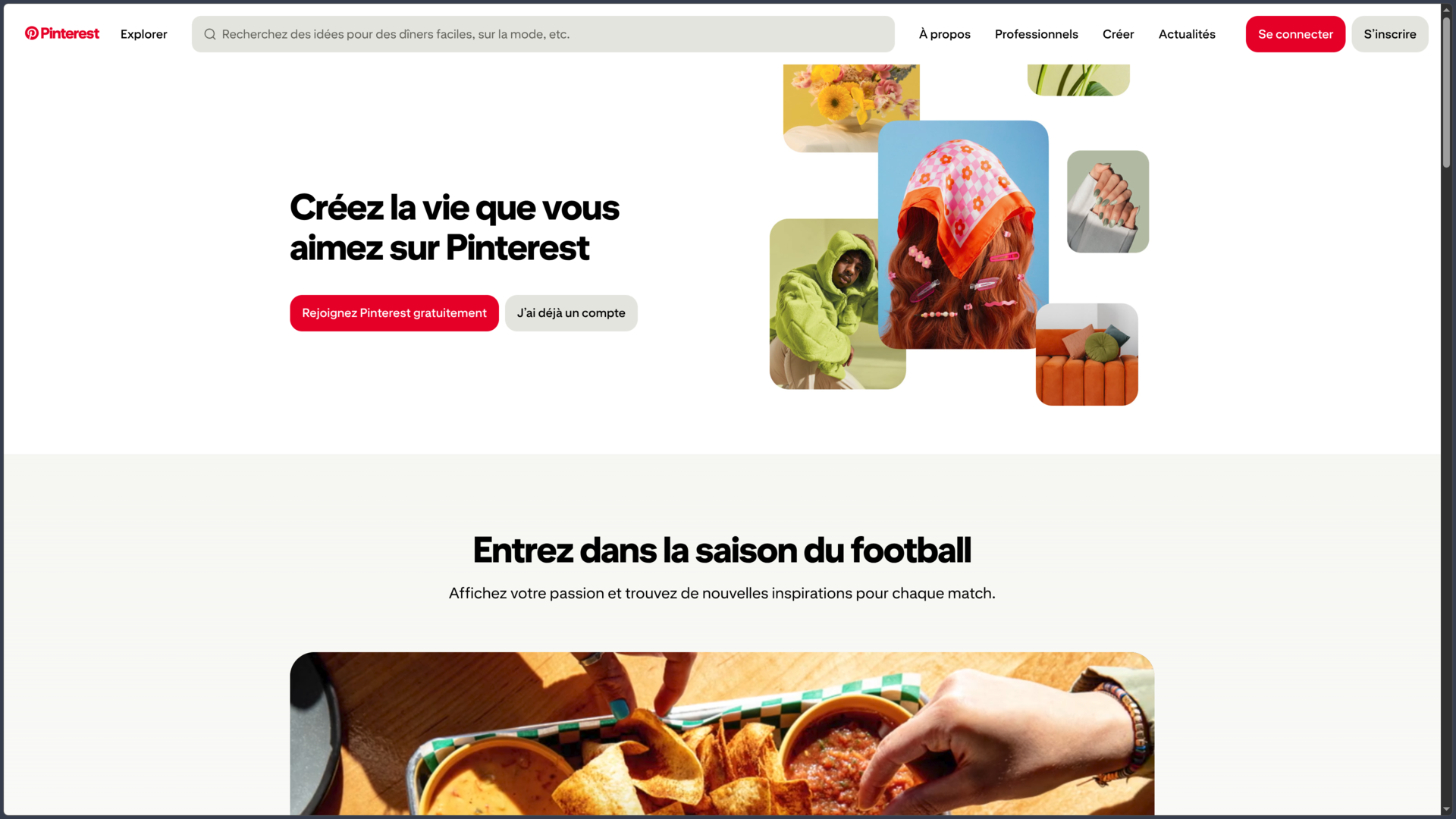
Pinterest is a visual discovery and organization platform built around a concept that differs significantly from traditional social networks. Its main purpose is not to publish a continuous stream of posts or follow conversations in real time, but to find ideas, save them, and organize them for future reference.
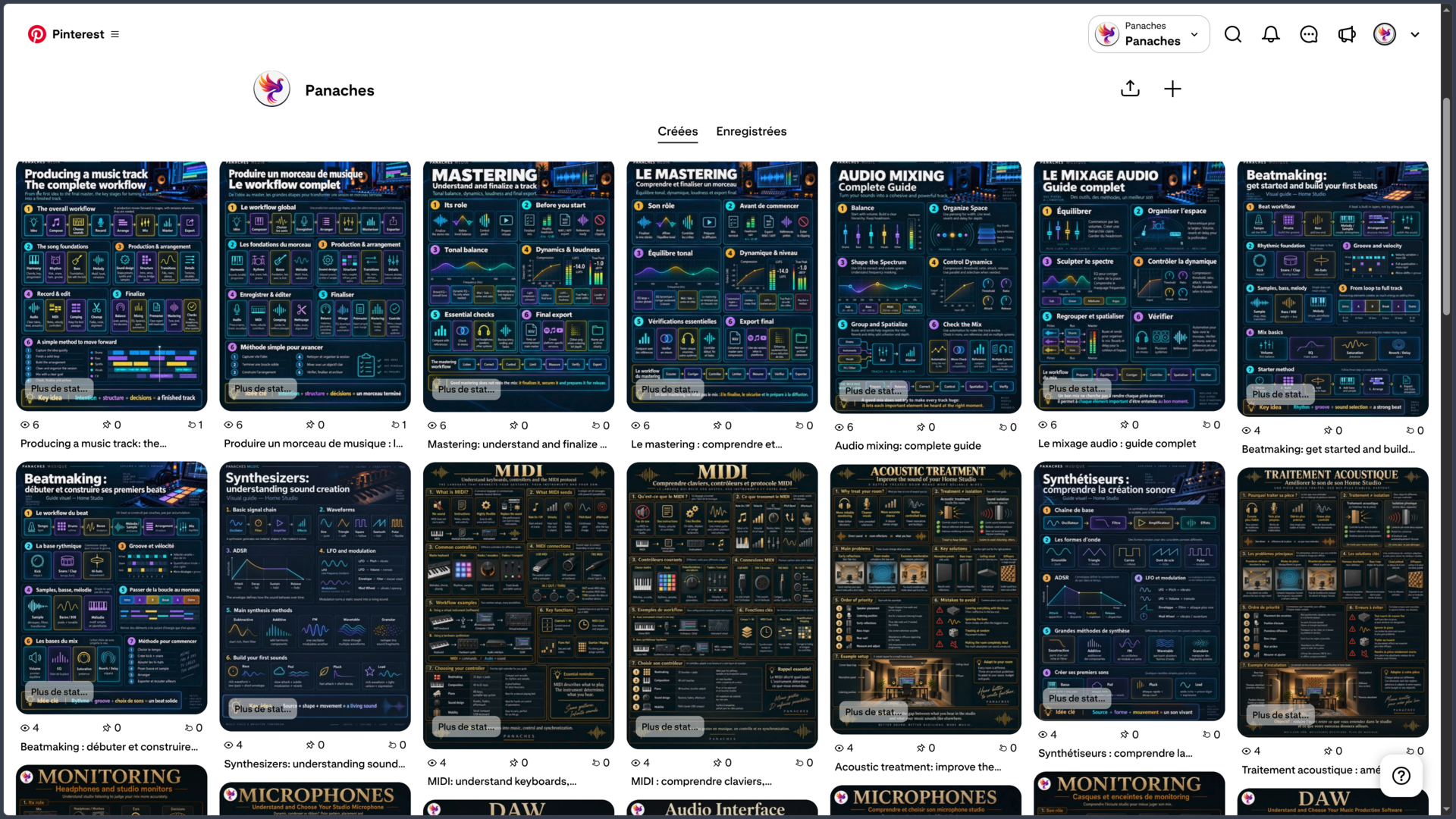
The platform's core content unit is called a Pin. It can be based on an image, video, or content found on the web and may include a title, description, link, and other associated information. Users save these Pins to boards, which serve as thematic collections covering interior design, illustration, fashion, recipes, photography, architecture, graphic references, personal projects, or virtually any other topic.
This approach gives Pinterest a distinctive role in finding inspiration and planning projects. An illustrator can build a reference library, a designer can prepare a moodboard, someone can organize ideas for a home renovation, and a content creator can visually collect concepts for a future publication.
The platform relies heavily on recommendations. The home feed is shaped by saved Pins, searches, boards, and browsing activity. However, Pinterest allows users to adjust some of these recommendations and now provides settings related to certain types of AI-generated content.
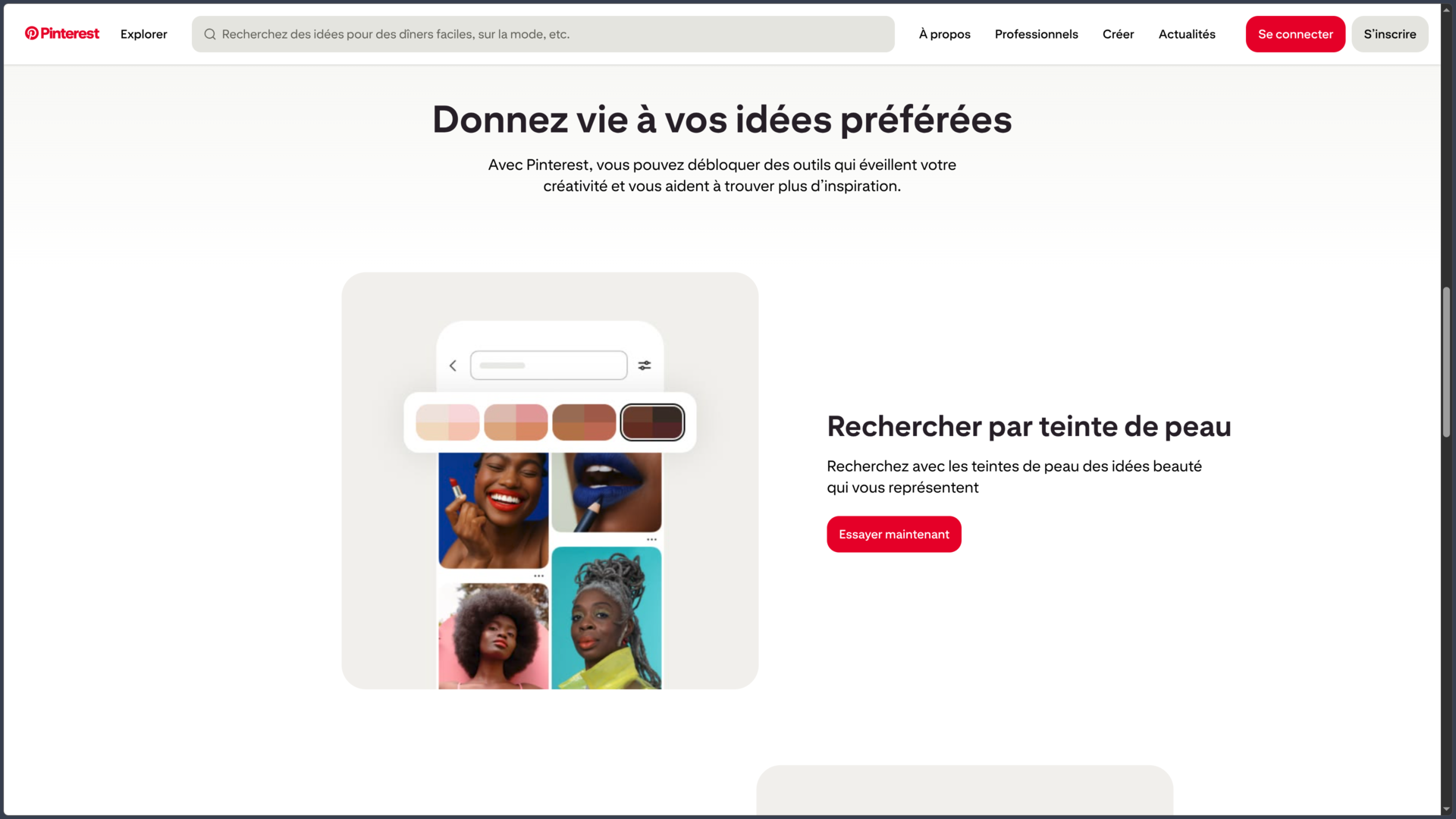
Over the years, Pinterest has also developed features that go beyond saving images: visual search, Pinterest Lens, interactive collages, video content, products identifiable within images, business accounts, analytics, and advertising are now part of its ecosystem.
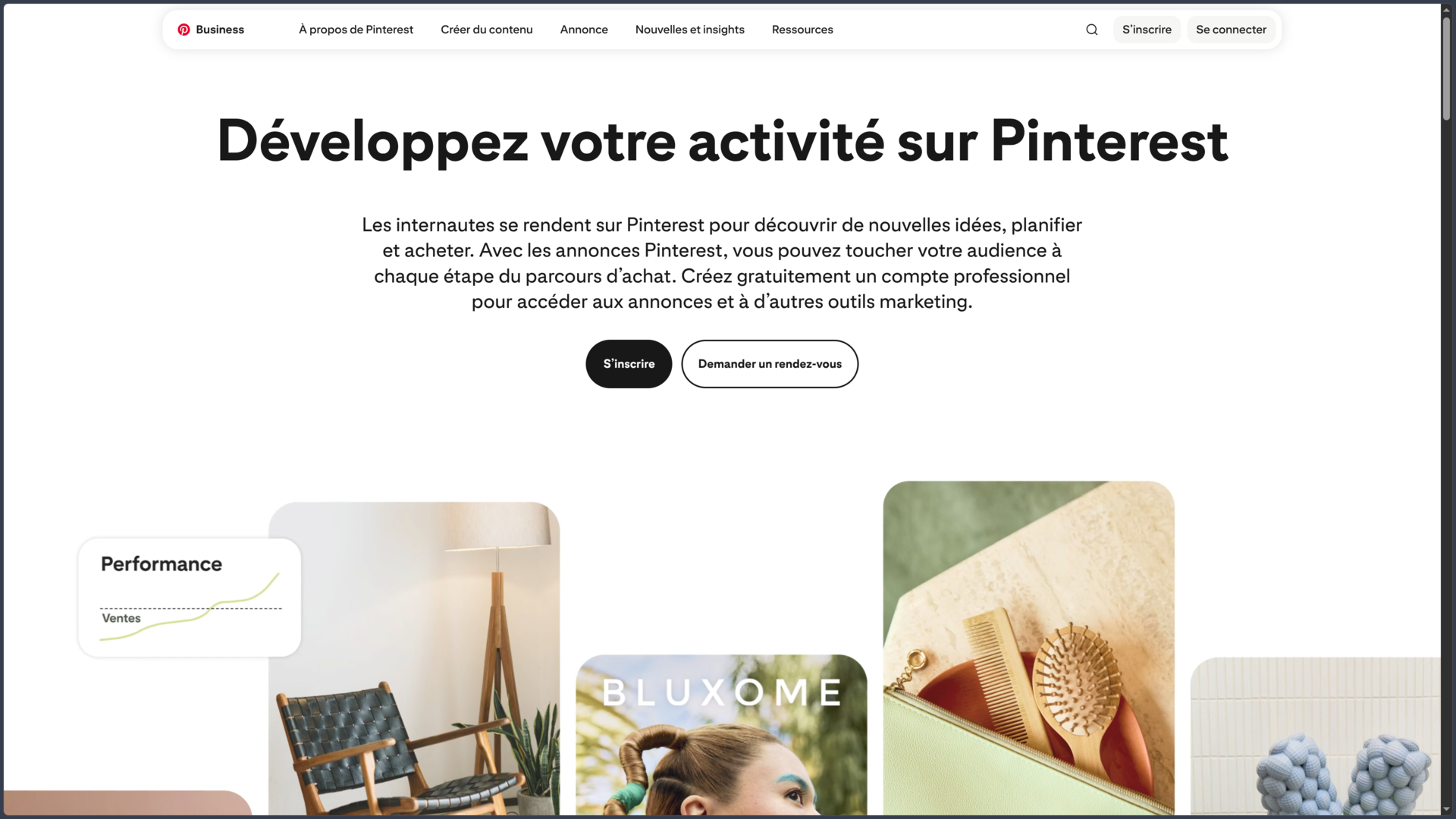
The service remains free for both personal and business accounts. Pinterest generates revenue primarily through advertising: businesses can run paid campaigns, while creating a business account and accessing its associated analytics do not require a subscription.
Features
Pins: The Core of Pinterest
A Pin is the platform's main unit of content. Users can publish their own images or videos and save certain content from other websites.
A Pin can include a title, description, external link, and thematic information. For creators, media outlets, and businesses, the link connects visual inspiration to more detailed content, such as an article, portfolio, product page, tutorial, or another external resource.
Pinterest should therefore not be viewed merely as a place where images remain isolated. A Pin can also serve as a gateway to a website, although its visibility and distribution remain subject to the platform's recommendation systems and policies.
Business accounts can also schedule certain publications several days in advance, making Pinterest suitable for a more structured editorial calendar.
Boards for Organizing References
Boards allow users to organize Pins by theme or project. This is one of the features that most clearly distinguishes Pinterest from a traditional social feed: an interesting idea is not simply "liked" and then lost in a browsing history; it can be stored in an organized collection.
A board can focus on an artistic direction, a trip, an interior space, a visual campaign, character references, or a collection of recipes. Multiple boards can coexist within one account and gradually form a genuine personal library.
Pinterest also allows users to make a board secret or invite collaborators. This turns the platform into a shared collection tool: several people can contribute references before a creative meeting, graphic design project, or design decision.
Visual Search and Pinterest Lens
Searching on Pinterest is not limited to keywords. The platform provides tools that can directly analyze the visual information contained in an image.
From a Pin, users can select a specific area or object to find visually similar content. An outfit, piece of furniture, color, shape, or object can become the starting point for further exploration without requiring precise search terms.
Pinterest Lens applies the same principle to a smartphone camera or an image stored on the device. A photograph can serve as a visual query to discover related ideas, comparable objects, or similar products when the available data supports them.
This feature is particularly relevant to Pinterest because it transforms the platform into a visual search engine rather than a simple image catalog.
Interactive Collages and Moodboards
Pinterest also offers a dedicated collage tool. Users can select objects within Pins, cut them out, and assemble them into a single composition alongside their own images, text, and various graphic elements.
This feature brings Pinterest closer to a lightweight moodboard tool. Instead of merely saving multiple references to a board, users can combine them directly to explore a particular atmosphere, outfit, interior design, or visual direction.
Collages can be saved as drafts and later published as Pins. Some can also be remixed, with the resulting creation linked back to the original collage.
For creative work, the distinction between a board and a collage is useful: the former collects references, while the latter allows them to be combined into a composition.
Personalized Recommendations
Pinterest builds much of its home feed around user activity. Searches, viewed or saved Pins, boards, and followed accounts can influence the content recommended afterward.
However, the platform provides tools to fine-tune recommendations. Users can adjust the influence of certain viewed content, boards, interests, or followed accounts to prevent a one-time search from permanently reshaping their entire home feed.
Pinterest has also introduced settings that allow users to request fewer AI-generated images in certain categories. The exact availability of these controls may vary depending on the platform and rollout.
This personalization is important for an inspiration tool: the more closely accumulated signals reflect a user's actual projects, the more relevant the home feed can become. Conversely, poorly managed browsing history can quickly steer recommendations toward topics that are no longer interesting.
Personal and Business Accounts
Pinterest distinguishes between two main account types. Switching to a business account does not completely transform the interface, but it adds several tools designed for creators, businesses, and marketing professionals.
| Personal Account | Business Account |
|---|---|
| Discover and save ideas | Publish content and build a brand presence |
| Create Pins and boards | Access Pinterest Analytics |
| Organize personal collections | Use business tools |
| Create secret or collaborative boards | Create and manage advertising campaigns |
| Follow accounts and interests | Use catalogs and commerce features |
A business account remains free. There is no need to purchase a subscription simply to view Pin performance or use the available business features.
Costs mainly arise when a business chooses to run advertisements or use Pinterest as a paid advertising platform.
Pinterest Analytics
Business accounts have access to Pinterest Analytics, which measures the performance of published content.
The tool provides an overview of account activity, top-performing Pins and boards, and various engagement and audience metrics. It helps users understand which visuals generate meaningful interactions and which topics continue attracting traffic over time.
For creators and brands, this is particularly interesting because Pinterest content can have a different lifespan from social media posts closely tied to current events. A well-indexed Pin can continue to be discovered long after its initial publication.
However, analytics should not be treated as entirely fixed measurements: Pinterest specifies that certain data, particularly real-time metrics, may be estimates subject to change.
Shopping, Products, and Advertising
Pinterest strongly connects visual inspiration with product discovery. Certain Pins allow products to be identified or tagged and can direct users to a retailer's website.
Businesses can also import product catalogs and use different advertising formats. The idea is to present products in an environment where users are often already researching or planning a project.
This commercial dimension distinguishes Pinterest from a simple moodboard manager. An interior design image can inspire a search and lead to furniture available for purchase; an outfit can help users discover similar items; creators can also use affiliate links where permitted.
Advertising remains optional. A business account can use free tools without launching a campaign and later decide whether to allocate a budget to promoting selected content.
Use Cases
Creating a Moodboard or Reference Library
Pinterest is particularly well suited to collecting references before starting a creative project.
Designers, illustrators, photographers, and 3D artists can create multiple boards around a project, covering shapes, colors, costumes, architecture, lighting, materials, or composition. Organizing references into boards prevents hundreds of images from accumulating in an unstructured folder without context.
Collages can then transform part of this collection into a more focused visual composition.
Planning a Personal Project
The same approach works beyond creative professions. Pinterest can be used to plan a renovation, organize a wedding, explore travel ideas, build a wardrobe, experiment with interior decoration, or collect recipes.
The platform's strength lies in the natural transition between discovery, saving, and organization. An interesting idea can immediately be added to the project it belongs to.
Finding Something Without Knowing Its Name
Visual search is particularly useful when an object is easy to recognize but difficult to describe.
A photograph of furniture, a pair of shoes, or a decorative detail can provide a starting point for discovering similar styles. Pinterest Lens extends this approach to images captured directly with a smartphone camera.
In this context, Pinterest operates more like a similarity-based search engine than a conventional publishing platform.
Sharing Creative Work
Artists, photographers, designers, and other creators can publish their own visuals as Pins and link them to their websites, portfolios, or more detailed pages.
Pinterest can therefore serve as a channel for long-term discovery, particularly for content where visual presentation plays a central role.
However, this requires a different approach from networks that prioritize immediate news and updates. Titles, descriptions, topics, visual quality, and board consistency all play important roles in making a Pin discoverable.
Using Pinterest Professionally
A business account adds analytics, business tools, and advertising capabilities without requiring a subscription.
A brand can publish organic content, monitor its performance, connect products, and later decide whether to promote certain publications. Pinterest can therefore be used to increase visibility, drive website traffic, or support commercial discovery.
Its relevance depends heavily on the industry: fashion, interior design, cooking, weddings, design, illustration, photography, DIY, and other highly visual fields naturally fit the platform.
Conclusion
Pinterest occupies a distinctive position between a visual search engine, inspiration tool, bookmarking system, and publishing platform.
Its most important function remains remarkably simple: finding something interesting and saving it in an organized place. This mechanism explains why the platform remains particularly effective when a project begins with visual research.
Boards give these collections a lasting structure, while visual search and Pinterest Lens allow users to explore directly through images rather than relying exclusively on words.
Collages now add a more creative layer. Pinterest is no longer limited to accumulating references: some of those references can be cut out, assembled, and transformed into moodboards directly within the platform.
For creators and businesses, business accounts extend this approach with analytics, catalogs, and advertising. The service can therefore gradually evolve from a personal inspiration space into a genuine distribution channel.
Its main weakness stems precisely from its algorithm-driven design. Much of the experience depends on recommendations, which can gradually confine users to similar themes. Recommendation controls are therefore particularly useful for maintaining a more relevant and varied exploration experience.
Copyright is another essential consideration. Saving an image to a Pinterest board does not transfer any rights to the original work. The presence of content on the platform does not mean it can be freely downloaded and reused in a publication, article, or commercial creation.
For finding inspiration, building moodboards, organizing references, visually discovering ideas, planning projects, or sharing highly visual creative work, Pinterest remains a particularly suitable tool.
Points to Consider
-
Pinterest is free for both personal and business accounts. Costs mainly concern optional advertising campaigns.
-
Recommendations depend heavily on account activity: searches, viewed content, saved Pins, boards, and followed accounts can influence the home feed.
-
Recommendation settings allow users to reduce the influence of certain activities and topics, including, depending on the platform, certain categories of AI-generated content.
-
A secret board is separate from public boards and can be used to prepare a project that should not be publicly visible.
-
Visual search and Pinterest Lens are particularly useful when an image is easier to recognize than the terminology needed to describe it.
-
Collages allow users to reuse cutouts from Pins or personal images, although certain features may vary depending on the device.
-
A business account provides access to Pinterest Analytics without a paid subscription, but advertising requires a separate budget.
-
A Pin can contain an external link, but its display and distribution remain subject to Pinterest's rules and systems.
-
An image appearing on Pinterest does not mean it is free to use. Users should identify the original source and verify usage rights before reusing it elsewhere.
-
Pinterest enforces a copyright policy and may remove or disable access to content following a valid infringement report.