Overview
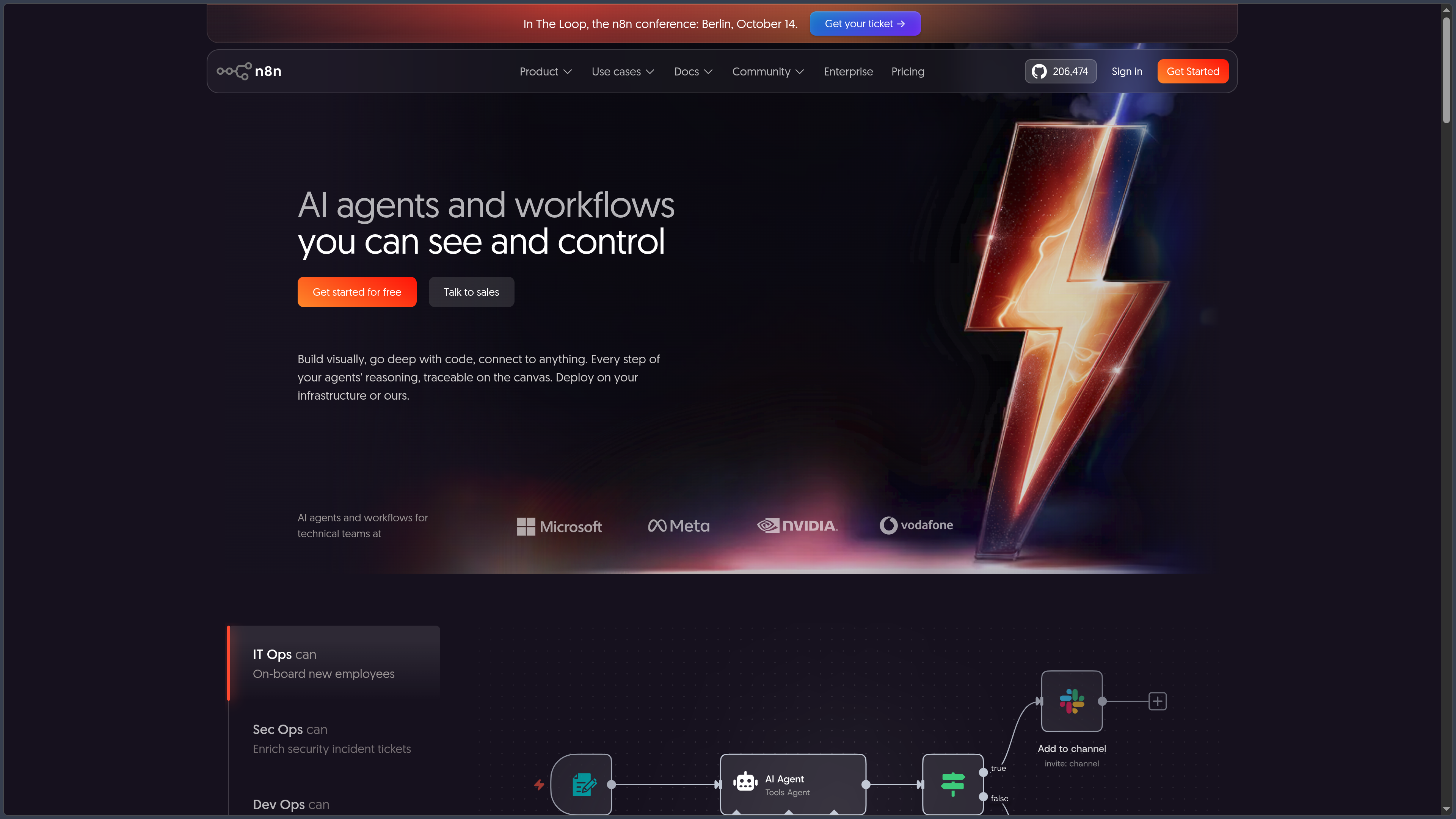
n8n is a workflow automation platform that connects applications, APIs, databases, and artificial intelligence services through a visual, node-based editor.
A workflow typically starts with a trigger — a schedule, webhook, new event in an application, or manual action — and then performs a sequence of operations: retrieving data, transforming it, calling an API, running an AI model, updating a database, or sending a notification.
n8n aims to combine the accessibility of no-code tools with greater control for technical users. JavaScript, Python, HTTP requests, expressions, webhooks, and custom nodes can complement visual integrations when requirements go beyond ready-made features.
The platform is available in two main forms: n8n Cloud, hosted and managed by n8n, and the Community Edition, which can be installed on your own infrastructure.
AI automation has also become an important part of the platform, with support for agents, language models, memory, tools, vector databases, and MCP integrations.
Features
Visual Node-Based Workflows
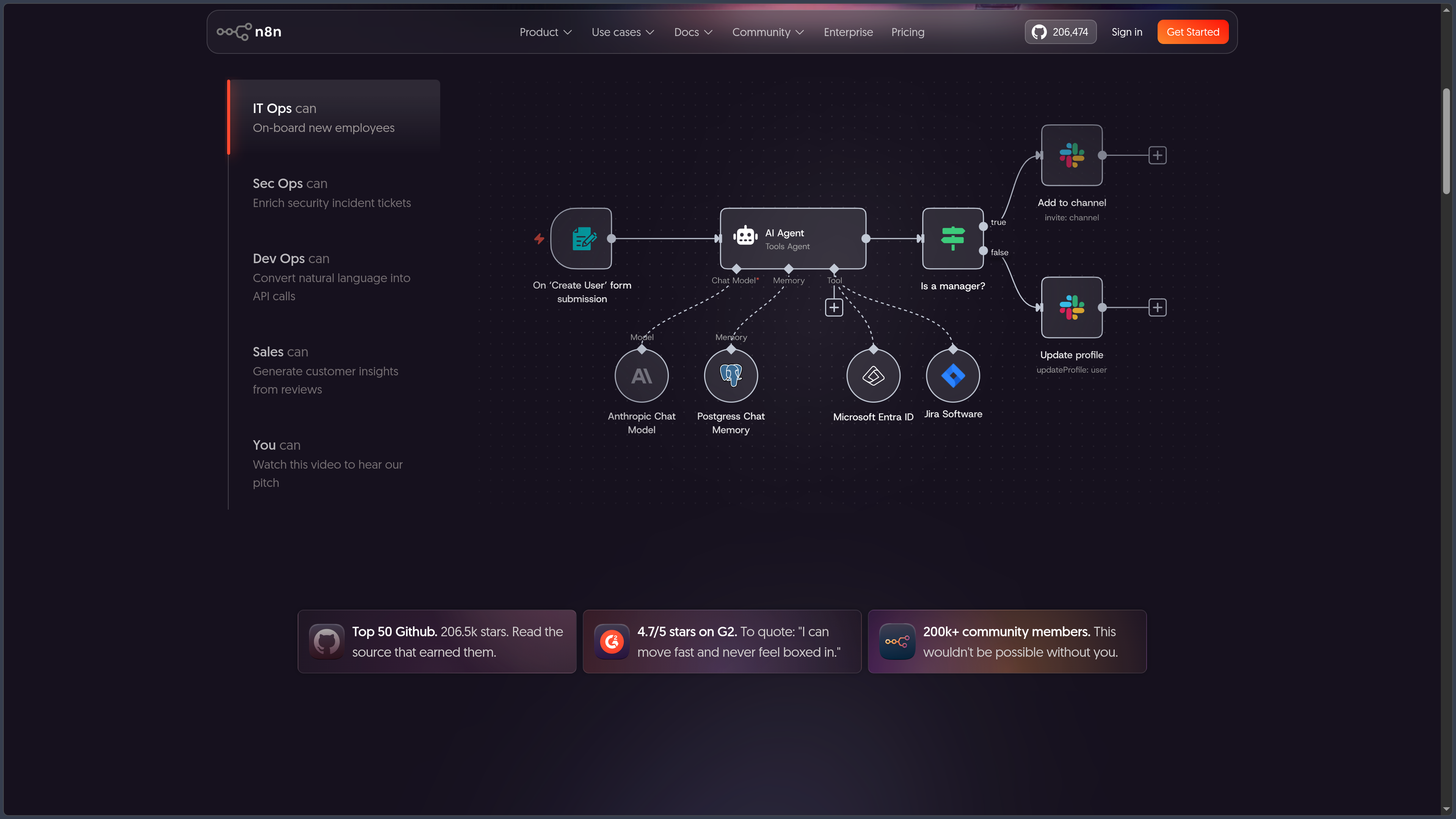
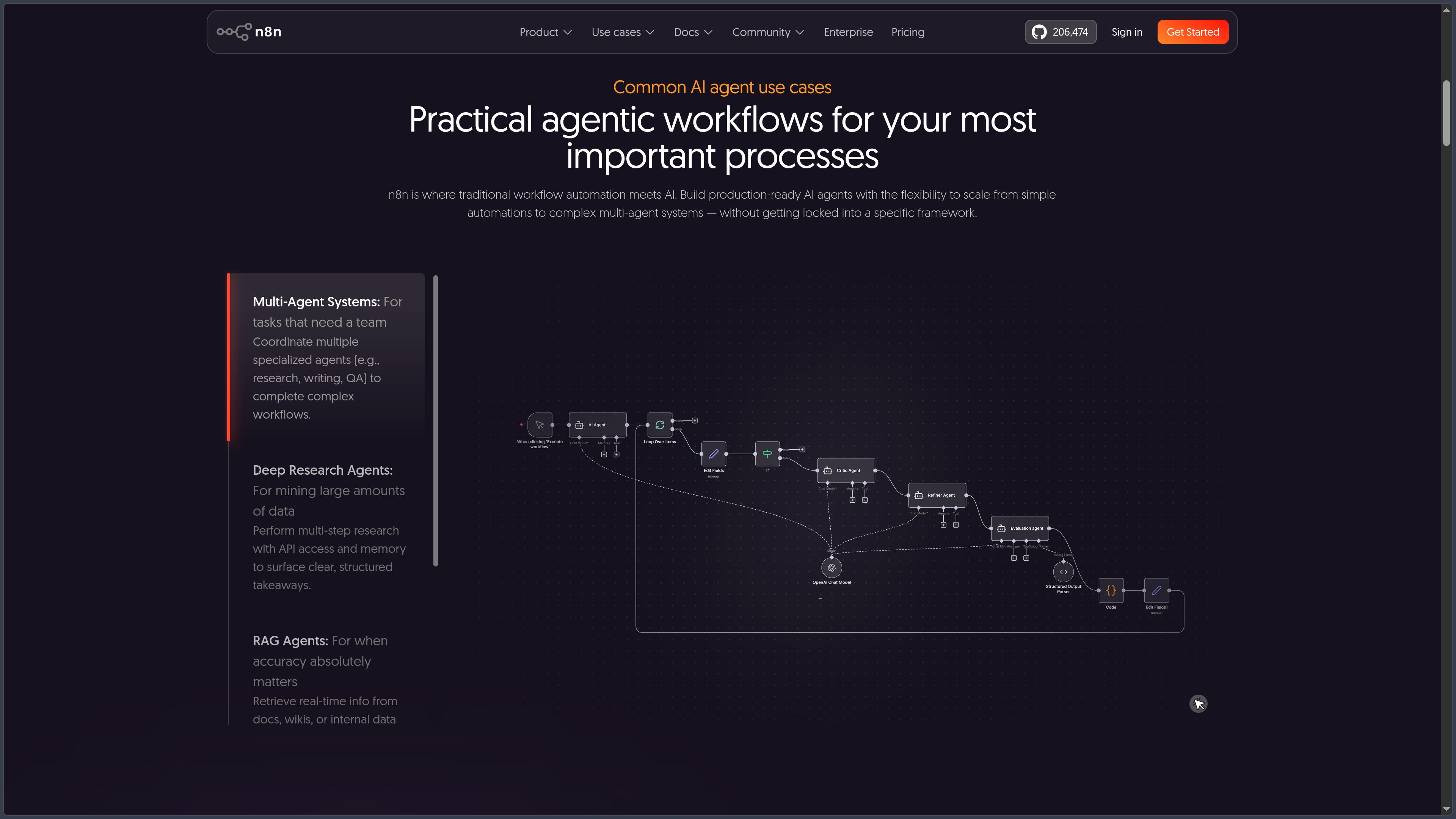
The n8n editor represents each automation as a series of connected nodes.
A node can receive an event, query a service, modify data, or trigger another action.
Conditional branches allow workflows to adapt to incoming information, while loops, filters, and merge operations support more complex processing.
Each step can be tested directly in the editor to inspect the data entering and leaving a node.
Integrations and APIs
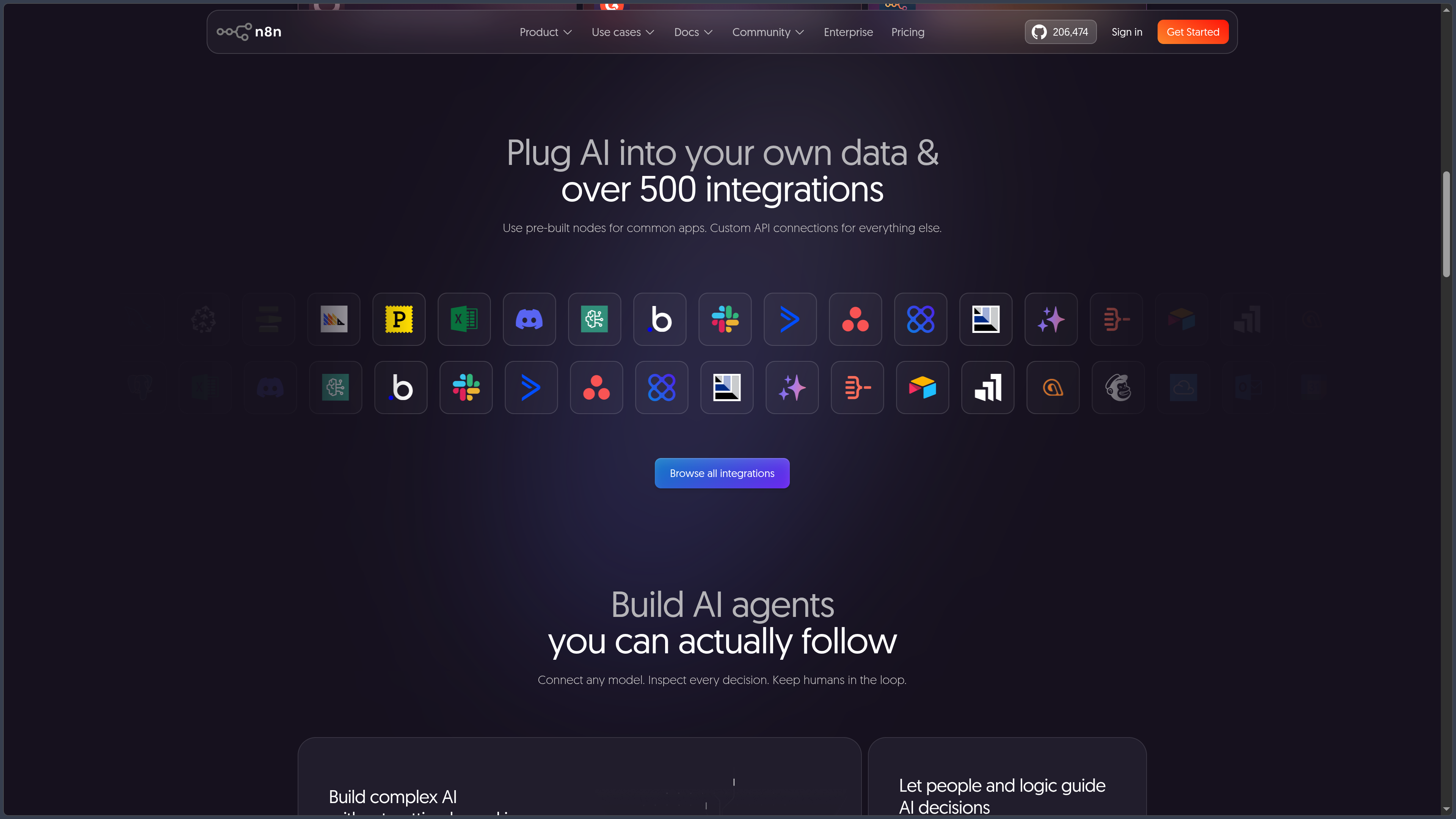
n8n provides an extensive catalog of integrations connecting web services, business tools, databases, messaging platforms, cloud platforms, and development solutions.
The official repository currently highlights more than 1,500 integrations.
When no dedicated node is available, the HTTP Request node can directly call a REST or GraphQL API.
cURL requests can also be imported to speed up the configuration of an existing API.
This combination of ready-made connectors and generic API requests reduces dependence on the official integration catalog.
Triggers, Webhooks, and Scheduling
A workflow can be started in several ways.
A Webhook can receive a request sent by an external application, while a Schedule Trigger runs an automation according to a defined schedule.
Many integrations also provide their own triggers to respond to incoming emails, newly created records, updates, or other events.
These mechanisms support both recurring automations and reactive workflows that run as soon as an event occurs.
Data Handling and Transformation
n8n transfers information between nodes as structured data.
Expressions, filters, and transformation nodes make it possible to select, rename, merge, or restructure information before passing it to the next step.
This layer is particularly important when two services use different data formats.
Data Tables also allow certain information to be stored directly within n8n when creating an external database would be excessive for the task.
JavaScript and Python
The Code node allows custom logic to be added to a workflow.
JavaScript and Python can be used when standard nodes are insufficient for processing data or implementing specific rules.
This brings n8n closer to a visual development environment: simple operations remain accessible without coding, while more advanced scenarios can be extended with scripts.
Self-hosted installations also offer additional possibilities involving command-line operations, system scripts, and custom nodes.
AI Agents and Workflows
n8n includes components designed for agents and applications powered by language models.
An agent can be configured with a model, instructions, memory, and various tools that it can choose to use depending on the request.
Workflows can connect models from OpenAI, Anthropic, Google, OpenRouter, Ollama, and other providers, depending on the available nodes.
Vector databases and retrievers make it possible to build RAG systems, while parsers structure responses before they are used in subsequent steps.
This architecture combines generative reasoning with deterministic automation within a single workflow.
Human-in-the-Loop
An AI automation does not necessarily have to operate entirely on its own.
n8n supports human approval steps before certain sensitive actions.
For example, an agent can prepare a response, modification, or business operation and then wait for a person's approval before proceeding.
This approach is particularly useful when AI handles important data or triggers actions that are difficult to reverse.
MCP
n8n supports the Model Context Protocol within its AI workflows.
MCP tools can be connected to an agent, giving it access to compatible external functions and data sources.
Conversely, certain n8n workflows can be exposed as capabilities that other MCP-based environments can use.
This integration allows n8n to act as an orchestration layer between agents, applications, and services rather than merely a linear automation tool.
Sub-Workflows and Modularity
Complex automations can be divided into multiple workflows.
A main workflow can call a sub-workflow responsible for a specific function, such as enriching data, preparing a document, or sending notifications.
This separation encourages reuse and avoids duplicating the same logic across multiple automations.
It becomes especially useful when n8n serves as internal infrastructure for numerous processes.
Templates
n8n provides a library of ready-made workflows that users can explore or reuse.
These templates cover various scenarios, including data synchronization, communication, content generation, AI, CRM, and internal operations.
They demonstrate how nodes can be connected and often provide a faster starting point than building a workflow entirely from scratch.
However, each template still needs to be adapted to the user's actual accounts, data, and business rules.
Community Edition and Self-Hosting
The Community Edition can be deployed on your own infrastructure.
Docker is one of the primary installation methods recommended for n8n, although other configurations are possible depending on the environment.
Self-hosting allows users to choose where their data, credentials, and execution logs are stored.
It also provides greater control over configuration, updates, resources, and internal connections.
In return, users become responsible for the security, backups, networking, availability, and maintenance of their instance.
n8n Cloud
n8n Cloud provides the same automation approach without requiring users to administer a server.
n8n manages the infrastructure, updates, and some operational responsibilities.
The Cloud Starter and Pro plans are based on a monthly number of workflow executions.
Unlike some automation services that charge for every action or step, n8n primarily counts complete workflow executions, regardless of their length.
For its hosted plans, n8n currently states that data is stored in the European Union, on servers located in Frankfurt.
Collaboration and Environments
Professional plans introduce features designed for teams.
Pro notably allows users to share multiple projects, manage administrative roles, and access more execution history and information.
Business adds features such as SAML/LDAP SSO, multiple environments, queue mode, and Git version control.
Enterprise extends these capabilities with additional governance features, external secrets integration, log streaming, and SLA-backed support.
These capabilities become important when workflows form part of an organization's production infrastructure.
Use Cases
Synchronizing Multiple Tools
A workflow can retrieve new contacts from a form, enrich their information, and automatically create the corresponding records in a CRM.
A notification can then be sent to the team without manual intervention.
Automating a Content Pipeline
n8n can collect information from different sources, send it to an AI model, structure the result, and prepare the data for a CMS or editorial tool.
Human approval steps can be added before publication.
Building an AI Agent Connected to Tools
An agent can access a language model, memory, a document database, and several n8n tools.
Depending on the request, it can search for information, call an API, or trigger another workflow.
Creating a Webhook-Based Backend
An n8n webhook can receive data sent by a website or application.
The workflow then validates the content, calls the required services, stores the results, and returns a response.
This approach may be sufficient for certain internal services or prototypes without immediately developing a complete backend.
Automating Internal Operations
Periodic reports, backups, notifications, synchronization tasks, and file processing can be organized into workflows.
Self-hosting also makes it possible to integrate services that are only accessible from an internal network.
Conclusion
n8n operates at the intersection of a no-code platform, development tool, and orchestration engine.
Its visual editor makes it possible to build workflows quickly while retaining the flexibility to use JavaScript, Python, APIs, and custom components when requirements become more technical.
The Community Edition is a major advantage for users who want to self-host their automations and maintain control over their infrastructure.
Conversely, n8n Cloud removes much of the administrative workload and offers pricing based on complete workflow executions rather than the number of individual steps.
AI features further strengthen this versatility through agents, memory, tools, RAG, MCP, and human approval.
However, n8n requires more technical knowledge than some highly simplified automation services, particularly when self-hosted or used for complex workflows.
For connecting applications, automating processes, orchestrating APIs, and building customized workflows or AI agents, n8n is a particularly flexible platform.
Points to Consider
-
n8n is not open source under the Open Source Initiative's definition. Its source code is publicly available and can be modified, but it is distributed under a source-available / fair-code model with commercial restrictions.
-
The Sustainable Use License notably permits personal, non-commercial, and internal business use. Using n8n to automate a company's own business processes is therefore permitted.
-
The license does not allow users to simply host n8n and charge customers for access to the service. White-label offerings or SaaS products substantially based on n8n require an appropriate agreement.
-
The
code_sourcefield is classified here as proprietary rather than open source to avoid presenting the Sustainable Use License as an OSI-approved license, even though the source code is publicly accessible. -
The Community Edition is free, but the infrastructure may not be. Servers, storage, backups, monitoring, and administration time remain the user's responsibility.
-
Self-hosting also transfers responsibility for security. Updates, certificates, network access, credentials, and backups must be properly managed.
-
n8n Cloud primarily charges based on workflow executions. A workflow with many steps may therefore consume only one execution, but a frequently activated trigger can quickly increase the total execution count.
-
Starter is currently listed at €20 per month with annual billing for 2,500 executions, and Pro at €50 for 10,000 executions. Higher limits and additional options may change over time.
-
Business is currently available only as a self-hosted solution. It is listed at €667 per month with annual billing for 40,000 executions.
-
n8n pricing does not necessarily include the cost of connected services. AI APIs, databases, email services, storage, and other third-party services may have their own charges.
-
Community nodes should be used with caution. A node installed on a self-hosted instance can execute code and access the data passed to it, so its origin should be verified.
-
Complex workflows should be maintained like software. Naming conventions, error handling, logs, sub-workflows, testing, and documentation become important as automation grows.
-
n8n does not offer a conventional native desktop application. Its editor runs in a web browser, whether the instance is hosted by n8n or installed on your own infrastructure.