
Overview
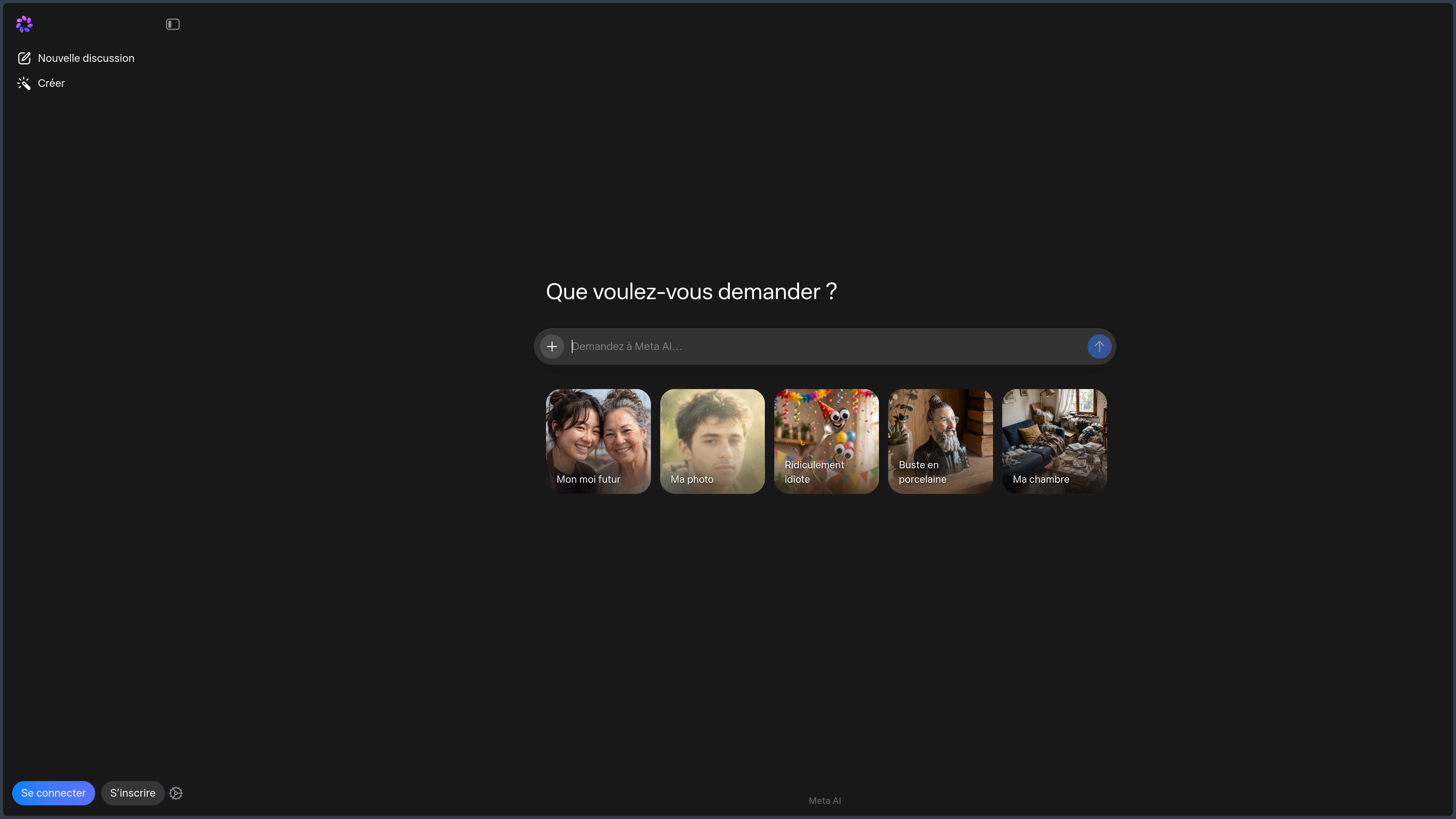
Meta AI is a general-purpose artificial intelligence assistant developed by Meta Platforms, Inc.
It is accessible from:
- its Web service;
- an Android application;
- an application for iPhone and iPad;
- WhatsApp;
- Instagram;
- Facebook;
- Messenger;
- certain Threads experiences;
- certain Meta devices and connected glasses.
Meta AI can notably:
- answer questions;
- search for information on the Web;
- write and rephrase;
- summarize;
- translate;
- produce lists or tables;
- provide recommendations;
- analyze files;
- hold voice conversations;
- use a camera to view an object or scene;
- generate and edit images;
- create or remix short social videos.
The Meta ecosystem includes several elements that should not be confused:
- Meta AI, the consumer assistant covered in this entry;
- the Meta AI application, which provides access to the assistant and also serves as a companion application for certain Meta devices;
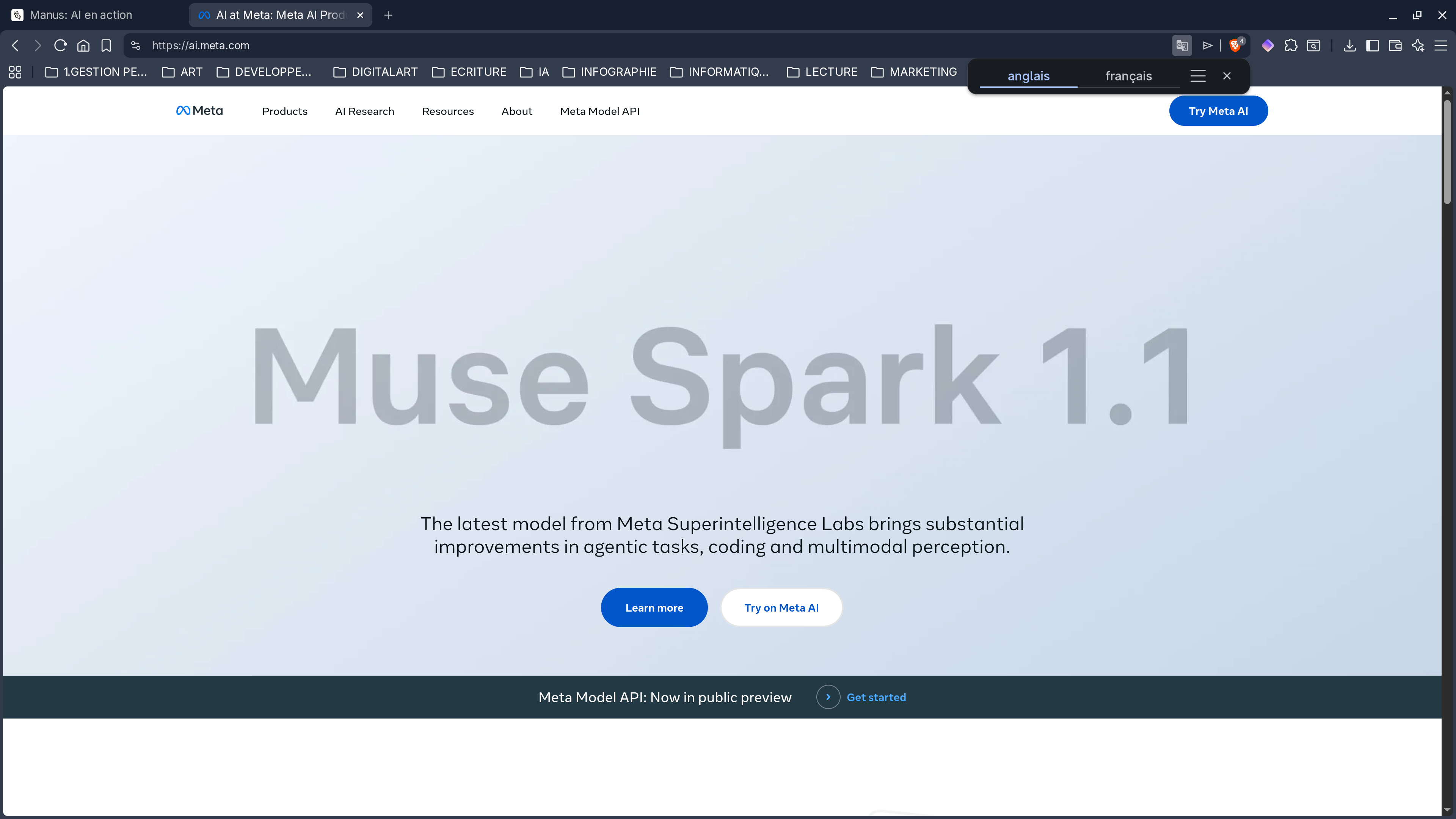
- Muse Spark, the main model used by current Meta AI experiences;
- Muse Image, the image-generation and editing model;
- Llama, a separate family of models published by Meta under different licenses;
- Vibes, a feed for creating and discovering AI-generated videos;
- Meta AI features integrated into WhatsApp, Instagram, Facebook, Messenger, and Threads.
The fact that Meta separately publishes Llama models does not make the Meta AI application open source.
The website, applications, accounts, memory, recommendations, Muse models, and cloud infrastructure remain proprietary.
Meta AI mainly differs from other general-purpose assistants through its deep connection to Meta’s social ecosystem.
It can draw on public content, posts, Reels, creators, groups, trends, and certain information that the user has chosen to share with Meta services.
This integration can provide more social and contextual recommendations, but it also increases privacy, personalization, and source-reliability concerns.
Features
Conversation and writing
Meta AI allows users to communicate in natural language.
It can notably:
- answer a question;
- explain a concept;
- write a message;
- rephrase text;
- correct wording;
- summarize content;
- translate;
- create an outline;
- produce a list;
- organize ideas;
- compare several options;
- support brainstorming;
- prepare a social-media post;
- adapt text to a tone or audience.
Responses may contain text, tables, links, recommendations, and visual elements.
Meta AI remains a generative system.
It may produce:
- factual errors;
- fabricated information;
- nonexistent references;
- overly assertive answers;
- biased recommendations;
- incomplete summaries.
Important content should be reviewed and verified.
Models and response modes
At the time of the latest verification, Meta AI experiences mainly use Muse Spark.
Muse Spark is presented as a model capable of handling general requests, research, reasoning, and certain tasks involving multiple tools.
Depending on the platform and rollout status, users may have access to modes focused on:
- a quick response;
- deeper reasoning;
- enhanced research;
- a request involving several steps.
Muse Spark may also divide certain complex requests between several processes or sub-agents.
This approach may notably be used to:
- compare several destinations;
- research information in parallel;
- organize an itinerary;
- analyze several options;
- gather different categories of recommendations.
These features may vary depending on the country, language, account, and application used.
A deeper mode does not guarantee that the conclusion will be correct.
Web search
Meta AI can search for recent information on the Web.
It can notably be used to:
- follow current events;
- search for documentation;
- compare products;
- search for a place;
- find recommendations;
- prepare ongoing monitoring;
- research a company;
- check opening hours;
- explore several sources;
- find articles.
Responses may include links to pages or content that were used.
Web search does not remove the risk of error.
Meta AI may still:
- use an outdated source;
- mix several pieces of information;
- attribute a claim to the wrong page;
- misinterpret an article;
- present a trend as a fact;
- produce an imprecise citation.
Important information should be checked in the original pages.
News and media
Meta AI can integrate information from media outlets and editorial partners.
This feature may be used to:
- follow the latest news;
- search for several articles;
- compare media coverage;
- obtain an initial synthesis;
- retrieve a recent topic.
News-related responses may combine:
- press articles;
- Web results;
- public posts;
- the model’s knowledge;
- inferences produced by the AI.
This combination should be examined carefully.
Popular or widely shared content is not necessarily reliable information.
Public content from the Meta ecosystem
An important characteristic of Meta AI is its access to the public context of Meta services.
Depending on the feature and country, the assistant may notably use:
- Instagram posts;
- Reels;
- Facebook posts;
- content from public groups;
- public discussions;
- Threads posts;
- comments;
- reviews;
- creator recommendations;
- brand content.
This integration can be useful for:
- spotting a trend;
- searching for ideas;
- discovering a place;
- finding creators;
- viewing community recommendations;
- observing reactions to a product;
- finding recent content.
Social content nevertheless has several limitations:
- information may be false;
- a post may be promotional;
- reviews may be manipulated;
- a trend may be extremely temporary;
- popularity does not guarantee quality;
- recommendations may reflect an algorithmic bubble.
Local search
Meta AI can search for and recommend nearby places.
It may notably suggest:
- restaurants;
- cafés;
- activities;
- shops;
- events;
- tourist attractions;
- services;
- outings.
Responses may include:
- maps;
- opening hours;
- photographs;
- reviews;
- local posts;
- Instagram or Facebook content;
- community recommendations.
Relevance depends notably on:
- the phone’s location;
- granted permissions;
- the amount of available data;
- the freshness of posts;
- the quality of reviews;
- account personalization.
Opening hours, prices, and availability should be checked with the relevant venue.
Shopping and product search
Meta AI can help users search for products.
It may notably use:
- the Web;
- Facebook Marketplace;
- brand posts;
- creator content;
- social recommendations;
- images provided by the user.
The user can specify:
- a budget;
- the type of product;
- the desired style;
- distance;
- size;
- color;
- certain preferences.
Meta AI can also analyze a photograph to:
- identify a type of object;
- search for similar products;
- suggest inspiration;
- propose alternatives.
Shopping recommendations are not necessarily neutral or exhaustive.
They may be influenced by:
- followed accounts;
- viewed brands;
- liked content;
- followed creators;
- interaction history;
- advertising interests associated with the account.
Prices and availability should be checked on sellers’ websites.
File uploads
Meta AI allows users to add different files to a conversation.
Depending on the application and available features, this may include:
- images;
- photographs;
- videos;
- documents;
- PDF files;
- spreadsheets;
- several files within the same request.
The assistant can notably:
- summarize a document;
- answer questions;
- compare several files;
- extract information;
- analyze a table;
- comment on an image;
- examine a short video;
- prepare a synthesis;
- identify the main themes.
Formats, sizes, and limits may change.
Important information should be checked in the original files, particularly for:
- contracts;
- financial reports;
- legal documents;
- professional data;
- medical documents;
- files containing personal data.
Image analysis
Meta AI can analyze an image provided by the user.
It can notably:
- describe a photograph;
- identify certain objects;
- read a screenshot;
- comment on a chart;
- analyze an outfit;
- examine a product;
- suggest editing ideas;
- search for a similar object;
- extract certain text.
Recognition may be incorrect.
The assistant may notably:
- confuse two objects;
- misread text;
- assign the wrong brand;
- interpret a scene incorrectly;
- provide an overly general description.
Visual analysis should not be used as the sole basis for an important decision.
Voice
The Meta AI application provides voice conversations.
The user can notably:
- ask a question aloud;
- receive a spoken response;
- interrupt the assistant;
- change the subject;
- request a translation;
- request image generation;
- continue using certain phone features during the conversation.
Voice and language availability varies by region.
Voice conversations may require microphone access.
The surrounding environment may unintentionally reveal:
- private conversations;
- names;
- addresses;
- professional information;
- personal data;
- sounds from other people.
Not all voice modes necessarily have the same search, memory, or Web-access capabilities.
Live AI and camera
Live AI allows users to show Meta AI what the camera is recording.
The assistant can notably:
- identify an object;
- describe a scene;
- comment on a product;
- explain an interface;
- help use a device;
- suggest a repair;
- translate text;
- answer a question about a place;
- guide a task step by step.
Live AI is also connected to certain Meta devices and glasses.
This feature may misinterpret what it sees.
It may notably:
- confuse objects;
- provide an incorrect instruction;
- misread a label;
- overlook a danger;
- interpret a situation incorrectly.
The camera may also expose:
- a face;
- an address;
- a screen;
- a document;
- a badge;
- a private location;
- people who have not consented to being filmed.
Image generation
Meta AI can generate images from a description.
At the time of the latest verification, visual features are mainly associated with Muse Image.
The user may notably ask it to:
- create an illustration;
- produce an image in a given style;
- generate several variants;
- design a product image;
- create a setting;
- produce a poster;
- generate an infographic;
- design an image for social media;
- create a new interior design;
- produce a composition from several references.
Muse Image may be combined with Muse Spark to:
- understand a complex request;
- research context;
- organize a composition;
- break down several steps;
- combine references.
Results should be verified.
A generated image may contain:
- incorrect text;
- fabricated numbers;
- an inaccurate representation of a product;
- distorted anatomical elements;
- incorrect perspective;
- a misleading composition;
- unintended likenesses.
Text in images
Muse Image aims to produce more readable text inside images.
This ability may be used to create:
- a poster;
- a cover;
- an invitation;
- signage;
- a social-media visual;
- an advertising concept;
- an infographic.
Generated text should nevertheless be reviewed.
It may contain:
- spelling mistakes;
- missing letters;
- distorted words;
- an incorrect translation;
- fabricated information.
Infographics
Meta AI can generate infographics from an instruction.
The feature may notably be used to:
- explain a process;
- summarize a topic;
- compare several elements;
- present data;
- create an initial basis for social media.
Generated infographics should not be published without verification.
They may contain:
- fabricated data;
- misleading proportions;
- inconsistent units;
- textual errors;
- a confusing hierarchy;
- nonexistent sources.
Further editing in Canva or another graphics application is generally necessary.
QR codes
Muse Image may attempt to generate functional QR codes.
Every generated QR code should be tested with several devices before use.
An image that visually resembles a QR code may be unreadable or direct users to the wrong destination.
No QR code intended for payment, authentication, or an important document should be used without complete verification.
Image editing
Meta AI allows users to edit an image through conversation.
The user can notably:
- remove an object;
- add an element;
- change a setting;
- adjust the lighting;
- transform a style;
- replace clothing;
- restore an old photograph;
- combine several images;
- edit a selected area;
- continue with several successive edits.
Depending on the interface, it may be possible to indicate an area by:
- circling it;
- drawing over it;
- adding an annotation;
- precisely describing the relevant element.
Conversation context makes successive edits easier.
Edits may nevertheless unintentionally modify:
- a face;
- an expression;
- a hand;
- a logo;
- a texture;
- an important detail;
- consistency across a series.
Photograph restoration
Muse Image can be used to restore or transform old photographs.
It can notably:
- reduce certain defects;
- reconstruct areas;
- colorize;
- improve readability;
- change the background;
- produce a modern interpretation.
Generative restoration is not a historically exact reconstruction.
The model may invent:
- details;
- facial features;
- clothing;
- scenery;
- colors;
- objects absent from the original photograph.
The generated version should be presented as an interpretation when historical accuracy is important.
Vibes
Vibes is an area of Meta AI dedicated to short videos generated or transformed by artificial intelligence.
The user can notably:
- discover videos;
- create a video;
- remix a creation;
- change its style;
- add music;
- share a result;
- publish to Instagram or Facebook.
The feed may be personalized according to:
- interactions;
- watched videos;
- liked content;
- followed accounts;
- completed remixes.
Vibes brings Meta AI closer to a creative social network.
Published content may be:
- visible to other people;
- copied;
- reshared;
- remixed;
- distributed outside the platform.
Sharing settings should be checked before publication.
Video editing
Meta AI may provide generative transformation features for short videos.
Depending on the platform and available tools, it may be possible to change:
- the style;
- clothing;
- the setting;
- lighting;
- atmosphere;
- colors;
- the overall appearance.
Certain versions rely on presets or short-duration clips.
Video features change rapidly and are not all available in every country.
Transformations may produce:
- inconsistent movement;
- unstable faces;
- disappearing objects;
- errors between frames;
- unwanted changes.
Muse Video
Meta is also developing video technologies associated with the Muse family.
At the time of the latest verification, Muse Video should not be presented as a fully available general-purpose video generator across every Meta AI experience.
Consumer video creation mainly relies on the features and tools offered through Vibes and existing editing experiences.
Memory
Meta AI can remember certain information provided by the user.
It may notably retain:
- preferences;
- interests;
- constraints;
- habits;
- shared personal information;
- important elements from a conversation.
This memory can improve continuity between responses.
It may also lead to:
- incorrect assumptions;
- excessive personalization;
- reuse of outdated information;
- retention of a detail the user no longer wishes to share.
Memory options should be reviewed in the settings when available.
Personalization from Meta accounts
Personalization may use information that the user has already shared with Meta services.
This may notably include:
- profile information;
- linked accounts;
- liked posts;
- viewed content;
- interactions;
- followed creators;
- followed brands;
- inferred interests;
- Facebook and Instagram accounts linked through Accounts Center.
This personalization may produce responses that better match the user’s preferences.
It may also reduce recommendation diversity or strengthen an algorithmic bubble.
Availability varies by region.
History and continuity
Conversations may be retrieved across:
- the Meta AI website;
- the mobile application;
- certain Meta integrations;
- certain connected devices and glasses.
The user can begin a conversation on one platform and continue it on another when the account is synchronized.
Exact synchronization features vary by application.
Companion application for Meta glasses
The Meta AI application also serves as a companion application for certain Meta devices.
It may notably allow users to:
- pair glasses;
- manage settings;
- import photographs;
- import videos;
- view content;
- access certain conversations;
- share media;
- manage assistant-related features.
This feature does not mean that the glasses should be added as a software platform in the YAML schema.
The glasses are a separate device requiring:
- a camera;
- a microphone;
- a connection;
- a Meta account;
- additional permissions.
WhatsApp integration
Meta AI is integrated into WhatsApp in supported regions.
It can notably be used:
- in a dedicated conversation;
- from search;
- through a mention in a group;
- to generate an image;
- to ask a question;
- to request a recommendation;
- to obtain help concerning a discussed topic.
Available features vary depending on the country and account.
Messages sent directly to Meta AI should not be considered identical to an ordinary private conversation between two people.
Incognito Chat
Meta is rolling out an Incognito Chat mode for certain conversations with Meta AI.
This mode is intended to provide a temporary and more private conversation.
According to the announced features:
- the conversation is not retained in ordinary history;
- messages are temporary;
- data is processed in a protected environment;
- Meta states that it cannot directly read content processed in this mode.
Incognito Chat relies on a separate private-processing technology.
This protection is not automatically applied to every Meta AI conversation.
The feature may also be unavailable in certain countries or for certain accounts.
Users should verify that Incognito Chat is actually enabled before sending sensitive information.
Instagram integration
Meta AI may appear in different areas of Instagram:
- search;
- private messages;
- suggestions;
- image creation;
- recommendations;
- content discovery;
- writing assistance;
- interactions with posts.
It may notably help to:
- find creators;
- research a trend;
- prepare a caption;
- find content ideas;
- search for a place;
- create an image;
- ask a question about a Reel or post.
Available features differ by country.
Facebook integration
Meta AI may appear in:
- Facebook search;
- Messenger;
- groups;
- posts;
- comments;
- recommendations;
- certain AI Mode experiences.
AI Mode may produce answers grounded in:
- public posts;
- groups;
- Reels;
- Web content;
- the model’s knowledge.
This combination may be useful for discovering community feedback, but it does not guarantee answer reliability.
Messenger integration
Meta AI can be used from Messenger.
It can notably be used to:
- ask a question;
- generate an image;
- organize an activity;
- find a recommendation;
- write a message;
- suggest ideas in a conversation.
Exchanges with Meta AI follow the rules applicable to Meta’s artificial-intelligence features.
Threads integration
Meta is testing or rolling out different Meta AI integrations in Threads.
This may include:
- a Meta AI mention;
- enhanced responses;
- trend research;
- analysis of public discussions;
- content suggestions.
These features may be experimental or restricted to certain countries.
Discover feed
The Meta AI application may offer a Discover feed focused on shared creations and prompts.
Users may notably discover:
- images;
- videos;
- prompts;
- remixes;
- creations from other people.
Content is not necessarily published automatically.
Users generally have to choose to share it.
Before publishing, users should verify that the content does not reveal:
- private information;
- a name;
- a face;
- a place;
- a document;
- a confidential prompt;
- something belonging to another person.
Free access
Meta AI remains available free of charge in its main interfaces.
This notably includes:
- the Web;
- Android;
- iPhone;
- iPad;
- WhatsApp;
- Instagram;
- Facebook;
- Messenger.
Free access may be subject to:
- generation limits;
- quotas;
- slowdowns;
- temporary restrictions;
- regional differences;
- features unavailable for certain accounts.
Current free access does not guarantee that every feature will remain available without payment.
In-app purchases and subscriptions
Meta AI applications may display in-app purchases.
Meta may also offer or test subscriptions intended to increase:
- the number of creations;
- image generations;
- visual transformations;
- limits for certain features;
- access to advanced creative tools.
Prices and quotas are not yet stable or consistent enough to be listed precisely in a long-term directory entry.
Data used for AI
Meta may use different data to develop and improve its artificial-intelligence systems.
This may notably include:
- messages sent to Meta AI;
- generated responses;
- user feedback;
- interactions with AI features;
- certain public posts from adults;
- certain public comments;
- public content available across Meta services.
Ordinary conversations with Meta AI may be used to improve or train models.
This rule may vary according to:
- the region;
- account type;
- feature;
- settings;
- conversation mode;
- legal obligations.
European users
Within the European Union, Meta may base certain processing on legitimate interest.
Users may have rights allowing them to:
- obtain information;
- access certain data;
- request deletion;
- object to certain processing;
- modify certain settings.
Procedures and conditions may change.
Objecting to processing does not necessarily remove what an older model has already learned.
Conversation deletion
Meta provides different tools for managing or deleting interactions with its AI systems.
Depending on the application, users may notably:
- delete a conversation;
- delete history;
- download certain data;
- reset certain remembered information;
- delete content associated with the assistant.
Deleting a conversation from only one application may remove only the copy visible in that application.
Reset and deletion commands should be reviewed separately for WhatsApp, Instagram, Facebook, and the Meta AI application.
Memory reset
Meta may provide commands or settings for resetting information remembered by the assistant.
This feature may be useful when information is:
- incorrect;
- outdated;
- too personal;
- no longer useful;
- being used inappropriately.
Deletion normally prevents the information from being reused in active memory.
It does not guarantee that an older model version was never influenced by data already used for training.
Use cases
General questions
Meta AI can answer common questions.
It may notably be used to:
- understand a concept;
- obtain a definition;
- prepare a synthesis;
- compare several options;
- explore a topic;
- create examples;
- rephrase an explanation.
Important facts should be verified.
Web search and news
Meta AI can support research into recent information.
It may be used to:
- follow current events;
- search for articles;
- compare several pieces of information;
- find sources;
- research a company;
- prepare ongoing monitoring;
- build an initial overview.
The original pages should remain the reference.
Social search
Integration with Meta’s public content can be used to:
- research trends;
- discover creators;
- view reviews;
- find places;
- observe reactions to a product;
- find inspiration;
- explore recent content.
Social posts should be considered testimonials or signals rather than sufficient evidence.
Local search
Meta AI may be used to:
- find a restaurant;
- search for an activity;
- organize an outing;
- discover a shop;
- prepare a visit;
- compare several places.
Opening hours, prices, and availability should be checked directly.
Shopping
Meta AI can help users:
- search for a product;
- compare several styles;
- explore Facebook Marketplace;
- find an alternative;
- identify an object from a photograph;
- search for inspiration;
- stay within a budget.
Recommendations may be personalized and do not constitute a neutral comparison service.
Writing and communication
Meta AI can support the creation of:
- messages;
- social-media posts;
- captions;
- scripts;
- summaries;
- outlines;
- descriptions;
- translations;
- emails;
- replies.
Text should be adapted to the context and reviewed.
Document analysis
Meta AI can help to:
- summarize a PDF;
- compare several documents;
- extract information;
- analyze a table;
- examine a presentation;
- prepare a synthesis.
Results should be compared with the original files.
Image creation
Meta AI can be used to:
- produce an illustration;
- prepare a social-media visual;
- create a poster;
- explore an art direction;
- generate a concept;
- produce a product image;
- create an infographic;
- imagine a setting.
The result should be verified and often reworked before publication.
Image editing
Meta AI can help to:
- remove an object;
- change a setting;
- alter a style;
- restore a photograph;
- combine several images;
- create different variants;
- test an interior design;
- adapt an image for publication.
Important details should be checked after every modification.
Social video creation
Vibes and video tools can be used to:
- create a short video;
- test a style;
- remix a creation;
- produce social content;
- add music;
- prepare an initial mock-up.
Rights, sharing settings, and generated elements should be verified.
Organizing activities
In WhatsApp, Messenger, or other Meta applications, the assistant can help to:
- choose a place;
- prepare an outing;
- suggest a date;
- suggest activities;
- create a list;
- compare several options.
Final decisions should still be confirmed with participants.
Use with Meta glasses
With compatible glasses, Meta AI may be used to:
- ask a question by voice;
- identify an object;
- translate text;
- request information about a place;
- obtain contextual assistance;
- capture and transfer media.
Users should respect the privacy of people nearby and local recording laws.
Social-content creation
Meta AI is particularly suited to creating content for the Meta ecosystem.
It may notably help to:
- find an idea;
- write a caption;
- produce an image;
- create a short video;
- identify a trend;
- prepare several variants;
- publish or share to Instagram and Facebook.
This integration reduces switching between tools, but it may lock the workflow into the Meta ecosystem.
PANACHES review
Meta AI stands out less through an independent professional workspace than through its integration with Meta’s social ecosystem.
Its presence in WhatsApp, Instagram, Facebook, and Messenger gives it access to situations where other assistants are less naturally present: group conversations, community recommendations, local searches, social trends, and creation directly connected to social platforms.
This integration is its main advantage.
Someone who already uses Meta services every day can ask a question, search for a place, create an image, or prepare a message without opening a separate tool.
Meta AI has also become more complete through voice, Live AI, file analysis, Muse Image, and Vibes.
Its visual features give it a legitimate place among general-purpose creative assistants, even though graphics software or a specialized generator remains preferable for precise visual work.
Research based on Meta’s public content may provide useful signals concerning trends, creators, or local recommendations.
It should nevertheless be distinguished from rigorous documentary research. A popular post, Reel, or comment does not carry the same weight as an official source, study, or technical documentation.
Personalization is both a strength and a limitation.
Recommendations may become more relevant by using followed accounts, brands, creators, and content. The same logic may also strengthen biases, algorithmic bubbles, and the amount of data used to personalize the assistant.
Data policy is therefore the main point of concern.
Ordinary conversations with Meta AI and certain public information may be used to improve models. Incognito Chat provides a more protective approach, but it is not automatically enabled everywhere.
For Panaches, Meta AI is mainly relevant for:
- observing social trends;
- finding content ideas;
- producing variants quickly;
- creating images;
- preparing posts;
- exploring recommendations from the Meta ecosystem.
It is less suited to:
- in-depth documentary research;
- managing long-term projects;
- structured document memory;
- advanced software development;
- workflows that need to remain independent from social networks;
- sensitive or confidential content.
Meta AI therefore complements creative and monitoring tools, but it does not replace a local workspace capable of organizing original files, notes, references, and projects over time.
Points to consider
- Meta AI is a proprietary service.
- The current assistant mainly uses Muse Spark rather than only Llama.
- Muse Spark is not presented as an open model.
- Muse Image is separate from Meta’s previous visual models.
- Llama is a separate family of models.
- Llama licenses do not automatically apply to Meta AI.
- Muse Video is not yet a general-purpose video generator available everywhere.
- Features vary significantly depending on the country, language, and application.
- Certain new features are rolled out gradually.
- Responses may contain errors or fabricated information.
- Web results should be checked in the original sources.
- A social post is not necessarily a reliable source.
- A trend does not constitute evidence.
- Recommendations may be influenced by followed accounts and creators.
- Shopping results are not necessarily neutral or exhaustive.
- Prices and availability should be checked on sellers’ websites.
- Local recommendations may be inaccurate or outdated.
- Opening hours should be checked directly with establishments.
- Uploaded files may contain sensitive information.
- Analyzed documents should be compared with the originals.
- Image analysis may be incorrect.
- Live AI may misidentify an object or situation.
- Advice provided through the camera may be unsuitable.
- Microphone use may record private information.
- Camera use may expose people or documents.
- Generated images may contain incorrect text.
- Generated infographics may contain fabricated data.
- Generated QR codes should be tested.
- Product images may not faithfully represent a real object.
- Edits may unintentionally modify a face or detail.
- Photograph restorations may invent elements.
- Generated videos may contain temporal inconsistencies.
- Content published in Vibes may be publicly visible.
- Public creations may be remixed or copied.
- Sharing settings should be checked before publication.
- Ordinary conversations may be used to improve models.
- Meta also uses certain public posts and interactions from adults.
- European users may have a right to object.
- Objection does not retroactively remove what an older model has already learned.
- Incognito Chat is not automatically applied to every conversation.
- Incognito Chat remains subject to gradual rollout.
- Users should verify that private mode is actually active.
- Memory may retain personal information.
- Personalization may use linked Meta accounts.
- Profiles, liked content, and followed accounts may influence responses.
- Personalization may strengthen an algorithmic bubble.
- Deleting a conversation in one application may remove only its local copy.
- Deletion settings and commands differ between applications.
- Meta glasses are a separate device with a camera and microphone.
- Use of the glasses should respect privacy and local laws.
- There is no independent official desktop application.
- The service does not operate entirely offline.
- In-app purchases and subscriptions may change limits.
- Prices and quotas may change rapidly.
- Meta AI is not a substitute for a qualified professional when making important medical, legal, or financial decisions.