
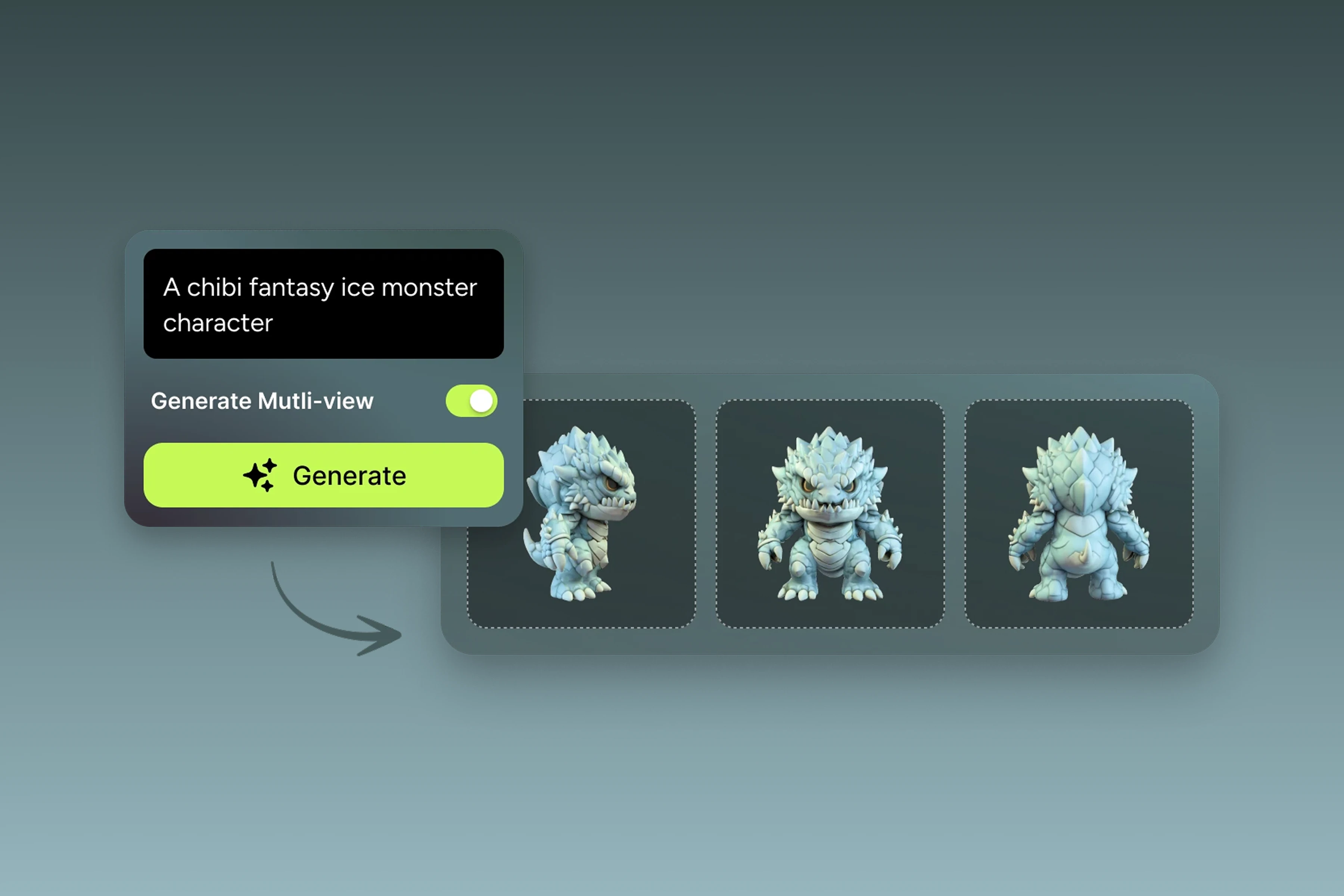
Overview
A creature already exists in a notebook. From the front, it works. From the back, much less so. Yet it needs volume, its shapes need to be reconstructed, its textures created and a file produced that a 3D application or a game engine can actually use.
Meshy specifically aims to shorten this first part of the journey.
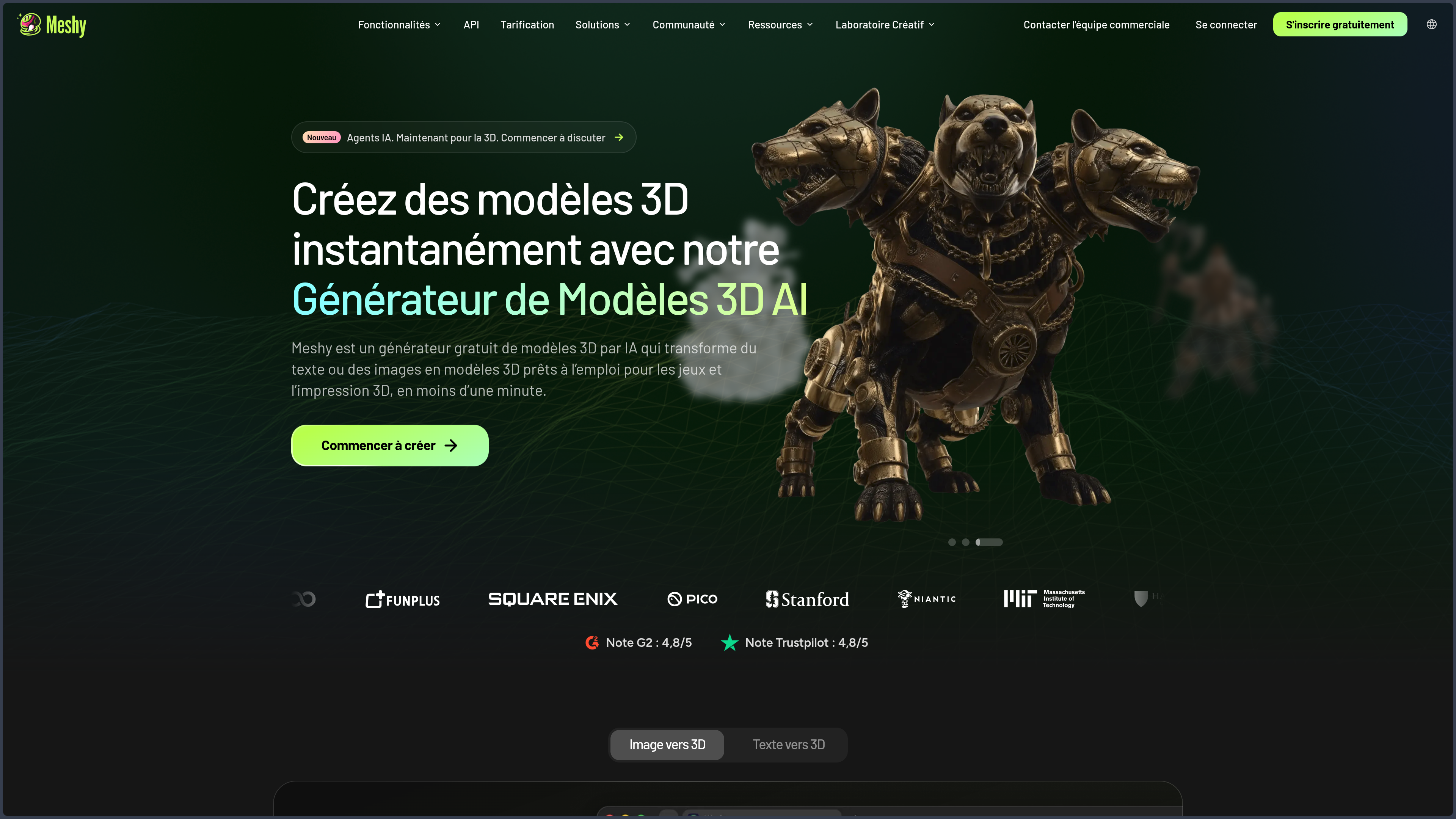
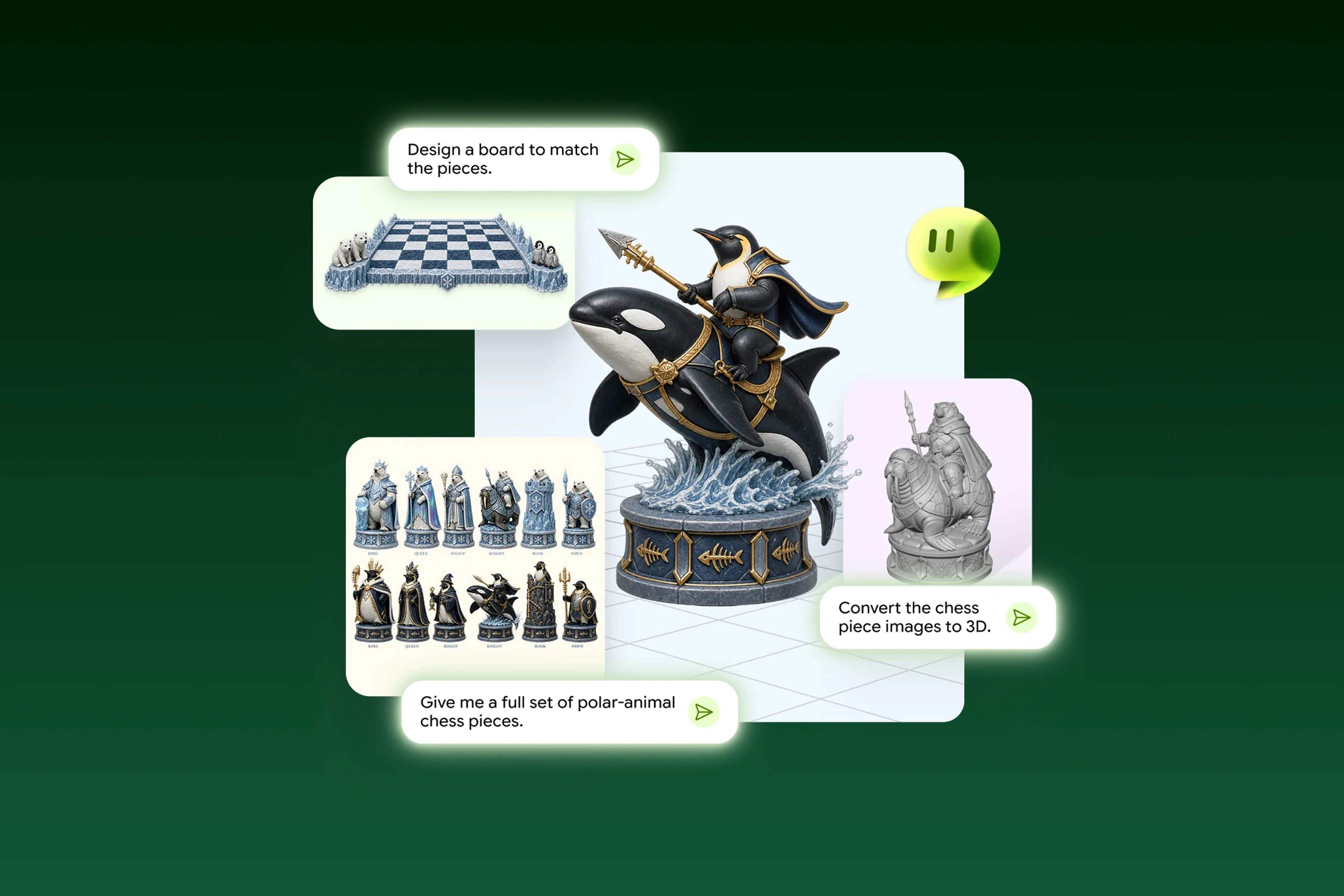
The platform generates 3D models from text, an image, or several views of the same subject. It can then intervene on the mesh, the textures, rigging, certain animations, and export.
Its interest therefore does not only come from the fact that it "does 3D with AI".
Meshy shifts the moment when real 3D work begins.
Instead of starting from an empty scene or a cube, the creator can quickly obtain an initial volumetric interpretation of their idea, rotate it, test it in a scene, and then decide whether it deserves to be corrected and pushed further.
This speed primarily changes the first mile of the pipeline.
A concept piece no longer needs to wait for a modeler to fully reconstruct its volume before being confronted with the reality of 3D. A shape can be tested very early in a game engine, a scene, or a printing tool.
The starting point strongly influences the result.
Text gives the system more freedom and suits ideation. A fixed image better constrains silhouette and style but still forces the AI to invent what is not visible. Several coherent views reduce that share of interpretation and become much more interesting when the shape actually needs to be reused in production.
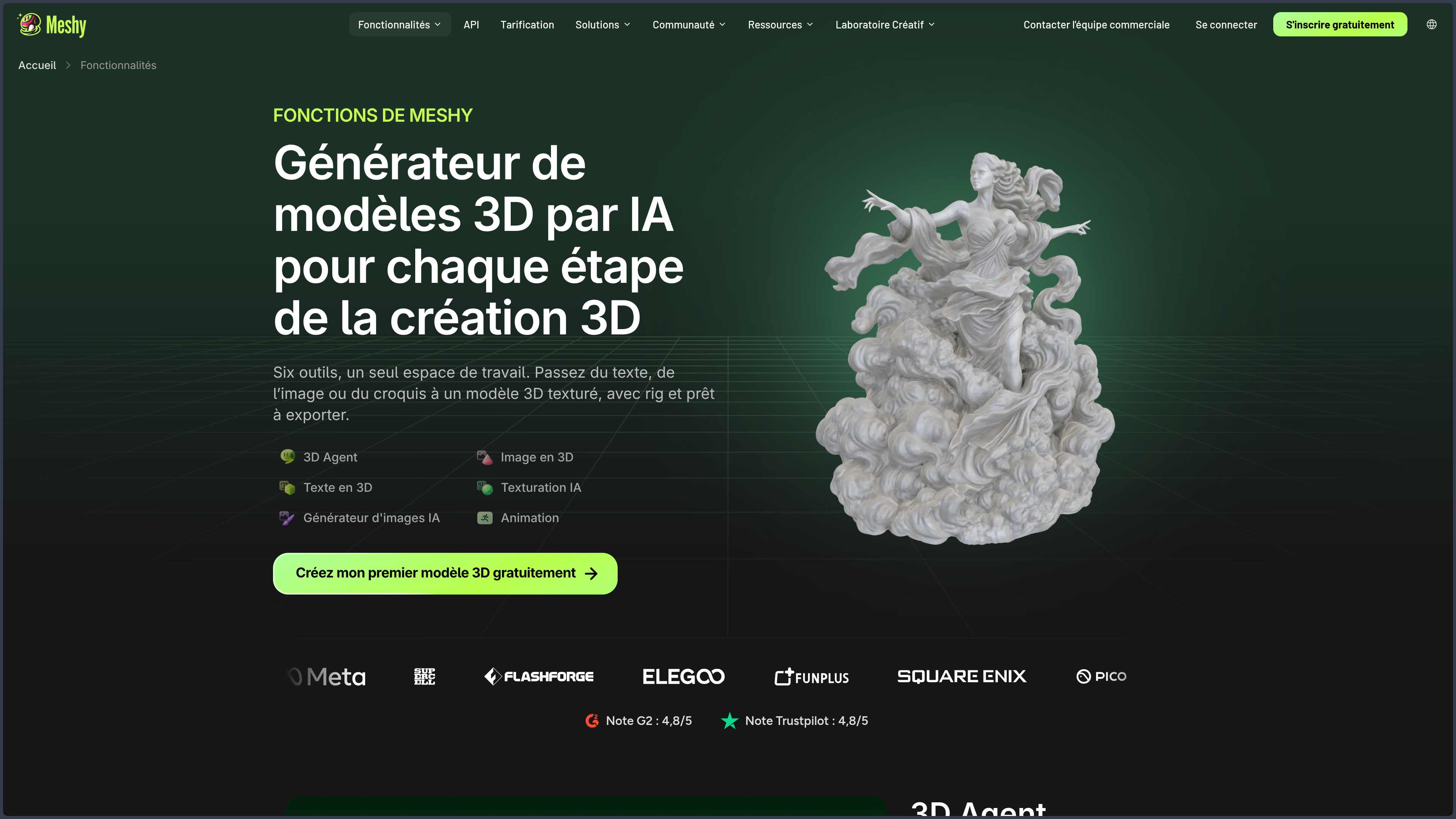
Meshy brings together several steps that were previously scattered: generation, meshing, PBR texturing, remeshing, rigging, light animation, presentation, and export.
This concentration does not, however, turn the platform into Blender or Maya.
Meshy has far less control over geometry, UVs, armature constraints, deformations, materials, or staging.
Its most coherent place is therefore that of a generation and asset preparation workshop.
The product runs in the cloud. This simplicity avoids having to install models or set up a local GPU, but it implies a dependency on the service, its credits, and its file processing rules.
Features
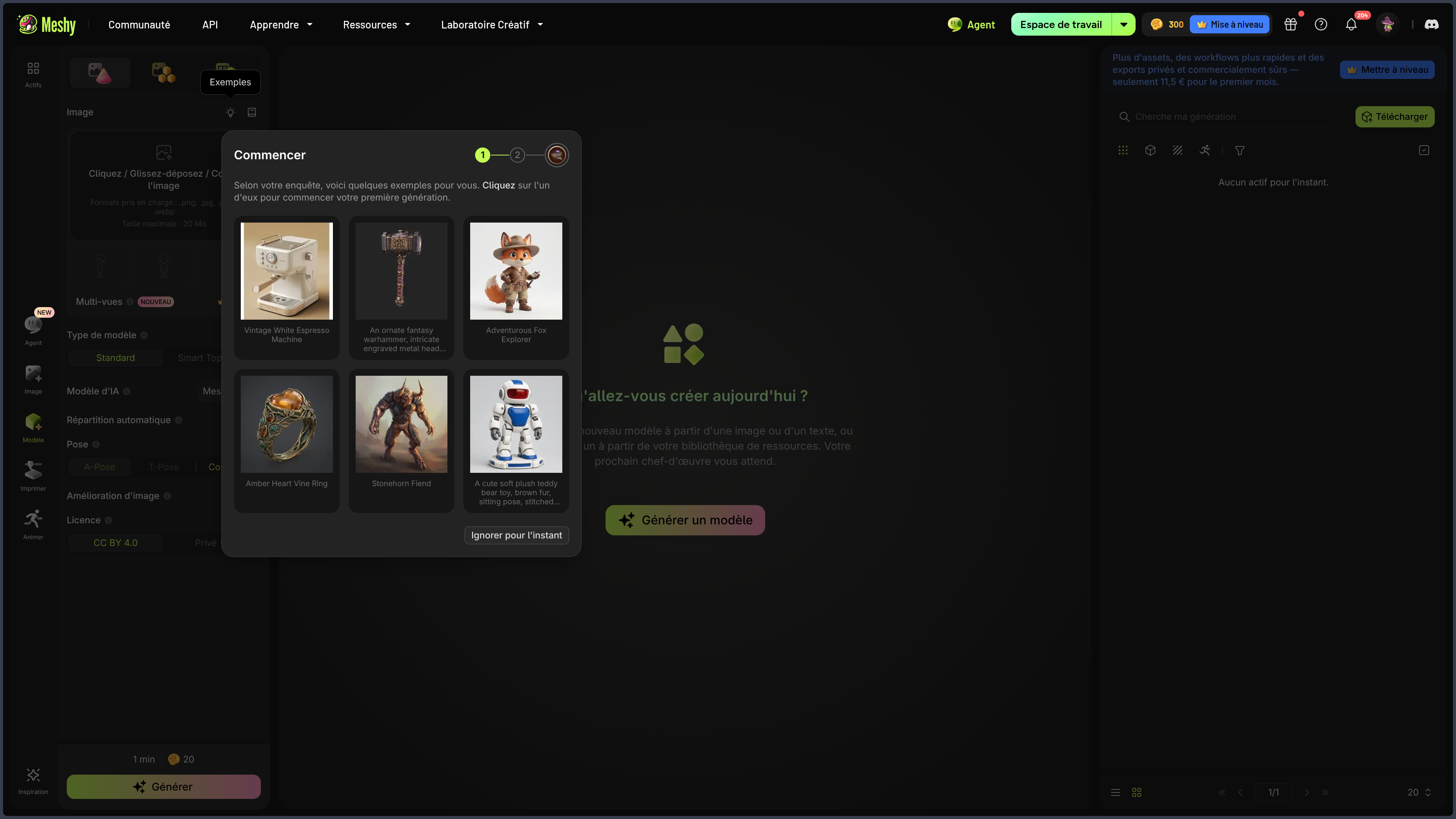
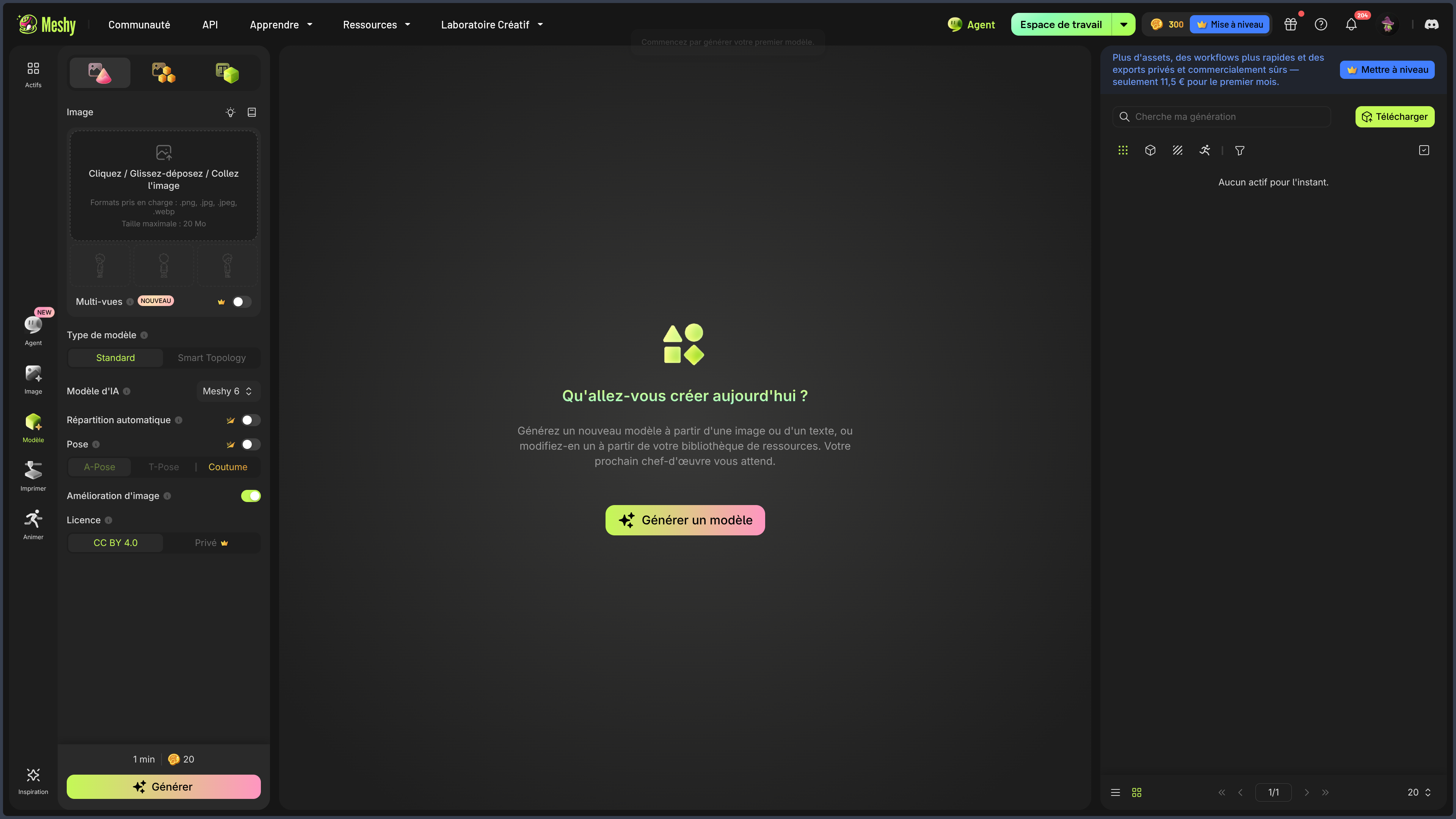
Starting from text, an image, or several views
Meshy offers several paths toward the same goal: obtaining a first 3D shape.
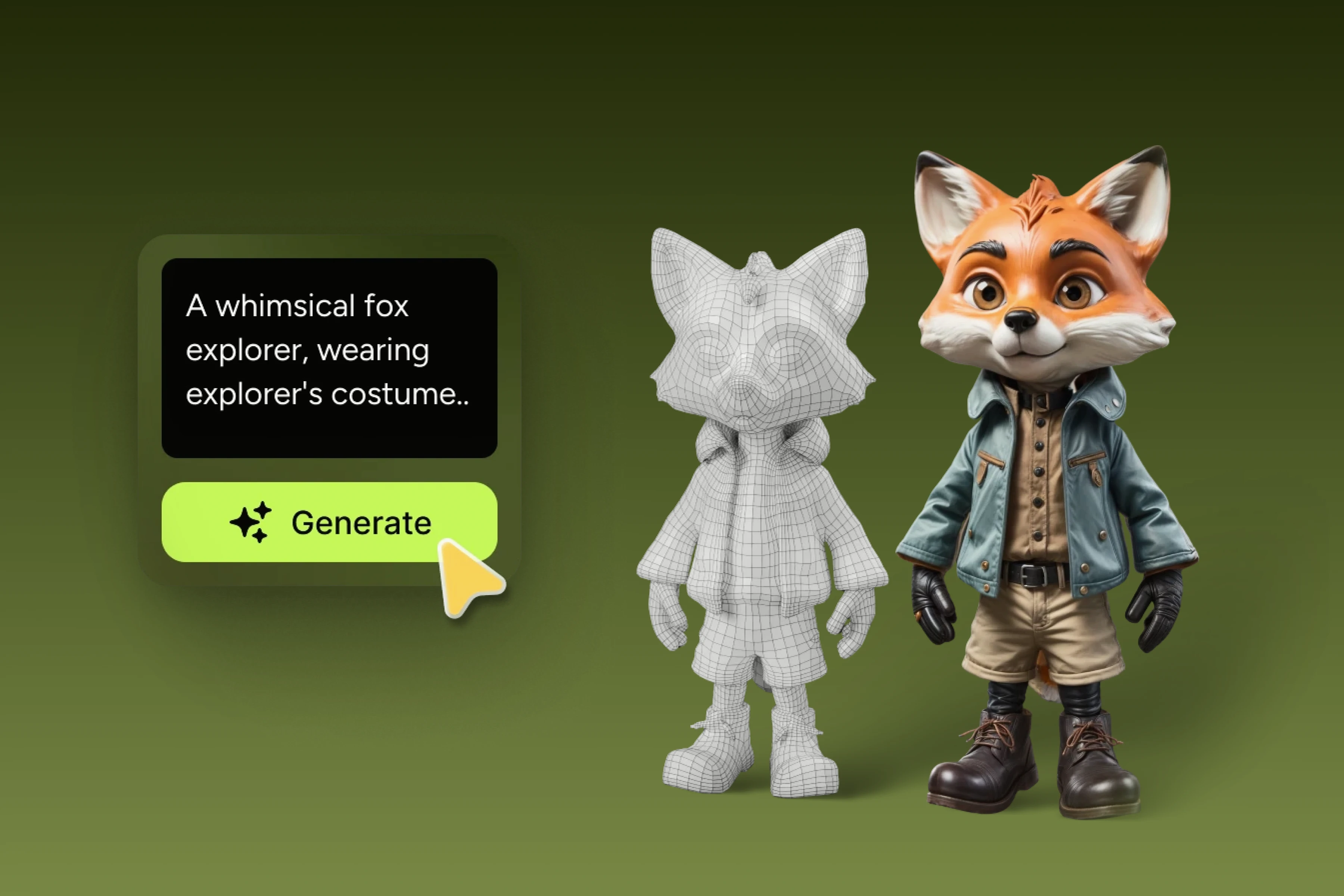
Text suits quick exploration. A description can produce several silhouettes of an object, a creature, or an accessory even before its design is fully fixed.
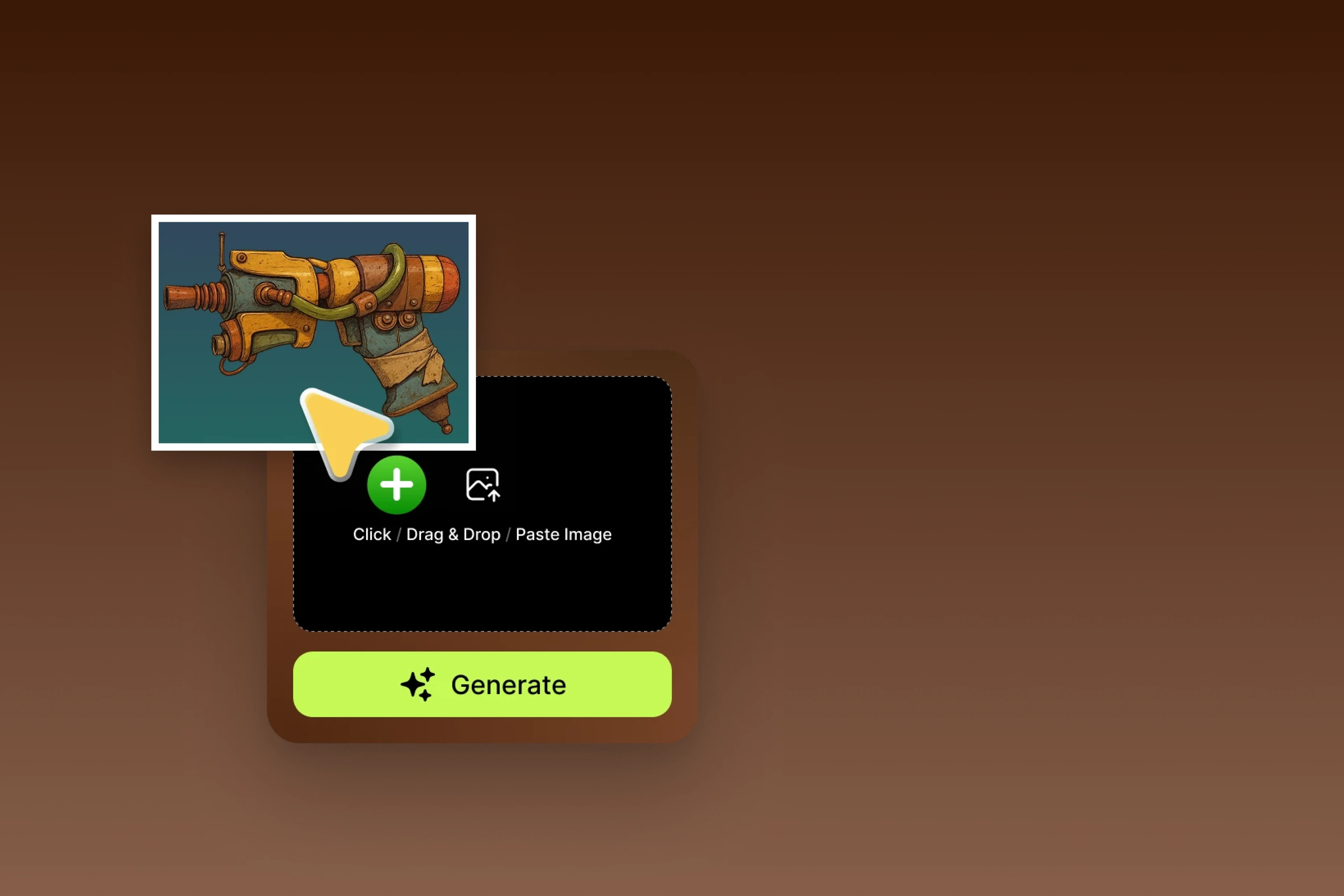
Image becomes more relevant when the design already exists. A sketch, a photograph, or a concept piece provides proportions, a palette, and details that the model no longer has to fully invent.
Multi-view reduces this ambiguity further by providing several angles of the same subject.
This difference is fundamental for a real workflow.
A single view can work perfectly from the front and produce an incoherent back. The more the references describe the volume, the less the system has to imagine the invisible parts.
The right mode therefore depends less on the supposed quality of the model than on the level of constraint already present in the project.
Turning a generation into an asset
A pretty preview is not yet an asset ready for a game, an animation, or a print.
Meshy therefore adds several operations intended to prepare the geometry: remeshing, polygon count adaptation, checking for certain errors, automatic rigging for compatible characters, and preset animations.
This layer is important because it brings generation closer to the production pipeline.
A rock meant for the background of a prototype does not have the same requirements as a main character filmed in close-up.
In the first case, imperfect geometry can be perfectly acceptable.
In the second, topology, deformations, proportions, and UVs quickly become decisive.
Meshy can accelerate both situations.
It does not reduce the work needed after generation in the same way.
Generating and modifying textures
Meshy can produce PBR textures for its own models or for certain imported files.
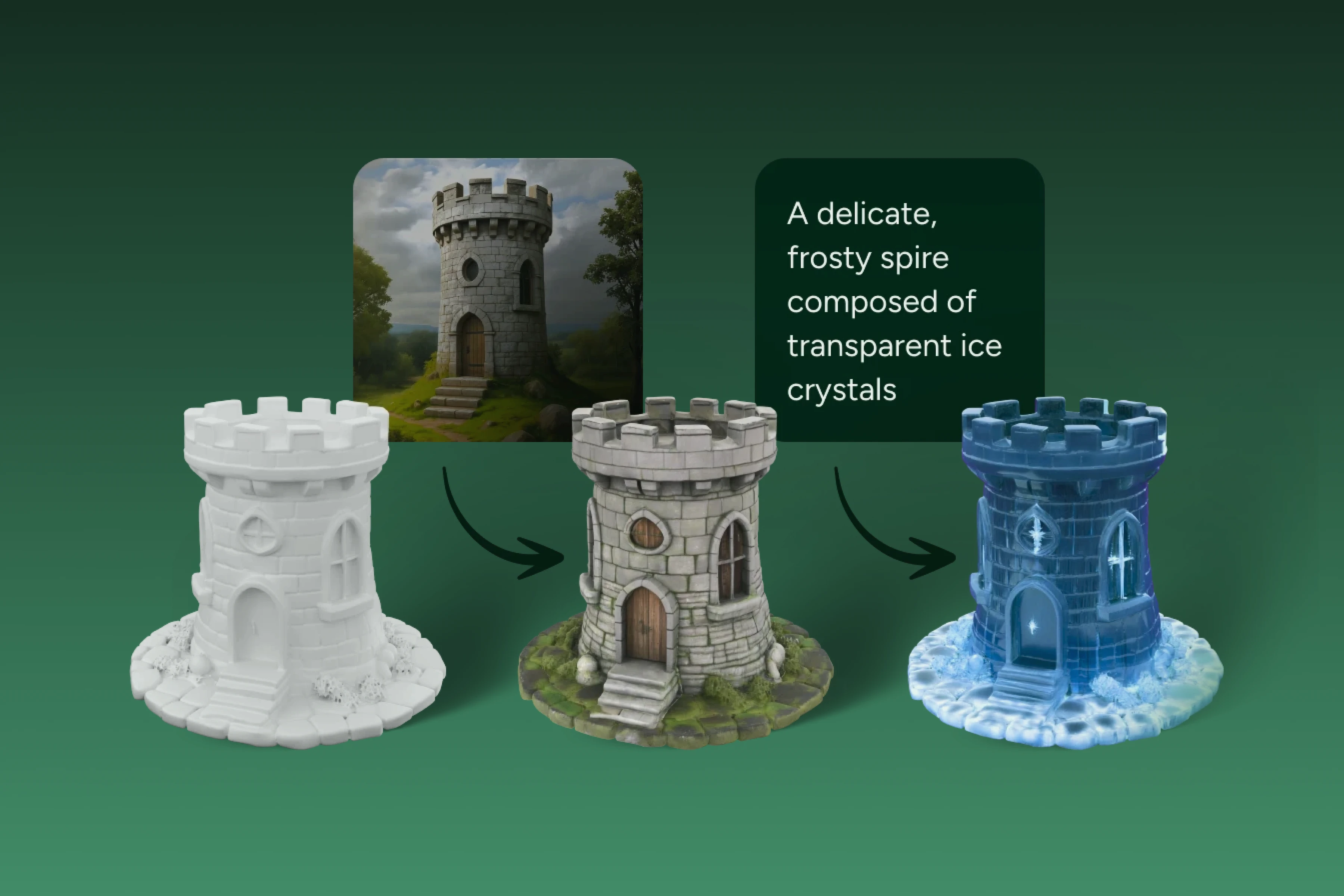
This separation between shape and appearance is particularly useful.
An already acceptable mesh can receive several visual directions without being reconstructed.
The same weapon can thus become rusty, futuristic, ceremonial, or stylized while its geometry stays identical.
This approach makes it possible to quickly test an artistic direction before investing time in more precise manual texturing.
For a real-time engine, the presence of maps suited to the materials also makes the transition to the next step of the pipeline easier.
Generated textures must, however, be examined outside the Meshy viewer. A convincing material under flattering lighting can reveal seams, resolution variations, or inconsistencies when it is used in another scene.
Rigging and animation
For compatible characters, Meshy can generate an armature and apply animations from a library.
This feature is particularly handy for prototypes.
A generated character can be put into motion quickly in order to check its silhouette, its scale, or its behavior in an engine.
The automatic rig must not be confused with a production rig.
Joints, weights, face deformations, clothing, or specific constraints may require significant rework.
The interest is mainly in allowing the asset to start moving early, not in guaranteeing it is ready for complex animation.
Quickly presenting and staging
Meshy also offers tools intended to present assets with camera, lighting, and simple movements.
This layer can be useful for a demo, a product preview, or visual validation.
It also shows an interesting evolution: the generated result is no longer only a file to download, but an element that can be observed in context.
For complex cinematics, true staging, or final render, 3D software and game engines obviously retain more depth.
Exporting to the rest of the pipeline
One of Meshy's most important qualities is that the generation is not condemned to remain locked inside the platform.
Models can be exported to several formats intended for 3D software, game engines, the Web, or printing.
Integrations and an API also make it possible to insert generation, texturing, remeshing, or animation into a broader workflow.
This is what makes Meshy truly interesting alongside traditional tools.
The result can continue its journey in Blender, Maya, Unity, Unreal Engine, a slicer, or another specialized application.
Meshy provides a foundation.
The pipeline then takes over.
Use Cases
Quickly prototyping a game
Rocks, accessories, ruins, or secondary creatures can be produced quickly to test a scene before investing time in final assets.
Turning a concept piece into a 3D base
An existing illustration can become a first volumetric interpretation to be corrected later in a modeling or sculpting application.
Testing several silhouettes
Text can be used to generate several interpretations of an object or character before deciding which one deserves cleaner modeling.
Exploring multiple texture directions
The same model can receive several visual treatments to quickly compare styles or materials.
Preparing a figurine or printable object
Meshy can produce and check an initial geometry intended for printing, then export it to a slicer for final checks.
Quickly preparing an animated character
Automatic rigging and animations make it possible to check early how a silhouette works in motion.
Automating asset production
The API becomes relevant when generative 3D is no longer an occasional action but a repeated step in a configurator, a prototype, or a production chain.
PANACHES Review
An excellent first-draft machine
Meshy's real strength is the speed at which an idea stops being just an image.
This speed is useful when many paths need to be tested before choosing which one deserves manual work.
It mainly replaces the void
Meshy does not replace Blender or Maya.
It replaces more the moment when one wonders where to start.
Once the base is created, traditional skills quickly regain their importance: topology, proportions, UVs, materials, rigging, animation, or optimization.
References radically change the quality of the starting point
Text-to-3D is appealing for ideation.
Image-to-3D and especially multiple views become more interesting when one wants to recover an already defined intent.
The more precise the project, the more important the quality of the references becomes.
A pipeline tool, not only a showcase tool
The ability to export, rework textures, and use an API makes Meshy more interesting than a generator producing only a pretty viewer.
The value really appears when the result continues its journey elsewhere.
Precision remains the final judge
Speed can give the impression that an asset is finished because it is already textured and visible.
The real test comes when it has to be lit elsewhere, deformed, printed, respect a scale, or placed next to other objects.
Meshy becomes less convincing when a project requires exact dimensions, perfectly controlled topology, flawless deformation, or strict continuity between multiple assets.
In these cases, generation must remain one step in the process.
Points of Attention
- A generation is not automatically a finished asset: geometry, intersections, UVs, and topology must be checked.
- A single image forces the system to invent the invisible parts.
- Several coherent views become important for shapes that need to be seriously reused.
- Automatic rigging does not replace a rig designed for complex production.
- Objects intended for printing must still be checked in a slicer.
- Textures must be tested in the target application or engine.
- Imported references must be legally usable.
- Rights and obligations may depend on the plan used.
- Service credits and limits can evolve quickly.
- Files are processed in the cloud, which must be considered for confidential projects.
- Generated results are not necessarily unique.
- Exports must be validated in the rest of the pipeline before being considered final.