
Overview
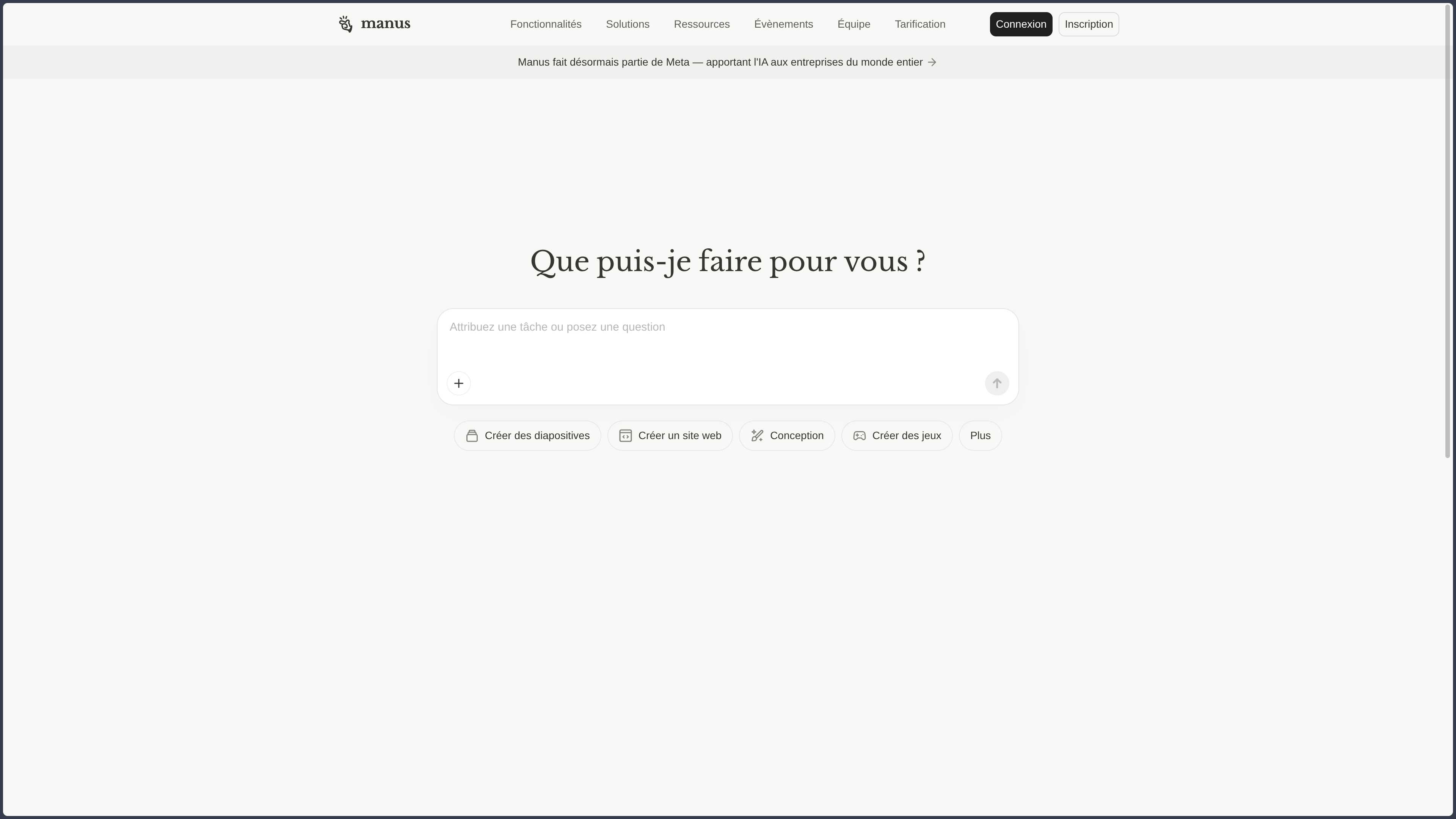
Manus is a general-purpose AI agent designed to go further than a classic conversational assistant.
The user gives an objective.
Manus can then prepare a plan, search for information, browse sites, manipulate files, execute code, and produce a final result.
Manus's proposition is the move from conversation to execution.
This difference seems simple.
It nevertheless profoundly changes the role of the tool.
A classic assistant generally waits for the next instruction.
Manus instead tries to keep the objective in view across several steps and to choose the necessary tools to move forward.
The center of gravity shifts from dialogue to mission.
This makes long-running tasks more natural.
It also requires the objective to be formulated clearly enough to be verifiable at the end.
A chatbot can explain how to create a report.
Manus can search for the information, organize it, produce the document, and, depending on the permissions granted, use several tools to complete the task.
This execution layer is its real difference.
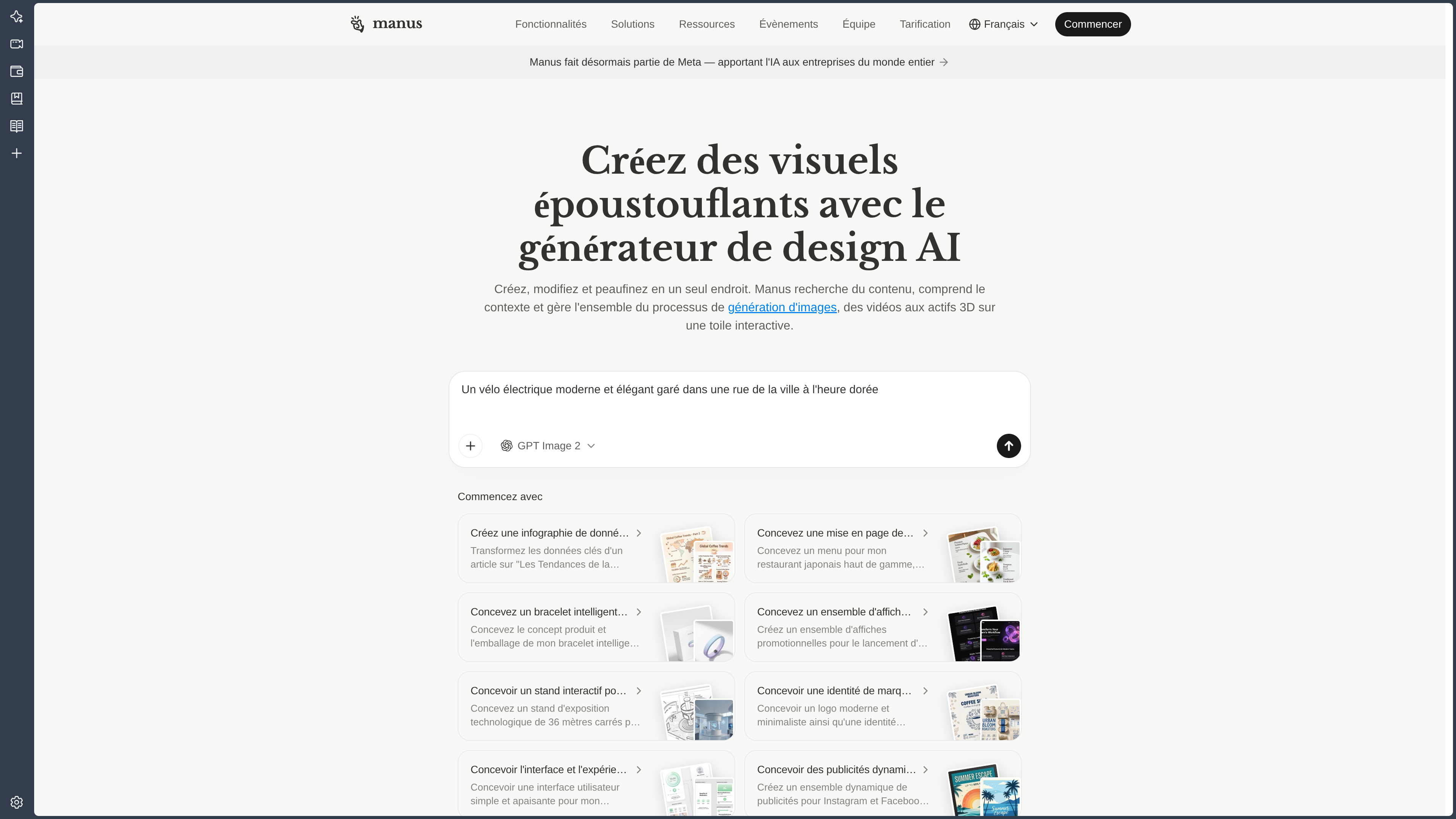
The output can be a report, a table, a presentation, a site, code, or another production.
The format changes.
The mechanism stays the same:
objective → plan → tools → actions → result.
Manus operates mainly in the cloud.
Its environment includes a browser, a file system, execution tools, and isolated spaces.
Desktop applications can also let the agent interact with certain resources present on the computer.
This extension toward local increases the usefulness of the product.
It increases even more the trust that must be placed in it.
Reading ten public pages is one thing.
Modifying local files or acting on an authenticated account is another.
Manus can also parallelize certain work with Wide Research, organize context in projects, and execute scheduled tasks.
The product therefore progressively resembles an agentic work environment rather than a simple assistant.
This autonomy still depends on permissions, credits, accessible tools, and human supervision.
Manus remains a proprietary service that relies primarily on the cloud.
Features
Agent mode: planning and executing a mission
Agent mode starts from an objective and then organizes several steps.
Search, files, code, and tools can come into play in the same mission.
The value lies in the continuity.
The user does not need to manually turn each answer into the next action.
The agent can keep the overall goal in view while switching tools.
This capability becomes particularly interesting when the task has several steps but a clearly defined result.
The vaguer the objective, the harder it becomes to evaluate whether the agent has truly finished.
A good agentic workflow therefore also depends on the quality of the success criterion.
Cloud environment
Manus has a computing environment dedicated to execution.
Depending on the task, it can use the browser, the file system, the terminal, software libraries, or processing tools.
This isolation lets a mission continue without depending entirely on the local computer.
It also provides a relatively controlled environment to install dependencies or manipulate files.
The downside is obvious.
The files and data transmitted to this environment leave the local machine.
The sensitivity of the project must therefore determine what can be entrusted to it.
Search and agentic browser
Manus can consult Web pages, follow links, and interact with certain services.
The browser is no longer just a source of pages to read.
It becomes an execution tool.
The agent can collect information or carry out certain multi-step procedures.
This difference hugely increases the automation potential.
It also means that a reasoning error can turn into a real action.
Authenticated accounts, forms, or sensitive services must be monitored with much more rigor than a simple public search.
In-depth research and synthesis.
Manus can carry out long research by consulting several sources and then organizing the results.
This capability suits market studies, comparisons, documentary research, or sector analyses.
The deliverable can then take several forms.
A report, a table, a presentation, or a structured base can come from the same work.
Continuity between research and production is an advantage.
It also creates a chain of transformations that must be verified.
A source error can propagate all the way to the final document.
Wide Research: parallelizing what can be parallelized
Wide Research makes it possible to divide a large set of elements into separately handled sub-tasks.
This method works well for comparisons, large-scale research, or batch processing.
Several companies, products, articles, or files can be analyzed in parallel.
The principle is simple:
a large set of independent elements can be distributed.
Wide Research is less useful for a problem where each step strictly depends on the previous one.
Parallelization must follow the structure of the problem.
It can reduce total time.
It can also multiply inconsistencies and resource consumption.
File and data analysis
Manus can analyze documents, spreadsheets, and other files.
It can summarize, compare, extract information, organize data, or produce a new file.
This capability becomes particularly useful when combined with search.
A study can mix:
- provided files;
- Web sources;
- calculations;
- tables;
- the final report.
The risk comes precisely from this continuity.
Each transformation adds a possibility of error.
Important data must be verified against the original files.
Producing deliverables.
Reports, tables, presentations, sites, or other files can be generated as part of a single task.
These formats are different results of the same capability:
turning a mission into usable production.
Final quality must be evaluated according to the domain.
A presentation can be correct in substance and mediocre visually.
A spreadsheet can look elegant with a wrong formula.
A site can work while containing fragile architecture.
Automatic production does not remove the professional criteria of the deliverable.
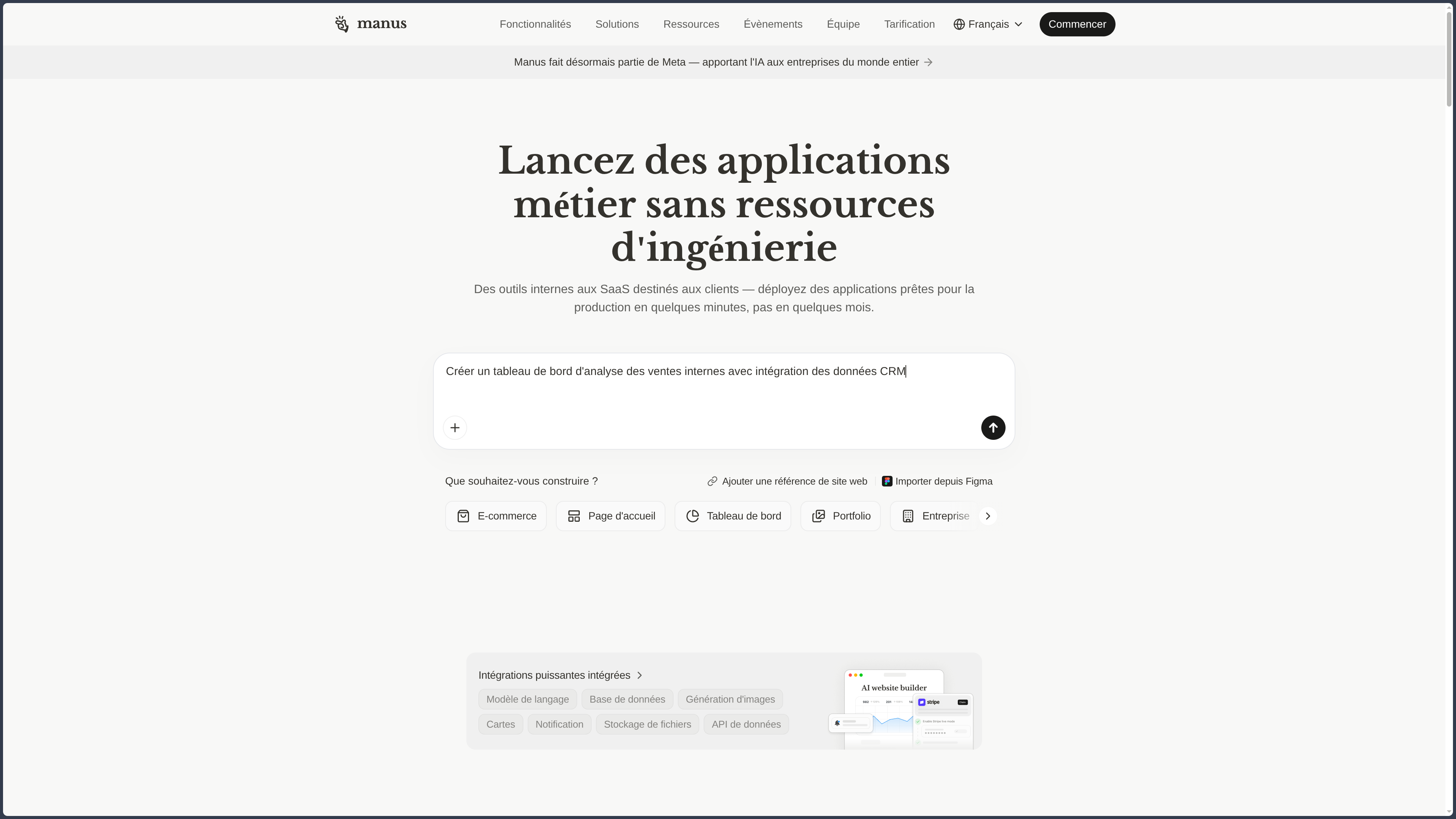
Site creation and software development
Manus can create Web prototypes or work on code from its execution environment.
It can write files, install certain dependencies, run tests, and fix errors.
This capability naturally extends the mission principle to development.
The result must be treated like any generated code:
- review;
- tests;
- dependency audit;
- security check;
- functional verification.
An application that starts correctly is not automatically ready for production.
Projects and persistent context
Projects make it possible to group instructions, documents, rules, and references around the same work.
This persistence avoids rebuilding the context for each new mission.
It also standardizes certain uses:
- following a client;
- monitoring;
- reporting;
- research folder;
- editorial method.
This memory turns Manus into a more durable work environment.
It must itself be maintained.
An outdated document in the context can influence future missions.
Scheduled tasks.
Manus can execute certain tasks on a given date or frequency.
This capability turns the agent into a recurring process.
Monitoring, a report, or a collection can be relaunched automatically.
Convenience increases.
The need for supervision increases too.
An automation that worked well today can become incorrect if the site, data, or rules change.
Scheduled tasks must not become forgotten actions.
Connectors and access to external services.
Connectors can grant access to documents, messaging apps, repositories, or other tools.
This integration makes Manus much more useful in a professional environment.
It also represents one of its main risk surfaces.
A connector should only receive the permissions it needs.
Reading a calendar does not automatically justify the right to modify files or send messages.
The principle of least privilege becomes directly applicable to agents.
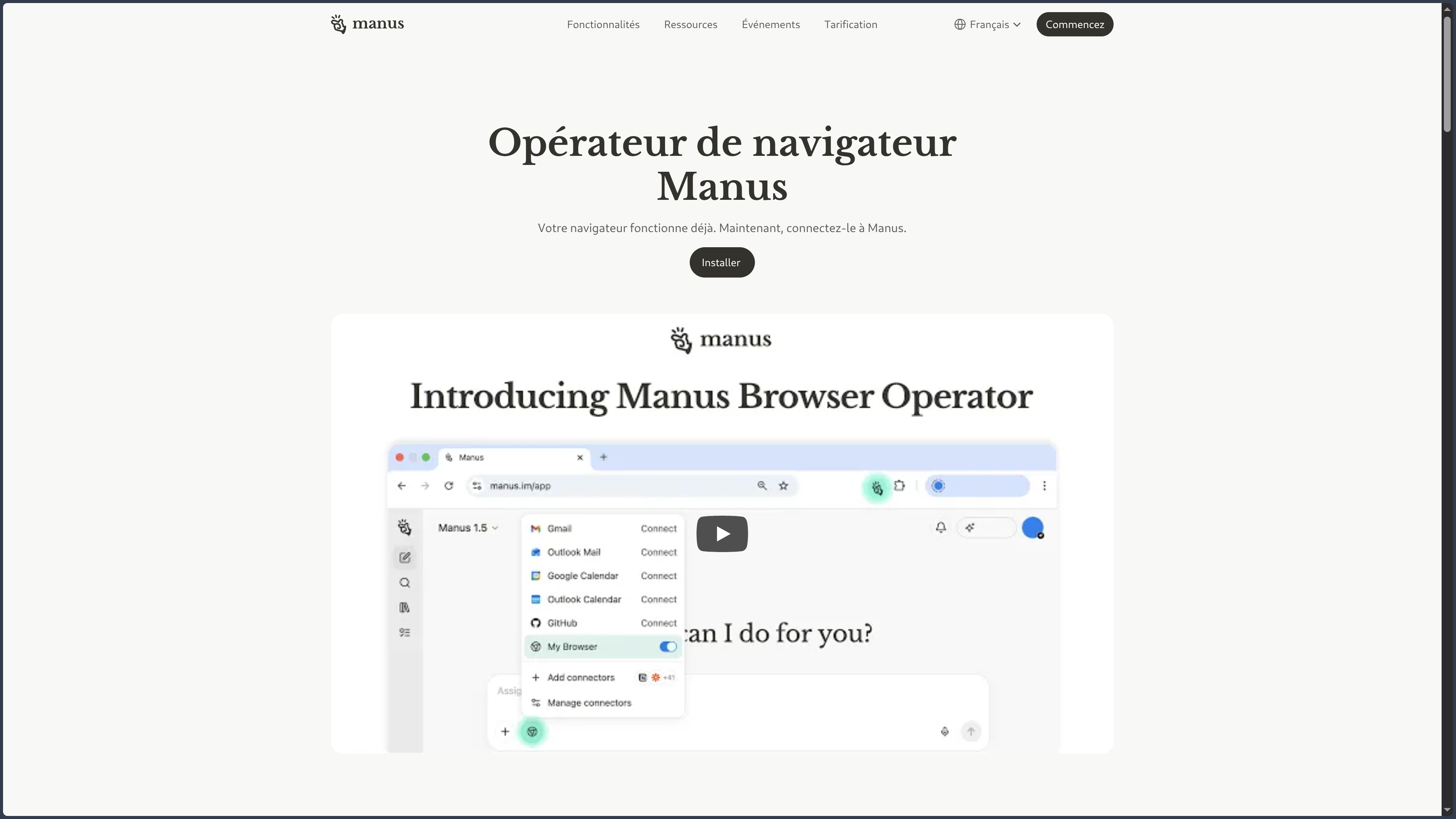
Desktop, Browser Operator, and local resources
Desktop applications and associated features can extend Manus to the local computer.
The agent can work with certain folders, commands, or authorized tools.
Local browser features can use an already authenticated session.
This capability removes some breaks between cloud and workstation.
It also brings the agent closer to the user's most sensitive data.
The fundamental distinction is therefore:
the closer the agent acts to the actual workstation, the more explicit and limited the permission must become.
These features do not make Manus fully local or offline.
The orchestration and part of the ecosystem remain tied to the cloud service.
Use Cases
Carrying out a study
Manus can search several sources, organize the results, and then produce a report or a presentation.
Comparing a large number of elements
Wide Research suits lists of products, companies, documents, or pages that can be analyzed in parallel.
Creating a professional deliverable
A request can become a presentation, a table, or a document without multiplying intermediate applications.
Automating a Web task
The browser can execute certain repetitive steps in an online application.
Developing a prototype
Manus can produce and test code in its execution environment.
Organizing local files or tasks
With appropriate permissions, desktop applications can extend certain automations to the computer.
Setting up recurring work
Projects, connectors, and scheduled tasks can preserve a method and execute it regularly.
Building a structured base from many sources
Search, extraction, and parallel processing can feed a consolidated table or report.
PANACHES Review
Executing matters more than answering
The fundamental difference of Manus is that it can continue the work after generating an answer.
This continuity is especially useful for long and composed tasks.
It is also what requires judging the tool on the actual result rather than on the fluidity of the dialogue.
Autonomy increases the risk surface
The level of trust must follow the level of action.
Reading ten public pages does not require the same safeguards as modifying local files or using an authenticated account.
A healthy workflow should therefore grant permissions progressively rather than immediately giving the agent access to the whole environment.
Wide Research is interesting when the problem is truly parallel
Dividing a hundred companies among several agents can be relevant.
Artificially splitting a line of reasoning that depends on continuous thinking is much less so.
Parallelization must serve the structure of the problem.
Projects turn a mission into a durable method
The persistence of context makes it possible to work over the long term.
It also creates a maintenance responsibility.
An agentic environment that automatically reuses its references must know which ones are still valid.
Manus mainly suits those who want to delegate
This philosophy differs from a tool where the user builds each step of a workflow themselves.
Manus bets on the objective and on autonomy.
You describe what should be obtained.
Then you supervise the path taken.
The product becomes more relevant as the cost of manual coordination between several tools increases.
Points of Attention
- Manus remains a proprietary and primarily cloud-based service.
- Generated searches and deliverables must be verified.
- The agentic browser can act on authenticated accounts.
- Permissions granted to tools and connectors must remain minimal.
- Local or remote files may contain sensitive data.
- Agentic and parallel tasks can quickly consume resources.
- Produced or executed code must be audited before significant use.
- Recurring automations must be monitored over time.
- Desktop applications increase the access surface to the local machine.
- A technically successful action does not guarantee that it matches the user's real intent.
- Persistent projects may retain context that has become obsolete.
- Desktop or local features do not turn Manus into a local or open-source solution.