Presentation
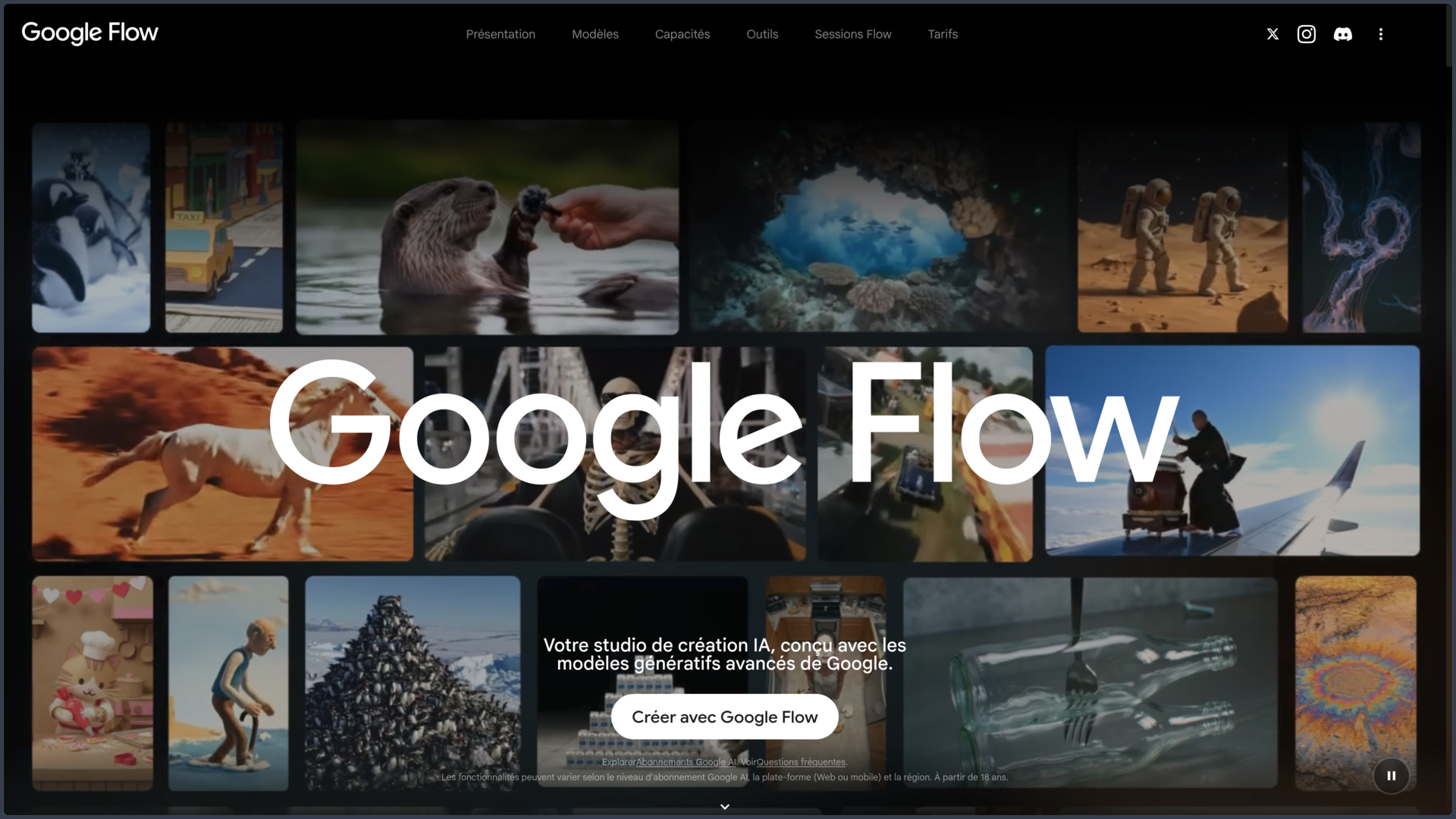
Google Flow is an AI-powered creative studio designed to imagine, generate, edit and assemble images and video sequences.
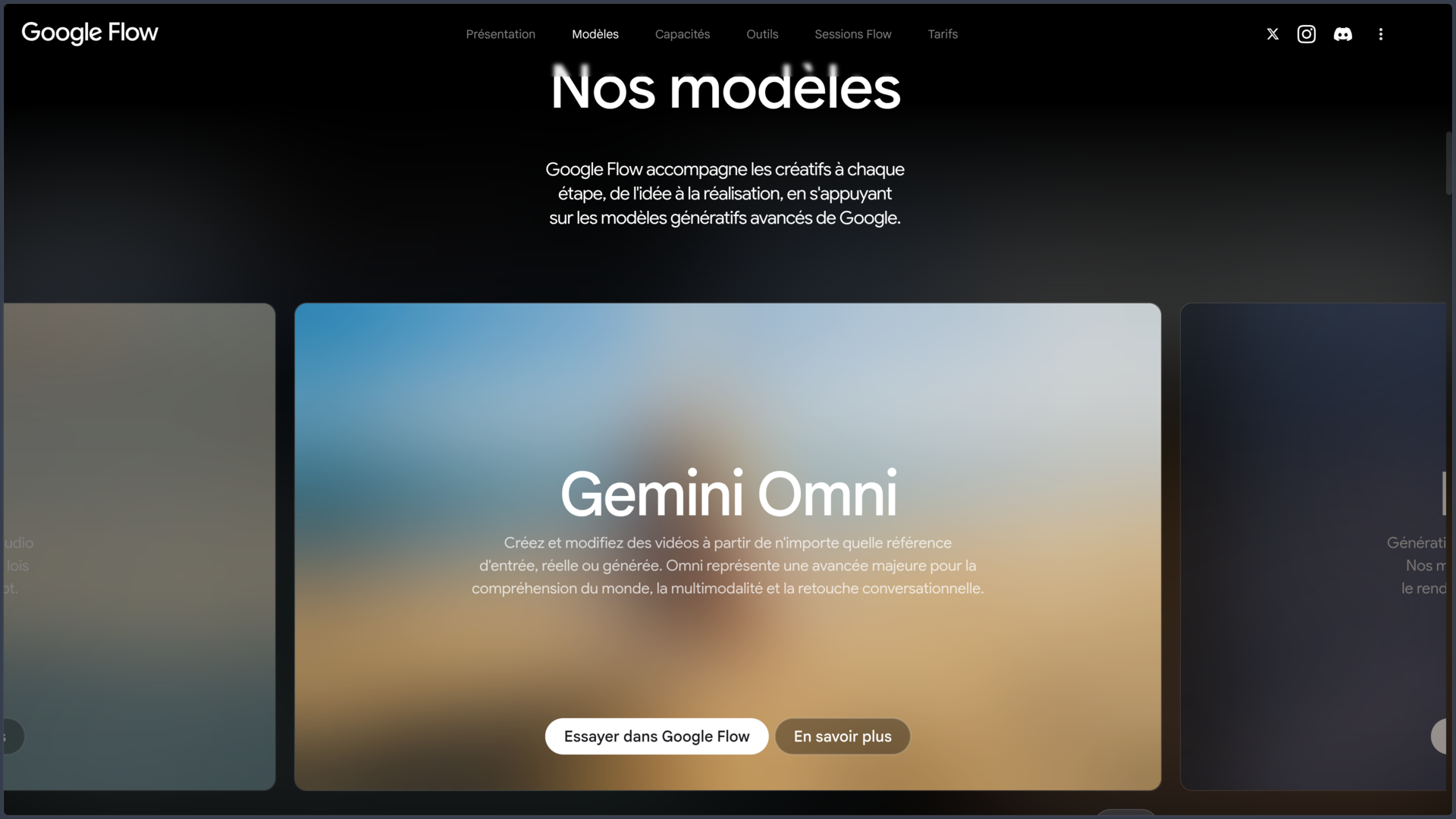
Initially presented as a filmmaking tool built around Veo, Flow has gradually evolved into a broader creative environment. It now combines several Google models, including Veo 3.1 for video, Gemini Omni for multimodal generation and editing, and Nano Banana for images.
Users can start from a prompt, image, video or visual references, then continue developing the project without systematically starting again from scratch.
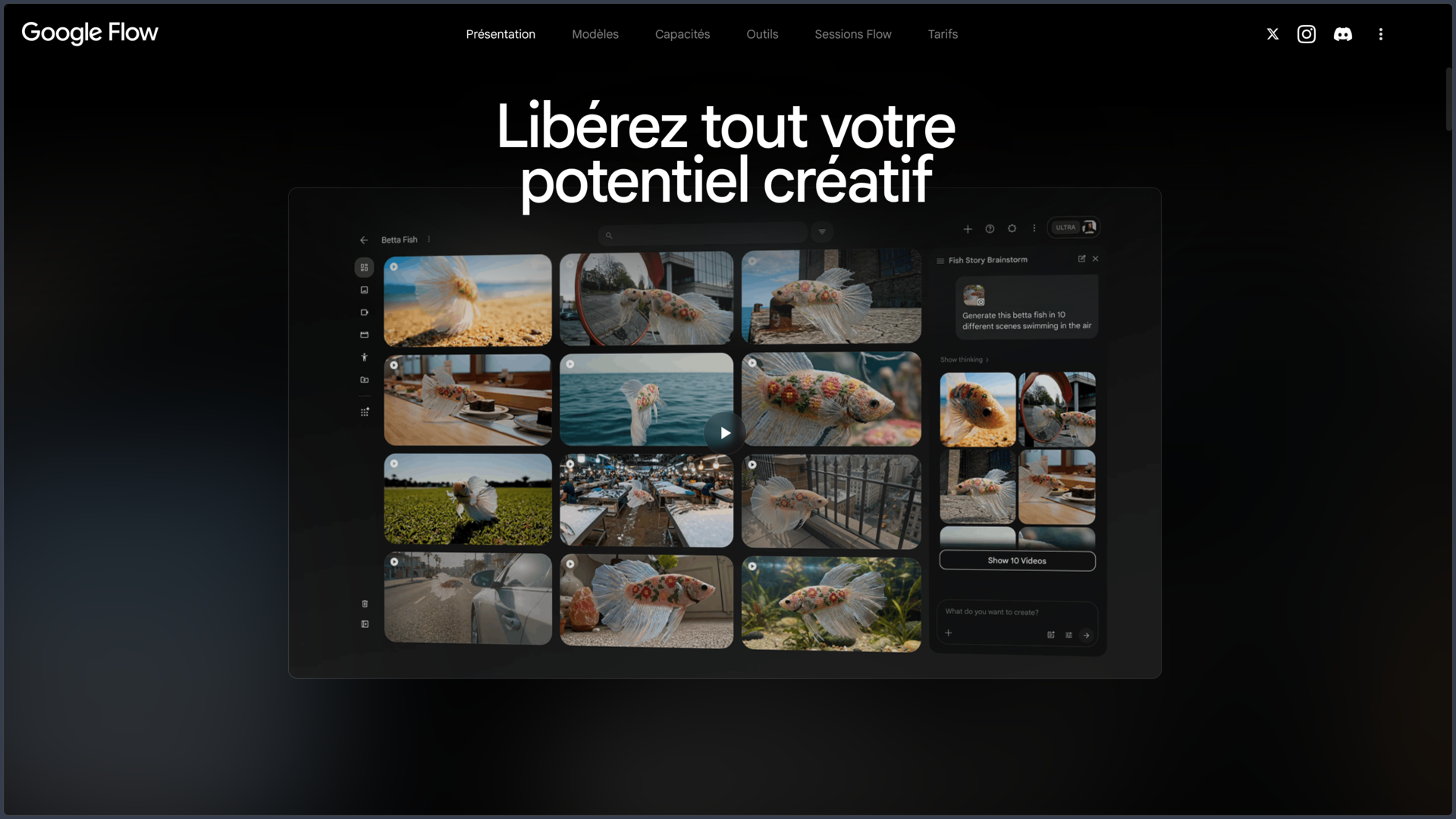
Flow also adds a project-based workflow with an asset library, creative Agent, Scenebuilder and customizable tools.
The service runs on the Web and also provides mobile applications for Android, iPhone and iPad. The most complete experience nevertheless remains on a computer using a Chromium-based browser.
Features
Video generation with Veo 3.1
Flow integrates Veo 3.1, Google's video generation model designed to create shots from text instructions or visual references.
The model focuses on prompt adherence, physical consistency, motion, realism and native audio generation.
Depending on the selected model and mode, Flow can create clips in different durations and orientations.
Generations are still designed as relatively short shots that can then be combined or extended within the project.
Text-to-Video and Frames-to-Video
A shot can be created directly from a text prompt describing the subject, action, environment, lighting, framing or style.
Flow can also start from an initial image and animate it.
Frames mode goes further by allowing users to define a starting image and, depending on the model, an ending image. The user then describes the transformation or movement expected between these two states.
This approach provides greater control over composition than completely free generation from text.
References and Ingredients-to-Video
Ingredients allow visual reference elements to be added to the prompt.
A character, object, environment or other asset can therefore be reused across different generations to better preserve its appearance between several shots.
This approach becomes particularly useful when building a small coherent sequence rather than producing a series of unrelated clips.
Consistency is not perfect, however: details, proportions and behavior can still vary from one generation to another.
Gemini Omni
Gemini Omni introduces a multimodal approach in which text, images and videos can all provide context for creation or editing.
Flow can therefore interpret several types of references and then generate or modify content while taking that information into account.
Omni Flash variants also target faster and less expensive generations, including lower-resolution working modes for exploring an idea before producing a more polished version.
This approach brings Flow closer to a conversational creative workspace rather than a simple video prompt box.
Nano Banana and image creation
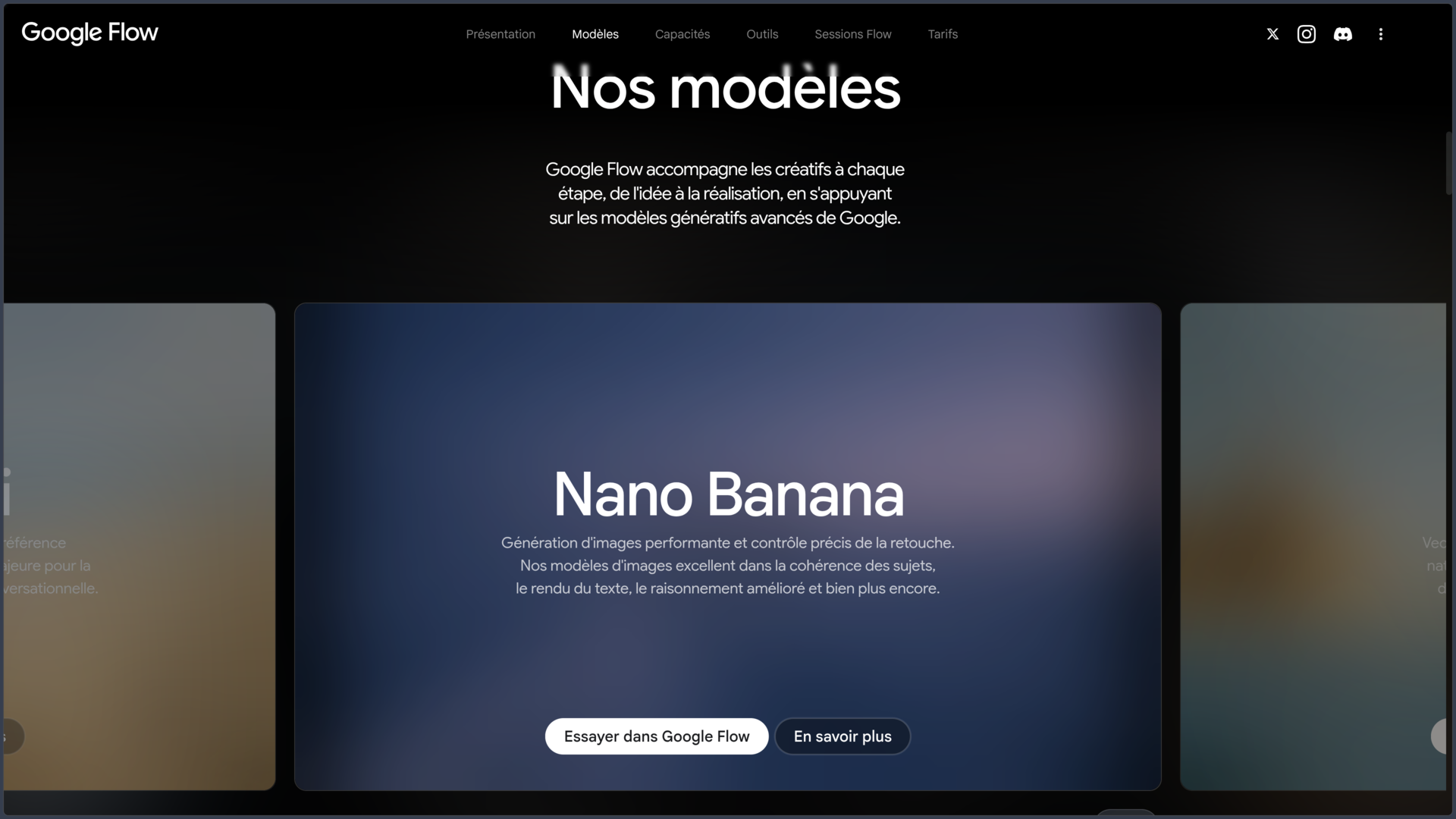
Flow integrates Nano Banana models for generating and editing images.
They can be used to prepare characters, environments, props or reference images before those assets are used in a video.
Image and video work therefore remain connected within the same project.
Editing features also make it possible to modify certain objects, text or compositions without systematically rebuilding the entire image.
Natural-language video editing
Flow allows users to request changes simply by describing the desired result.
For example, a user can ask to modify lighting, add an element, change the atmosphere or transform part of a clip.
Edits can continue across several exchanges while temporarily retaining the context of previous instructions.
This approach speeds up iteration, even though generative transformations may sometimes modify more elements than intended.
Video extension
Certain clips can be extended to generate a continuation of the motion and scene.
This feature makes it possible to build on an existing generation instead of returning to an entirely separate creation.
The result depends on the model used and whether the original generation is compatible with the Extension feature.
The longer a sequence is extended, the more carefully visual consistency needs to be checked.
Scenebuilder
Scenebuilder allows several clips to be arranged into the same sequence.
Shots can be placed in the desired order, trimmed and previewed together before the scene is downloaded.
This feature gives Flow a first layer of editing suited to organizing generated shots.
It does not, however, replace a complete editing application such as Premiere Pro or DaVinci Resolve for precise audio work, transitions, effects or a complex timeline.
Google Flow Agent
The Flow Agent acts as a creative partner integrated into the project.
It can take existing project context into account, help explore an idea and produce several variations from the same request.
For example, users can ask for several interpretations of a scene with different lighting or creative intentions.
The Agent is therefore aimed more at ideation and iteration than at generating a single isolated result.
Custom tools
Google also allows users to create Flow Tools using natural-language instructions.
These small tools can automate a specific creative need: adding overlays, resizing a video, applying certain effects, manipulating layers or building other repetitive operations.
Tools can be shared and remixed.
The free plan allows users to use available tools, while creating new ones is associated with higher subscription tiers.
Generated audio
Veo 3.1 can generate audio directly alongside the video.
A shot can therefore include ambience, sound effects and certain voices or dialogue that match the generated scene.
This integration simplifies video prototyping that would previously have required separate visual and audio generation stages.
Dialogue quality, pronunciation and synchronization should nevertheless be checked, particularly for content intended for professional distribution.
Upscaling and export
Flow provides different upscaling options depending on the plan.
Free users notably have access to image upscaling features, while higher subscriptions add video options.
Google AI Ultra provides access to the highest levels, including upscaling up to 4K for certain content.
Exact availability depends on the model, subscription and type of generated media.
Use cases
Previsualize a film scene
A filmmaker or screenwriter can quickly create several interpretations of a shot before filming or committing to a more expensive production.
References help preserve selected characters, objects or environments across different proposals.
Create a clip or short video
Flow can generate several shots from prompts and then assemble them with Scenebuilder.
The sequence can then be exported and finalized in a more complete editing application.
Animate an illustration
An existing image can serve as the first frame and then be animated by describing the desired movement.
This method works well for concept art, photographs, illustrations or visuals previously generated with Nano Banana.
Explore an art direction
The Agent and multiple generations make it possible to quickly test different framings, lighting setups, environments or styles.
Flow can therefore be used during an exploration phase before a final visual direction is selected.
Build consistent references
Ingredients and characters can be used to reuse selected visual references across several generations.
This continuity can help produce a small series of shots sharing the same visual elements instead of completely independent images.
Conclusion
Google Flow has become a generative creation studio that goes well beyond a simple text-to-video tool.
Veo 3.1 remains the main video engine, but Gemini Omni and Nano Banana now make it possible to work with several types of content and references within the same environment.
Frames, Ingredients, Extension and conversational editing provide greater control over generations, while Scenebuilder makes it possible to begin organizing several shots into a sequence.
The Agent and Flow Tools also introduce a more experimental approach in which AI contributes both to ideation and to the creation of workflow-specific tools.
Flow does not, however, replace a full filmmaking or editing application. Generations remain probabilistic, clips are relatively short and perfect continuity across several shots is not guaranteed.
For exploring visual concepts, generating video shots, animating references and quickly building a first sequence with Google's AI models, Flow is now a particularly comprehensive environment.
Points to consider
-
Google Flow is available in France and in French, but Google still recommends prompts in English for the best results with certain tools.
-
The service is restricted to users aged 18 or older.
-
A free access tier currently provides 50 Flow credits per day. During periods of high demand, video generation for users without a subscription may nevertheless be temporarily limited.
-
Generation cost varies depending on the model and feature used. Users with limited credits should check the cost displayed in Flow before each generation.
-
Google AI Plus, Pro and Ultra add monthly credits, with different limits and features. Publicly listed prices may vary by market.
-
Purchasing additional credits is currently restricted to Google AI Pro and Ultra subscribers.
-
Editing imported videos is currently unavailable in the European Economic Area, including France.
-
The Avatar feature is unavailable in the EEA, United Kingdom and Switzerland. Other reference and character tools may follow different availability rules.
-
Certain features are available only on the Web. The most complete experience is recommended on a desktop computer using Chrome or another Chromium-based browser.
-
All generations created with Veo, Gemini Omni or Nano Banana include an invisible SynthID watermark. A visible watermark can also be enabled in Flow.
-
Generated results should be reviewed. Models can produce physical, visual, textual or audio inconsistencies despite realistic-looking output.
-
Google processes Flow interactions and outputs according to its privacy rules. The labs.google/fx environment notably states that history may be retained for up to 18 months by default and that some interactions may be reviewed by human reviewers to improve products.
-
Flow is not a complete video editing application. Scenebuilder organizes and trims clips, but complex productions still require specialized video software.