Overview
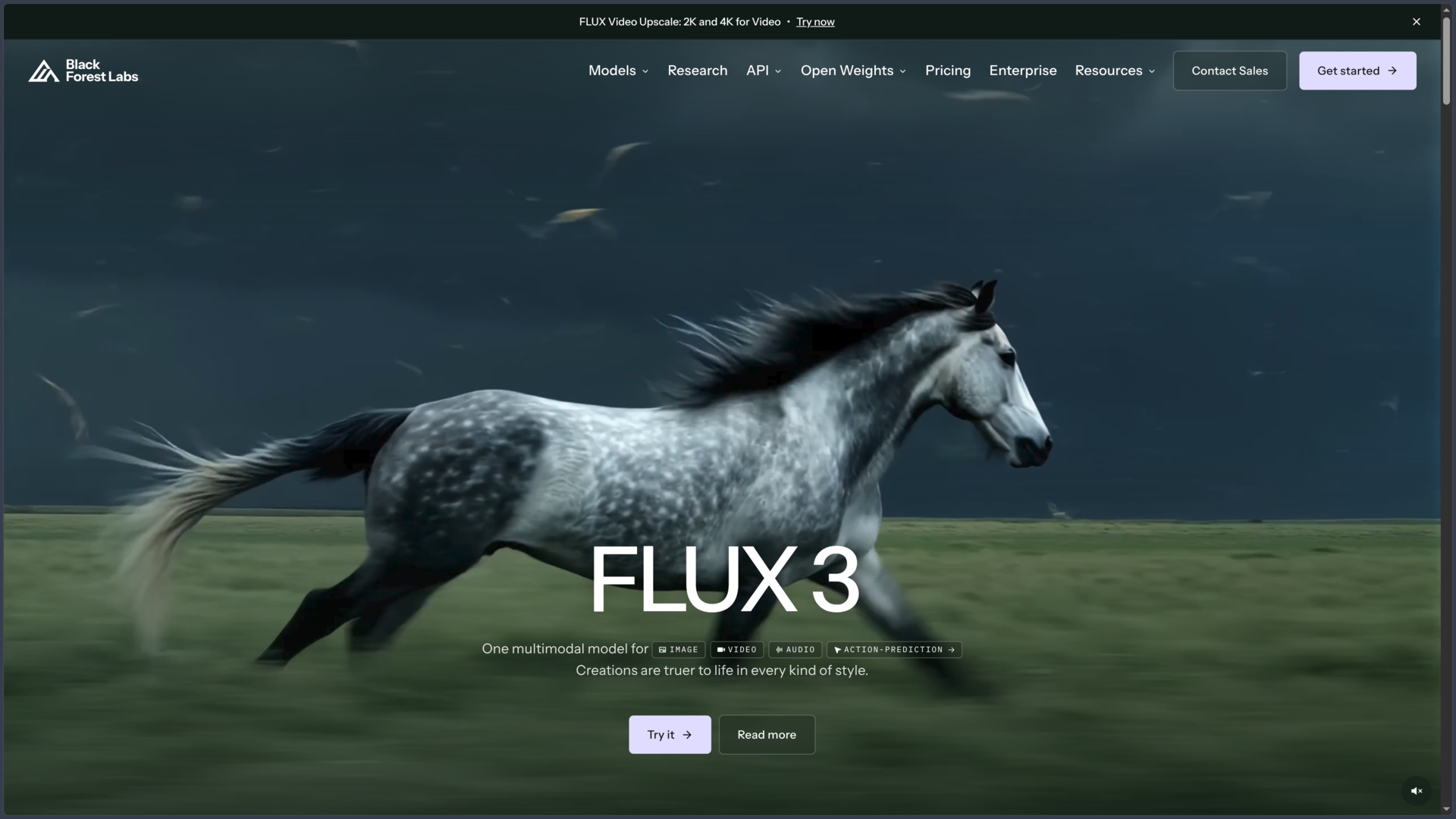
FLUX is the family of visual artificial intelligence models developed by Black Forest Labs, a lab founded in part by several researchers involved in work that led to Latent Diffusion and Stable Diffusion. The ecosystem began around image generation, but now also covers editing, workflows based on multiple references and, with FLUX 3, video generation accompanied by audio.
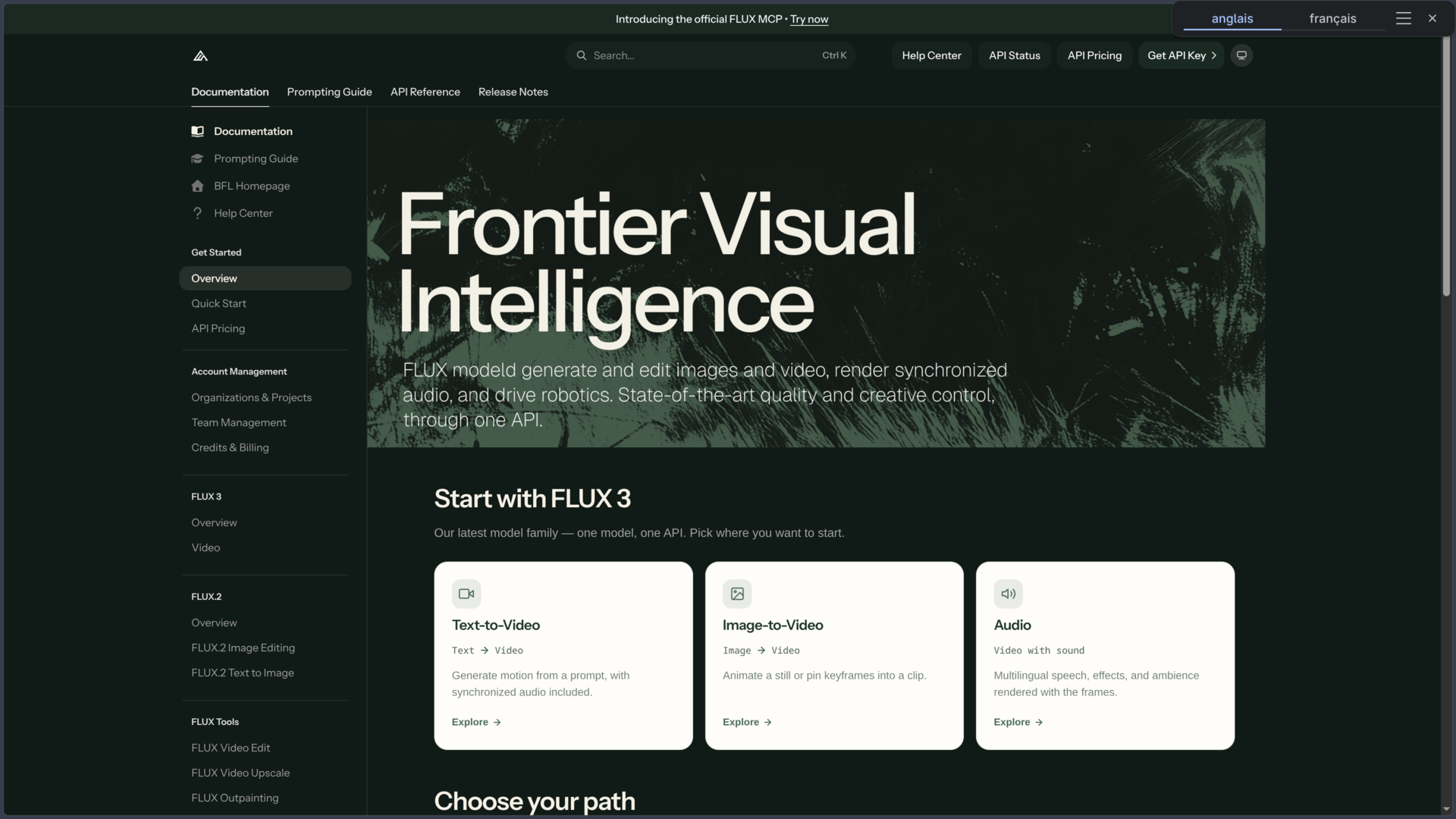
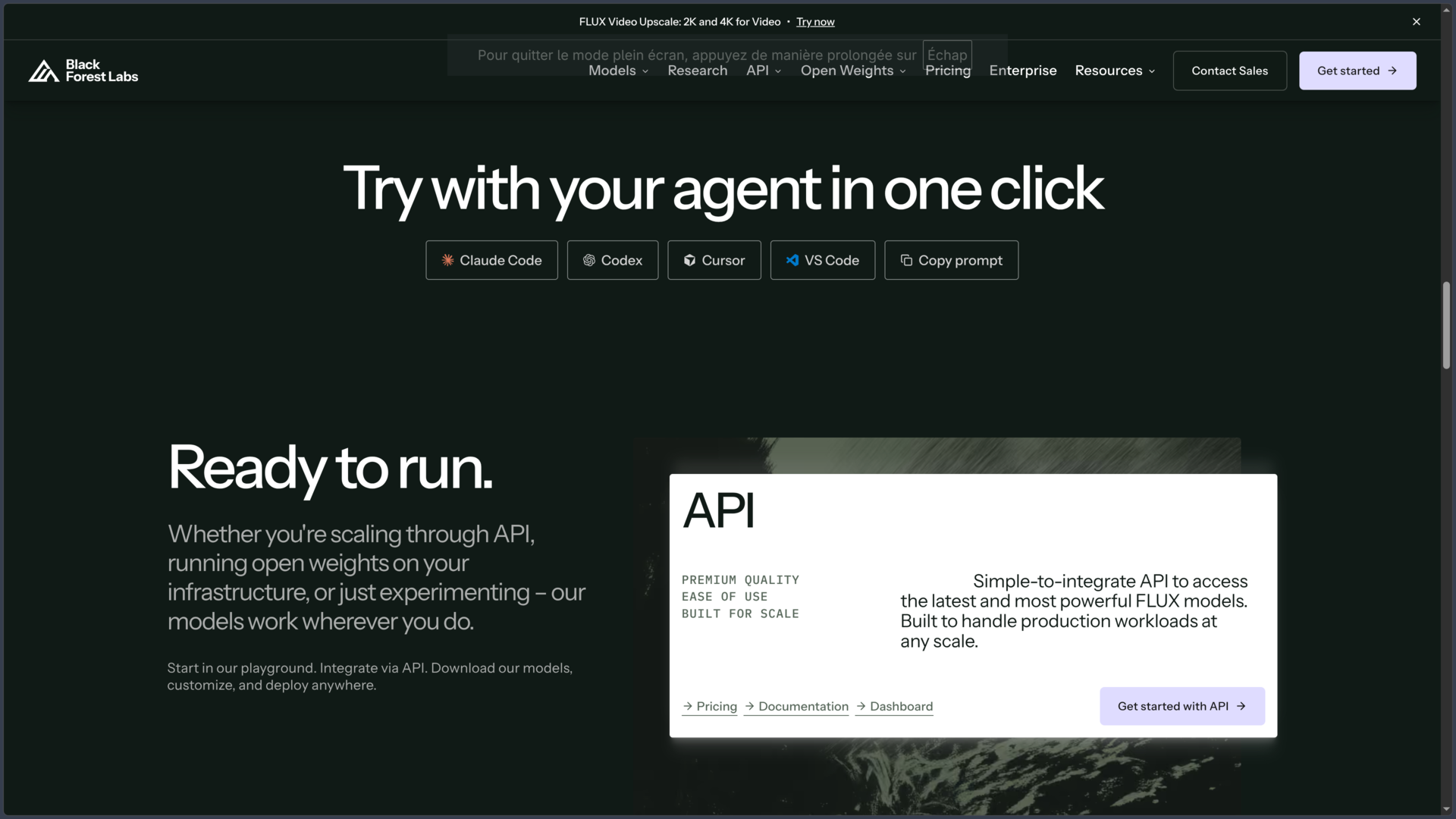
Unlike a service such as Midjourney, FLUX does not correspond to a single interface. Black Forest Labs provides several ways to use its models: a Web Playground for experimenting directly in the browser, an API aimed at developers and companies, and the weights of certain models for local deployment or use on private infrastructure.
This approach gives FLUX a particular position among visual generators. A creator can simply test a prompt in the Playground, while a developer can integrate generation into an application and a company can deploy certain models on its own servers.
The current range is mainly organized around FLUX.2 for images, FLUX 3 for video and audio, and several specialized FLUX Tools. Older FLUX.1, FLUX1.1 and FLUX.1 Kontext models remain available for certain workflows, but Black Forest Labs now recommends FLUX.2 for new image projects.
Features
FLUX.2 for generating and editing images
FLUX.2 is the current main generation of image models from Black Forest Labs. The same family handles both text-to-image generation and editing of existing images.
One of its main strengths is working from multiple references. Depending on the model, up to around ten images can be supplied to preserve a character, object, texture, garment or art direction across different generations.
FLUX.2 also improves text rendering inside images, understanding of complex instructions and detail consistency. Outputs can reach 4 megapixels, which makes it possible to go beyond simple low-resolution previews for certain professional uses.
The family is divided into several variants:
| Model | Positioning |
|---|---|
| FLUX.2 [max] | Maximum quality, advanced consistency and grounding features |
| FLUX.2 [pro] | Balance of quality, speed and cost for production |
| FLUX.2 [flex] | Fine control, typography and detailed rendering |
| FLUX.2 [klein] | Low latency and fast generation |
| FLUX.2 [dev] | Open-weight model intended for non-commercial local development |
This segmentation avoids always using the heaviest model. An application that needs to generate many variants quickly can favor Klein, while an advertising image or final visual may justify Max or Pro.
Consistency, multiple references and contextual editing
FLUX is no longer limited to producing an image from a sentence.
With FLUX.2, and previously FLUX.1 Kontext, an existing image can be provided and the desired modification described directly: change clothing, replace an object, move a subject into a new environment, modify part of the composition or generate a new scene while preserving certain elements.
The multi-reference system goes further. One image can define the character, another the pose, a third a product and a fourth an environment. The model then attempts to combine these elements into a coherent composition.
This approach is particularly useful for image series where it is important to preserve a character’s identity, a product design or a visual direction. It brings FLUX closer to a real production tool rather than a simple generator of isolated images.
FLUX Tools for specialized operations
Black Forest Labs also provides FLUX Tools, models specialized in a specific task rather than general-purpose generation.
Among the currently available tools are:
- Outpainting, for extending an image beyond its original frame;
- Eraser, for removing an object, person, text or another masked element and reconstructing the background;
- Virtual Try-On, for applying a reference garment to a person;
- Deblur, for recovering detail from a blurred image;
- Video Upscale, for increasing video resolution;
- Video Edit, for modifying an existing clip using text instructions.
This specialization can be more useful than a general model when a workflow repeatedly relies on the same operation. An e-commerce website, for example, can use Virtual Try-On without having to build an entire generation pipeline around a generic model.
The tools remain accessible through the Black Forest Labs API, and some also include demonstrations that make their operation easier to understand.
FLUX 3 extends the ecosystem to video and audio
With FLUX 3, Black Forest Labs extends its work to a multimodal model capable of reasoning jointly across image, video and audio.
Video generation can work from text or an image, but can also extend an existing video. The model generates the moving visuals and sound environment within the same system: dialogue with lip synchronization, sound effects and ambience can therefore accompany the sequence directly.
Clips can currently reach 20 seconds, in HD or Full HD at 24 frames per second. A Draft mode makes it possible to produce less expensive previews before launching a full render.
FLUX 3 remains a newer technology than the image side of the ecosystem and is still presented by Black Forest Labs as part of its Early Access rollout. For a critical production workflow, it is therefore important to distinguish the already more established capabilities of FLUX.2 from video features that are still evolving.
Playground for testing without development
The FLUX Playground makes it possible to try the models directly from a browser.
It can be used to write prompts, compare certain variants, upload reference images and test different workflows without installing model weights or writing code.
For a creator, this is the simplest way to discover FLUX. The Playground makes it possible to verify whether a model fits a need before considering a more complex integration.
Pricing is based on the same credits as the API. Black Forest Labs therefore does not impose a classic monthly subscription: users purchase credits and pay according to the generations they perform.
API for integrating FLUX into a product
The API is the other major access point.
A developer can send a prompt or references to the model, retrieve the result and then integrate generation directly into a website, application, internal tool or automated production pipeline.
Pricing is pay-as-you-go. One credit currently corresponds to $0.01, but the number of credits consumed depends on the model, resolution and type of generation.
For example, FLUX.2 [klein] 4B starts at around $0.014 per image, FLUX.2 [pro] at around $0.03 per megapixel for generation, while FLUX.2 [max] starts at around $0.07 per megapixel. Specialized tools and video have their own pricing.
This usage-based pricing is convenient for experimentation or for building a product whose workload varies, but costs need to be monitored when generation volume increases significantly.
Open weights and local use
An important difference compared with many generative AI services is that Black Forest Labs continues to release the weights of certain models.
FLUX.2 [klein] 4B is notably distributed under the Apache 2.0 license. It can therefore be run, modified and used commercially without purchasing a specific FLUX license.
The FLUX.2 [klein] 9B model, FLUX.2 [dev], FLUX.1 Kontext [dev] and other [dev] models instead use the FLUX Non-Commercial License for their publicly available weights. They can be tested and modified locally, but commercial use requires an appropriate license.
Local deployment offers several advantages: images do not need to be systematically sent to an external API, infrastructure remains under the user’s control, fine-tuning or LoRA can be used, and inference costs can become more predictable once the hardware is available.
In return, it requires more technical expertise and sufficient GPU memory. Black Forest Labs indicates, for example, that a FLUX.2 Klein 4B model can be trained on an NVIDIA card with 12 GB of VRAM, while the 9B variant requires significantly more resources.
Use cases
Creating concepts and illustrations from references
An illustrator or art director can provide several visual references and ask FLUX to produce different compositions while preserving certain characters, objects or stylistic choices.
This makes it possible to quickly test variations in framing, lighting or environment before selecting a direction to refine manually.
FLUX then becomes a tool for visual exploration rather than simply a way to produce a finished image in one click.
Producing consistent variations for a brand or product
Multi-reference features are particularly well suited to campaigns where a product must remain recognizable across many different contexts.
A company can start from reference photographs, preserve the product’s characteristics and then generate several environments, compositions or seasonal variations.
The same principle can be applied to a character, mascot or certain visual identity elements.
For larger volumes, the API can then automate part of this production.
Editing images without rebuilding the entire visual
Editing features and FLUX Tools can handle very targeted operations.
A person accidentally present in a photograph can be removed with Eraser. An image framed too tightly can be extended with Outpainting. A textile product can be applied to a model with Virtual Try-On.
This specialization is useful when the goal is not to generate a new image, but to correct or adapt existing media.
Integrating visual AI into an application
For a developer, FLUX can become a component of a product rather than a tool that users interact with directly.
An interior design app can generate several variations of a room, an e-commerce service can offer virtual try-on, a marketing tool can automatically produce visuals and creative software can integrate generation or editing features.
The API simplifies this integration, while open-weight licenses make private deployment possible when infrastructure control becomes important.
Testing and customizing a model locally
Open-weight variants are particularly interesting for users of workflows such as ComfyUI or for developers who want to build their own pipeline.
A local model can be combined with LoRA, fine-tuned on specific data and integrated with other tools without depending entirely on a hosted interface.
This freedom is one of FLUX’s main advantages compared with fully closed platforms, but it comes with greater hardware, software and legal complexity.
Conclusion
FLUX is no longer simply a text-to-image model. Black Forest Labs is gradually building a complete visual AI ecosystem spanning image generation, image editing, specialized tools, local deployment and now video with audio.
FLUX.2 is currently the most structured part of this ecosystem. Max, Pro, Flex, Klein and Dev variants allow users to choose between quality, speed, cost and deployment freedom without forcing a single model onto every use case.
Another major strength lies in the coexistence of several access methods. The Playground makes it possible to start without technical knowledge, the API serves integrations and automation, while selected open-weight models can run on local or private infrastructure.
This flexibility does, however, require a clear understanding of the licenses. “Open weights” does not automatically mean “open source” or “free commercial use.” Depending on the model, weights may be distributed under Apache 2.0, the FLUX Non-Commercial License or a specific commercial license.
FLUX is therefore particularly interesting for creators and developers who want to go further than a closed generator: experiment quickly, integrate models into their own tools, customize certain variants and choose between cloud and self-hosting.
Points to consider
-
FLUX refers to a family of models and services, not a single application comparable to Photoshop or Midjourney.
-
FLUX.2 is currently the recommended generation for new image projects. FLUX.1 Kontext and FLUX1.1 remain available but belong to the previous generation.
-
FLUX 3 adds video generation with synchronized audio, but this generation is newer and remains part of Black Forest Labs’ Early Access rollout.
-
The API and Playground use usage-based pricing: 1 credit currently corresponds to $0.01, with different costs depending on the model, resolution and operation.
-
FLUX.2 pricing starts at around $0.014 per image for Klein 4B, while Pro, Flex and Max variants are billed according to the number of megapixels processed.
-
Not all open-weight models use the same license. FLUX.2 Klein 4B uses Apache 2.0, while Klein 9B and [dev] models require a commercial license for commercial local use.
-
Commercial use through the API is directly covered by the API terms, without requiring a separate license for the model weights.
-
Self-hosting requires suitable hardware. Lighter models can run on some consumer GPUs, but larger variants require more VRAM and system memory.
-
Commercial self-hosting licenses have their own conditions, particularly regarding volumes, users, domains, clients and certain fine-tuning uses.
-
Using FLUX outputs as training data for another model is a separate case for which Black Forest Labs offers a distinct Synthetic Data license.