
Presentation
FL Studio is a digital audio workstation, or DAW, developed by the Belgian company Image-Line. Originally released in the late 1990s as FruityLoops, the software gradually moved beyond its initial role as a sequencer to become a complete environment for composition, recording, sound design, arrangement and mixing.
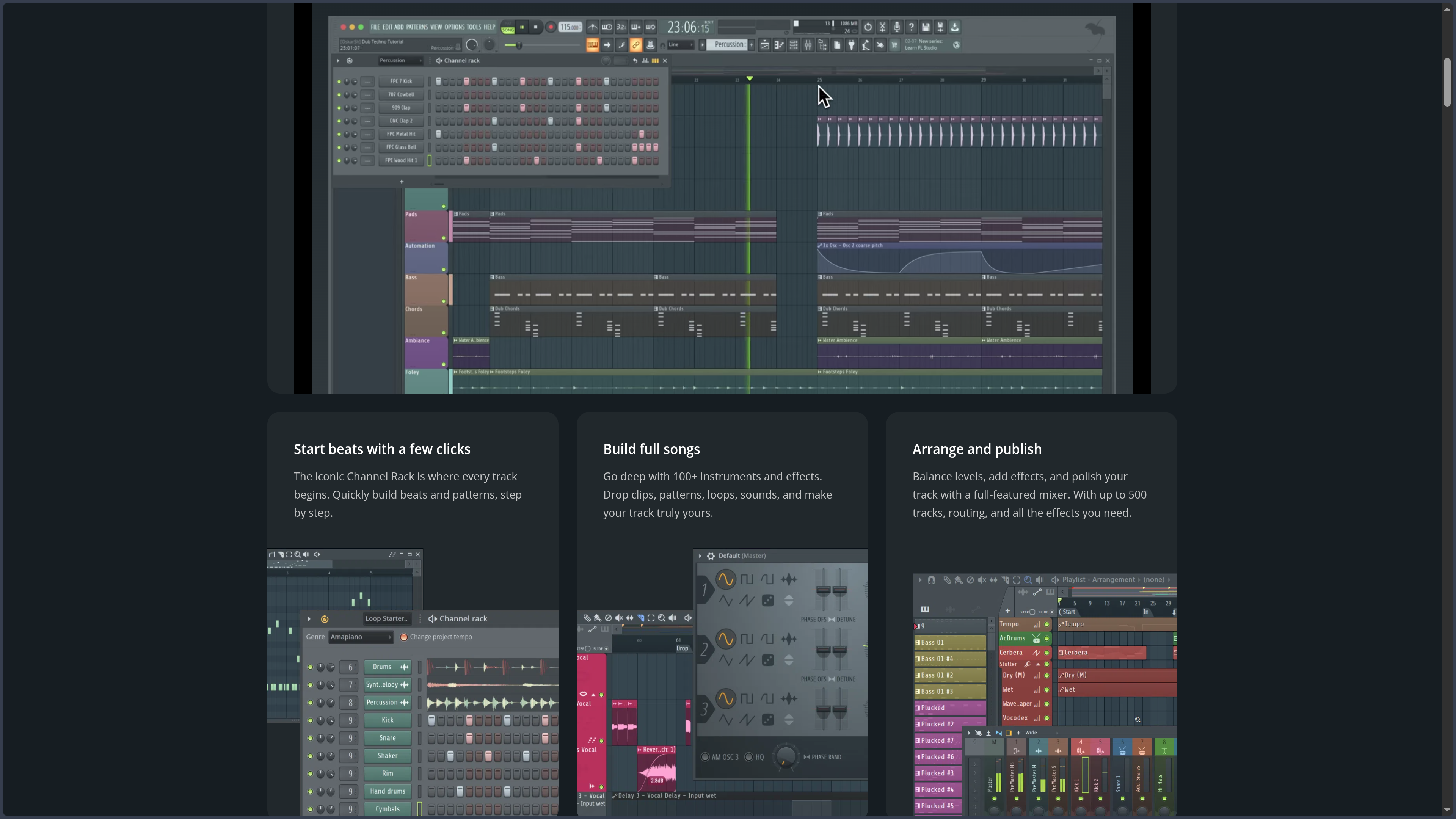
Its logic is still deeply shaped by those origins. While many DAWs begin with a timeline divided into relatively fixed tracks, FL Studio encourages users to first build small musical structures called patterns. Drums can be programmed in the Channel Rack, a melody drawn in the Piano Roll, and those elements can then be assembled and repeated freely in the Playlist to create a complete track.
This separation between instruments, patterns, the Playlist and the Mixer takes some adjustment for users coming from a more traditional sequencer. It is also one of the software's main sources of flexibility. A Playlist track does not necessarily have to correspond to a specific instrument or Mixer track: patterns, audio clips and automation can be arranged with considerable freedom. FL Studio also provides more conventional linking methods for users who prefer a more direct relationship between instrument, track and mixer channel.
This way of working partly explains its popularity in beatmaking, hip-hop and electronic music, where a few bars of drums, a bass line and a melodic progression can quickly become the foundation of a track. The software is no longer limited to those uses, however. FL Studio can now record vocals and instruments, handle long audio recordings, use third-party plug-ins, mix complete productions and control external hardware.
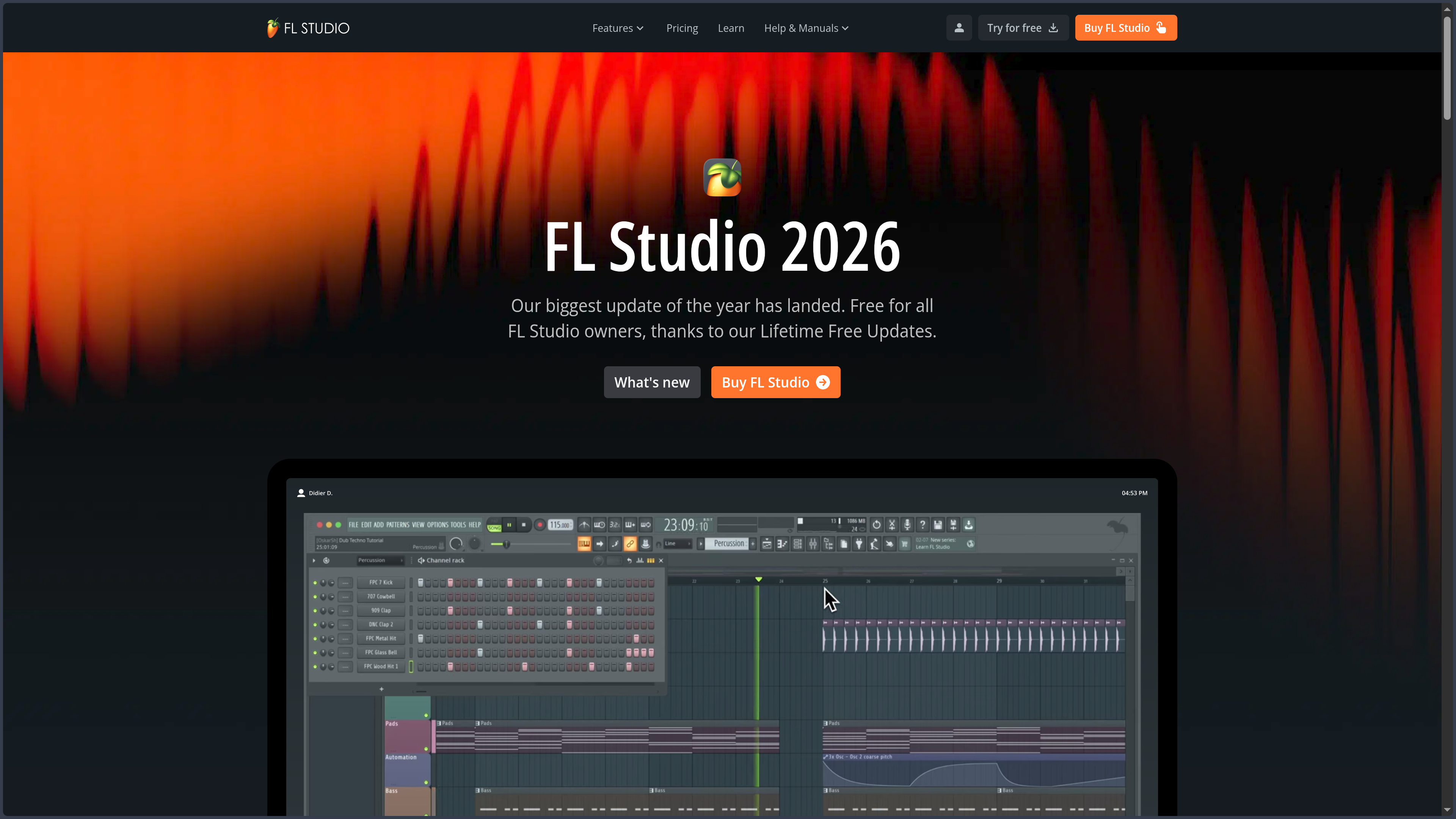
The current generation, FL Studio 2026, continues this evolution without abandoning the tools that have historically defined the software. Image-Line sells four main editions — Fruity, Producer, Signature Bundle and All Plugins Edition — which share the core application but differ mainly in their audio capabilities and the number of instruments, effects and specialized tools included.
Features
Building quickly with the Channel Rack and patterns
The Channel Rack brings together the instruments and generators used in a project. Its Step Sequencer makes it possible to program rhythmic sequences directly by activating steps on a grid, which makes creating a drum pattern or repetitive motif particularly fast.
These sequences belong to patterns that can contain several instruments. A single pattern can therefore combine kick, snare, hi-hat, bass or melodic elements, while another contains a different variation. This logic encourages experimentation: several rhythms or partial arrangements can be prepared before deciding how they will be used in the finished track.
The system can feel unusual when first discovering FL Studio because patterns do not necessarily correspond to a single track. Once that logic is understood, however, it provides considerable freedom to build and reorganize a production without having to reconstruct every element.
Composing with the Piano Roll
The Piano Roll is one of FL Studio's most important tools. It makes it possible to draw, record and edit MIDI notes controlling virtual instruments or certain external devices. Pitch, duration and note placement can be adjusted precisely, along with velocity and various expression parameters.
Its value becomes especially clear when an idea moves beyond simple step sequencing. Chords, melodies, bass lines, arpeggios and complex rhythms can be built visually and corrected without interrupting the workflow. Quantization, variation, generation and transformation tools can speed up certain operations while still allowing detailed note-by-note editing.
The Piano Roll contributes significantly to FL Studio's identity: it makes it possible to move very quickly from a rough musical idea to a sequence structured enough to be developed further.
Assembling the track in the Playlist
The Playlist brings together the different elements of a production. It can contain Pattern Clips, Audio Clips and Automation Clips, which can be moved, repeated, cut or layered to build the final arrangement.
This organization is deliberately permissive. By default, a Playlist track is not restricted to one type of content or necessarily linked to a particular Mixer track. That freedom makes visual arrangements and rapid changes easy, but it can also produce projects that become difficult to read when no consistent organizational method is used.
FL Studio now also supports a more conventional structure through Instrument Tracks and Audio Tracks, which can connect an instrument or audio source more directly to the Playlist and Mixer. The software therefore lets users choose between its historically flexible workflow and a structure closer to that of other DAWs.
Recording, processing and mixing audio
Starting with Producer Edition, FL Studio can record audio sources directly into the Playlist. Vocals, instruments, hardware synthesizers and other inputs can be added to a project, then edited and processed using the software's tools.
The Mixer then handles routing, levels, panning and effect chains. Tracks can be sent to other tracks, grouped or processed in parallel, allowing workflows that go far beyond basic volume balancing. Higher editions progressively add more effects and specialized tools, but the core mixing engine remains part of FL Studio itself.
The software also supports the main third-party plug-in formats available on Windows and macOS, making it possible to expand its native instruments and effects with a very broad external ecosystem.
From standalone software to the Image-Line ecosystem
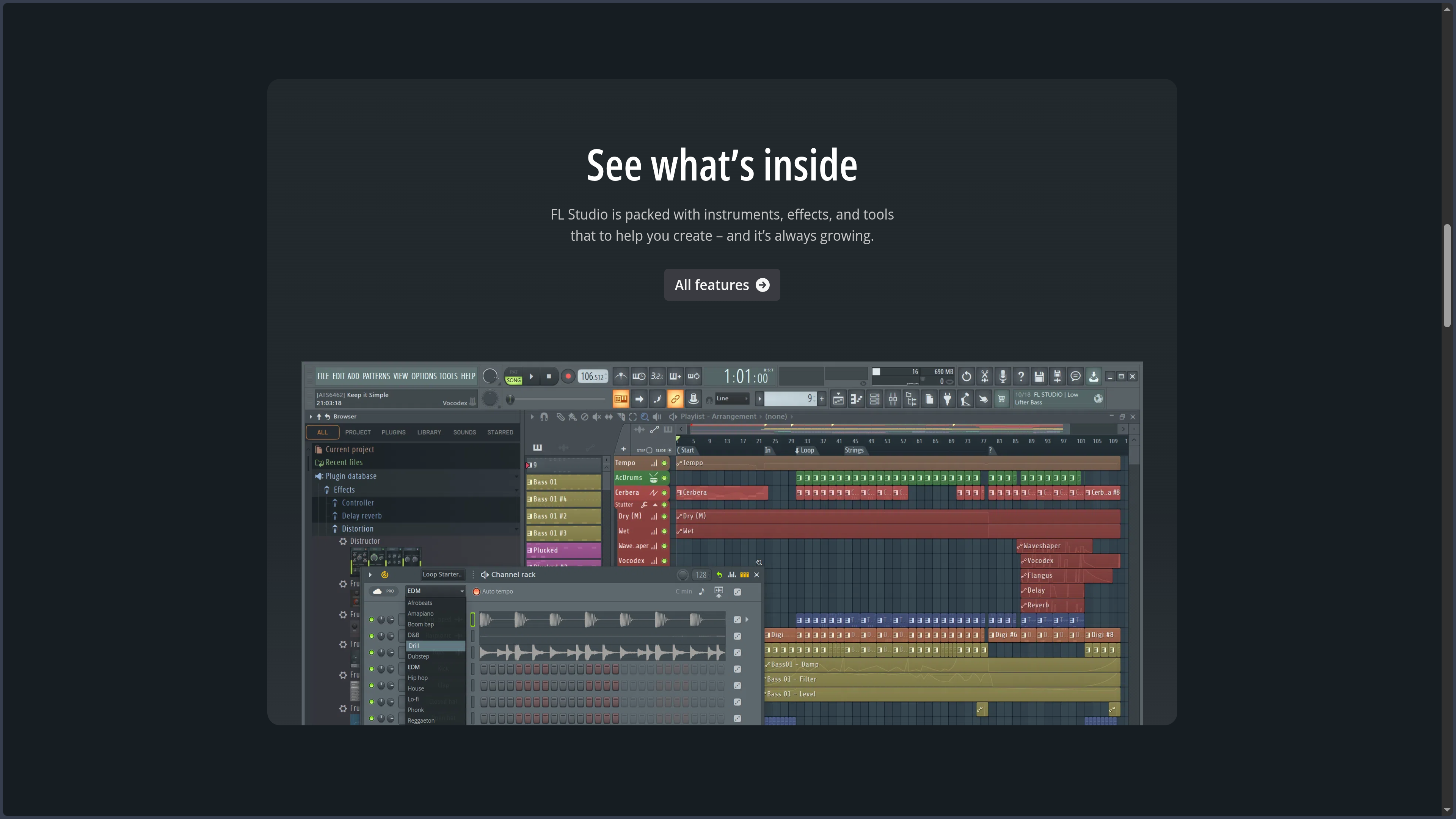
FL Studio comes with a collection of instruments, effects, samples and tools whose scope varies greatly depending on the edition. From synthesizers and samplers to dynamics processors and creative effects, it is possible to produce a complete track without immediately installing a large collection of additional plug-ins.
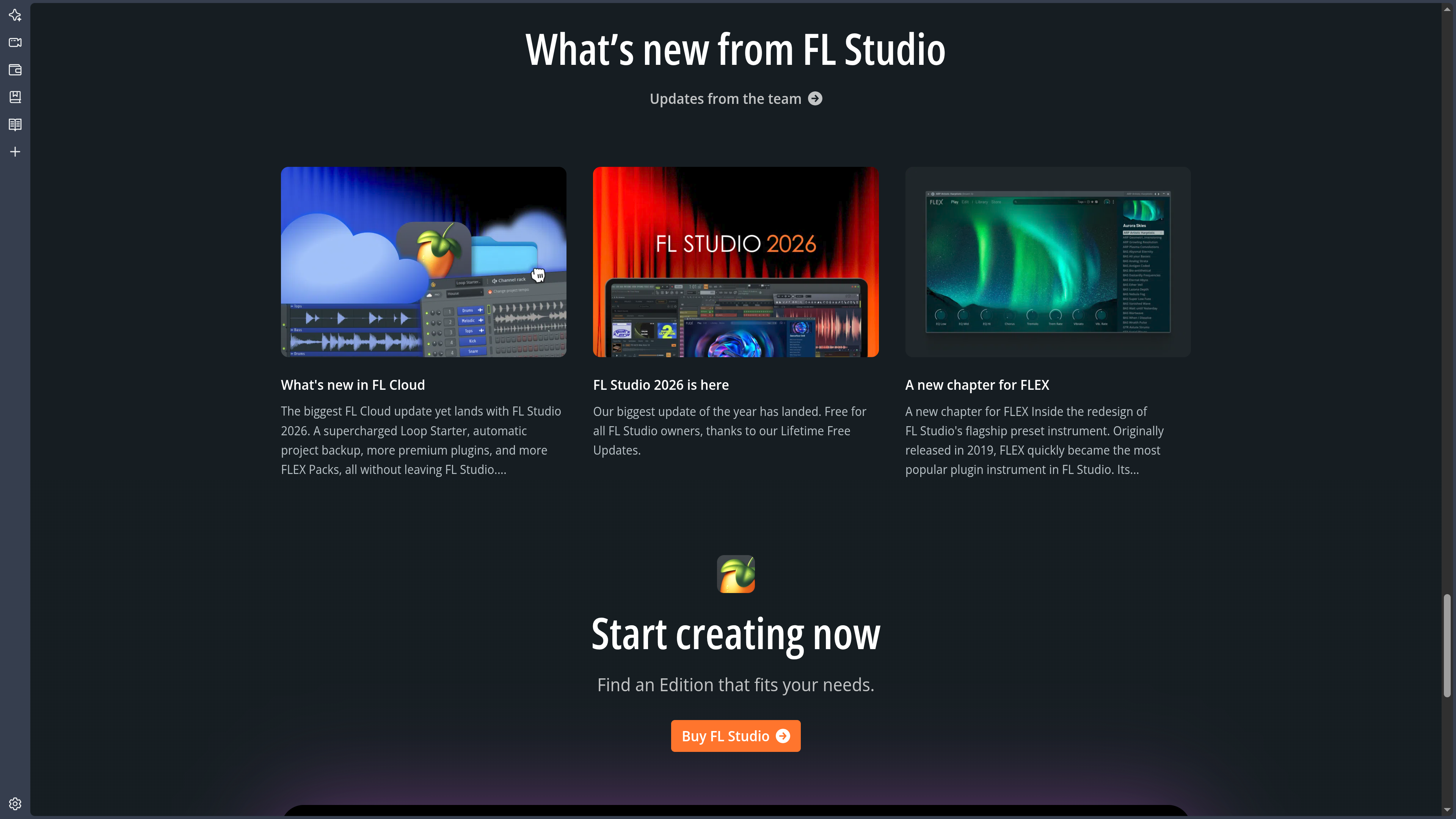
The ecosystem has also expanded with FL Cloud, which is accessible directly from the software for searching and importing sounds. A free tier accompanies FL Studio editions, while optional subscriptions provide access to additional content and services. This offer remains separate from the main license: owning FL Studio does not require maintaining an FL Cloud subscription.
Image-Line is particularly notable for a policy that remains unusual among DAWs: Lifetime Free Updates. Purchasing an edition provides access to future updates for that edition without requiring users to buy each new major version again. Users can also upgrade later to a higher edition by paying the corresponding difference.
Use Cases
Producing a beat from a few bars
FL Studio is particularly effective when an idea begins with rhythm. A few drum samples can be loaded into the Channel Rack, programmed with the Step Sequencer and then complemented with a bass line or melody in the Piano Roll.
Several variations can be created as patterns before being placed in the Playlist. The intro, verse or chorus gradually emerges from this material instead of being drawn out completely from the beginning. This workflow helps explain why the software remains widely used by beatmakers and producers who build music through loops, variations and layering.
Composing with virtual instruments
A composer working mainly with MIDI can use the Piano Roll to develop chords, bass lines, melodies and more complex arrangements. Native instruments can be combined with VSTs, Audio Units or other compatible formats, while each part can be automated and routed through the Mixer.
FL Studio then becomes less a loop-making tool than a full composition sequencer. The pattern-based logic remains present, but a pattern can contain a long and detailed musical phrase just as easily as a four-bar loop.
Recording vocals or instruments and producing around them
With Producer Edition or a higher edition, vocals, guitars or external synthesizers can be recorded directly into the project. The takes are added to the Playlist, where they can be organized alongside MIDI patterns, automation and other audio elements.
This combination makes it possible, for example, to begin with a completely programmed production and then add a vocalist, or to build an electronic arrangement around a recorded source. FL Studio therefore no longer forces a choice between MIDI production and audio work, although some recording functions remain unavailable in Fruity Edition.
Designing sounds and reusing them
The large collection of instruments, effects and routing possibilities also makes FL Studio useful as a sound design environment. A sample can be sliced, filtered, resampled and processed before becoming a new texture or the foundation of an instrument.
This approach is particularly relevant to hip-hop, electronic music and sound effect creation, but it can also be used to prepare personal sample libraries and presets. The available tools still depend heavily on the edition selected, with some audio functions and several advanced plug-ins reserved for higher tiers.
Conclusion
FL Studio maintains a very recognizable personality in a field where the major digital audio workstations can now perform many of the same tasks. Its appeal does not come from having a Mixer, Piano Roll or virtual instruments that no one else offers, but from how quickly those elements can turn a small musical idea into useful material.
The Channel Rack makes it easy to establish a rhythm, the Piano Roll provides precise control over MIDI parts, and the Playlist then offers considerable freedom for assembling the track. This progression is especially well suited to creators who prefer to experiment quickly before formalizing an arrangement.
That freedom also has a downside. FL Studio historically separates elements that other DAWs often connect automatically: the Channel Rack, Playlist and Mixer follow distinct logics. A poorly organized project can therefore become confusing, and users accustomed to a strict relationship between one track, one instrument and one mixer channel may need some time to adapt.
For beatmaking, MIDI composition and pattern-based production, FL Studio remains particularly natural. It is now complete enough to handle recording, audio processing and mixing for much broader projects as well. Its Lifetime Free Updates policy further strengthens its long-term appeal: choosing an edition becomes less about paying for future version upgrades and more about deciding which functions and plug-ins are genuinely necessary.
Points to Consider
-
The four editions are not equivalent: Fruity, Producer, Signature Bundle and All Plugins Edition share the core FL Studio environment, but some functions and many plug-ins differ. Producer Edition is a particularly important step up because it adds full audio recording and several tools unavailable in Fruity Edition.
-
The trial version has an unusual limitation: it has no time limit and allows projects to be saved and exported, but a saved project cannot be reopened until a license is purchased. It is also important to check that the purchased edition contains the plug-ins used during the trial.
-
Lifetime Free Updates apply to the edition you own: future updates for that edition are included without requiring another major-version purchase. Moving to a higher edition remains a paid upgrade.
-
FL Cloud is separate from the FL Studio license: the software integrates access to the FL Cloud ecosystem, with a free tier and optional additional plans. An FL Cloud subscription does not replace the purchase of an FL Studio license.
-
The workflow is very flexible, sometimes at the expense of readability: the independence between Channel Rack, Playlist and Mixer offers considerable freedom but requires consistent organization in complex projects. Instrument Tracks and Audio Tracks provide a more conventional structure when that becomes preferable.
-
Windows and macOS are the desktop platforms: FL Studio is officially available on these two operating systems. FL Studio Mobile exists on other platforms, but it is a separate product and should not be confused with the desktop version covered here.
-
Minimum requirements do not always reflect a real production project: Image-Line lists 4 GB of RAM and 4 GB of free disk space as the basic minimum, but projects using many instruments, effects, samples and plug-ins can quickly require a more powerful configuration.
-
The license is personal: Image-Line grants an individual, non-transferable license that allows its owner to use the software personally on multiple computers or workstations they own.