
Overview
Fedora Linux is a community-driven GNU/Linux distribution developed by the Fedora Project and supported notably by Red Hat. It provides a complete operating system for personal computers, workstations, servers, cloud environments, containers and certain specialized devices. Its position rests on a fairly distinctive balance: bringing recent Linux technologies to users quickly, but through published and tested releases rather than the continuous stream of updates found in a rolling-release distribution.
This proximity to developments across the open-source ecosystem is part of Fedora’s identity. New versions of the Linux kernel, desktop environments, system libraries and development tools generally arrive fairly early in the distribution. Fedora therefore often serves as an adoption ground for technologies that later spread more broadly throughout the Linux ecosystem.
The trade-off for this freshness is a relatively short lifecycle. A Fedora release is maintained for around thirteen months, with new major versions published approximately every six months. This does not mean constantly reinstalling the system, since upgrades can be performed directly, but Fedora assumes that users are comfortable with their environment evolving regularly. For a machine intended to remain almost unchanged for several years, a long-term support distribution may be more suitable.
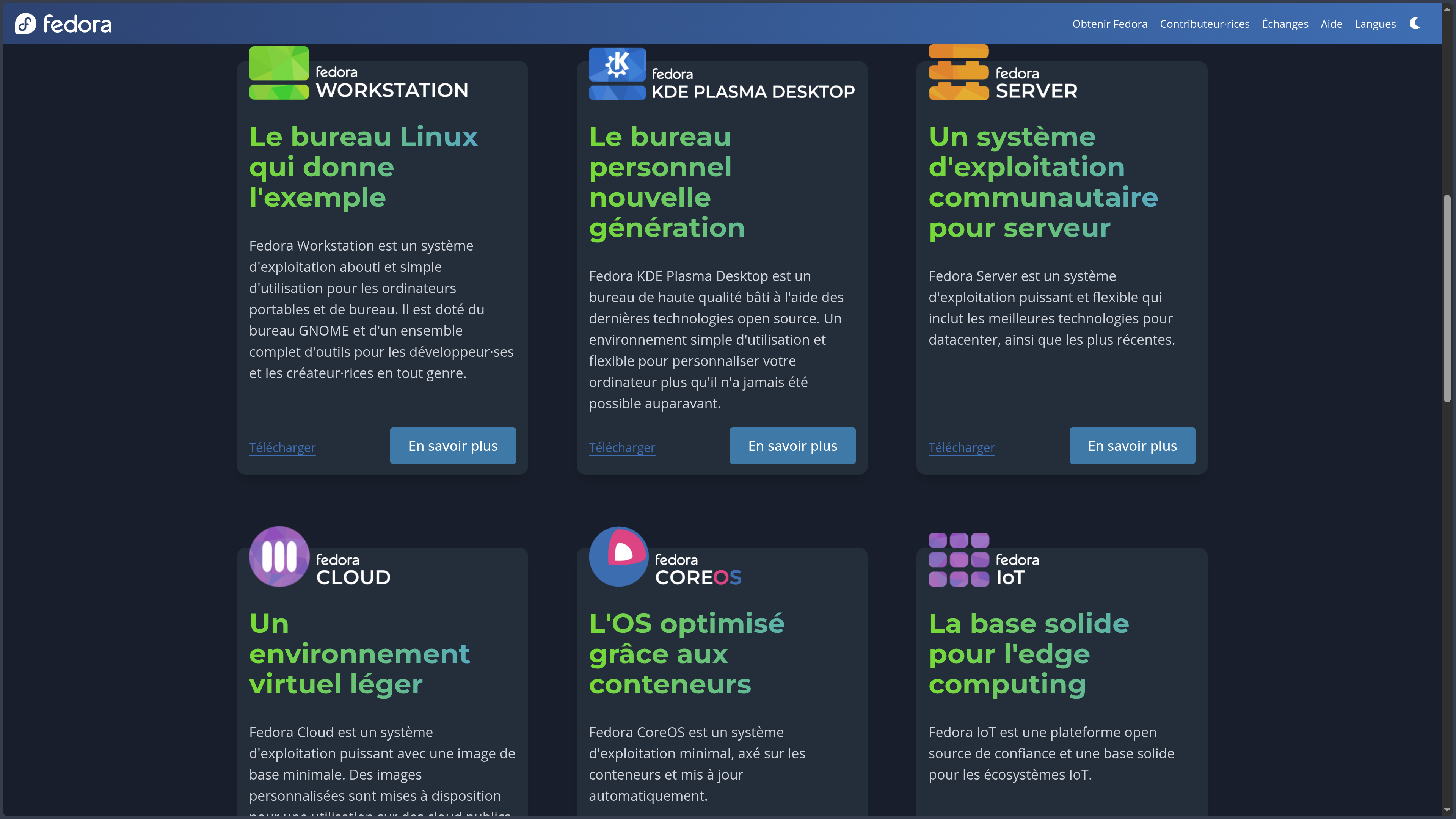
Fedora does not refer to a single configuration either. Fedora Workstation is the historical desktop edition and uses GNOME. Fedora KDE Plasma Desktop now provides KDE Plasma as another major desktop edition. Server targets servers, Cloud focuses on cloud environments, CoreOS on container-oriented deployments and IoT on connected devices and edge computing.
These editions are joined by Spins using other environments such as Xfce, Cinnamon, LXQt, Sway, Budgie or COSMIC, as well as a family of Atomic Desktops including Silverblue, Kinoite, Sway Atomic, Budgie Atomic and COSMIC Atomic. Fedora therefore does not impose a single way of using Linux: the same project serves as the foundation for conventional systems, customized desktops and architectures where the base system is updated as a coherent whole.
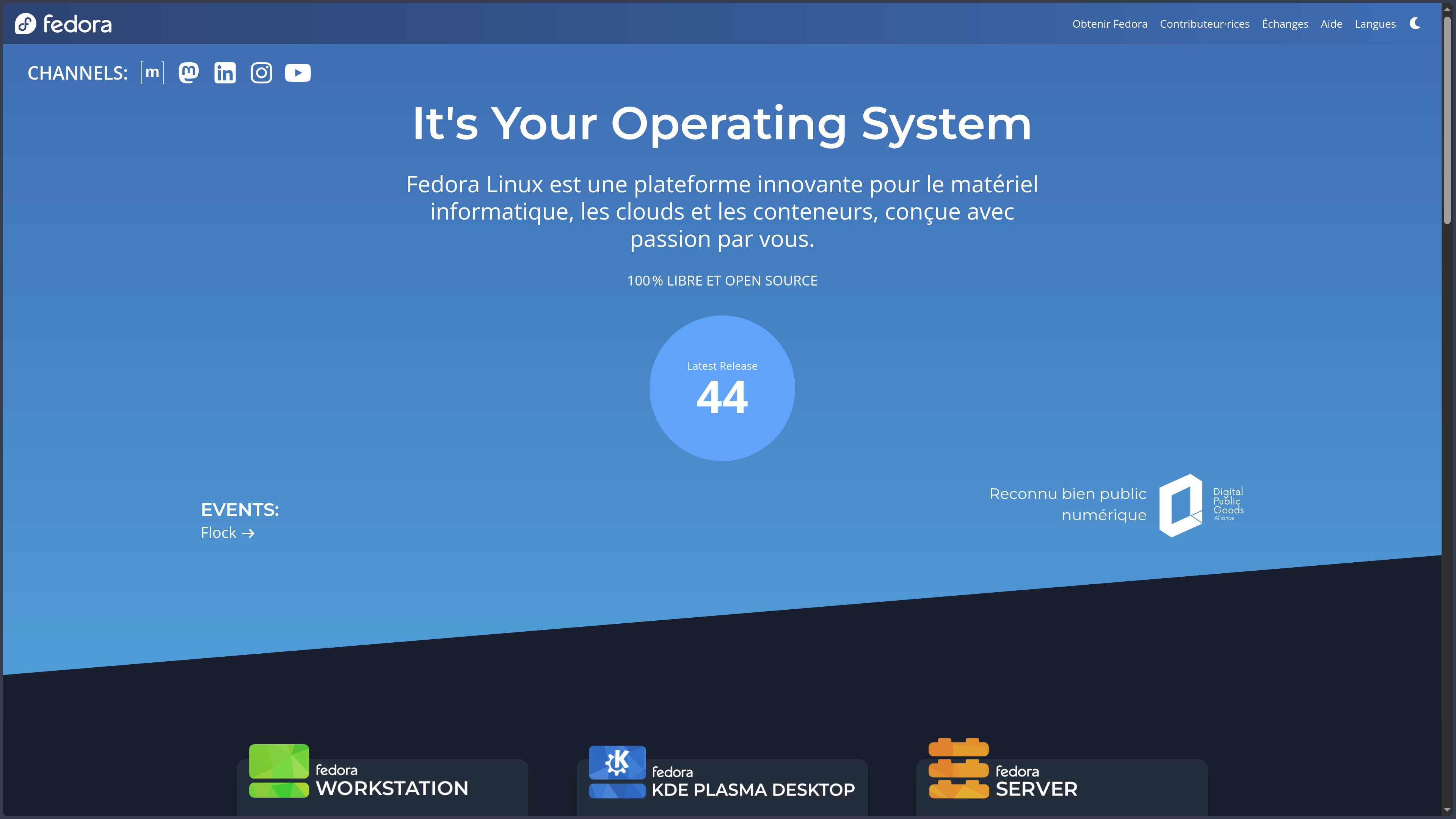
The current stable release, Fedora Linux 44, was released on April 28, 2026. As always with Fedora, the version number matters less as a commercial break than as a snapshot of the project at a particular moment: a few months later, a new generation will take its place and continue that evolution.
Features
A modern Linux desktop without hiding the system
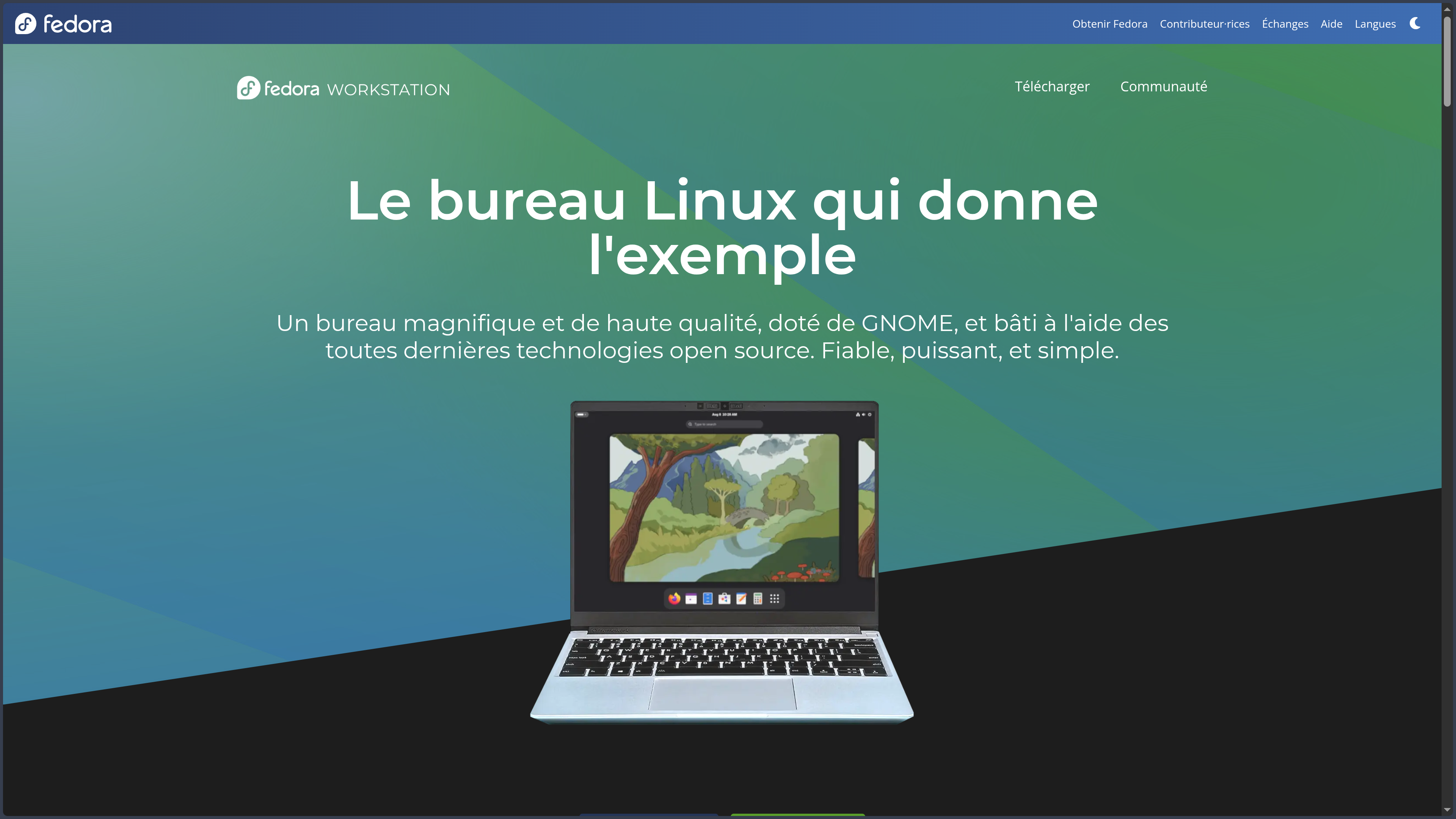
Fedora Workstation is based on GNOME and aims to provide a relatively coherent desktop experience from the moment it is installed. The system includes the essential functions for managing files, settings, applications, networks, sound, Bluetooth and various peripherals without immediately forcing users to work through the terminal.
GNOME adopts an organization quite different from Windows or a more traditional Linux desktop. Workspaces, the Activities view and global search play an important role, while the interface deliberately limits certain permanent elements on screen. This simplicity can be pleasant for users who appreciate a clean environment, but it requires some adjustment when they expect a conventional taskbar or application menu.
Fedora KDE Plasma Desktop follows a different philosophy. KDE Plasma offers more customization options and an organization that many users coming from Windows will find more familiar. Both editions nevertheless use the same Fedora base: choosing GNOME or KDE mainly changes the desktop experience, not the overall philosophy of the distribution.
Spins extend this freedom further. An older computer can favor Xfce or LXQt, a keyboard-oriented user can choose Sway or i3, while Cinnamon, Budgie or COSMIC offer other compromises between simplicity, customization and desktop organization.
Installing software without relying on a single model
Fedora uses the RPM format for system packages and software distributed through its repositories. Installation and updates can be managed from the graphical interface or with DNF on the command line. This system provides access to a broad collection of libraries, runtimes, development tools and applications maintained directly for Fedora.
For graphical applications, Flatpak provides a second approach. An application can be distributed with a large portion of its dependencies and remain more isolated from the system. This method is particularly useful for desktop applications whose release cycle does not necessarily match that of system packages.
These two methods are not mutually exclusive. A compiler, system library or service will often make more sense as an RPM package, while a graphical application may be installed through Flatpak. Advanced users have additional options through containers, language-specific package managers or community repositories.
Fedora deliberately remains strict about what enters its official repositories. The project favors software and content compatible with its rules for free and open-source distribution. Some proprietary codecs, drivers or applications therefore require additional sources. This policy makes the legal boundaries of the system clearer, but it can require a few extra steps after installation to obtain certain multimedia or hardware components.
A particularly natural environment for development
Fedora Workstation gives developers an important place. Compilers, programming languages, libraries, databases, virtualization tools and container utilities are available directly from the repositories, often in recent versions.
This freshness is useful when a project depends on modern technologies. Python, GCC, Rust, Podman, Java environments and many system tools can be installed without having to rebuild the entire distribution around the project. Developers working with technologies from the Red Hat ecosystem also find an environment close to CentOS Stream or Red Hat Enterprise Linux, but updated much more quickly.
Podman plays an important role in this approach. It can create and run OCI containers without requiring an architecture built around a permanently running central daemon. Toolbx adds a layer designed for the workstation: several development environments can live in separate containers while remaining integrated enough with the desktop to use familiar files and tools.
Fedora also provides a strong foundation for virtualization with KVM, QEMU and libvirt. This makes it possible to use the machine as the main development workstation while running other systems or test environments in virtual machines.
Security as part of the architecture
Fedora enables SELinux by default. This access-control system adds security policies beyond traditional Unix permissions and limits what a process is allowed to do, even when an account or service already holds certain permissions.
SELinux can seem invisible when everything works normally. Its presence becomes more noticeable when a custom service tries to access a location or resource that does not match its policy. For a new user, these restrictions can sometimes appear mysterious; for a server or workstation exposed to many applications, they provide an important additional layer of defense.
Fedora also regularly publishes updates to the kernel, libraries and applications. This pace makes it possible to receive security fixes quickly, but also introduces more changes than a conservative distribution.
The project signs its installation images and provides checksums that make it possible to verify that a download has not been altered. Fedora Media Writer then simplifies the creation of a bootable USB drive that can start the system, try it in live mode and launch the installation.
Atomic Desktops that change how the system is maintained
Fedora is also developing a family of systems called Atomic Desktops. Silverblue uses GNOME, Kinoite KDE Plasma, while other variants provide Sway, Budgie or COSMIC.
The principle differs from a conventional Fedora installation. Instead of progressively modifying the base system with every installed package, the main environment is treated as a coherent whole. Updates are prepared and then applied on reboot, while a previous deployment remains available so users can roll back if a problem occurs.
Graphical applications are then installed mainly through Flatpak, while development environments can live inside Toolbx containers. It is still possible to add certain packages to the base system, but the idea is to preserve as much separation as possible between the system, applications and development tools.
This architecture reduces some of the risks associated with years of accumulated modifications and makes rollbacks easier. It does, however, change several traditional Linux habits. Arbitrarily installing packages into the host system is no longer always the first reflex, and understanding the division between Flatpak, containers and the system layer takes some learning.
A foundation that goes far beyond the desktop
Fedora is not only a desktop distribution. Fedora Server provides a foundation for services and infrastructure, while Fedora Cloud offers images suited to virtualized environments and cloud providers.
Fedora CoreOS adopts a minimal, container-oriented approach, with automatic updates designed for infrastructure where applications are deployed as containers rather than installed directly on the host. Fedora IoT applies a similar logic to connected devices and edge deployments.
This diversity explains why Fedora can serve both as a personal workstation and as a laboratory for understanding architectures that will later appear on the server side. Its tools, package formats and container technologies share a substantial part of their culture with the professional Red Hat ecosystem.
Use cases
Using Linux as a primary work system
Fedora Workstation can replace Windows or macOS on a compatible computer for everyday tasks such as web browsing, office work, programming, communication, multimedia and creative work with applications available on Linux.
The live installation first allows the system to be tested from a USB drive without modifying the disk. This is particularly useful for checking Wi-Fi, Bluetooth, display, sound or power management before deciding to install it permanently.
Once the system is installed, common software and updates can be managed graphically. The terminal remains extremely powerful and quickly becomes useful for development or administration, but Fedora does not require a new user to work exclusively from the command line.
Building a modern development workstation
A developer can use Fedora as their main environment for web development, Python, Rust, C/C++, Java, databases, containers or cloud infrastructure. Recent tools available in the repositories often reduce the gap between the documentation of a modern project and what the system can actually run.
Several projects with different dependencies can be isolated in virtual environments or Toolbx containers. Podman can meanwhile build and test OCI images intended later for servers or Kubernetes.
For someone working on both applications and their infrastructure, Fedora therefore helps bring the development workstation closer to the Linux environment that will ultimately run the project in production.
Using a recent Linux system without adopting a rolling release
A user may want a recent kernel, new generations of GNOME or KDE and modern tools, while still preferring clearly identified releases rather than a system under permanent update.
Fedora occupies precisely this space. Each generation forms a coherent release and then receives updates throughout its support cycle. The system moves quickly, but retains identifiable milestones.
This approach requires a major upgrade on a regular basis. For some users, that rhythm is a good compromise; for others, having to follow a new release roughly twice a year represents unnecessary maintenance.
Experimenting with an Atomic Desktop
Silverblue or Kinoite can serve as the main workstation for a developer who wants to keep a relatively predictable system base while isolating applications and work environments.
Graphical applications are installed mainly as Flatpaks and development tools live inside Toolbx. If a system update causes a real problem, the ability to return to a previous deployment reduces the pressure associated with change.
This approach is particularly useful for understanding image-based and containerized systems that are playing an increasingly important role in Linux. In return, it requires giving up some habits from conventional distributions.
Creating a Linux server or laboratory
Fedora Server can be used to host services, experiment with databases, learn Linux administration or build a test environment before deployment on more durable infrastructure.
Its rapid cycle makes it an excellent laboratory for discovering new technologies, but less naturally a system to leave running unchanged for many years. For that requirement, CentOS Stream, Red Hat Enterprise Linux or other long-term support distributions may be more appropriate.
Fedora therefore becomes particularly relevant when the server is also used for learning, testing or development, and quickly benefiting from new software generations matters more than maximizing the lifetime of a single release.
Conclusion
Fedora occupies an interesting position in the Linux ecosystem because it rejects two extremes. It is neither a conservative distribution that keeps almost the same components for several years, nor a rolling release where changes arrive continuously. Fedora moves quickly, but it moves through releases.
This philosophy makes it an excellent entry point into recent Linux technologies. Developers find modern runtimes and tools, desktop users quickly gain access to new generations of GNOME or KDE, and people interested in containers can work with Podman, Toolbx, CoreOS or Atomic Desktops without leaving the same ecosystem.
The project also has a coherence that extends beyond the software itself. Its open-source policy, SELinux enabled by default, close development relationship with upstream projects and role within the Red Hat ecosystem give Fedora a much more precise identity than a simple collection of recent packages.
That ambition requires some involvement in return. Upgrades are frequent, certain proprietary components are not immediately available in the official repositories, and newer technologies can occasionally reveal incompatibilities before they have accumulated as much real-world experience as those in a more conservative distribution.
For someone who wants to install Linux and then almost stop thinking about the system for several years, Fedora is not necessarily the calmest choice. For developers, Linux enthusiasts and users who want a modern, free system that stays close to the real evolution of open source without living in a constant stream of updates, however, it offers one of the most interesting balances.
Points to consider
-
The support cycle is relatively short: a Fedora release is maintained for around thirteen months. Users therefore need to upgrade regularly to a newer generation, unlike LTS distributions designed to remain on the same base for several years.
-
A new release arrives approximately every six months: this rhythm provides rapid access to newer kernels, desktop environments and tools, but also introduces more change than a highly conservative system.
-
Not all proprietary software is available in the official repositories: Fedora’s policy prioritizes components that comply with its rules for free and open-source distribution. Some codecs, drivers and applications may therefore require additional repositories or external sources.
-
Hardware should be checked before a complete migration: Linux supports a large amount of hardware, but proprietary drivers, some very recent peripherals or specific features of certain laptops may require additional configuration. Live mode makes it possible to test much of the compatibility before installation.
-
GNOME has a distinctive workflow: Fedora Workstation does not try to reproduce Windows. Users attached to a more traditional desktop may prefer Fedora KDE Plasma Desktop or one of the Spins without leaving Fedora.
-
Atomic Desktops change several Linux habits: Silverblue, Kinoite and the other atomic variants prioritize Flatpak, Toolbx and system updates applied as a coherent whole. Their reliability and rollback capabilities are useful, but their logic requires specific learning.
-
Fedora is not a long-term support distribution: for servers or workstations that need to remain on the same generation for several years, a distribution such as Red Hat Enterprise Linux, Debian Stable, Ubuntu LTS or another long-cycle solution may be more appropriate.
-
Rapid updates are both a strength and a compromise: Fedora provides early access to new technologies, but this also means occasionally encountering behavioral changes or incompatibilities before they have several years of maturity.
-
Fedora is genuinely free and open source, but its components do not all use the same license: the system brings together many independent projects under different free-software licenses. It is therefore more accurate to describe it as a collection of software under multiple licenses than to assign one single license to the entire distribution.