Presentation
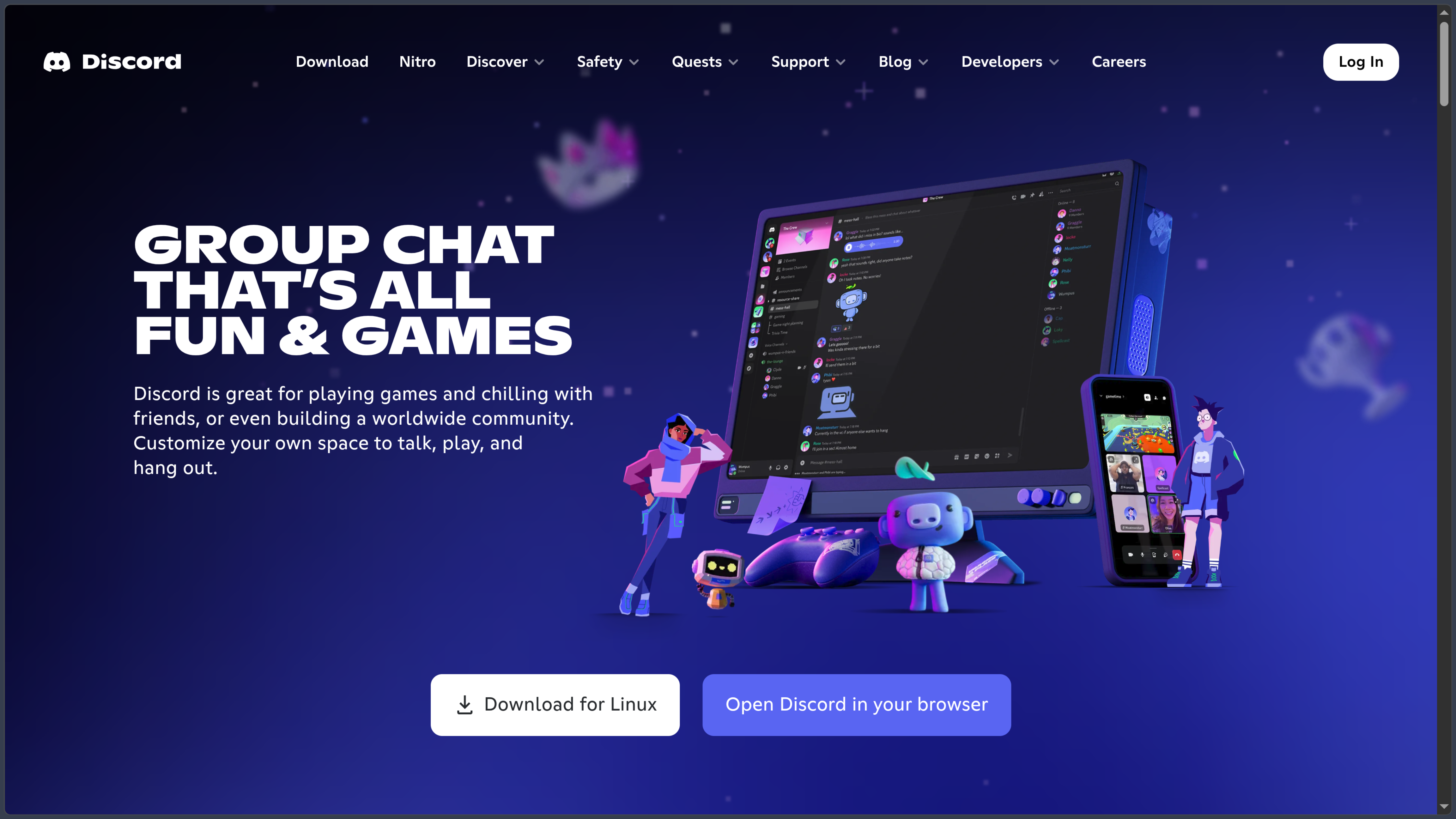
Discord is a communication and community-building platform developed by Discord Inc.
Initially designed to facilitate communication between gamers, it is now used by a wide variety of communities: video games, software development, artistic creation, music, education, nonprofit organizations and interest groups.
Its structure is based on servers organized into text, voice and video channels. Each server can contain several discussion spaces, specific rules, roles and applications designed to facilitate interactions.
Discord also provides private messaging, individual and group calls, screen sharing, interactive activities and administration tools.
The service is available on Windows, macOS, Linux, Android, iPhone, iPad and directly through a browser. Its main features are free, while Nitro and Server Boosts provide optional benefits.
Features
Servers and channels
Discord servers allow users to gather around a project, game or shared interest.
A server can contain different text and voice channels organized into categories.
Each channel has its own settings and permissions. For example, certain discussions can be restricted to a team, moderators or members holding a specific role.
Servers can be private, invitation-only or configured to welcome a larger community.
Messaging and discussions
Discord provides instant messaging within servers and private conversations.
Users can send text, images, videos, files, links and various embedded content.
Reactions, mentions, pinned messages, search and threads help organize conversations.
Private conversations can involve individuals or several people without requiring the creation of a server.
Voice channels
Voice channels allow server members to communicate in real time.
Unlike a traditional meeting, a voice channel can remain permanently available. Participants can join or leave freely.
Discord provides noise suppression, individual volume controls, voice activity detection and push-to-talk mode.
This approach is particularly suitable for multiplayer gaming, workgroups or communities that want to maintain an informal discussion space.
Video and screen sharing
Discord supports video calls and screen sharing.
Users can share a window, application or their entire screen to present a document, demonstrate software or broadcast gameplay.
The Go Live feature notably allows users to stream a game or application to authorized participants.
Maximum quality depends on the technical configuration, subscription and any server benefits available.
Forums and threads
Forum channels allow discussions to be organized around separate topics.
Each post has its own reply space, preventing several conversations from becoming mixed together in a general channel.
Posts can be assigned tags to make categorization easier.
Regular threads, meanwhile, allow a conversation to be temporarily separated within a channel.
These features are particularly useful for technical communities, support requests and collaborative projects.
Events and Stage channels
Discord allows communities to organize scheduled events.
Members can view event information and indicate their interest in receiving reminders.
Stage channels are designed for presentations, conferences, interviews and public discussions.
They distinguish speakers authorized to talk from the listening audience, with tools for managing speaking permissions.
Stage channels are available on servers with Community features enabled.
Roles and permissions
Administrators can create custom roles to organize members.
These roles determine permissions: accessing a channel, posting messages, managing invitations, moderating or administering the server.
They can also assign colors and visible distinctions within the community.
This structure makes it possible to manage both a small private group and a server containing numerous teams and member categories.
Moderation and AutoMod
Discord integrates several moderation and community safety tools.
Administrators can establish rules, adjust verification levels, kick or ban users and control permissions.
AutoMod can automatically detect and block certain messages containing prohibited terms, spam or other problematic content.
Audit logs and reporting tools make it easier to track moderation actions.
Communities and member onboarding
Community mode adds features designed for servers welcoming a larger audience.
Onboarding provides a personalized arrival process: new members answer a few questions and select roles or channels matching their interests.
Server Guide can introduce server rules, resources and important spaces.
Eligible servers may also benefit from discovery features that improve their visibility.
Bots and applications
Discord has a large ecosystem of bots and applications.
These tools can automate moderation, manage roles, organize events, provide commands, publish notifications or connect external services.
Developers have access to an API, webhooks and a system of commands and interactions.
It is therefore possible to create a custom bot to manage a community or integrate Discord with a website, game or application.
Activities
Activities allow interactive experiences to be launched directly inside Discord.
They can take the form of multiplayer games, social activities or collaborative applications.
Participants can use them together from a compatible environment without necessarily leaving their conversation.
Discord also allows developers to create their own Activities using dedicated tools.
Gaming integrations
Discord provides several features related to video games.
Activity status can display the game being played, while Rich Presence allows certain applications to share additional information about a session.
Accounts from gaming platforms can be linked to a Discord profile.
On compatible consoles, notably PlayStation and Xbox, certain voice and streaming features can also be used.
Nitro and customization
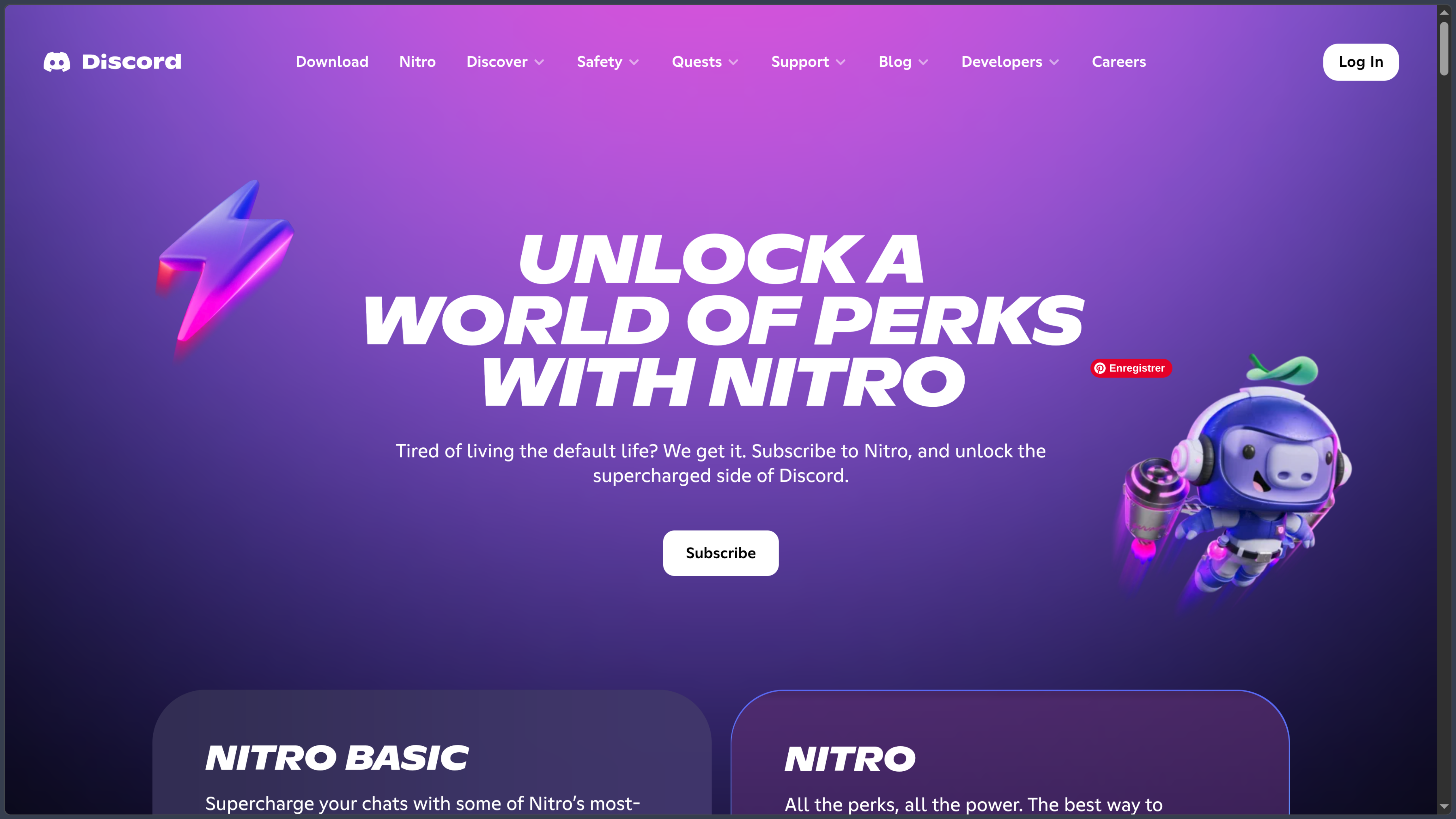
Discord Nitro is the service's main premium subscription.
It notably adds profile customization options, emotes and stickers that can be used more widely, improved streaming quality and higher file-sharing limits.
Nitro Basic provides a smaller set of benefits at a lower price.
Nitro also includes two Server Boosts and a discount on additional Boosts.
Server Boosts
Boosts allow members to collectively fund improvements for a server.
Depending on the level reached, they can unlock additional emotes, better audio quality, customization options and higher file-sharing limits.
The traditional levels require 2, 7 or 14 Boosts.
Discord also offers certain additional benefits that can be activated with separately allocated Boosts, notably Server Tags and enhanced role styles.
Community subscriptions
Discord provides Server Subscriptions for certain eligible communities and creators.
Administrators can define subscription tiers that provide access to benefits or spaces reserved for paying members.
This system allows a community to be funded without requiring every participant to purchase Nitro.
Monetization availability depends notably on the country, server eligibility and Discord's conditions.
Use cases
Build a community around a project
Discord can bring together software users, website readers or members of a creative project.
Channels separate announcements, general discussions, support, feedback and events.
Organize a development team
Text channels, forums, bots and screen sharing make it possible to discuss technical problems, publish information and coordinate certain activities.
Integrations can also relay events from code repositories or external tools.
Communicate during a gaming session
Voice channels allow players to communicate during multiplayer sessions.
Screen sharing and gaming integrations complement this real-time communication.
Host events and conferences
Scheduled events and Stage channels can be used to organize presentations, debates, workshops or question-and-answer sessions.
Roles and permissions make it easier to distinguish organizers, speakers and audience members.
Develop a support community
Forums, tags, search and moderation tools are suitable for support communities.
Conversations can remain accessible and progressively enrich the server's resources.
Conclusion
Discord has become a versatile community communication platform, extending far beyond its gaming origins.
Its main strength lies in the combination of persistent channels, real-time discussions, calls, screen sharing and highly flexible organizational options.
Roles, forums, events, bots and APIs make it possible to build communities ranging from small private groups to spaces bringing together large numbers of users.
Nitro and Server Boosts complement this foundation without being necessary for essential communication features.
The platform nevertheless remains a centralized service, with its own rules, moderation systems and data-processing conditions.
For bringing a community together, organizing conversations and providing an interactive communication space around a project or activity, Discord is one of the best-known and most comprehensive solutions in its field.
Points to consider
-
Discord is free for its main features, notably messaging, voice calls, video, screen sharing and server creation.
-
Nitro and Nitro Basic are optional. They mainly provide customization, sharing and quality improvements.
-
As a reference, European Web prices are €2.99/month for Nitro Basic and €9.99/month for Nitro. Exact prices should be checked when subscribing because Discord applies regional variations.
-
Nitro Basic notably allows file uploads of up to 50 MB, while Nitro can support up to 1 GB per file under current conditions.
-
Nitro includes two Server Boosts, unlike Nitro Basic.
-
Boosts provide renewable benefits. A server may lose certain improvements if the number of active Boosts decreases.
-
Since March 2, 2026, end-to-end encryption has been mandatory for compatible audio and video calls and Go Live streams. Applications must meet the minimum version requirements.
-
Text messages do not benefit from the same end-to-end protection. Discord should therefore not be presented as an entirely end-to-end encrypted messaging platform.
-
Stage channels are not covered by audio/video end-to-end encryption. Previews of certain streams also do not receive the same protection.
-
Private channels depend on configured permissions. A private server or a channel restricted to certain roles is not equivalent to a local space or encrypted personal storage.
-
Discord requires a minimum age of 13, or higher where required by the laws of the relevant country.
-
Third-party bots and applications may access certain information depending on their permissions. Their installation should be carefully evaluated, particularly on servers containing sensitive data.
-
Server Subscriptions are reserved for eligible servers. Their availability and monetization conditions vary by region.
-
Community subscription purchases on iOS may cost more than on desktop, due to additional fees applied to the relevant transactions.
-
Discord offers Quests and Orbs, which allow users to obtain certain rewards or promotional benefits. These mechanisms are separate from traditional subscriptions and may evolve.
-
Discord is a proprietary and centralized service. Servers, messages and files depend on its infrastructure and terms of use.
-
Administrators and members remain subject to Discord's community guidelines. A server may face restrictions or moderation measures if these rules are violated.