
Overview
Arch Linux is an independent GNU/Linux distribution developed directly by the Arch Linux project rather than derived from Debian, Ubuntu, Fedora or another major distribution. It follows a philosophy quite different from those that aim to provide a complete workstation immediately: Arch installs a deliberately minimal base and then lets the user decide what should come next.
This approach is often summarized by the KISS, Keep It Simple principle, but the word “simple” can be misleading. Arch does not necessarily try to make every operation easy for a beginner. Its simplicity is mainly about avoiding distribution-specific layers, automation and modifications when they are not necessary. Software generally remains close to what its upstream developers publish, while system configuration stays visible and directly accessible.
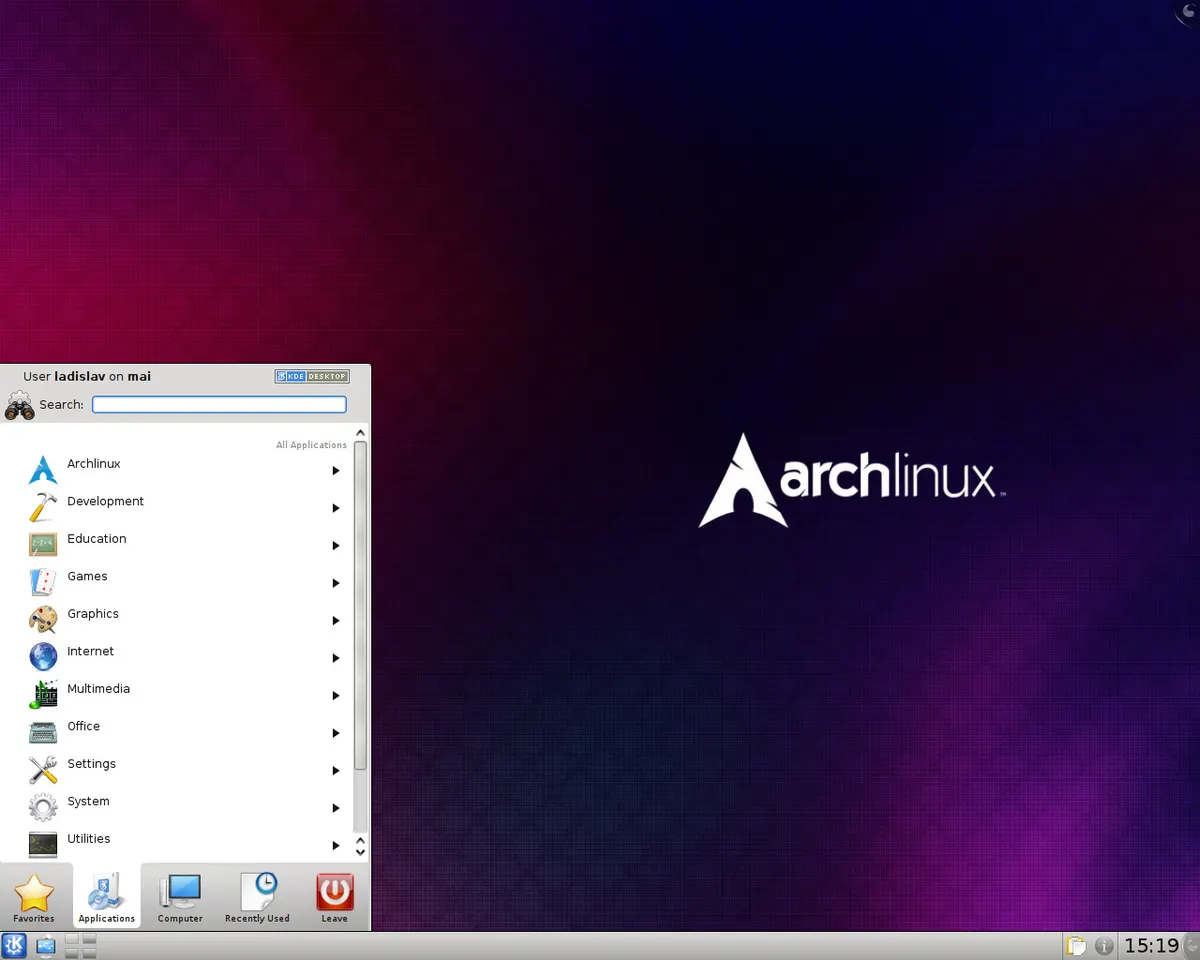
This philosophy gives the user a great deal of control. Arch does not automatically choose GNOME, KDE Plasma or another graphical environment, does not build a predefined set of desktop applications and does not impose a general workstation layout. An installation can become a full KDE workstation, a GNOME environment, a minimal system with a window manager or a server without a graphical interface.
Arch also follows a rolling-release model. There is therefore no new major generation every six months or every two years. Packages in the repositories evolve continuously as new versions considered sufficiently stable are integrated by the maintainers.
This changes the meaning of installation images. The current official image is Arch Linux 2026.08.01, published on August 1, 2026 with the Linux 7.1.5 kernel. This number does not identify a system version intended to remain frozen: it simply indicates the date the installation media was created. Once Arch is installed and updated, two machines initially installed from different ISO images converge toward the packages currently available in the repositories.
Arch officially supports x86-64 only. Separate projects exist for ARM and other architectures, but they are not part of official Arch Linux support. This choice allows the project to focus its infrastructure and packages on one primary platform instead of maintaining a large number of architectures simultaneously.
Features
A minimal system the user builds themselves
A typical Arch installation begins with a system that is far more stripped down than Linux Mint, Ubuntu or Fedora Workstation. The project provides the components required to boot and administer Linux, but does not assume that a graphical environment, browser, office suite or collection of utilities should automatically be installed for every user.
The principle is to add only what the machine actually needs. A workstation can receive NetworkManager, PipeWire, GNOME or KDE Plasma, a browser and graphical applications. A server can keep only SSH and the necessary services. A specialized machine can use a window manager or Wayland compositor without installing a full desktop environment.
This approach avoids having to remove a large number of distribution-selected components after installation. In return, it requires a better understanding of the different building blocks that make up a Linux system.
That understanding develops gradually during installation and configuration. Choosing a bootloader, network setup, graphical environment, services or filesystem requires at least a basic understanding of their role.
Pacman to maintain the entire system
Arch uses pacman, its own package manager. It installs, removes and updates software while managing dependencies and verifying the signatures of packages coming from the official repositories.
A complete update is generally performed with pacman -Syu. On a rolling-release system, this operation does not simply update a few applications: it synchronizes the state of the machine with the current Arch repositories.
This overall consistency explains why Arch does not support partial upgrades. Synchronizing the repositories and then updating only certain libraries can create a system in which older software expects dependency versions that are no longer present.
The rule is therefore different from what might be used on a fixed distribution: when an upgrade is performed, the whole system should normally move forward together.
The official repositories currently contain close to 16,000 packages, covering the base system, graphical environments, development tools, browsers, multimedia applications and many utilities.
Recent software without waiting for a new distribution release
The rolling-release model allows Arch to integrate new stable software versions quickly. The Linux kernel, Mesa, systemd, compilers, languages, desktop environments and applications therefore evolve regularly.
A developer generally does not have to wait for the next major Arch release to obtain a new generation of Python, GCC, Rust or a system library. Once it reaches the repositories and the machine is updated, it simply becomes the system version.
This freshness is particularly useful for recent hardware, developers or users who want to follow developments in KDE Plasma, GNOME, Wayland, Mesa or the Linux kernel without switching to an experimental branch.
It also means that significant changes arrive directly on the machine. A new version of a component may change a configuration, remove a feature or require manual intervention. Arch publishes announcements when an unusual operation is required, making the project news an actual part of system maintenance.
The AUR to go far beyond the official repositories
The Arch User Repository, usually called the AUR, is one of Arch’s best-known features. It supplements the official repositories with a huge collection of build recipes maintained by users.
The AUR does not operate like a store simply containing binary packages validated by Arch. It mainly hosts PKGBUILD files describing where to retrieve a program’s source code or binaries and how to build a package compatible with pacman.
A user can download a PKGBUILD, inspect its contents, build the package with makepkg and then install it with pacman. Community helpers such as yay or paru automate part of this process, but they do not turn the AUR into an official repository.
This distinction is essential. AUR PKGBUILDs are produced by the community and are not systematically reviewed by the Arch team. Using them assumes checking what will be downloaded and executed.
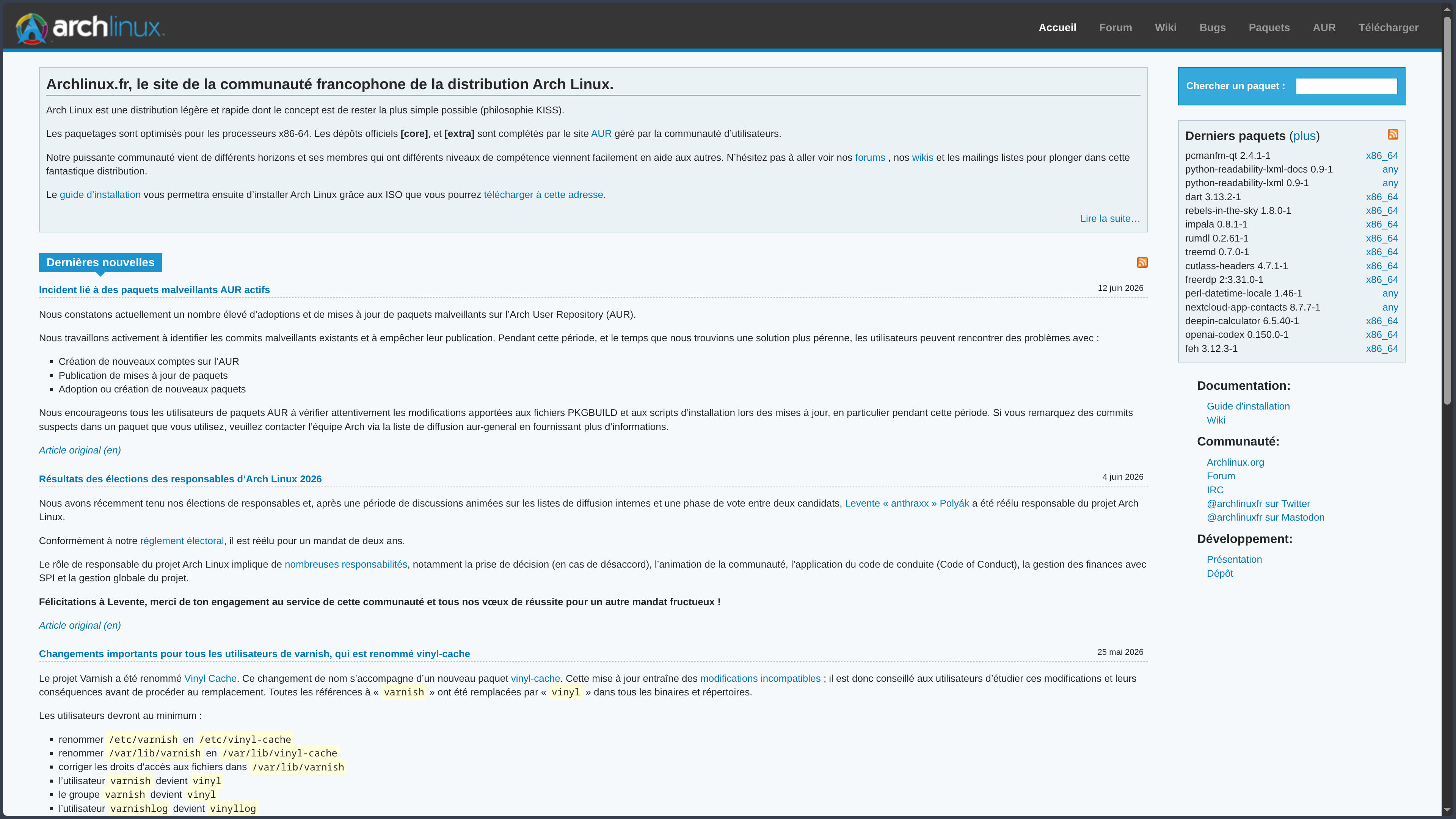
This caution is not merely theoretical. In June 2026, Arch Linux reported a campaign involving takeovers and malicious modifications of AUR packages and explicitly asked users to verify changes made to PKGBUILDs and installation scripts.
Despite this, the AUR remains an extremely powerful resource. Software absent from the official repositories, Git versions, proprietary applications, specialized tools or obscure projects can often be turned into Arch packages without completely abandoning the normal operation of the package manager.
Archinstall to reduce installation difficulty
Manual installation remains one of the historical ways to discover Arch. The official guide takes the user through networking, partitioning, mounting filesystems, installing the base system, locale configuration, the bootloader and the other required components.
Arch now also provides archinstall, a guided installer included directly in the official image. The version available in the repositories at the time of this verification is archinstall 4.4.
The tool allows users to select the disk, filesystem, encryption, network, certain profiles, kernel and graphical environment, then automates much of the corresponding work.
Archinstall significantly lowers the initial barrier, but it does not turn Arch into Linux Mint. The user remains responsible for the resulting system and the profiles proposed by archinstall have their own choices. Understanding the installed components remains useful when it comes time to modify or repair the machine.
Manual installation therefore retains genuine educational value, while archinstall offers a faster route for someone who already understands Arch’s principles or prefers to learn once the system is running.
The ArchWiki as a genuine part of the experience
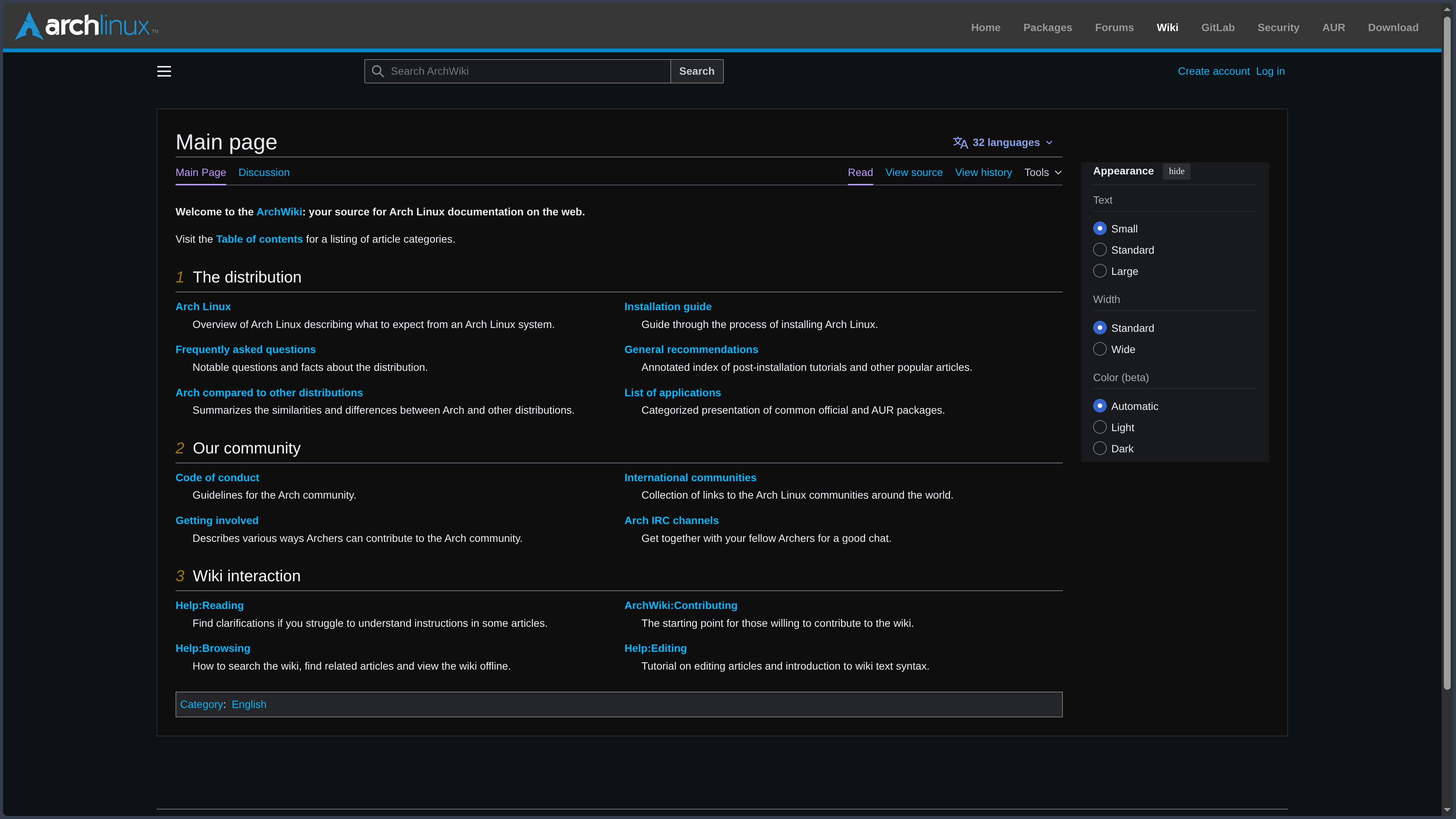
The ArchWiki goes far beyond the role of an installation manual. It documents the kernel, boot process, filesystems, graphical environments, Wayland, GPUs, networking, sound, security, virtualization, containers, servers and a considerable amount of software.
An important characteristic of this documentation is that it often tries to explain how a component actually works rather than merely provide a sequence of commands to copy.
This makes many articles useful even on other Linux distributions. Paths, package names or installation procedures may differ, but explanations of systemd, PipeWire, NetworkManager, GRUB, SSH or graphics drivers often remain broadly applicable.
For an Arch user, this documentation becomes practically an extension of the system. When an unusual configuration must be performed, the first step is often to consult the corresponding ArchWiki article before changing the machine.
This documentation culture partly compensates for the lack of graphical assistants for every task. Arch does not necessarily hide complexity, but provides a remarkable amount of information for understanding it.
Freely choosing the graphical environment
Arch does not impose an official desktop. GNOME, KDE Plasma, Xfce, Cinnamon and many other environments can be installed from the repositories, along with different window managers and Wayland compositors.
This freedom allows very different configurations to be created from the same distribution. One machine can run a complete Plasma setup with a graphical login manager, while another uses Hyprland, Sway, i3 or another much more minimal environment.
The user also chooses the associated applications. Installing KDE Plasma does not necessarily mean installing the entire KDE software suite, and a GNOME setup can be supplemented with tools from other environments.
This modularity is particularly suitable for people who already know what they want. It can be more confusing when the expectation is for the distribution to provide a coherent selection of applications and settings directly.
A direct relationship with upstream projects
Arch generally tries to keep software close to its upstream form, meaning the way it is published by its original developers.
The project avoids accumulating large amounts of distribution-specific modifications whenever possible. Downstream patches are mainly used when an issue must be fixed before a new upstream release becomes available.
This approach can make comparison with official software documentation easier: an application installed on Arch often resembles what its own project describes more closely than a heavily customized distribution variant.
It also contributes to the rapid pace of updates. When a new stable release is considered ready, Arch can integrate it more easily without having to maintain a large layer of distribution-specific modifications.
Use cases
Building exactly the Linux workstation you want
An experienced user can start from the Arch base and choose their desktop, audio system, applications, services, bootloader and a large part of the configuration.
This approach becomes particularly interesting when the user already knows, for example, that they want KDE Plasma with only a few applications, or instead a minimal Wayland environment centered around Sway or Hyprland.
The result can be very clean, not because Arch automatically applies some spectacular optimization, but simply because only the components that were actually wanted have been installed.
Arch is therefore well suited to users who see their system as an environment to build rather than a finished product that simply has to be accepted as-is.
Getting new Linux technologies quickly
Someone using recent hardware can benefit quickly from new kernels, Mesa drivers, firmware and other components needed for support.
Graphics developers, Linux gamers and Wayland users can also access new generations of their tools quickly without waiting for the next LTS release.
This freshness has a cost, however: the machine evolves continuously. It therefore suits someone who wants those new technologies and accepts following their evolution in return.
Building a highly current development workstation
Arch quickly provides recent versions of compilers, runtimes, libraries, containers, editors and system tools.
A developer can install GCC, Clang, Rust, Python, Go, Java, Node.js, Podman, Docker, QEMU or many databases from the repositories, then complete the environment with the AUR when certain tools are not available there.
This proximity to upstream versions sometimes reduces the need to add several extra repositories simply to obtain a recent technology.
It can also reveal a project’s incompatibilities with a new library or compiler earlier. For some developers, that is an advantage that allows them to test changes quickly; for others, a more fixed base such as Debian Stable or Ubuntu LTS remains preferable.
Really learning how a Linux system works
Installing Arch manually requires dealing directly with concepts that some distributions configure without showing them: partitioning, mounting, fstab, networking, users, systemd services, initramfs, the kernel, bootloader and graphical environment.
The value does not lie in difficulty for its own sake. These steps provide a more concrete understanding of how the different layers of Linux fit together.
The ArchWiki can then be used to explore almost every component in greater depth. An Arch installation can therefore become an excellent educational laboratory for someone who wants to go beyond everyday use and understand system administration.
Archinstall makes this progression optional: it is possible to automate the initial installation and then learn gradually while administering the system.
Using a lightweight base for a specialized machine
Arch can be installed without a graphical environment and used as a home server, media station, development machine, laboratory system or specialized environment.
The minimal model allows only the services that are genuinely necessary to be retained. Pacman can then provide additional components as needs arise.
A rolling release is not automatically ideal for every server, however. On infrastructure whose main goal is to remain unchanged for several years, Debian Stable or a long-term-support distribution may require less attention.
Arch becomes more relevant when a server is also used for experimentation, development or rapid access to new versions and the administrator accepts actively maintaining the system.
Conclusion
Arch Linux stands out less because of a particular application or desktop than because of the relationship it proposes between the user and the system. Where Ubuntu, Mint or Fedora make a series of decisions to quickly produce a coherent environment, Arch provides a foundation and asks the user to decide what should complete it.
This freedom explains both its appeal and its reputation as a demanding distribution. Installing GNOME, KDE, a server or a minimal environment is not fundamentally difficult once the necessary components are understood, but Arch often refuses to add a layer whose purpose would be to hide that mechanism.
The rolling-release model reinforces this logic. There is no major periodic migration between two generations: the machine continuously follows the repositories. In exchange for rapid access to new technologies, the user accepts reading important announcements, performing full upgrades and occasionally intervening when a change cannot be cleanly automated.
Pacman, the AUR and the ArchWiki then form a particularly powerful combination. The repositories provide a recent and coherent base, the AUR greatly extends the catalog and the documentation makes it possible to understand and configure almost every component.
This power does, however, require clearly distinguishing levels of trust. An official package signed and maintained by Arch is not equivalent to a PKGBUILD published in the AUR, and the richness of the community catalog never removes the need to verify the code that will be executed.
For someone who wants to understand their Linux system, choose its components precisely and keep it constantly close to current software versions rather than following fixed generations, Arch Linux remains one of the most coherent options. For someone whose priority is simply to install a computer and then almost completely forget about the operating system, the same philosophy can instead amount to unnecessary work.
Points to consider
-
Arch Linux is a rolling release: there is no major version intended to be maintained for several years like Debian Stable or Ubuntu LTS. System components evolve continuously with the repositories.
-
The 2026.08.01 image is not an “Arch version” in the traditional sense: it was published on August 1, 2026 with Linux 7.1.5 and serves only as installation media. After an update, the system uses the current repository packages regardless of which ISO was originally used.
-
Partial upgrades are not supported: Arch assumes the system will be upgraded coherently, generally with
pacman -Syu. Synchronizing the repositories and then updating only certain components can create library incompatibilities. -
Official announcements are part of maintenance: some developments occasionally require manual intervention. Arch recommends checking project news before upgrading to see whether a particular procedure is required.
-
The AUR is not an official repository verified by Arch: it mainly contains PKGBUILDs supplied by users. These files and their scripts should be reviewed before building them, even when a tool such as yay or paru automates installation.
-
An incident involving malicious AUR packages was reported in June 2026: the project asked users to carefully review changes to PKGBUILDs and installation scripts. The incident is a reminder that the popularity of a community package does not give it the same level of trust as a package from the official repositories.
-
Arch officially supports x86-64 only: Arch Linux ARM and other ports are separate projects with their own teams and infrastructure and should not be confused with official Arch Linux support.
-
No graphical environment is imposed: this freedom is a strength, but a minimal installation does not automatically provide a complete desktop. GNOME, KDE Plasma, Xfce or another environment must be selected and installed by the user or through an archinstall profile.
-
Archinstall greatly simplifies installation but does not remove the need to understand the system: the tool automates many steps, but administration, updates and troubleshooting remain those of a standard Arch distribution.
-
Software freshness is both an advantage and a trade-off: new kernels, desktops and libraries arrive quickly, but behavioral changes and incompatibilities can also appear sooner than on a conservative distribution.
-
Arch Linux does not have a single license: the distribution brings together thousands of programs under their respective licenses. The sources used to package Arch software are now published under 0BSD, but that license does not replace the licenses of the software itself.