
Presentation
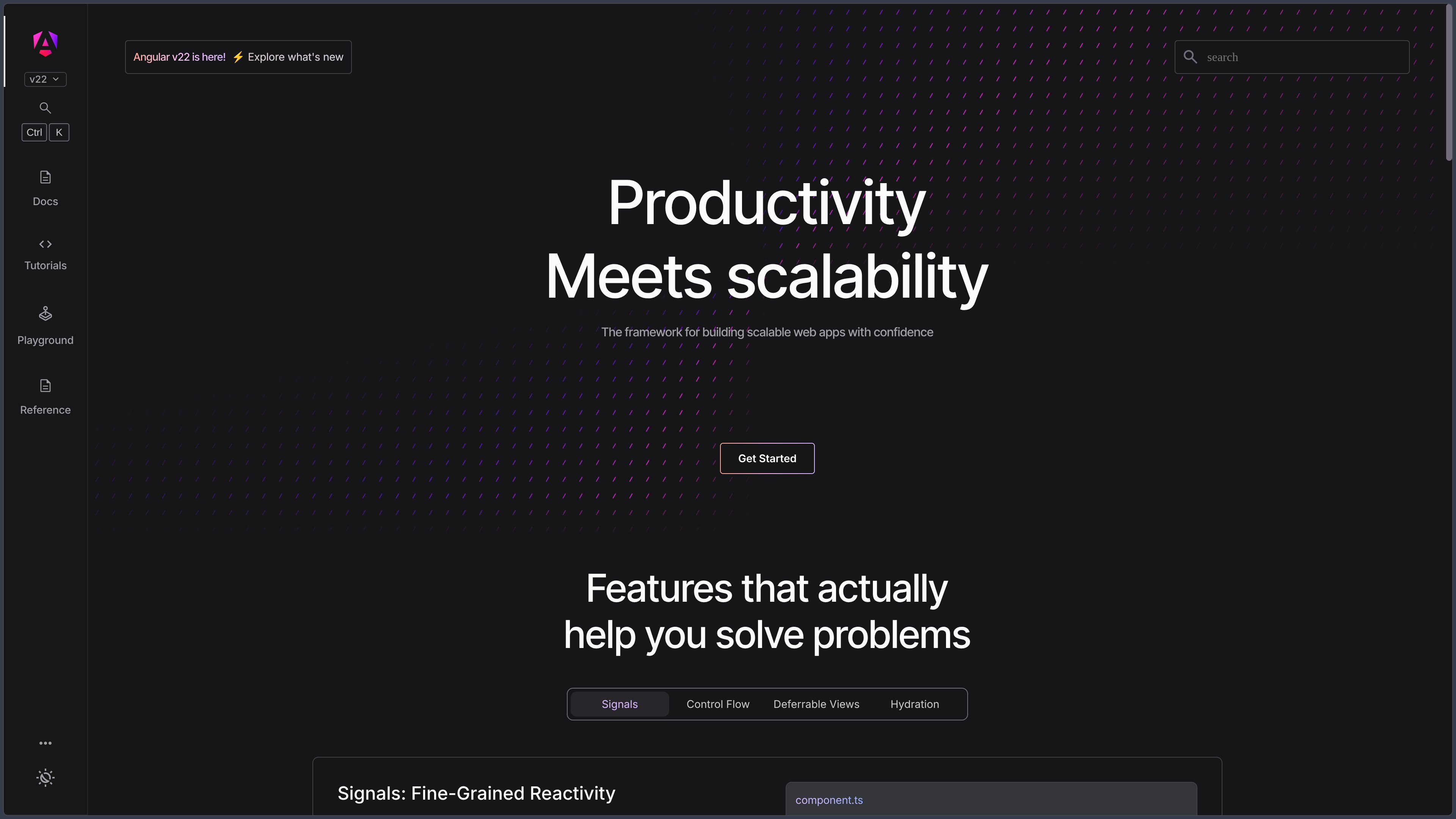
Angular is an open-source Web framework developed by Google for building structured applications with TypeScript.
Unlike a library mainly focused on user interfaces, Angular provides a coherent set of official building blocks: components, templates, dependency injection, routing, forms, an HTTP client, server-side rendering and development tools.
The framework is suitable for single-page applications as well as projects using server-side rendering, static generation or hybrid rendering strategies.
Modern components are standalone by default, allowing them to be imported directly without systematically creating NgModules.
Angular also uses signals as a reactive mechanism for tracking state and precisely updating the parts of the interface that depend on it.
As of October 3, 2026, Angular 22.2.1 is the current stable version. Angular 22 is the actively supported branch, while Angular 21 and 20 remain under LTS support.
Features
Components and templates
An Angular application is organized around components.
Each component combines a TypeScript class, an HTML template and optionally styles.
Templates can display data, handle events, use directives and compose multiple components together.
Components are now standalone by default, simplifying the structure of new projects.
TypeScript
Angular is designed around TypeScript.
Static typing improves autocompletion, error detection and maintainability in large codebases.
The Angular compiler extends TypeScript with template analysis in order to detect certain errors directly in the application's HTML.
Strict mode is enabled by default in new projects created with Angular CLI.
Signals
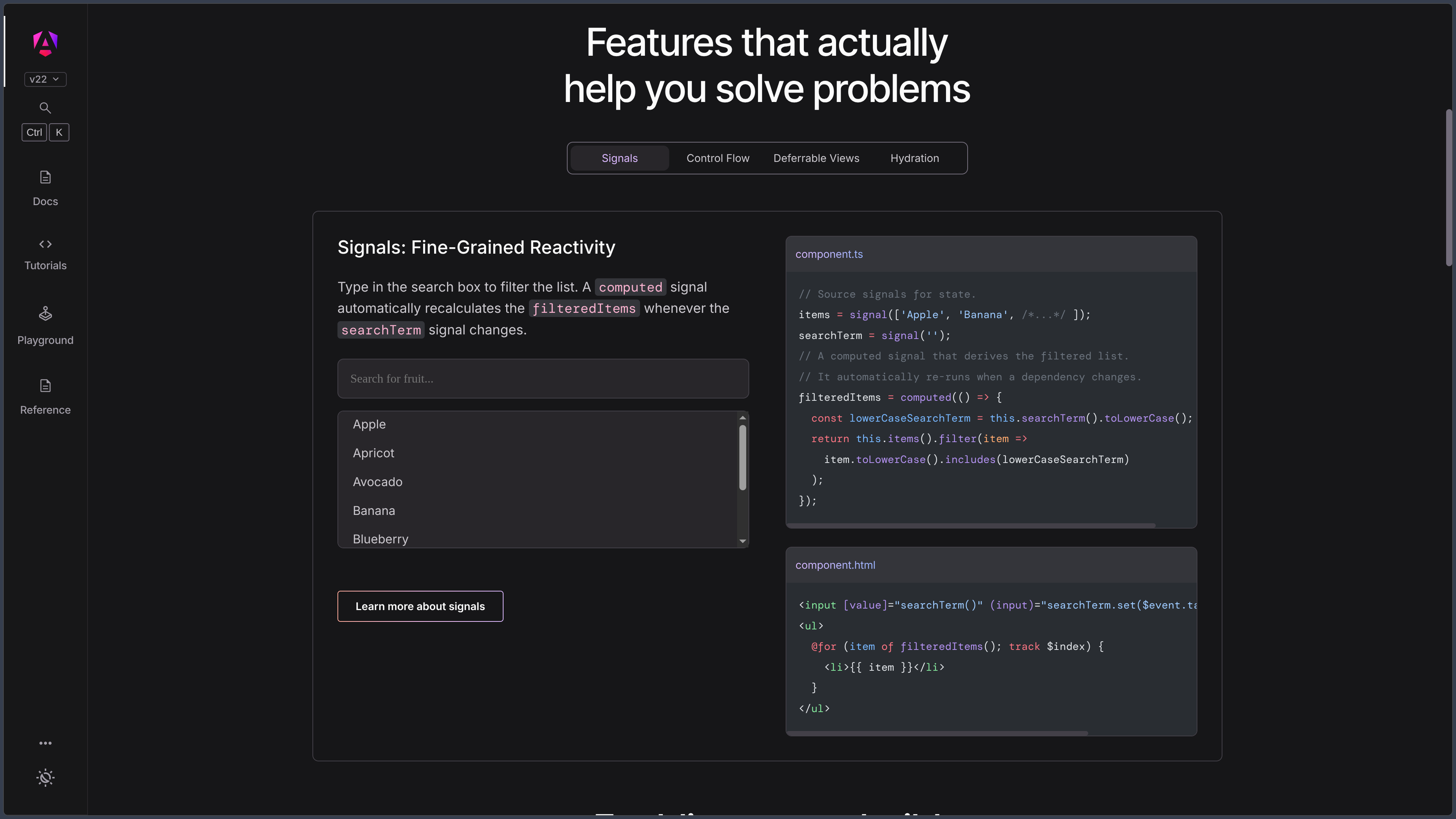
Signals form Angular's modern reactive system.
A signal wraps a value and allows the framework to know exactly where that value is being used.
When the value changes, Angular can update the relevant consumers without unnecessarily recalculating the entire application.
Signals, computed values and effects therefore make it possible to manage much of local state through an API built directly into the framework.
Dependency Injection
Angular includes a complete dependency injection system.
Services, components, directives and other elements can receive the dependencies they require without instantiating them directly.
The inject() function provides access to these services in different injection contexts.
This architecture makes it easier to separate responsibilities, test components and replace certain implementations.
Routing
Angular Router is the framework's official navigation library.
It manages routes, parameters, nested routes, redirects, guards, resolvers and lazy loading.
Applications created with Angular CLI can include Router support depending on the selected configuration.
Recent versions also add mechanisms related to route resources and visual transitions.
Forms
Angular provides several approaches to form management.
Reactive Forms are suitable for strongly structured and testable forms, while Template-driven Forms provide a more declarative approach.
Signal Forms now add a signal-based model with automatic synchronization, typed field access and schema-based validation.
These approaches can coexist depending on the age and requirements of the project.
HttpClient
Angular provides HttpClient for communicating with APIs and backend services.
It supports typed responses, error handling, interceptors and testing tools.
In recent versions, HttpClient is available by default through dependency injection.
It uses fetch by default, with the option to return to XMLHttpRequest when specific features require it.
SSR, SSG and hybrid rendering
Angular supports Server-Side Rendering, static prerendering and hybrid rendering strategies.
The same application can therefore use different rendering methods depending on the route.
SSR can improve initial display time, certain Web performance metrics and indexing of public pages.
Angular commands and tooling make it possible to add this configuration without building the entire infrastructure manually.
Hydration
After server-side rendering, Angular can hydrate the existing HTML in the browser.
The framework then reuses DOM nodes that have already been generated instead of rebuilding the complete page.
This approach reduces visual changes during loading and avoids some duplicated client-side work.
Angular also supports more advanced hydration mechanisms for delaying activation of selected parts of the interface.
Zoneless
New Angular applications run without Zone.js by default since Angular 21.
Angular relies more heavily on explicit notifications such as signals to determine when a view needs to be updated.
This change reduces a historical dependency of the framework and avoids the global monkey patching performed by Zone.js.
Older applications can nevertheless continue using Zone.js-based behavior.
Angular CLI
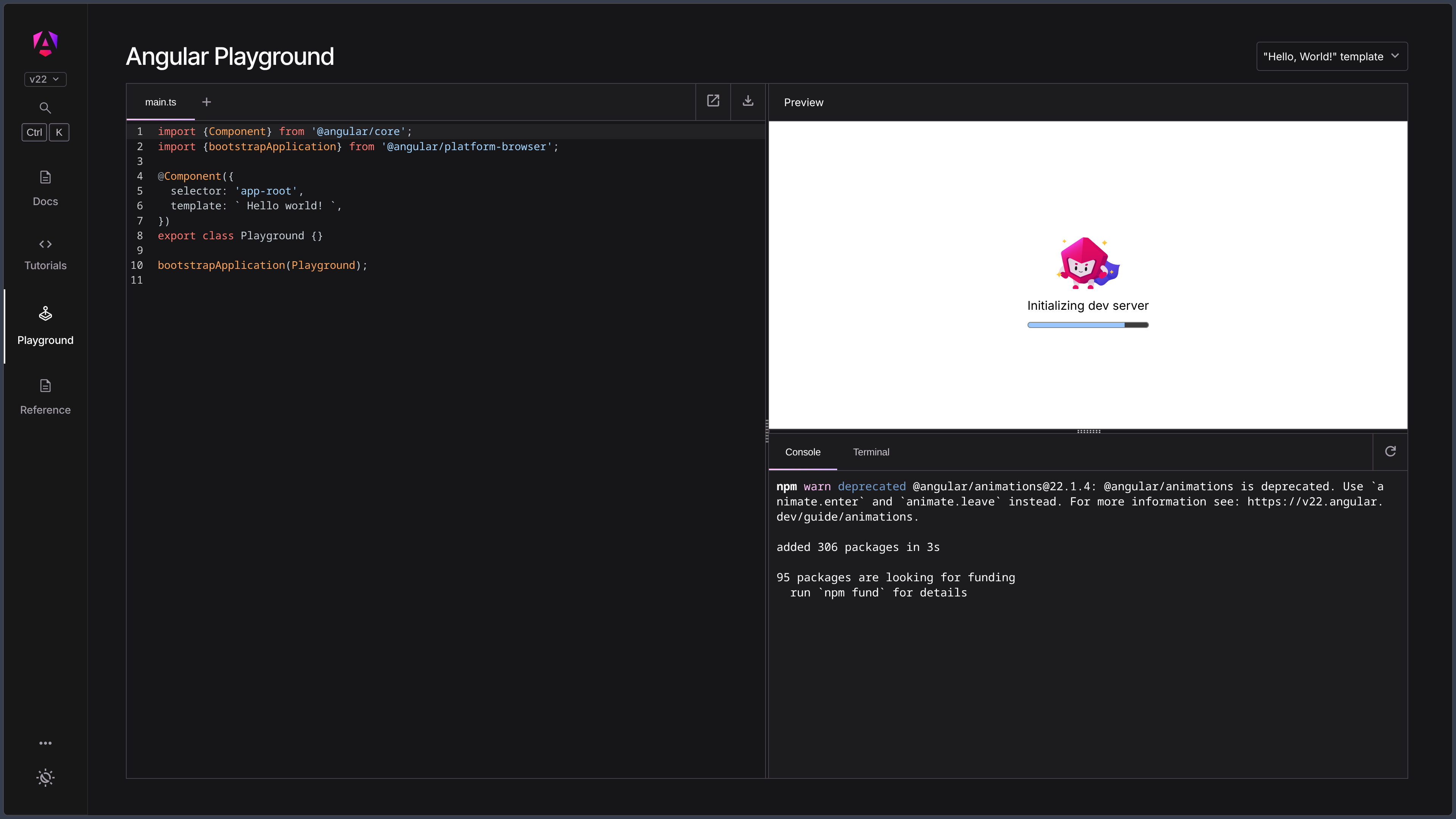
Angular CLI provides the ng command for creating, developing, testing, building and maintaining applications.
ng new initializes a project with the essential files and settings.
The CLI also handles component generation, updates, development server, production builds and different migrations.
It can be installed with npm, pnpm, Yarn or Bun.
Testing and tooling
Angular provides tools for testing components, services and HTTP requests.
New projects can use Vitest as the default test runner.
Angular Language Service improves autocompletion, navigation and template error detection inside compatible editors.
Angular DevTools provides additional browser tools for inspecting components, performance and hydration.
Angular 22 and version support
Angular follows a regular release schedule for major and minor versions.
Angular 22 was released on June 3, 2026 and remains actively maintained.
The branch is expected to receive active updates until June 2027, followed by LTS fixes until June 2028.
Angular 21 is currently in LTS until June 2027, while Angular 20 remains supported until November 28, 2026.
Versions 2 through 19 are no longer officially supported.
Use cases
Build a business application
Angular is particularly suitable for structured interfaces containing forms, data tables, complex navigation and numerous business rules.
Its integrated architecture reduces the need to choose a different library for every fundamental feature.
Develop a SPA
Angular Router and the component system make it possible to build a single-page application where navigation updates the interface without fully reloading the document.
This approach is well suited to dashboards, customer areas and internal applications.
Build a site with SSR
An Angular application can use server-side rendering to produce the initial HTML.
Hydration then reactivates the application in the browser while reusing the DOM that has already been displayed.
This architecture can be useful for public content requiring strong initial performance and indexing.
Create a large application with a team
TypeScript, dependency injection, framework conventions and Angular CLI provide developers with a shared structure.
This consistency can make maintenance easier as the number of components and contributors grows.
Consume APIs
HttpClient can integrate REST services or other backends into the application.
Interceptors, injectable services and typed responses make it easier to centralize authentication, errors and network requests.
Conclusion
Angular is a complete and strongly structured Web framework.
It combines components, TypeScript, signals, routing, forms, HTTP, dependency injection, server-side rendering and official tooling in a single environment.
This integration is one of its main strengths: a project starts with conventions and official solutions for many common requirements.
Recent changes around standalone components, signals and zoneless mode have also simplified some aspects that were historically heavier in the framework.
This richness nevertheless comes with a steeper learning curve than a smaller interface library. Developers need to understand several Angular-specific concepts before taking full advantage of its architecture.
For building structured, maintainable and feature-rich Web applications with TypeScript, Angular remains a particularly strong solution.
Points to consider
-
Angular 22.2.1 is the current stable version as of October 3, 2026.
-
Angular 22 is actively supported until June 2027, after which it is expected to remain in LTS until June 2028.
-
Angular 21 and Angular 20 are still under LTS support, but versions 2 through 19 are no longer officially supported.
-
Angular is free and open source under the MIT license, including for commercial use.
-
Components are standalone by default. NgModules remain compatible with existing applications but are no longer required to structure a new project.
-
Zoneless mode is now the default behavior for new versions. Historical projects using Zone.js may require a gradual migration.
-
Angular depends on Node.js for its development environment. Compatible versions change with each major release of the framework.
-
Angular is primarily designed around TypeScript. Strong TypeScript knowledge makes development and understanding of the framework significantly easier.
-
SSR and hydration introduce specific constraints. DOM output must remain consistent between server and client, and direct DOM manipulation can cause hydration errors.
-
Not all third-party Angular libraries immediately support new major versions. Their compatibility should be checked before upgrading.
-
Angular can be more structured than a minimalist framework. This consistency is useful for large projects but may be disproportionate for a very small interface or simple widget.
-
Major upgrades should be planned regularly. Angular follows a sustained release schedule and provides migrations through Angular CLI to support changes.