Presentation
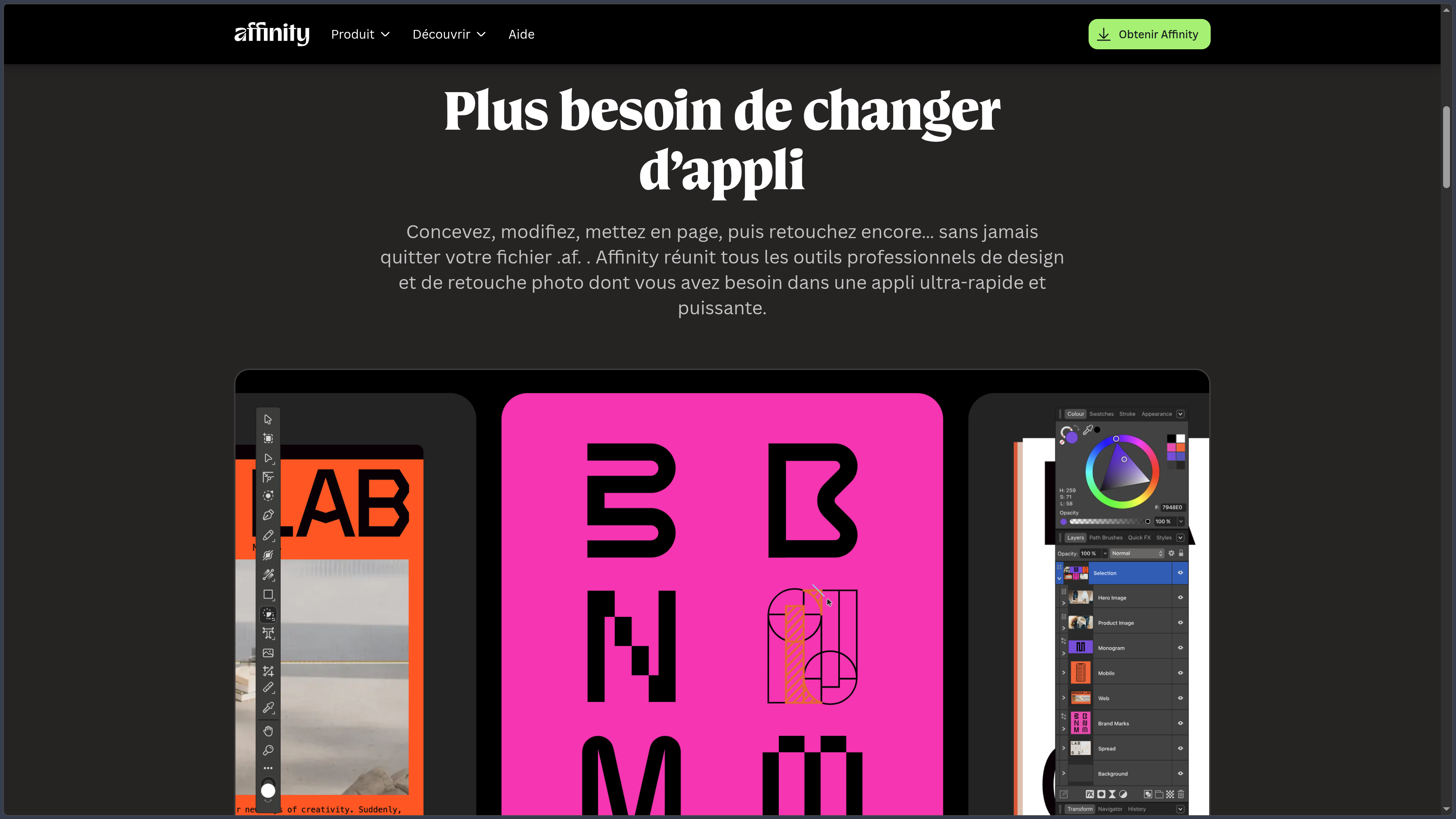
Affinity is a professional creative application that combines vector drawing, illustration, photo editing and page layout within the same environment.
The current product replaces the historical approach based on several separate applications. Users now work inside the same .af file and switch between three main workspaces: Vector Studio, Pixel Studio and Layout Studio.
This organization makes it possible, for example, to build a logo in vector format, retouch a photograph using pixel tools and then integrate everything into a brochure without exporting the work between several applications.
Affinity primarily works locally. Documents remain stored on the user's device, and the application does not depend on a permanent cloud environment for its core creative tools.
Since its integration into Canva, Affinity has also added connections with the Canva ecosystem and optional artificial intelligence tools. However, the core application remains available free of charge without a Premium subscription.
Features
Vector Studio
The Vector Studio is designed for graphic design, logos, icons, illustration and compositions that need to be resized without losing quality.
Curve and node tools make it possible to build and edit precise vector paths, while shapes, grids, snapping and alignment tools simplify geometric construction.
Boolean operations can merge, subtract or combine several objects while preserving editable structures.
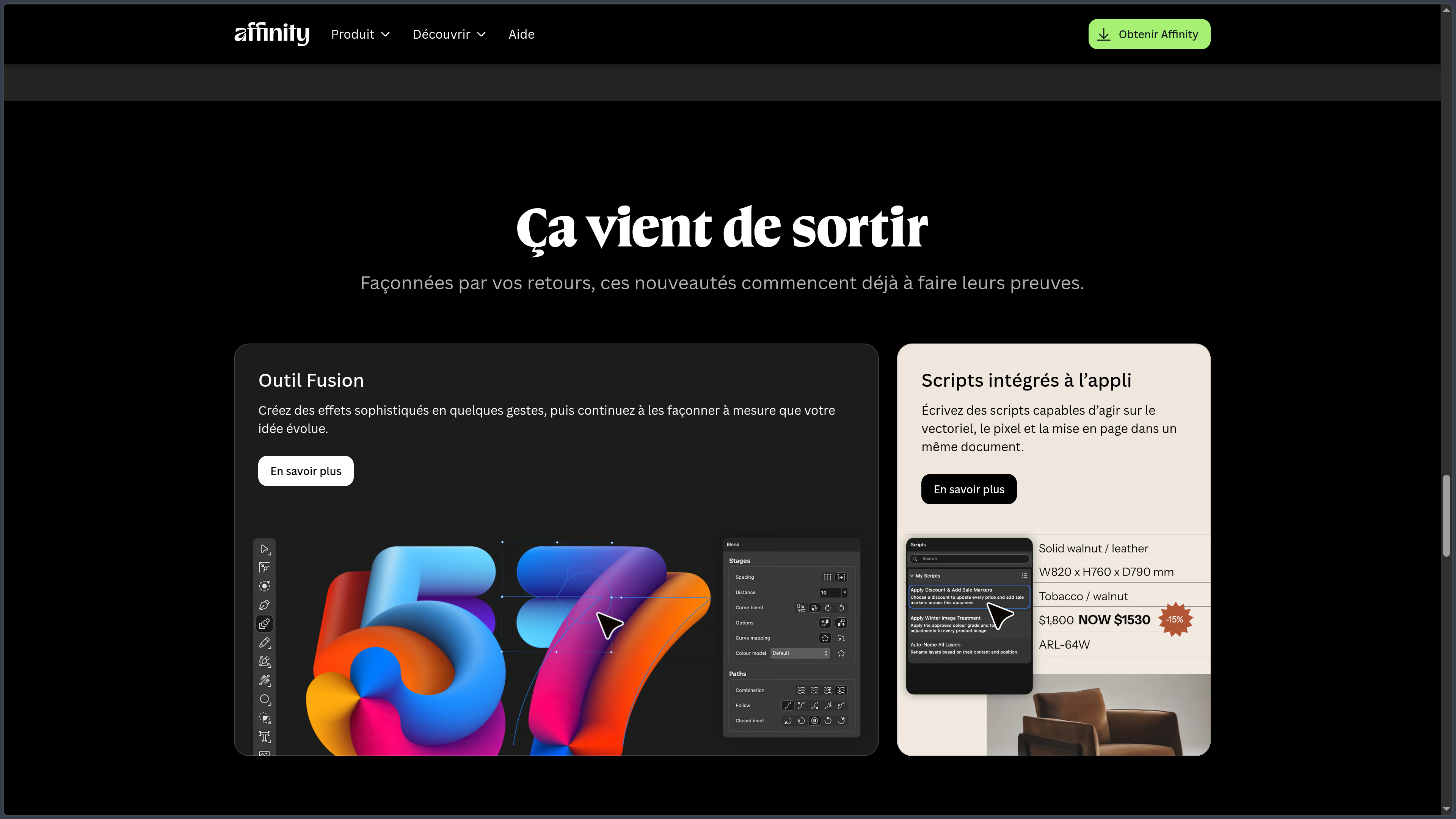
The September 2026 update notably adds a Blend Tool, designed to create intermediate transitions between multiple shapes while keeping the result editable.
Pixel Studio and photo editing
The Pixel Studio covers raster painting and image editing.
Layers, masks, blend modes, brushes and adjustments make it possible to correct a photograph, create a composite or paint directly inside the same document as vector elements.
Adjustments can be applied non-destructively in order to preserve the source image and modify settings later.
Affinity also supports RAW development and strengthened its photography tools in 2026, particularly around HDR, lighting corrections and newer image processing workflows.
This combination makes it possible to move freely between vector illustration and pixel painting without changing applications.
Layout Studio
The Layout Studio is designed for brochures, magazines, posters, books, reports and other multi-page documents.
It combines text and image frames, advanced typography, grids, styles and print preparation tools.
Page management makes it possible to build structured documents and maintain shared rules across different sections.
Data merge features also make it easier to create documents containing repetitive information from structured sources.
The 2026 update also improves preflight controls to identify certain issues before printing or delivery.
Combine vector, pixel and layout tools
The defining feature of the new Affinity is that all three disciplines can coexist inside the same document.
A photograph placed inside a composition can be edited directly using Pixel Studio, while a graphic element remains editable with vector tools.
Text and editorial structure can then be handled through Layout Studio without interrupting the workflow.
This continuity significantly reduces intermediate file exchanges when a project combines several forms of graphic creation.
Illustration and digital drawing
Affinity combines pixel brushes, vector curves and precision tools to support several illustration styles.
A graphics tablet can use stylus pressure to produce more natural strokes.
An artist can begin with a painted sketch, construct selected forms as vectors and then add pixel textures and effects within the same project.
This approach works well for graphic illustration, concept art, lettering and the creation of assets intended for Web and print use.
Typography and print preparation
Affinity provides typography tools suitable for both logos and multi-page publications.
Text on paths, frames, styles, detailed settings and various composition tools make it possible to control presentation precisely.
For print workflows, the application can work with the color spaces and settings required to prepare professional documents.
Preflight controls help identify certain issues involving images, fonts or document settings before final export.
File compatibility and formats
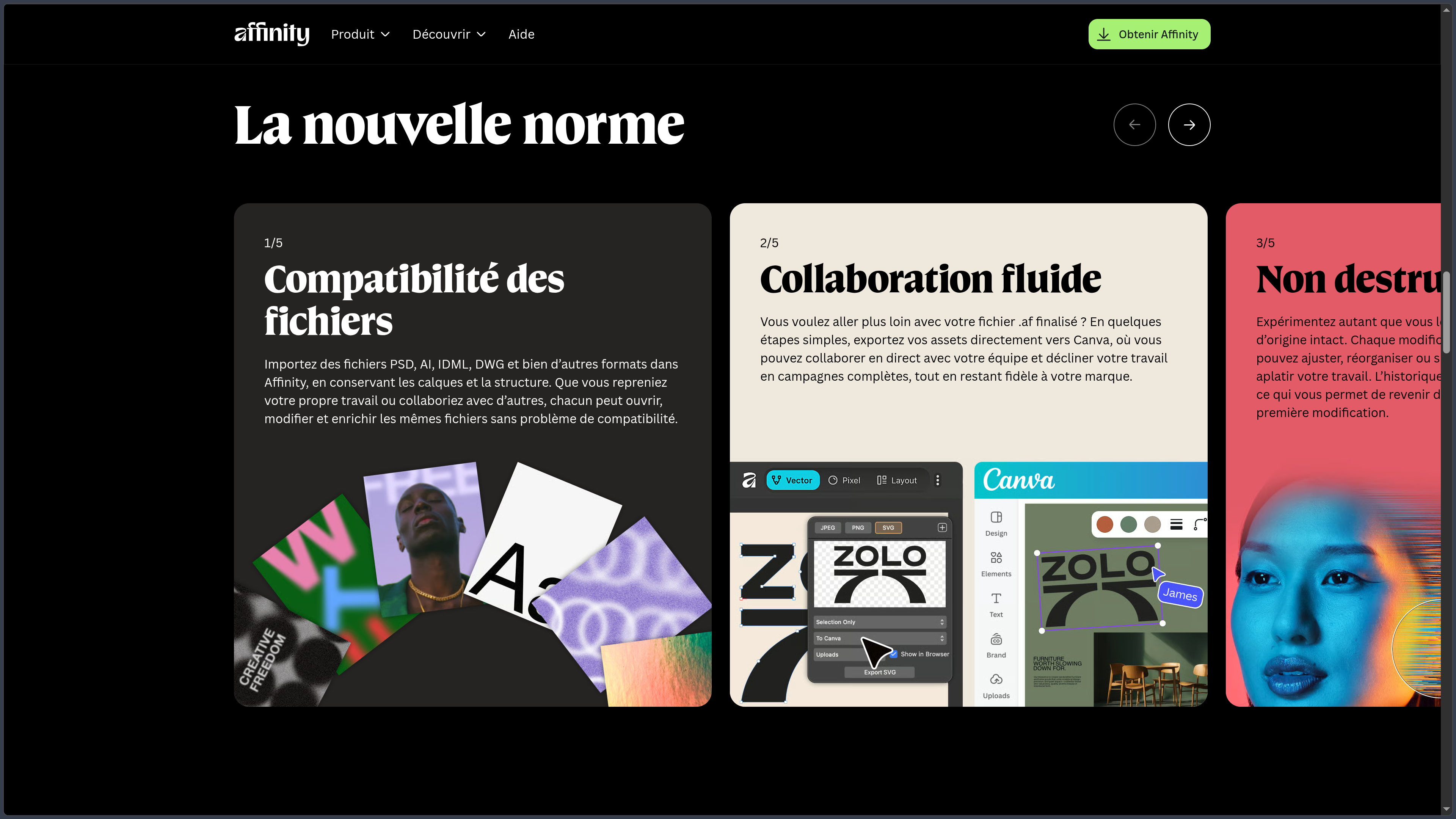
Affinity can import several formats from other creative environments, including PSD, AI, IDML and DWG.
Native support for INDD files was also strengthened in the 2026 updates in order to make it easier to reopen existing publishing projects.
For export, Affinity notably supports PDF, SVG, PNG, JPEG, TIFF and WebP, with options for exporting by object, slice or artboard.
Compatibility does not, however, mean that a complex file will always be reproduced perfectly. Certain effects or behaviors specific to the source application may be simplified during import.
Automation and scripting
The September 2026 update introduces scripting directly inside Affinity.
Scripts can automate tasks involving vector, pixel or layout tools within the same document.
This feature becomes useful for repetitive operations such as preparing many variations, modifying data or handling certain production processes.
Affinity also provides a connection with Claude that can help write scripts from natural-language instructions.
However, a script remains code executed inside a real workflow and should be checked before being applied to large numbers of documents.
Canva AI Studio
Artificial intelligence tools are separated from Affinity's free core and require a Canva Premium plan.
Canva AI Studio notably provides image and vector generation, generative fill, expansion, background removal, subject selection and super-resolution.
Results are integrated directly into the document so they can be refined using Affinity's traditional tools.
Some recent workflows also cover lighting correction, motion blur reduction, depth interpretation and various AI-assisted transformations.
Using these features remains optional: Vector, Pixel and Layout studios work without a Premium subscription.
Canva, Brand System and Cavalry
Affinity is progressively integrating with Canva's professional ecosystem.
The Canva Brand System can make brand colors, fonts and assets available directly within the creative workflow.
A completed Affinity project can also be sent to Canva to continue collaborative work or prepare different variations.
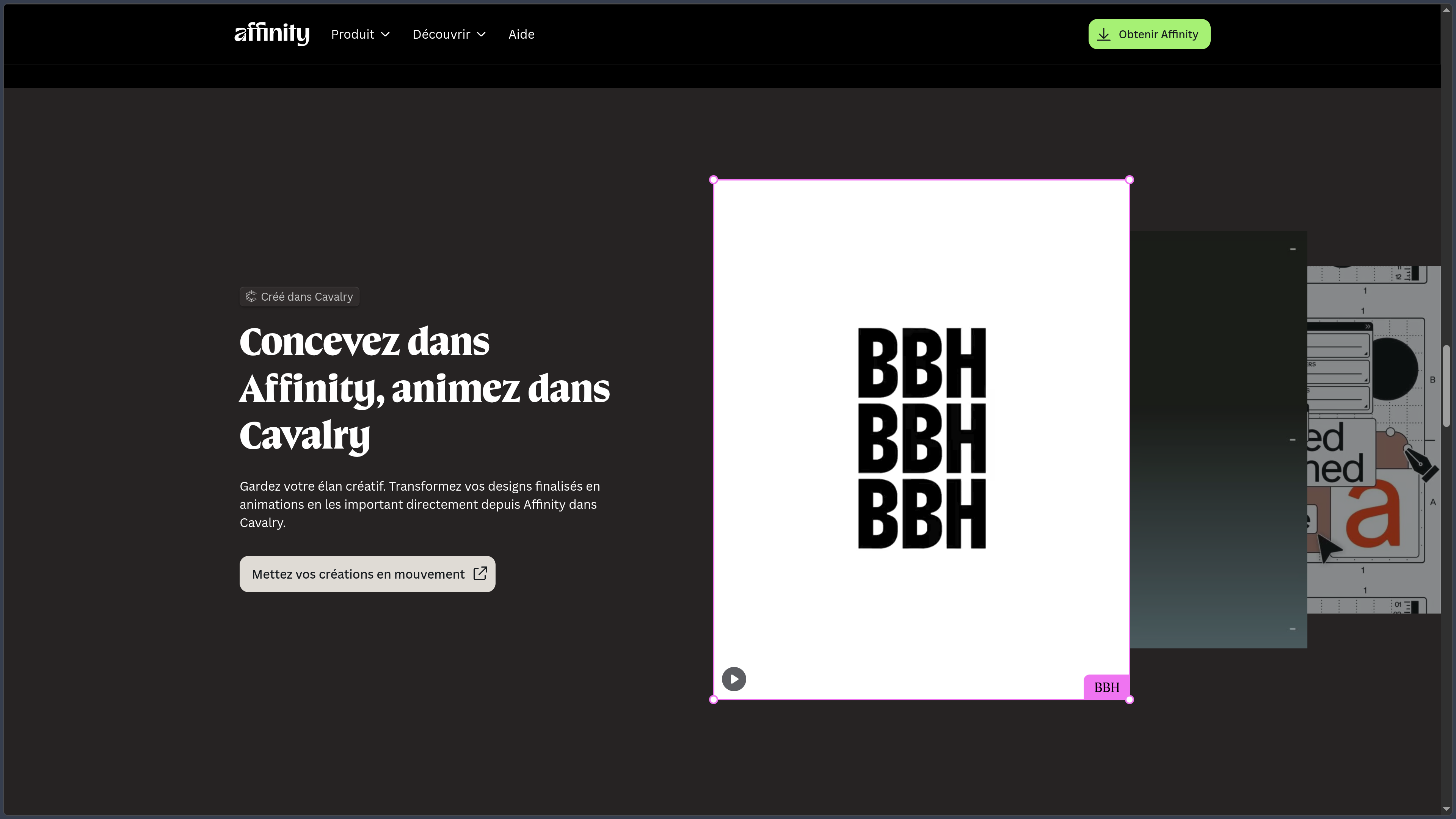
Integration with Cavalry makes it possible to transfer Affinity creations into an environment specialized in motion design.
These connections complement the application's local workflow without forcing users to abandon their main creative tools.
Use cases
Create a visual identity
A designer can build logos, pictograms, shapes and variations using Vector Studio.
These elements can then be combined with images or integrated into communication documents without leaving Affinity.
Retouch and composite a photograph
Pixel Studio makes it possible to develop and correct an image, work on color and contrast, use masks and then combine several sources.
Vector graphic elements can remain independent and editable within the same composition.
Design a brochure or magazine
Layout Studio can organize text, photographs, illustrations and graphic elements across multiple pages.
Pixel and Vector tools remain available whenever certain elements need adjustment without switching to another application.
Create a hybrid illustration
An illustrator can mix fully editable vector shapes, pixel brushes, textures and effects.
This combination avoids having to choose permanently between vector illustration and raster painting at the beginning of a project.
Prepare assets for Web and print
Artboards and export features make it possible to prepare different formats from the same project.
A single design can generate SVG or PNG assets for digital use and PDF or high-resolution images for print.
Conclusion
Affinity is now a creative suite unified into a single application, rather than a collection of separate programs.
Its main strength comes from the continuity between vector, pixel and layout tools. The same project can move from a logo to photography and then to the final document without multiplying applications and intermediate files.
Making the main tools free for individuals also significantly changes its position. Vector drawing, photo editing, page layout, export and essential features no longer require a purchase or Premium subscription.
Canva retains a paid layer around artificial intelligence and certain organizational uses, but this remains separate from the core application.
The 2026 updates also strengthen professional workflows with the Blend Tool, scripting, photography improvements, preflight controls and new connections with Canva and other creative tools.
The main change for long-time users is therefore less a single new feature than a new Affinity model: one local application, free for individuals and complemented by optional Canva services.
For creating vector graphics, editing images, illustrating and producing professional page layouts within a unified environment, Affinity is now a particularly comprehensive solution.
Points to consider
-
Affinity is now a single application. The former Designer, Photo and Publisher workflows are combined into the Vector, Pixel and Layout studios.
-
Affinity is free for individuals. Core tools, customization and export do not require a Canva Premium plan.
-
A Canva account is required to use the current version of Affinity. The right to use the application is linked to this account.
-
Canva AI Studio features are paid. They require a Canva Premium plan even though the rest of the application is free.
-
Files remain primarily local. Affinity states that it does not use user work to train its AI features and does not access files stored locally.
-
The current version is available on Windows and macOS. The iPad version of the new Affinity is still listed as coming soon as of October 2, 2026.
-
On Windows, Affinity supports 64-bit Windows 10 and Windows 11. The application requires at least 4 GB of RAM and recommends 8 GB or more.
-
On macOS, Affinity supports macOS 10.15 or later and runs natively on Apple silicon as well as compatible Intel Macs.
-
Third-party file imports should be checked. Complex PSD, AI, IDML, DWG or INDD files may contain effects or constructions that are not reproduced exactly.
-
AI features may depend on available Canva models, credits and plans. They evolve independently from Affinity's free creative tools.
-
For larger organizations, access with centralized management and single sign-on is provided through Canva Enterprise or Canva Education.