Presentation
Adobe Illustrator is a vector graphics creation application designed to produce illustrations, logos, icons, typography, diagrams and compositions that can be resized without losing sharpness.
Unlike Photoshop, which mainly works with pixels, Illustrator builds shapes from paths, anchor points, curves and vector objects. This approach is particularly well suited to creations that need to exist at several sizes, from a small icon to a poster or sign.
The software combines precise drawing, geometric shapes, typography, color, gradients, patterns and effects in an environment organized around layers and artboards.
Illustrator is widely used for visual identity, illustration, publishing, packaging, signage, infographics and digital design. It can also integrate raster images and convert them into vectors when a project requires it.
The current Illustrator 30.x branch continues this evolution with vector generation tools, Firefly features and various productivity improvements. Version 30.8 notably improves missing-link management, pattern and gradient libraries, and tools for generating vector variations.
Features
Draw with vector paths and shapes
The Pen tool is one of Illustrator's core features. It makes it possible to build precise paths using anchor points and Bézier curves.
Shape tools make it easier to create rectangles, ellipses, polygons and other geometric elements that can then be combined, cut or transformed.
The Shape Builder and Pathfinder functions make it possible to merge or subtract shapes in order to quickly build more complex objects.
This approach preserves a high level of precision and allows the geometry to be edited long after it was first created.
Colors, strokes, gradients and patterns
Each object can have an independent fill and stroke, with precise control over color, thickness and appearance.
Illustrator supports global colors, swatches, spot colors and different color spaces used for screen or print.
Gradients can be linear, radial or more freeform, while patterns make it possible to repeat a graphic element automatically.
Appearances and effects can also apply multiple fills, strokes or transformations to the same object without duplicating its geometry.
Typography and vector text
Illustrator includes typography tools suited to both simple logos and more elaborate compositions.
Text can follow a path, be placed within an area or be integrated into shapes and illustrations.
Adobe Fonts provides access to a large typeface library as part of Creative Cloud.
Text can also be converted to outlines when a project requires vector shapes independent of the installed font, although this operation removes the ability to edit the content as normal text afterward.
Logos, icons and visual identity
Illustrator is particularly well suited to creating logos and graphic systems that need to be used across many types of media.
The same symbol can be adapted for the Web, print, social media, packaging or signage without losing quality when resized.
Artboards make it possible to group several versions, formats or variations within the same document.
Symbols, graphic styles and Creative Cloud Libraries also make it easier to reuse consistent elements across multiple creations.
Image tracing
The Image Trace feature makes it possible to convert a raster image into vector paths.
It can be used on a scanned drawing, sketch, silhouette or image containing sufficiently readable shapes.
Several parameters control the number of colors, path precision and simplification of the result.
Automatic tracing often still requires manual cleanup afterward, especially when the source image contains a lot of detail or noise.
Illustration and freehand drawing
Illustrator is not limited to geometric constructions.
Pencil, brush and drawing tools make it possible to produce freer paths, with particularly natural interaction when a graphics tablet or Apple Pencil is used.
Calligraphic, art and pattern brushes can apply different appearances to the same path.
This approach is well suited to stylized illustration, lettering, pictograms and many drawings that need to retain an editable vector structure.
Artboards and variations
An Illustrator document can contain several independent artboards.
This organization makes it possible to prepare different pages, variations or dimensions of a project within the same file: logo versions, advertising formats, icons or elements of a visual identity.
Each artboard can then be exported separately in several formats.
This feature avoids unnecessarily multiplying files when several creations belong to the same graphic system.
Text to Vector Graphic and Firefly
Illustrator integrates generation features based on Adobe Firefly.
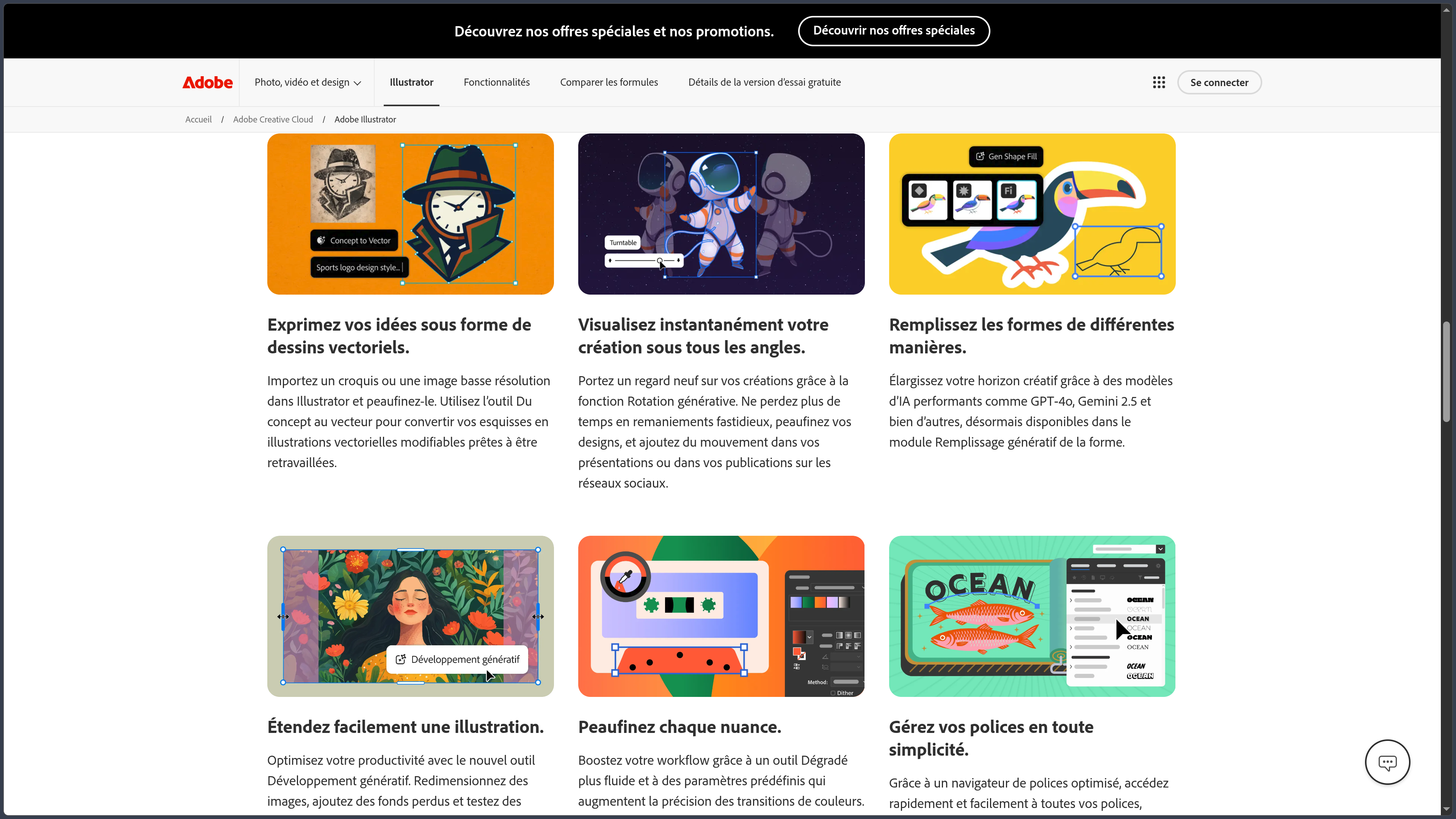
Text to Vector Graphic can generate vector illustrations from a prompt or reference image, with several variations offered to the user.
In Illustrator 30.8, Adobe notably makes it possible to compare up to eight preset variations and use newer models to explore different graphic directions.
The results remain elements intended to be edited in Illustrator: colors, shapes and paths can then be modified with the traditional tools.
These features can accelerate certain stages of visual exploration, but they do not replace mastery of paths, composition and typography when the final result needs to be precisely controlled.
Illustrator on iPad and the Web
Illustrator has a dedicated iPad application designed for touch interaction and Apple Pencil.
It includes several fundamental tools such as the Pen, Pencil, brushes, shapes, text and path operations. Cloud documents make it possible to continue a project between iPad and desktop.
Illustrator on the Web also provides a browser-based environment for opening and editing documents with a set of features adapted to online work.
These versions improve mobility, but the Windows or macOS application remains the most complete, especially for complex projects and advanced professional workflows.
Subscription and Creative Cloud
Illustrator is distributed through subscription within the Adobe Creative Cloud ecosystem.
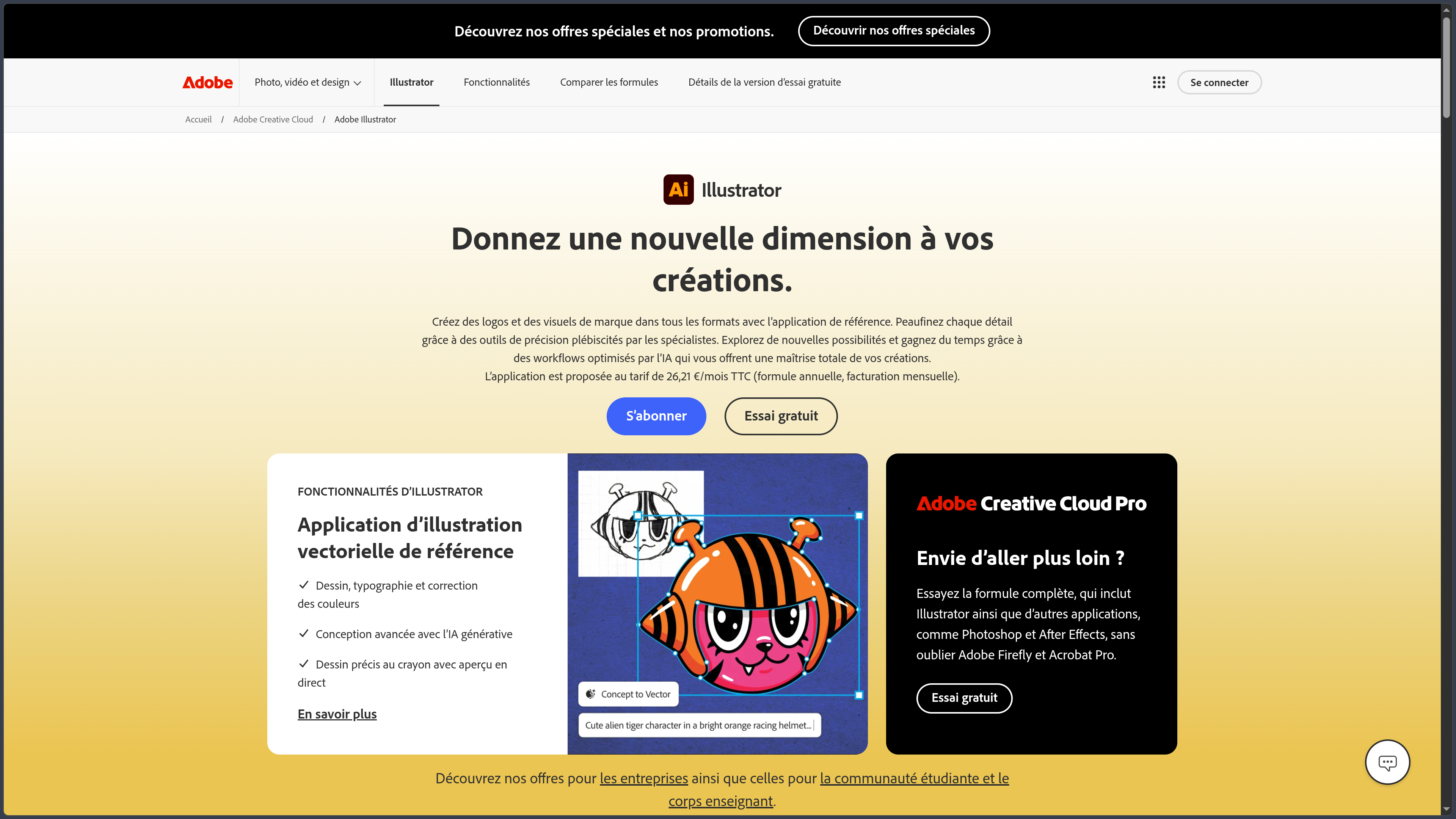
In France, the individual plan is listed at €26.21 including VAT per month with an annual commitment and monthly billing.
It includes Illustrator on desktop, iPad and the Web, 100 GB of cloud storage, Adobe Express Premium and 25 generative credits per month.
Illustrator is also included in Creative Cloud Pro, which combines Photoshop, InDesign, Premiere Pro and many other Adobe applications.
A seven-day free trial is available to test the full version.
Use cases
Create a logo and visual identity
Illustrator makes it possible to build a logo from fully editable shapes and paths and then prepare several variations.
Colors, monochrome versions, symbols and alternate versions can be grouped in the same document before export in different formats.
Create a vector illustration
An illustrator can build an artwork from geometric shapes, freehand paths, brushes and gradients.
The artwork can then be enlarged or reduced without losing sharpness, making it easier to use across several media.
Design icons and pictograms
Shape, alignment and Pathfinder tools are particularly well suited to small graphic constructions that require a high level of precision.
Several icons can be organized across different artboards to maintain a consistent library.
Prepare artwork for print
Illustrator can manage CMYK colors, spot colors, bleed and different formats used in print workflows.
It is particularly suitable for posters, flyers, packaging and graphic elements intended to be integrated into larger layouts.
Convert a drawing into vectors
A sketch created on paper or a raster image can be imported and then converted using Image Trace.
The resulting paths can then be corrected, simplified and recolored to become an independent vector illustration.
Conclusion
Adobe Illustrator remains a major reference for vector drawing thanks to the precision of its paths and the richness of its graphic design tools.
Its main strength is that an element can remain fully editable while being resized without losing quality. This property explains its importance for logos, visual identities, illustrations, icons and work intended for multiple formats.
Typography, color, pattern, artboard and export tools also make it possible to manage a large part of a graphic project without leaving the same environment.
Firefly features now add a layer of generation and rapid exploration. They can accelerate idea development or produce an initial vector base, but traditional tools remain essential for achieving a truly precise result.
The iPad application and Web version also extend Illustrator beyond the desktop, even though they do not yet reproduce the full depth of the desktop application.
Its main drawback remains its subscription model and a learning curve that can be significant, particularly when learning to properly use the Pen tool, paths and boolean operations.
For creating logos, illustrations, pictograms, typography and vector graphics for both digital and print use, Illustrator remains a particularly comprehensive environment.
Points to consider
-
Illustrator is distributed primarily through Creative Cloud subscriptions. The current version is not sold as a traditional perpetual license.
-
Illustrator 30.x runs on Windows and macOS, with 8 GB of RAM minimum and 16 GB recommended by Adobe.
-
GPU performance requires compatible hardware. Adobe notably recommends more VRAM to take full advantage of graphics acceleration.
-
Illustrator primarily works with vectors. For complex photographic retouching or painting directly based on pixels, Photoshop is generally better suited.
-
Image Trace does not always eliminate the need for manual cleanup. A complex source image can produce a large number of points and paths that are difficult to edit.
-
Illustrator on iPad does not include every feature of the desktop version. Certain objects or properties still need to be edited on Windows or macOS.
-
Firefly features use generative credits depending on the subscription. The individual Illustrator plan currently includes 25 credits per month.
-
Generative tools evolve rapidly. Available models and capabilities may change independently from Illustrator's traditional vector features.
-
Converting text to outlines removes its editability as text. It is preferable to keep an original version before performing this operation.
-
Adobe pricing may change. As of October 2, 2026, the Illustrator plan for individuals in France is listed at €26.21 including VAT per month with an annual commitment and monthly billing.