
Presentation
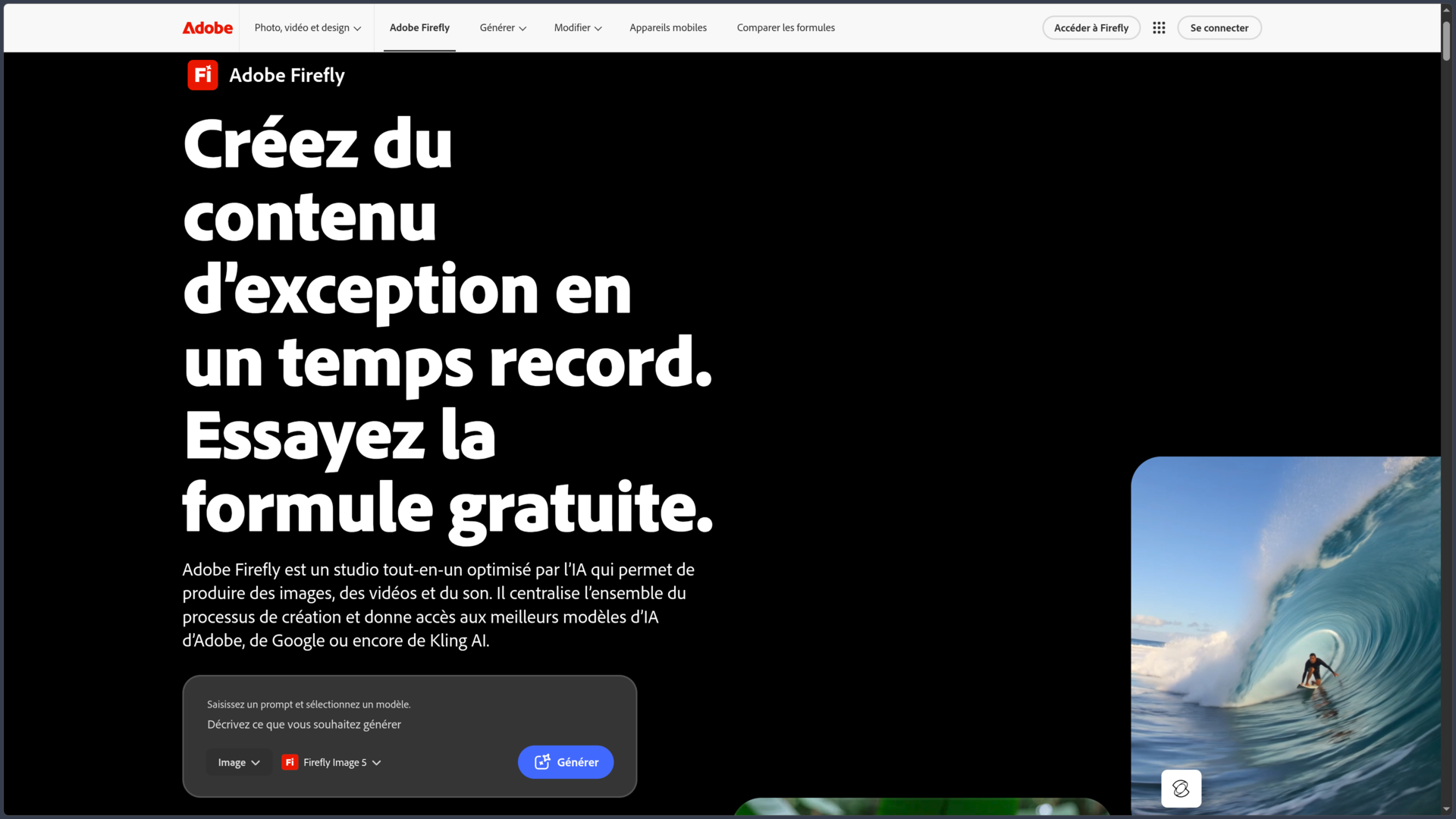
Adobe Firefly is a creative studio based on generative artificial intelligence developed by Adobe. It can create and edit images, videos, audio and other creative assets from prompts, reference images or existing content.
Firefly is no longer limited to being a simple image generator. Adobe has progressively turned it into a workspace that combines generation, editing, ideation, moodboards, video editing and audio creation.
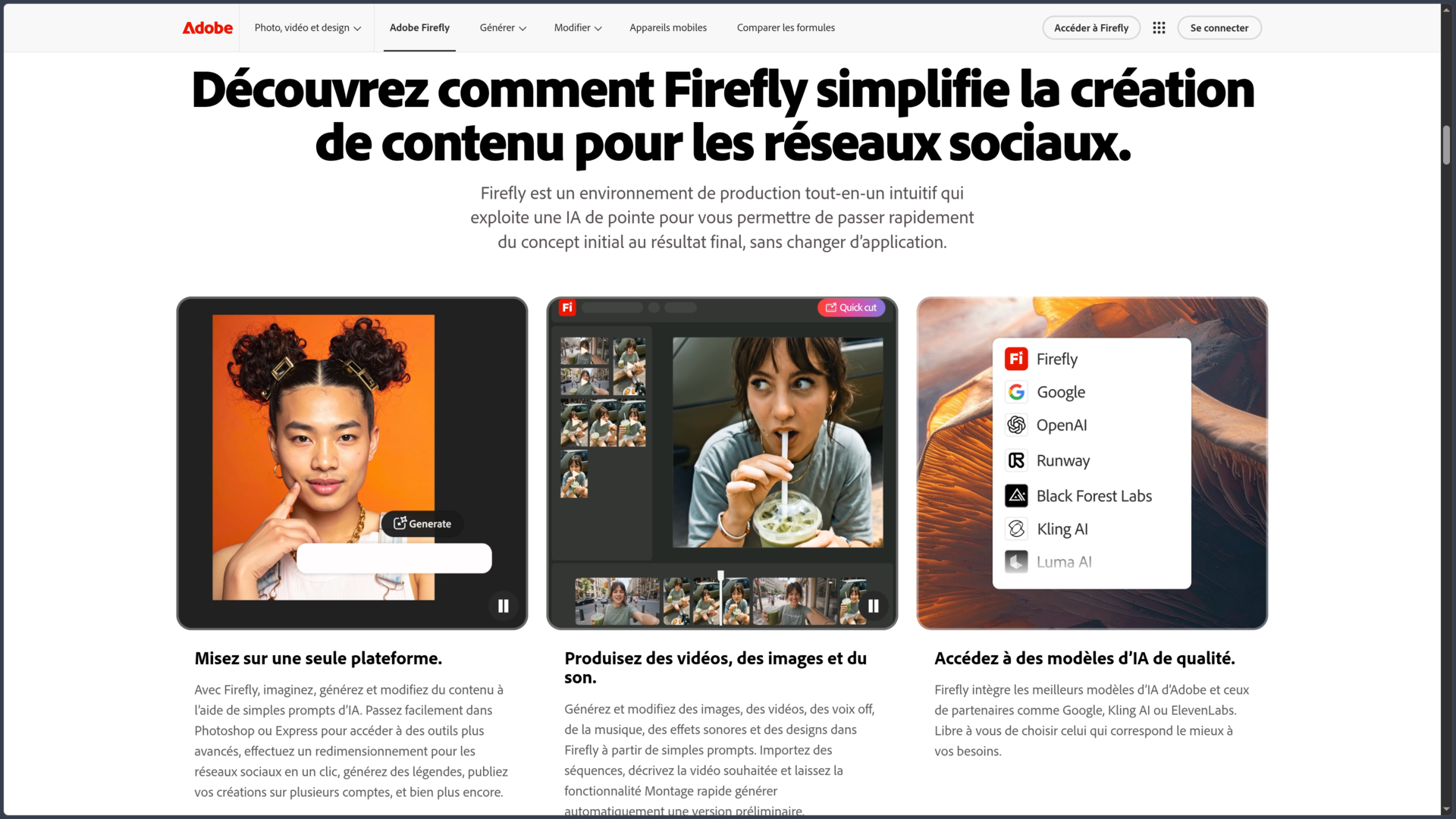
The service uses Adobe's own Firefly models, while also providing access to partner models. Users can therefore choose different technologies depending on the type of result they are looking for without leaving the same environment.
Firefly is also integrated into the Creative Cloud ecosystem. Content created in Firefly can be taken into Photoshop, Illustrator, Premiere Pro or Adobe Express for further work with more specialized editing tools.
The service evolves continuously rather than through a traditional annual version cycle. In 2026, Adobe notably expanded the Firefly workspace, Firefly Boards, video and audio tools, semantic search, production workflows and access to a growing number of generative models.
Features
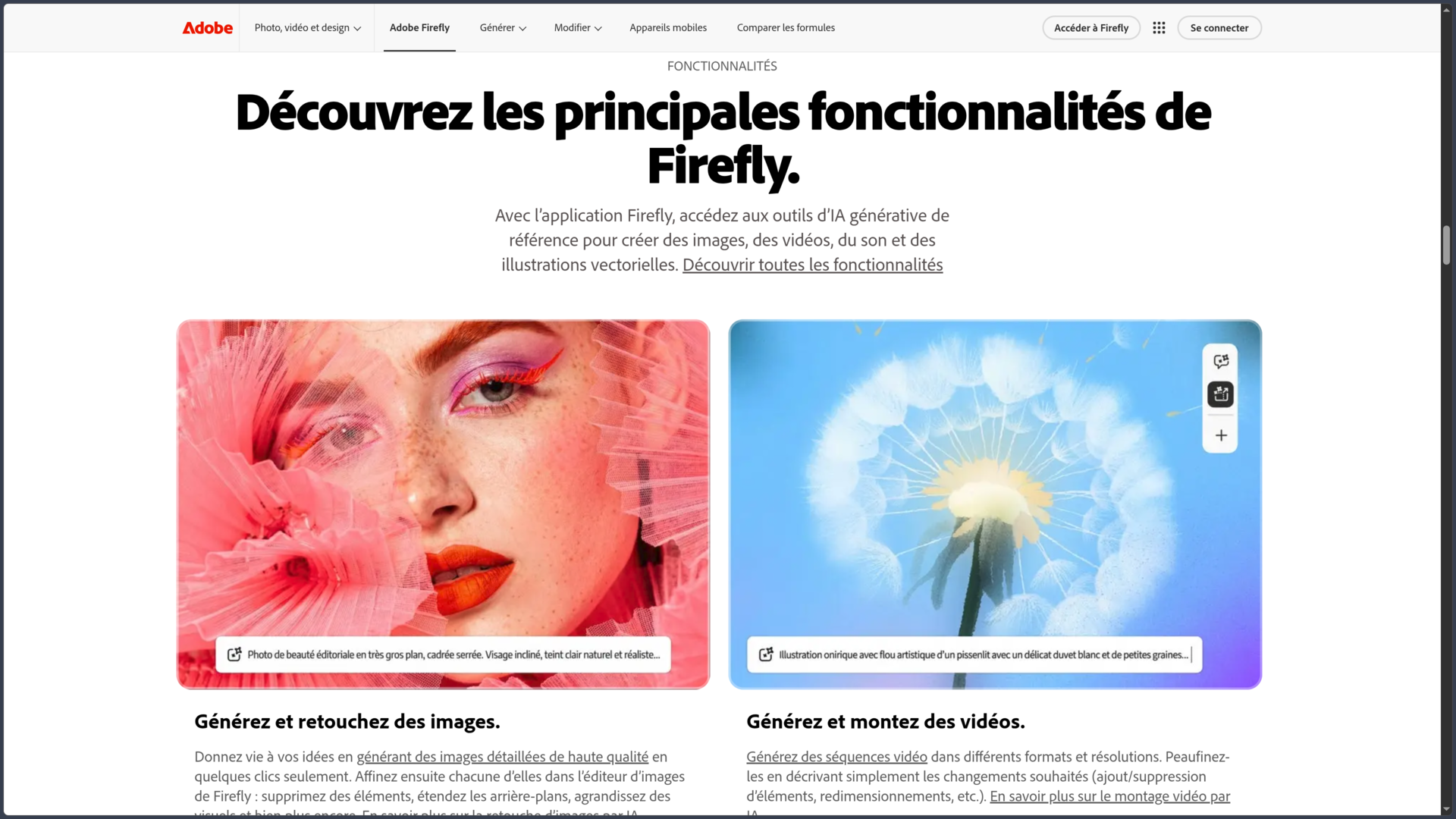
Generate and edit images
The Text to Image feature can create a visual from a written description.
Depending on the model used, Firefly provides different settings to control format, style, composition and the overall appearance of the result.
Reference images can also guide composition or style in order to bring generations closer to an existing visual direction.
Firefly is not limited to creating content from scratch. Generative Fill can add, replace or remove parts of an image, while other tools can extend a composition or modify an existing asset.
This combination makes Firefly useful both for exploring an idea and for transforming an already developed visual.
Choose between Adobe and partner models
One of Firefly's current characteristics is its ability to bring several model families together within the same interface.
Adobe provides its own Firefly models for generation and editing, while also integrating technologies from partners such as Google, OpenAI, Runway, Black Forest Labs, Luma AI or Kling, depending on the available features.
Models do not necessarily produce the same results or provide the same settings. Some specialize in images, while others focus on video or specific types of transformation.
This approach makes it possible to compare different solutions without multiplying independent services, although conditions, credit costs and capabilities may vary depending on the selected model.
Generate videos
Firefly can create clips from a text prompt or an image.
Video generation tools can use Adobe models as well as several partner models. Depending on the selected engine, different resolution, aspect ratio, motion or composition settings may be available.
An existing image can serve as a starting point for animating a concept, character, environment or product visual.
These features are particularly suited to short shots, visual experiments, promotional content and pre-production. They do not replace a full video editing application for building complex projects.
Generate audio and voices
Firefly also covers part of the audio workflow.
The sound effect generation feature makes it possible to describe a sound, atmosphere or event in order to create several audio variations. A recorded voice can also be used to guide the rhythm or intensity of certain effects.
Adobe also provides features related to speech generation and the translation of audio and video content depending on the available plans.
These tools are mainly designed to accompany a video, publication or multimedia creation. Sound effect generation should not be confused with a complete music composition environment.
Firefly Boards for visual exploration
Firefly Boards is designed for visual ideation and moodboard creation.
Users can gather images, generate new directions, test different art directions and organize references within the same space.
This approach is useful at the beginning of a project, when several moods, palettes, styles or compositions need to be compared before producing final assets.
Boards therefore brings AI generation closer to a genuine visual research process rather than a succession of isolated prompts.
Firefly video editor
Adobe is also developing a Firefly video editor, still associated with Beta features.
It can bring clips, images and audio tracks together in an edit, then generate or modify certain assets directly from the project.
Features such as generative sound effects, voice-over or automatic reframing make it easier to prepare short-form content for different platforms.
The editor is not intended to replace the full depth of Premiere Pro. It is more focused on moving quickly from generated assets to an initial usable edit.
Creative Cloud integration
Firefly becomes especially useful when combined with Adobe's other applications.
An image can be generated in Firefly and then opened in Photoshop for precise retouching. Graphic elements can continue their development in Illustrator or Adobe Express, while video and audio content can move into Premiere.
Firefly also directly powers certain generative features built into Creative Cloud applications, such as Generative Fill in Photoshop or Illustrator's generative tools.
The service therefore acts as a cross-application AI layer within the Adobe ecosystem rather than as a completely isolated application.
Training data and Content Credentials
Adobe states that its current Firefly models are trained notably on licensed content, Adobe Stock and public domain content. The company also states that it does not train these models on the personal content of Creative Cloud subscribers.
This policy applies to Adobe Firefly models. Partner models available through the platform rely on their own technologies and terms.
Adobe also adds Content Credentials to certain assets created entirely with Firefly. This metadata can indicate the application used, the AI tool and certain information about how the file was created.
For Firefly features that are not marked as Beta, Adobe allows generated outputs to be used in commercial projects. Beta features may also be used commercially unless otherwise indicated within the product.
Plans and generative credits
Firefly includes a free plan that allows a limited number of daily generations.
Paid plans use a generative credit system for more resource-intensive operations, particularly certain video and audio generations or operations using premium and partner models.
| Plan | Monthly price | Generative credits |
|---|---|---|
| Firefly Standard | €11.08 incl. VAT | 2,000 |
| Firefly Pro | €22.18 incl. VAT | 4,000 |
| Firefly Pro Plus | €55.45 incl. VAT | 10,000 |
| Firefly Premium | €221.83 incl. VAT | 50,000 |
Paid plans include unlimited access to standard generative features, while premium features consume credits depending on the operation and model used.
The exact number of generations cannot therefore be determined from the number of credits alone: an image, a video or an operation using a partner model may have different costs.
Use cases
Explore an art direction
A designer can use Firefly Boards and image generation to quickly explore several visual moods before beginning final production.
Results can serve as references, moodboards or starting points to refine later in Photoshop or Illustrator.
Create a visual concept
Firefly can quickly generate environments, characters, objects or compositions in order to make an idea tangible.
For concept art, marketing or pre-production, this speed makes it possible to compare several directions without having to fully finalize each one manually.
Edit a photograph or visual
An existing image can be imported in order to remove an element, replace an area, generate a new background or extend the composition.
The result can then be sent to Photoshop when the project requires more precise masks, layers and corrections.
Prepare short-form video content
A team can generate several shots from text or images, create sound effects and then assemble a first sequence in the Firefly editor.
For a more complex edit, the assets can then be continued in Premiere Pro.
Produce multiple marketing variations
Firefly can help test different compositions, backgrounds or creative directions for a campaign or product.
Production workflows and Creative Cloud integration can then turn these experiments into assets adapted to different formats and channels.
Conclusion
Adobe Firefly has become a multimedia generative AI creative environment rather than a simple image generator.
Its main strength lies in bringing several workflows together: image generation and editing, video, audio, visual exploration and early editing tools can all be used from the same space.
Access to partner models expands this approach even further. Users are no longer limited to a single engine and can compare different technologies depending on the desired result.
Another major strength of Firefly remains its integration with Creative Cloud. AI can be used to create an initial asset, while Photoshop, Illustrator or Premiere can then take over for more precise work.
The credit system is nevertheless an important factor to watch. Premium generations, particularly video, can consume the available allocation quickly and their cost varies depending on the model used.
Firefly also evolves very quickly: some tools, models and features remain in Beta or change regularly. It is therefore better viewed as a continuously evolving service rather than software with a fixed feature set.
For exploring ideas, generating and editing images, producing clips or sound effects and integrating AI into an Adobe workflow, Firefly now provides a particularly broad creative platform.
Points to consider
-
Firefly is primarily a cloud service. An Internet connection is required for generative features and most workflows.
-
A free plan is available, but it limits the number of generations. More intensive use requires a paid plan.
-
Credit consumption varies depending on the feature and model. A video generation or the use of certain partner models can consume much more than a standard generation.
-
Partner models are not Adobe Firefly models. Their technologies, terms and characteristics should be distinguished from those of Adobe-developed models.
-
Some features are still in Beta. This notably applies to several recent editing and production workflows.
-
Generated results should be manually reviewed. Anatomy, text, details, temporal consistency or product representation may contain errors.
-
Adobe Firefly models are trained on licensed and public domain content according to Adobe. This policy should not automatically be attributed to partner models available through Firefly.
-
Content Credentials improve transparency but do not constitute an absolute guarantee regarding the origin or rights associated with a file.
-
The iOS application is primarily designed for iPhone. Adobe states that it can be installed on iPad, but with potentially limited features and without dedicated technical support.
-
Plans, models and credits evolve rapidly. The prices and quotas listed correspond to information verified on October 2, 2026.