Presentation
Adobe After Effects is a motion design, compositing and visual effects application designed to create and transform moving images. It is used to produce titles, opening sequences, motion graphics, overlays, special effects and compositions combining video, images, text, shapes and 3D elements.
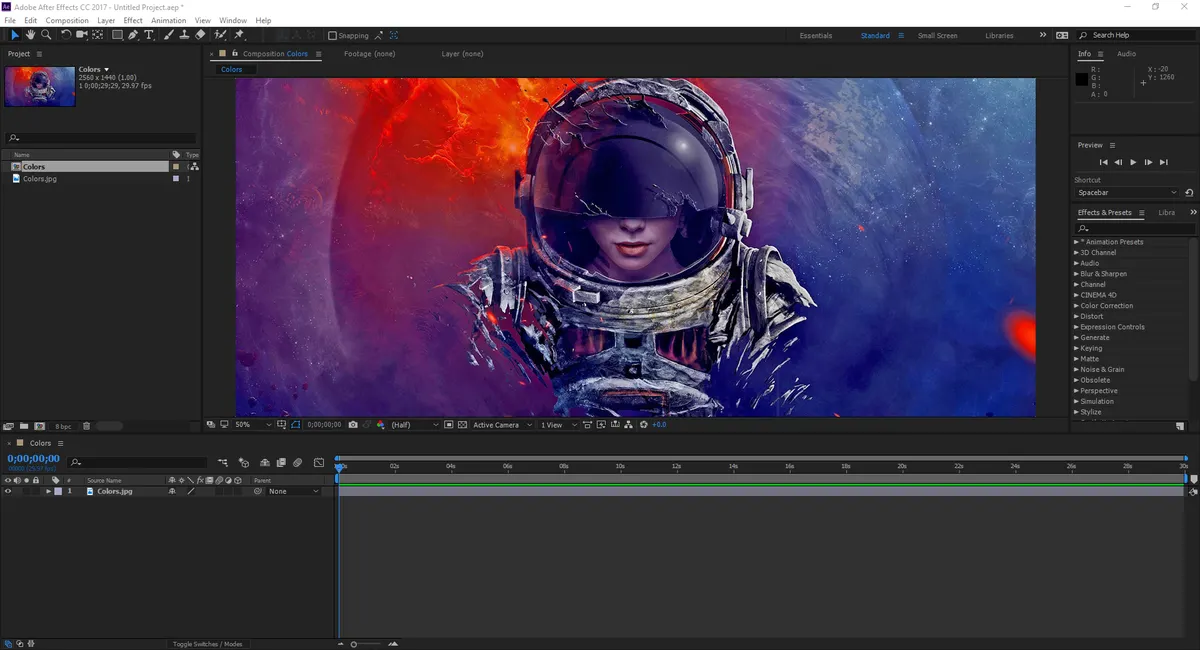
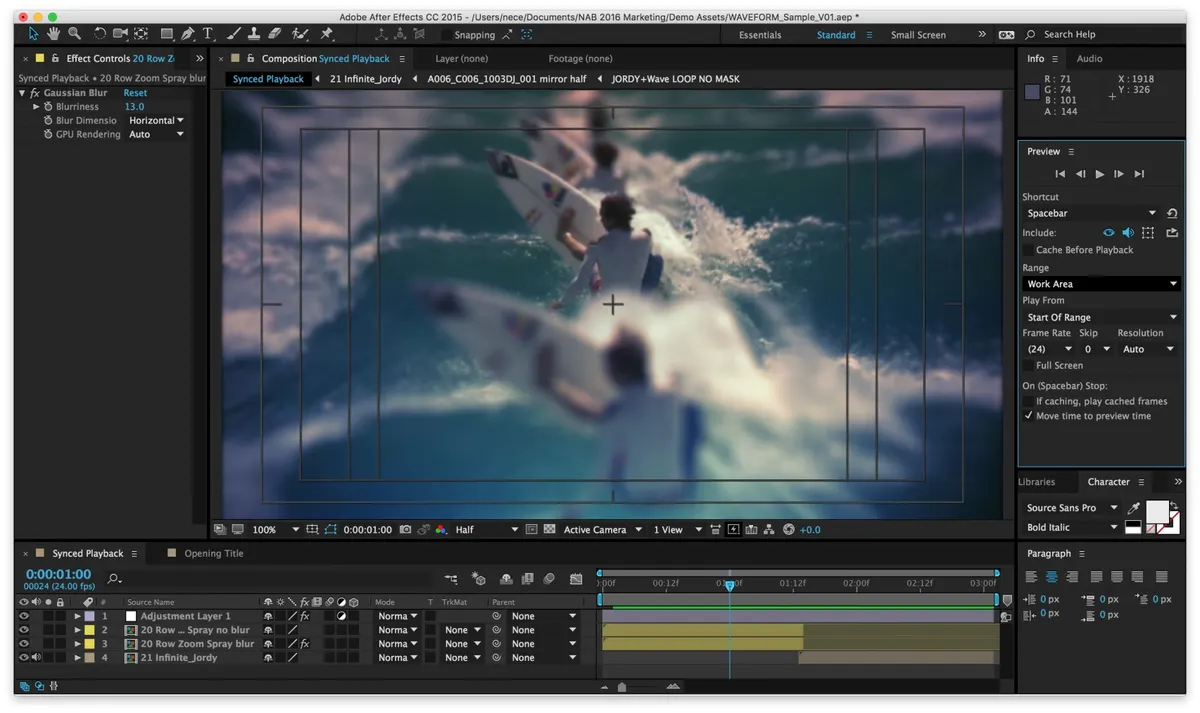
Its workflow is based on compositions organized into layers. Each element can be animated, masked, transformed or receive effects independently from the others, then combined with the rest of the scene.
After Effects therefore differs from an editing application such as Premiere Pro. It can assemble sequences, but its main role is to work in depth on a shot, animation or composition rather than edit an entire film on a long timeline.
Keyframes, animation curves, masks, tracking, rotoscoping, expressions and effects make it possible to go from a simple text animation to complex visual compositions.
The current stable version, After Effects 26.5, released in September 2026, notably improves Object Matte, guides, effect management, caching and ACES 2.0 color workflows.
Features
Animation and motion design
After Effects can animate almost any layer property using keyframes.
Position, scale, rotation, opacity, effects, shapes and typography parameters can change over time. The Graph Editor can then refine acceleration and deceleration to produce more natural movement.
Shape layers make it easier to create graphic elements directly inside the application, while parenting systems allow several objects to follow the same controller.
This foundation is particularly well suited to animated logos, titles, broadcast graphics, infographics and interface animation.
Text and animated typography
Text tools make it possible to create titles, graphic subtitles, credits and complex typographic compositions.
Text animators can affect individual characters, words or lines to change position, scale, rotation, color or opacity.
After Effects also supports variable fonts and can animate some of their axes.
Motion Graphics Templates can then be prepared so that selected properties remain editable directly in Premiere Pro without rebuilding the entire animation.
Compositing and visual effects
After Effects can combine multiple sources within the same scene.
Blend modes, masks, alpha channels, mattes, color correction and effects make it possible to integrate elements shot separately or created in other applications.
A sky can be replaced, a graphic element added to footage or several sequences combined to create a scene that did not exist during filming.
The application includes many built-in effects and can be extended with a broad ecosystem of third-party plug-ins.
Rotoscoping and Object Matte
Rotoscoping consists of isolating a subject frame by frame in order to separate it from the background or apply a specific treatment.
The Roto Brush makes this work easier by propagating a selection through the sequence while allowing complex edges to be refined.
After Effects 26.x also adds Object Matte, which uses AI-assisted subject selection to isolate and automatically track certain moving elements.
Content-Aware Fill can then help reconstruct an area when an object needs to be removed from a shot.
These tools greatly reduce some manual operations, but complex scenes still require checking and corrections.
Tracking and stabilization
After Effects can analyze the movement of an element in order to attach text, an image or another object to it.
Motion tracking can follow position, rotation and scale, while the 3D Camera Tracker reconstructs camera movement in order to integrate elements into the space of live-action footage.
Mocha AE, included with After Effects, adds planar tracking that is particularly useful for following surfaces and performing certain replacement or rotoscoping tasks.
These techniques are used to replace screens, attach titles to moving objects or stabilize camera movement.
3D environment
After Effects includes a 3D workspace in which layers can be positioned along the X, Y and Z axes and viewed through virtual cameras and lights.
The Advanced 3D renderer also supports 3D models, extruded shapes, materials and Substance 3D textures.
2D and 3D elements can be combined in the same composition with shadows, reflections and environment-based lighting.
After Effects 26.3 notably adds depth of field directly within Advanced 3D, while recent versions expand parametric meshes and material displacement.
The application does not, however, replace a full modeling package such as Blender, Cinema 4D or Maya. Its 3D features are primarily designed to enrich compositing and motion design.
Expressions and automation
Expressions make it possible to control properties using small scripts based on JavaScript.
They can link multiple parameters, create automatic motion or make an animation react to data without manually placing every keyframe.
Controllers can, for example, drive several layers at once, while an expression can generate oscillation, repetition or a mathematical relationship between multiple elements.
After Effects also supports scripts and extensions for automating larger operations.
This becomes particularly useful in projects containing many variations or repetitive animations.
Integration with Premiere Pro and Creative Cloud
After Effects works closely with other Adobe applications.
Photoshop and Illustrator files can be imported while preserving their layers so that each part can be animated separately.
Dynamic Link makes it possible to connect After Effects compositions to Premiere Pro without systematically rendering intermediate files.
Motion Graphics Templates also allow After Effects to create graphics whose text, colors or other selected parameters remain editable inside Premiere.
Frame.io complements this environment for reviewing and approving video content.
After Effects 26.5 and AI
After Effects 26.5 improves the Object Matte cache, allowing results to be stored on disk in order to avoid certain recalculations during long sessions.
This version also introduces new guides, color labels for organizing effects, a modernized Effect Controls panel and support for ACES 2.0.
Adobe is also experimenting with an After Effects AI Assistant capable of helping organize projects or work with expressions and generated resources.
However, this Assistant remains available in the Beta version and should be distinguished from the stable features of After Effects 26.5.
Subscription and Creative Cloud
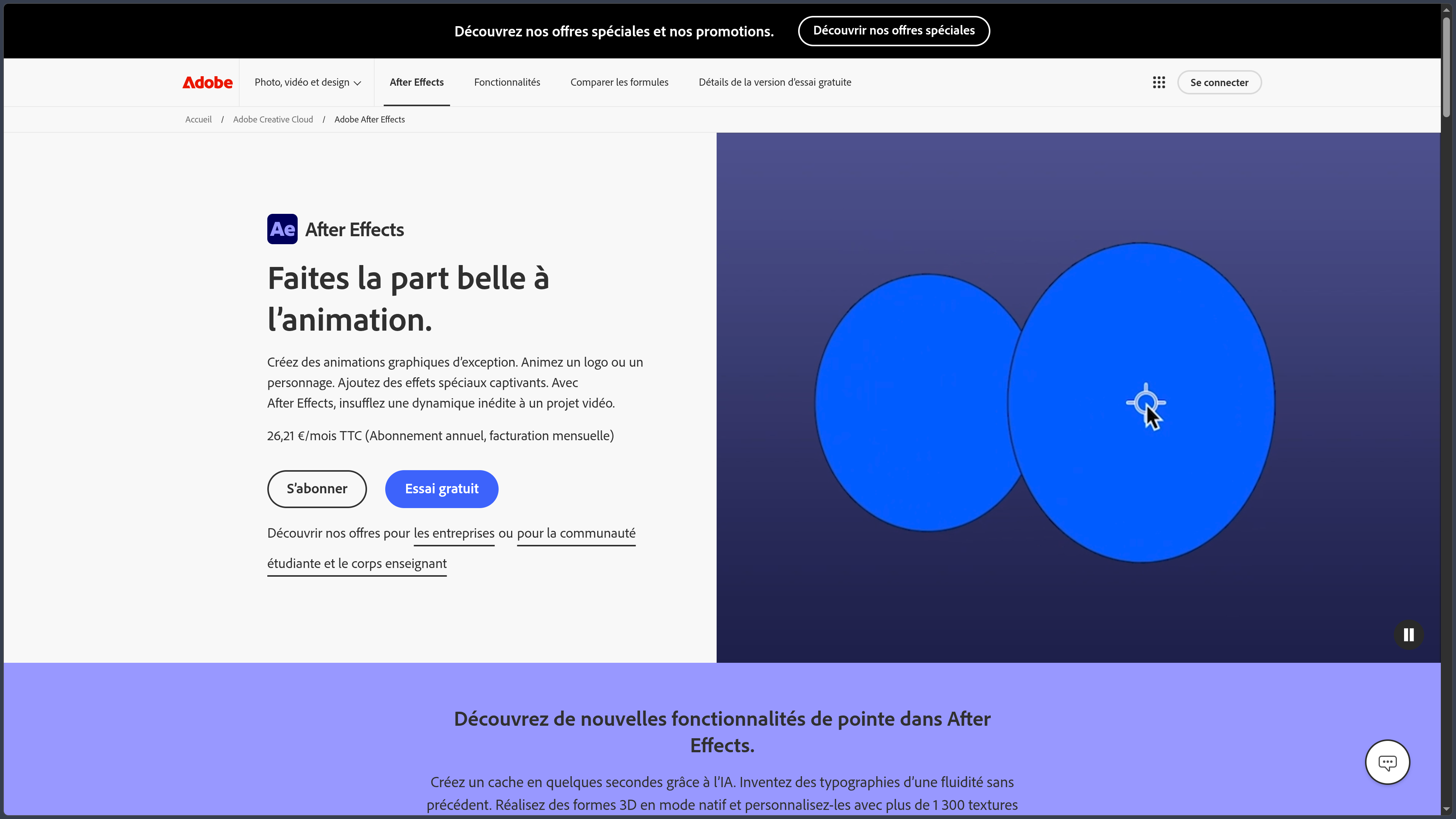
After Effects is distributed primarily through subscription via Adobe Creative Cloud.
In France, the individual plan is listed at €26.21 including VAT per month with an annual commitment and monthly billing.
It includes After Effects for desktop, 100 GB of cloud storage, Frame.io for Creative Cloud, Adobe Express Premium and 25 generative credits per month.
After Effects is also part of Creative Cloud Pro, alongside Premiere Pro, Photoshop, Illustrator, Audition and other Adobe applications.
A seven-day free trial is available to test the full version.
Use cases
Create an opening sequence or video graphics package
After Effects can animate text, logos, shapes and illustrations to produce opening sequences, transitions, lower thirds and other visual identity elements.
Animations can then be exported or turned into reusable templates for Premiere Pro.
Integrate visual effects into footage
A filmed scene can be enhanced with smoke, light, graphic elements, environments or objects coming from other sources.
Tracking, masks, rotoscoping and color correction help integrate these elements consistently with the original footage.
Replace a screen or track a surface
Tracking can analyze the movement of a phone, monitor, sign or another surface so that a new image can be applied to it.
Mocha AE is particularly well suited to this type of planar tracking when perspective changes throughout the shot.
Isolate or remove a subject
Object Matte, Roto Brush and masking tools can separate a subject from its background.
This isolation can be used to place text behind a person, replace the environment or apply an effect only to part of the image.
Produce automated motion graphics
Expressions and controllers can create reusable animations whose parameters can be modified without rebuilding the entire project.
This method is particularly useful for video series, data visualizations or templates designed to produce many variations.
Conclusion
Adobe After Effects remains a major reference for motion design and compositing thanks to the depth of its animation tools and its ability to combine many types of sources within a single composition.
Its layer, keyframe and expression systems provide very precise control over motion, while tracking, rotoscoping and masking tools address visual effects requirements.
3D is also taking an increasingly important role with Advanced 3D, imported models, materials and interactions between 2D and 3D objects.
Integration with Premiere Pro, Photoshop and Illustrator is another major advantage: After Effects can focus on complex shots and animations while remaining connected to the rest of an Adobe production workflow.
AI-assisted tools are beginning to accelerate certain tasks, particularly subject isolation with Object Matte, but they still complement a workflow that largely depends on mastery of animation, compositing and tracking.
After Effects remains demanding in terms of hardware and has a significant learning curve. It is also less suitable than a dedicated editing application for organizing an entire long-form video project on its own.
For creating motion graphics, compositing visual effects, integrating elements into video and building precise animated graphics packages, After Effects remains a particularly comprehensive environment.
Points to consider
-
After Effects 26.5 runs on Windows and macOS. The current Windows configuration requires Windows 11 24H2, while Adobe lists macOS Sonoma 14 as the minimum for this branch.
-
16 GB of RAM is the official minimum. Adobe recommends 32 GB or more on Windows for 4K and higher-resolution media.
-
The GPU plays an important role in several effects and Advanced 3D. On Windows, Adobe requires at least 4 GB of GPU memory for supported configurations and recommends 8 GB.
-
A fast SSD is strongly recommended for caching. After Effects generates large amounts of temporary data during previews and renders.
-
After Effects is not designed as a direct replacement for Premiere Pro. Premiere is better suited to editing a complete program, while After Effects focuses on animation, compositing and effects.
-
Automatic rotoscoping and tracking are not infallible. Hair, fast movement, motion blur, occlusions and complex backgrounds can require manual corrections.
-
Third-party plug-ins may require updates when changing versions. Their compatibility should be checked before migrating an important project.
-
Expressions and scripts greatly increase automation possibilities, but they can also make a project harder to maintain when they become complex.
-
The After Effects AI Assistant remains in Beta. It should not be confused with the stable features of version 26.5.
-
Adobe pricing may change. As of October 2, 2026, the After Effects plan for individuals in France is listed at €26.21 including VAT per month with an annual commitment and monthly billing.