Presentation
PySide6 is the official Python binding for Qt 6. It makes it possible to use the Qt framework APIs from Python to build cross-platform graphical applications.
It is part of the Qt for Python project, which also includes Shiboken6, a binding generator notably used to expose C++ code to Python.
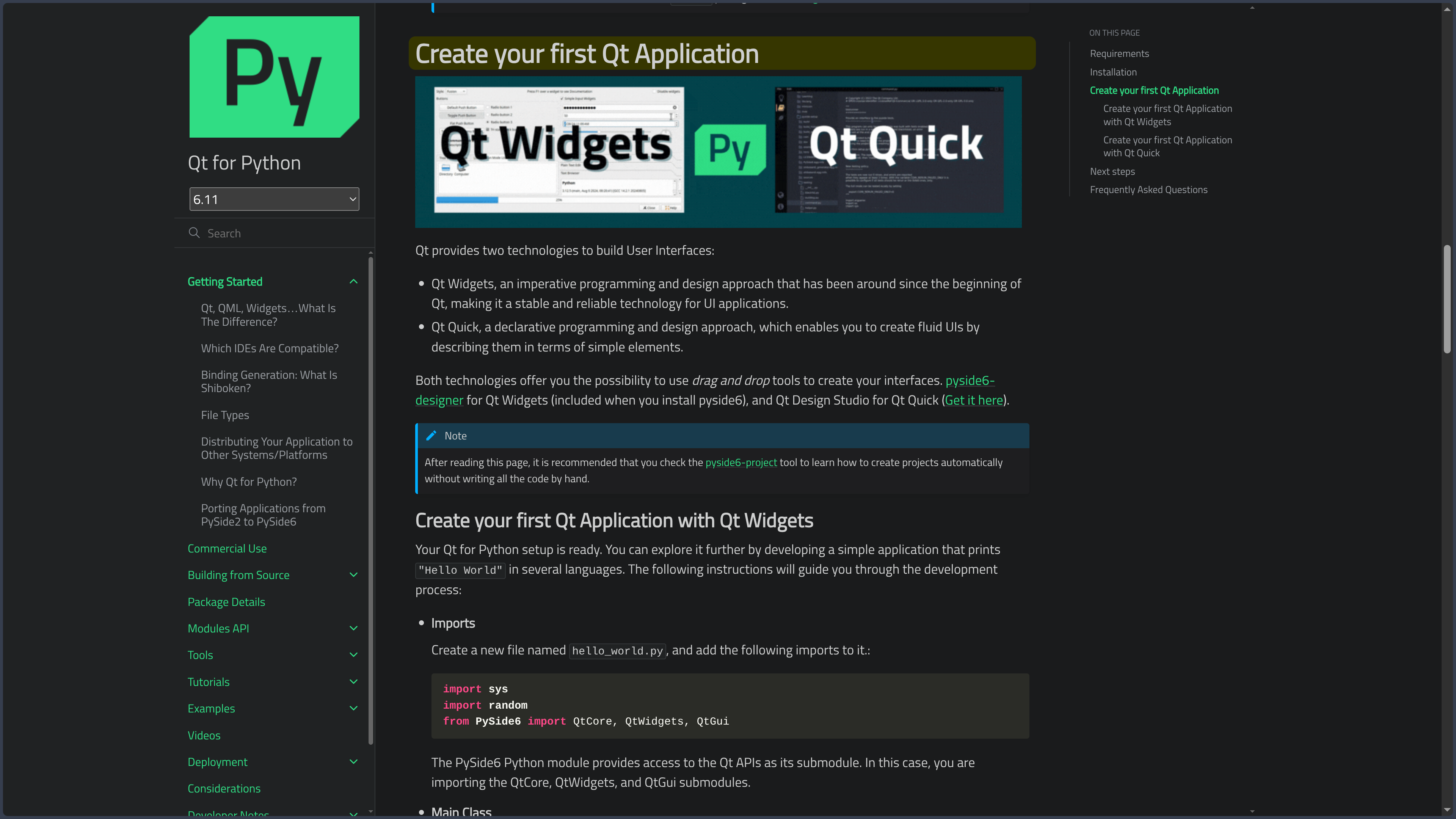
PySide6 supports two major approaches to interface development: Qt Widgets, suited to traditional desktop applications, and Qt Quick/QML, more oriented toward declarative, animated and adaptive interfaces.
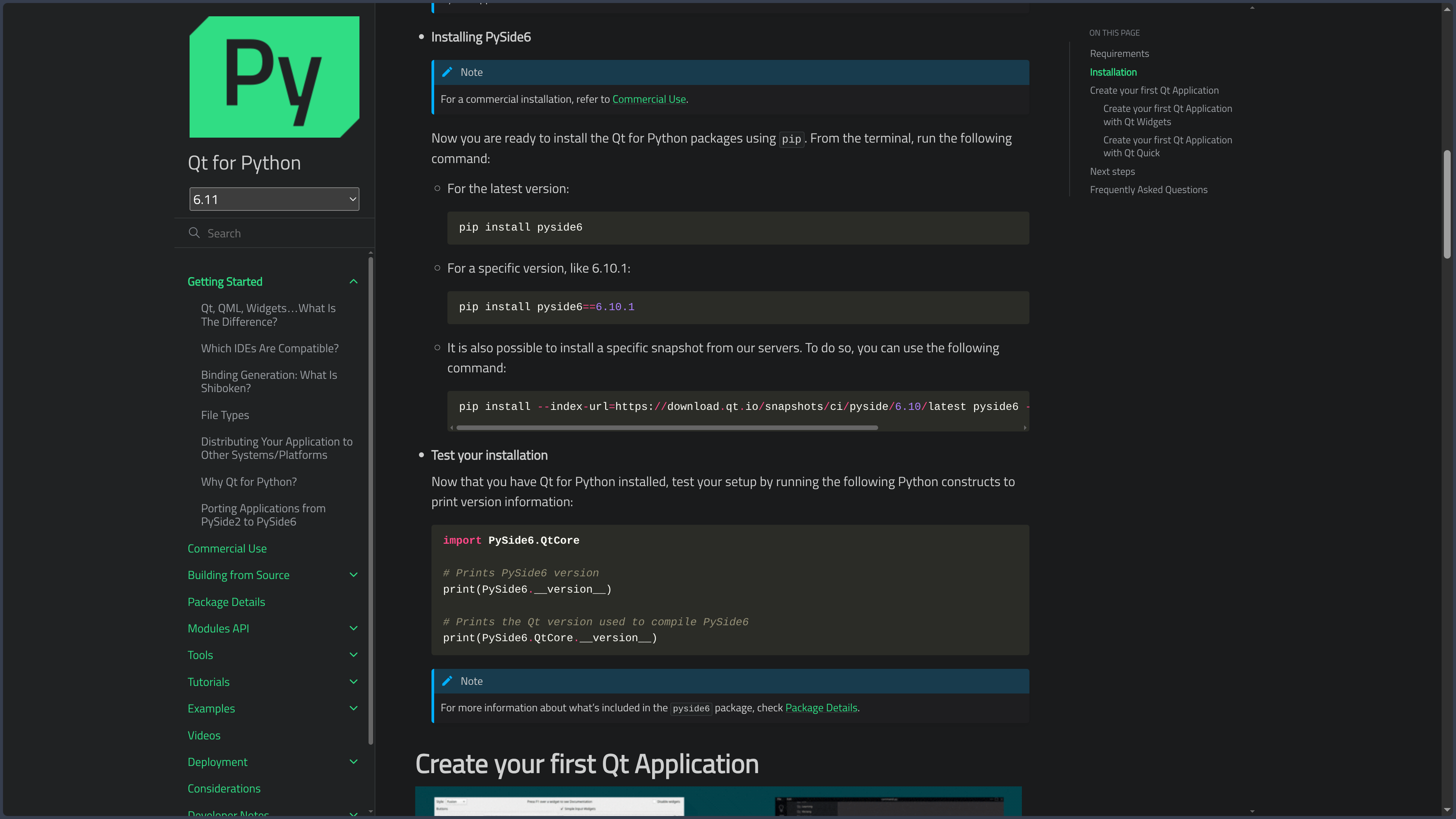
The standard installation is performed with pip install pyside6. The provided wheels include the required Qt libraries, so a separate Qt installation is generally not necessary to get started.
As of October 3, 2026, PySide6 6.11.2 is the latest stable version published on PyPI. It supports Python 3.10 through 3.14.
Features
Qt Widgets
Qt Widgets provides the traditional building blocks of desktop applications: windows, buttons, menus, input fields, tables, trees, dialogs and toolbars.
Widgets can be assembled directly in Python or designed visually with Qt Designer.
This approach is particularly suitable for business tools, editors, utilities and rich desktop applications.
Qt Quick and QML
PySide6 also supports Qt Quick and QML.
QML describes the interface with a declarative syntax, while Python can manage business logic, data and services.
This separation is well suited to more visual or animated interfaces and applications that need to adapt to different screen sizes.
Python objects can be exposed to QML so that the two environments can communicate.
Signals and slots
Qt uses a signals and slots mechanism to allow different objects within an application to communicate.
A button can, for example, emit a signal when activated and trigger a Python function connected to that signal.
PySide6 also allows developers to declare their own Qt signals, slots and properties.
This model reduces direct dependencies between components and remains central to Qt application architecture.
Designer and .ui files
Qt Widgets Designer, notably accessible through pyside6-designer, can be used to visually build interfaces based on Qt Widgets.
The resulting .ui files can be loaded dynamically or converted into Python code with pyside6-uic.
This approach makes it possible to separate part of the visual design work from the application logic.
Resources
Qt uses .qrc files to group resources such as images, icons or files embedded in the application.
pyside6-rcc converts these resources so they can be used from the Python project.
The pyside6-project tool can automate compilation of UI files, resources and QML files required by the project.
Model/View
Qt provides a Model/View architecture designed for lists, tables and tree-based data.
Data is separated from its visual representation, which notably helps with interfaces handling large structured datasets.
Existing Qt models can be used or replaced by custom models written in Python.
Networking, multimedia and other Qt modules
PySide6 exposes a large portion of the Qt 6 modules.
An application can therefore access networking, databases, multimedia, WebEngine, Bluetooth, graphics, printing or Qt Quick 3D depending on the installed modules and their availability on the target platform.
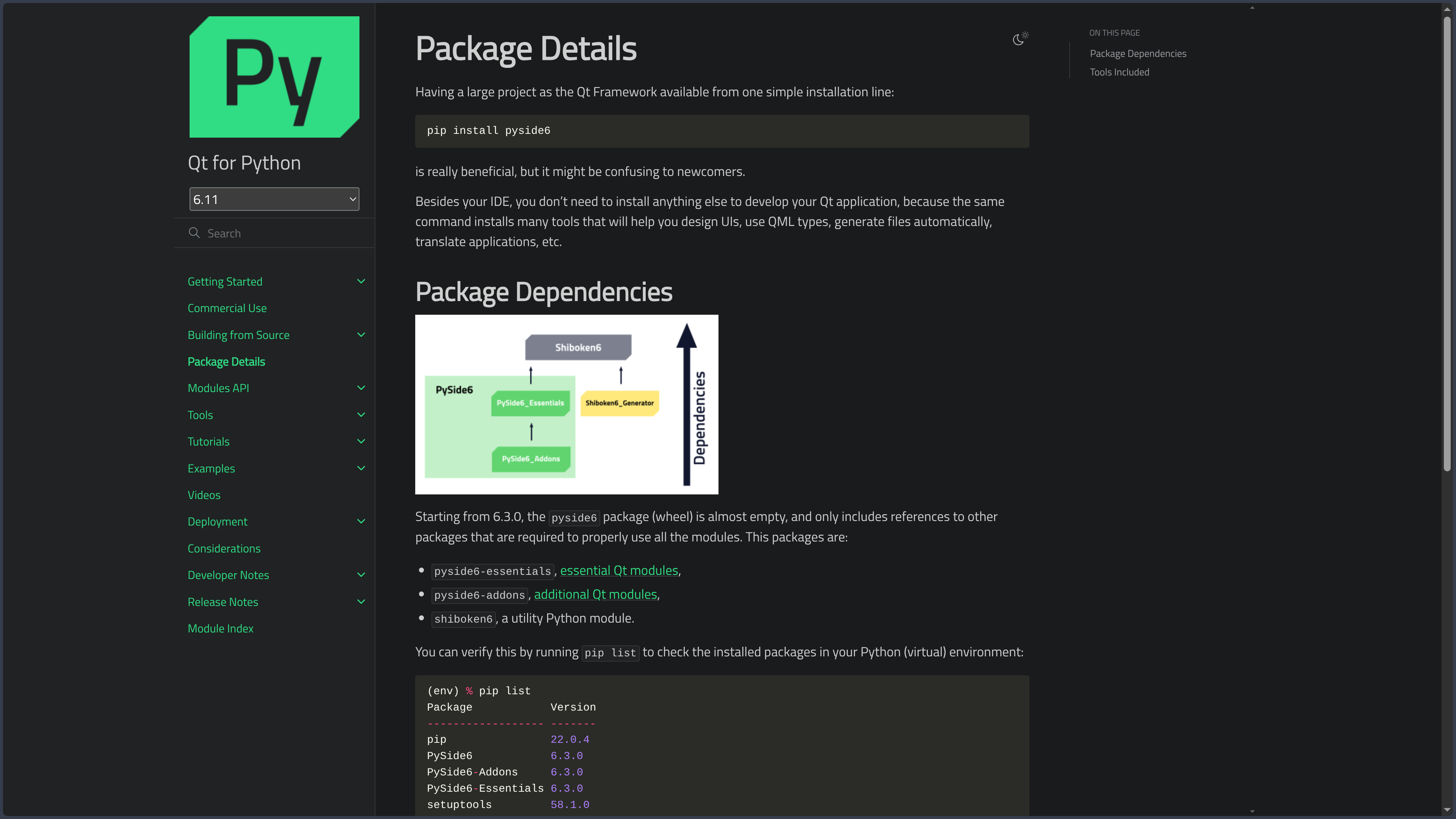
The main package notably relies on PySide6 Essentials and PySide6 Addons to distribute these bindings.
Shiboken6
Shiboken6 complements PySide6 by providing the tools required to create bindings between C++ and Python.
It can be used when a project has a library or engine written in C++ that needs to be controlled from Python.
It is also used internally to generate the Qt bindings provided by PySide6.
Projects and pyproject.toml
pyside6-project provides several commands for creating, building, running and deploying Qt for Python projects.
Since PySide6 6.9, the standard pyproject.toml format is recommended for describing project files and options.
The older .pyproject format remains supported for compatibility but is now deprecated.
Desktop deployment
pyside6-deploy simplifies the creation of distributable applications for Windows, macOS and Linux.
The tool relies on Nuitka to compile and package Python, PySide6, Qt and the required resources.
Depending on the platform, it can notably produce a Windows executable, a macOS application or a Linux binary.
Other Python tools such as PyInstaller or cx_Freeze can also be used depending on project requirements.
Android
PySide6 supports deployment to Android.
pyside6-android-deploy can generate APK or AAB packages and prepare the required Qt and Python dependencies.
The mobile deployment process remains more complex than desktop packaging and requires the appropriate Android tools, notably the SDK and NDK.
Use cases
Build a desktop application
PySide6 is suitable for editors, management tools, technical utilities, business software and applications containing many windows and interactions.
Qt Widgets provides a particularly complete foundation for this type of software.
Build a modern interface with QML
Qt Quick and QML make it possible to develop more graphical or animated interfaces while keeping Python for application logic.
This architecture is especially suitable for dashboards, touch interfaces and applications targeting several resolutions.
Develop a Python tool with a graphical interface
An existing Python project can use PySide6 to add a full graphical interface without moving its business logic to another language.
Scientific libraries, file-processing systems or automation tools can therefore be integrated into a desktop application.
Connect Python and C++
Shiboken and Qt mechanisms make it possible to combine a Python interface with existing C++ libraries.
This approach is suitable for applications that need to retain native or high-performance components while using Python for part of the development.
Develop for multiple systems
A single codebase can target Windows, macOS and Linux, with Android deployment also available.
Adaptations remain possible when certain features or interface conventions differ between platforms.
Conclusion
PySide6 makes it possible to use the Qt 6 ecosystem directly from Python without having to rewrite the application in C++.
Qt Widgets covers traditional desktop interfaces, while Qt Quick/QML makes it possible to build more declarative and animated interfaces.
Designer, the signals and slots system, Shiboken and deployment tools form a particularly complete environment for graphical application development in Python.
This power nevertheless requires developers to understand both Python concepts and Qt architecture, along with packaging and licensing constraints when distributing applications.
For building rich cross-platform Python graphical applications with a mature framework, PySide6 is one of the major solutions available.
Points to consider
-
PySide6 6.11.2 is the latest stable version published on PyPI as of October 3, 2026.
-
PySide6 6.11.2 requires Python 3.10 through 3.14.
-
Qt 6.12 LTS was released on September 30, 2026, but PySide6 6.12 is not yet the stable version published on PyPI as of the verification date of this card.
-
PySide6 is offered under the LGPLv3, GPLv2, GPLv3 and commercial Qt licenses. The ability to distribute a proprietary application under the LGPL depends on compliance with the obligations of that license.
-
Some Qt modules are not available under the LGPL. The licenses of the modules actually used should therefore be checked before distribution.
-
The commercial license is an alternative, notably for projects that do not wish or are unable to comply with the applicable open-source license obligations.
-
PyPI wheels already include the required Qt libraries. Installing Qt separately is generally not necessary for a standard setup.
-
The main thread must remain available for the interface event loop. Heavy processing should be organized so that it does not block the application.
-
Distributed applications can be relatively large, because they include Python, Qt and the required modules.
-
Android support requires a specific build toolchain and remains more complex than desktop packaging.
-
iOS support arrives with the PySide6 generation associated with Qt 6.12. This first implementation still has several limitations and is not used as a stable reference platform in this card.
-
The historical
.pyprojectformat is deprecated. New projects should preferpyproject.toml. -
Qt updates can change the available platforms, modules or licensing conditions. These should be checked before a major upgrade.