
Presentation
PyCharm is a Python-focused integrated development environment developed by JetBrains for Windows, macOS and Linux.
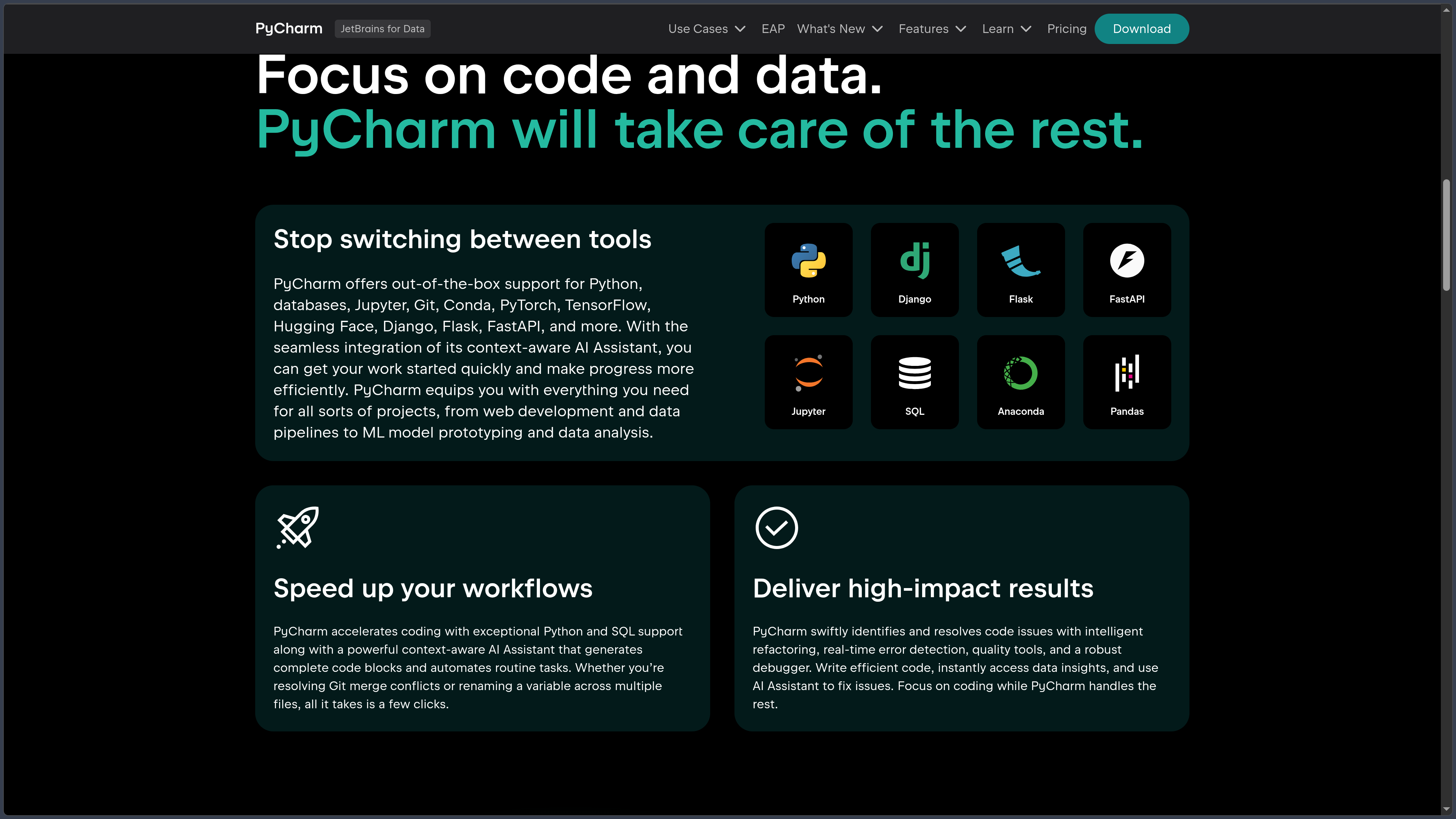
It brings code editing, static analysis, navigation, refactoring, debugging, testing, Git, Python environments and various tools for Web development and data science into a single application.
Since 2025, JetBrains has distributed PyCharm as a unified product. Essential features remain free, while a Pro subscription unlocks advanced capabilities aimed notably at professional Web development and databases.
Jupyter Notebook is now part of the free core, making PyCharm suitable for both traditional scripts and data analysis or notebook workflows.
PyCharm 2026.2 also uses debugpy as its default debugging engine and continues to expand modern workflows around uv, Poetry, Hatch, Jupyter and AI agents.
As of October 3, 2026, PyCharm 2026.2.2 is the current stable version.
Features
Python analysis and assistance
PyCharm continuously analyzes the structure of Python code.
It provides contextual completion, type information, quick documentation, auto-imports, inspections and detection of many potential errors.
The IDE also understands relationships between modules, classes and functions in order to simplify navigation and search across large projects.
Typing tools support modern Python annotations and can work with different analysis engines.
Refactoring
PyCharm provides numerous automated refactoring tools.
It can rename a symbol throughout the project, extract a method or variable, move classes, modify signatures and restructure code while taking references into account.
These operations reduce the risks associated with repetitive manual changes in large codebases.
Debugger
The integrated debugger can set breakpoints, step through execution, inspect variables and objects and analyze the call stack.
Since PyCharm 2026.2, debugpy is the default debugging engine for Python projects and Jupyter notebooks.
The debugger can also work with different run configurations and selected remote environments.
Testing
PyCharm recognizes several Python testing frameworks, including pytest, unittest and doctest.
Tests can be launched from the editor, a file, a class or an individual function.
The IDE displays results, errors and traces directly in its interface and makes it easy to rerun affected tests after a change.
Python environments
PyCharm manages different Python interpreters and environments.
It can work with venv, virtualenv, Conda, Poetry, uv and other tools depending on project configuration.
Dependencies and interpreters are associated with the project to avoid mixing packages across multiple environments.
PyCharm 2026.2 notably improves multi-project workspace management for uv, Poetry and Hatch.
Jupyter and notebooks
PyCharm directly supports Jupyter Notebook.
.ipynb files can be edited, executed and debugged from the IDE with results, charts and data displayed inline.
In the 2026.2 generation, AI agents can also work with a live Jupyter kernel, allowing them to create, modify and run cells without losing state between commands.
PyCharm also supports other notebook formats through available plugins, including marimo.
Django, Flask and FastAPI
Pro mode adds advanced tooling for Python Web development.
Django notably benefits from navigation across models, views and templates, specialized completion, management commands and integration with framework configuration files.
PyCharm also provides dedicated features for Flask and FastAPI, along with an integrated HTTP client for testing endpoints.
Frontend support complements these tools with JavaScript, TypeScript, HTML, CSS and various Web frameworks.
Databases and SQL
PyCharm Pro integrates tools from the JetBrains ecosystem for working with databases and SQL.
Users can explore schemas, execute queries, edit data and benefit from SQL completion and refactoring.
The IDE supports several common systems, notably PostgreSQL, MySQL, Oracle, MongoDB and Redis depending on the installed tools and drivers.
This integration reduces the need to systematically use a separate database client during development.
Git and version control
PyCharm integrates Git directly into its interface.
It displays diffs, history, branches, commits and merge conflicts and makes it possible to perform the main version-control operations without leaving the IDE.
The tools can also integrate with different repository-hosting platforms.
An integrated terminal remains available for users who prefer traditional Git commands.
Data science and machine learning
PyCharm can serve as an environment for data science and machine learning projects.
Jupyter, Conda environments, pandas, NumPy, PyTorch, TensorFlow, Hugging Face and visualization tools can all be used within the same project.
The IDE also provides features for exploring DataFrames, tabular data and notebook outputs.
This direction increasingly brings PyCharm closer to workflows that were previously split across several specialized JetBrains products.
AI and agents
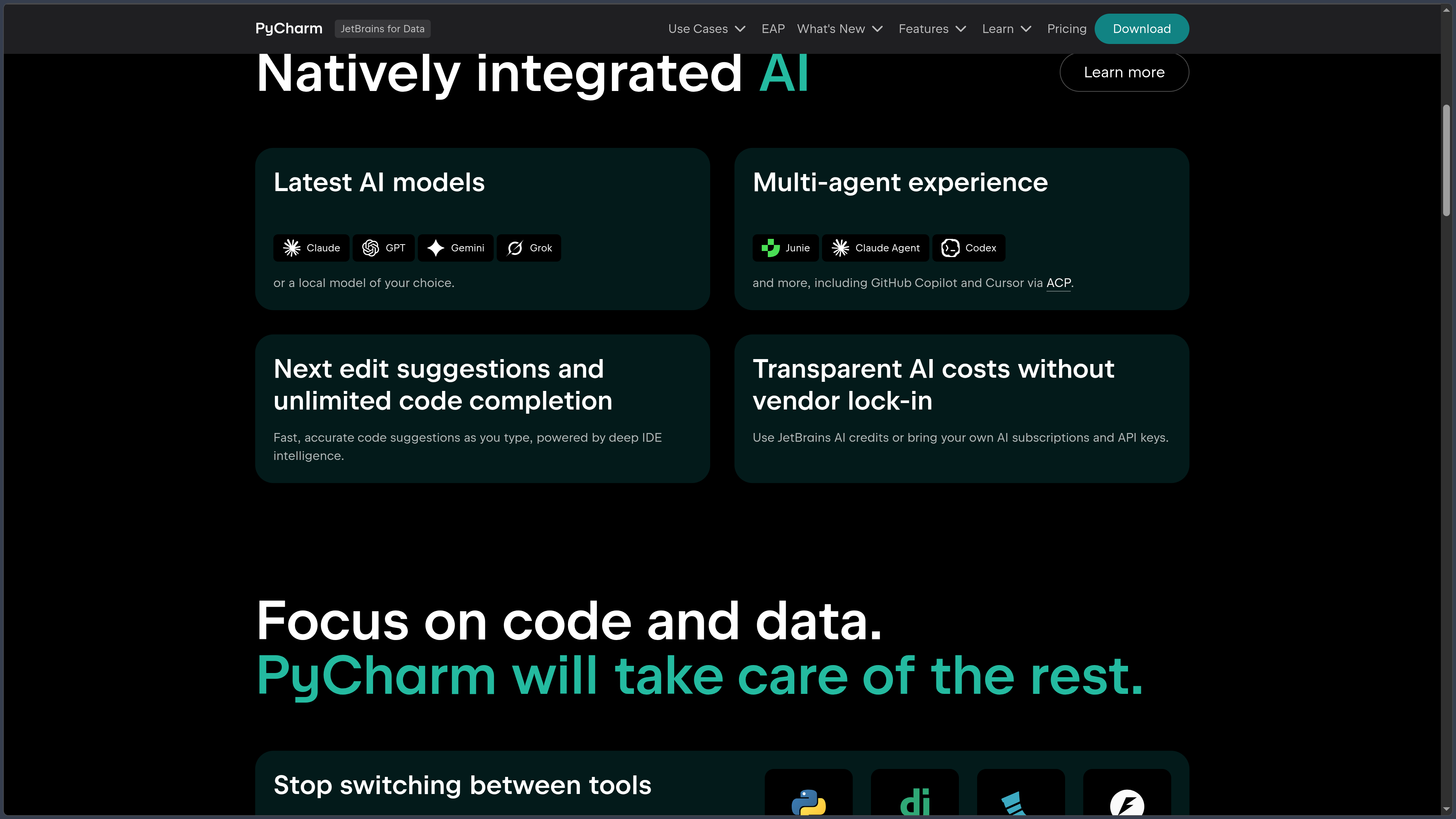
JetBrains integrates AI Assistant and its development agent Junie into PyCharm.
Depending on configuration, the environment can also host other agents such as Codex, Claude Agent or Gemini.
These tools can explain code, propose changes, generate tests, work across several files or use selected IDE tools.
Some of these capabilities depend on JetBrains AI plans or external accounts and services.
Plugins
PyCharm is built on the IntelliJ platform and includes a broad plugin ecosystem.
Plugins can add languages, tools, themes, frameworks and additional integrations.
Since PyCharm 2026.2, JetBrains has also started removing some less-used extensions from the default bundle in order to keep the main installation more focused.
They can remain available separately when a project needs them.
Use cases
Develop a Python application
PyCharm is suitable for scripts, libraries and Python applications requiring navigation, code analysis, testing and refactoring.
The environment centralizes the main tools used throughout development.
Work with Django or FastAPI
Pro mode can provide a complete toolchain for developing a Python backend: framework support, templates, HTTP client, database tools, debugger and version control.
This integration is particularly useful for larger Web projects.
Analyze data
Jupyter, Conda environments, data exploration and scientific libraries make it possible to use PyCharm for notebooks and data pipelines.
The same project can combine traditional scripts and notebooks.
Maintain a large codebase
Navigation, inspections and refactoring become increasingly useful as the number of modules and dependencies grows.
PyCharm can locate all usages of a symbol and apply consistent transformations across the project.
Use AI agents inside a Python IDE
Agents can work with project context and selected PyCharm tools to modify, test or analyze code.
Developers can then use the IDE’s traditional tools to inspect the resulting changes.
Conclusion
PyCharm provides a highly integrated Python environment that goes far beyond a simple text editor.
Code analysis, navigation, debugger, testing, Git and environment management cover traditional Python development needs, while Jupyter now extends the free IDE toward data science.
Pro mode complements this foundation with advanced Web development, database tooling and other capabilities aimed at professional projects.
PyCharm requires more resources than a minimalist editor, but in return reduces the number of separate extensions and tools needed to build a complete Python development environment.
For developing, debugging and maintaining Python projects in a specialized IDE, PyCharm remains one of the most complete solutions in the ecosystem.
Points to consider
-
PyCharm 2026.2.2 is the current stable version as of October 3, 2026.
-
PyCharm is now a unified product. The former Community and Professional editions are no longer distributed as two separate products in the modern workflow.
-
The core of PyCharm remains free to use, including for commercial and non-commercial work.
-
Jupyter Notebook is now part of the free feature set.
-
A new installation automatically activates a 30-day Pro trial. When it expires, users can return to the free features or purchase a Pro subscription.
-
Not all advanced features are free. Professional Web development, database tooling and various integrations notably remain tied to Pro mode.
-
The complete product is not entirely open source. Historical components originating from PyCharm Community remain published as open-source code, mainly under Apache 2.0, while PyCharm also includes proprietary components and plugins.
-
PyCharm Pro uses a subscription model. JetBrains also offers a perpetual fallback license after twelve consecutive months of eligible subscription, allowing users to continue using a specified version after ending the subscription.
-
Pricing depends on license type and country. As of the verification date, the official listed price for PyCharm Pro for organizations is $200 per user per year, before taxes.
-
JetBrains AI has its own subscription and quota rules. A PyCharm Pro subscription does not necessarily provide unlimited access to every AI model or agent.
-
PyCharm currently supports Python 3.9 through 3.15, as well as Python 2.7 for selected legacy projects.
-
Some features consume more memory than a lightweight editor. JetBrains currently recommends at least 8 GB of system RAM, with around 3 GB available for IDE processes.
-
Plugins have their own maintenance cycles and conditions. Their compatibility should be checked during major upgrades.