Presentation
Figma is a collaborative digital product design platform used to create interfaces, mockups, prototypes and design systems directly in a cloud environment.
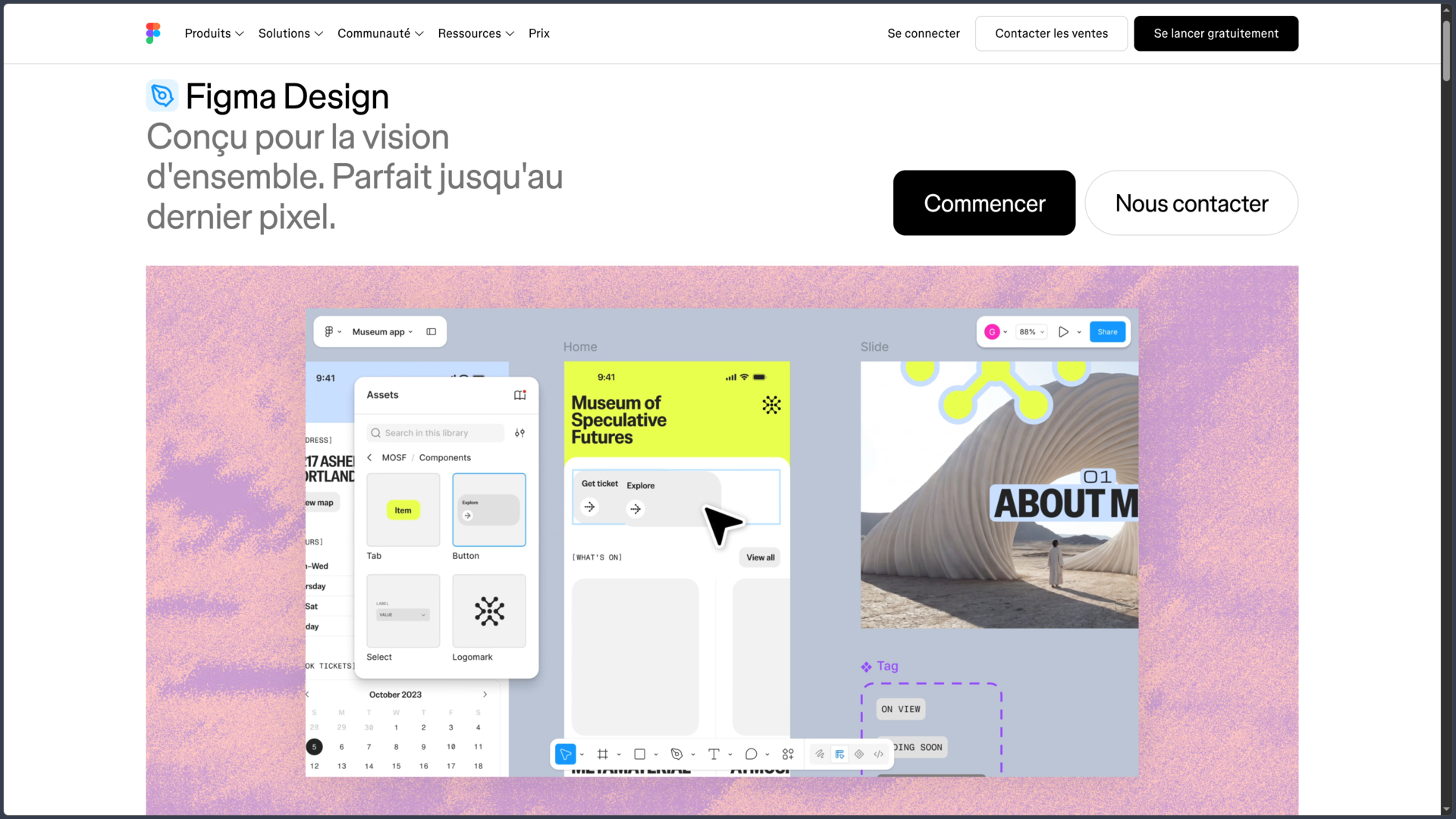
Its main tool, Figma Design, makes it possible to build interfaces for websites, mobile applications and software using frames, shapes, text, images, vectors and reusable components.
One of its core principles is real-time collaboration. Several people can work simultaneously in the same file, comment, see other participants' cursors and quickly share a design without multiplying local files.
Figma primarily runs in a browser, but it also provides desktop applications for Windows and macOS. The iOS and Android mobile applications are mainly used to view files and test prototypes.
The platform has gradually expanded beyond interface design with FigJam, Figma Slides, Dev Mode, Figma Make, Figma Sites and several artificial intelligence features.
Features
Design interfaces
Figma Design provides the tools needed to create digital interfaces: frames, shapes, text, images, vectors, constraints, grids and styles.
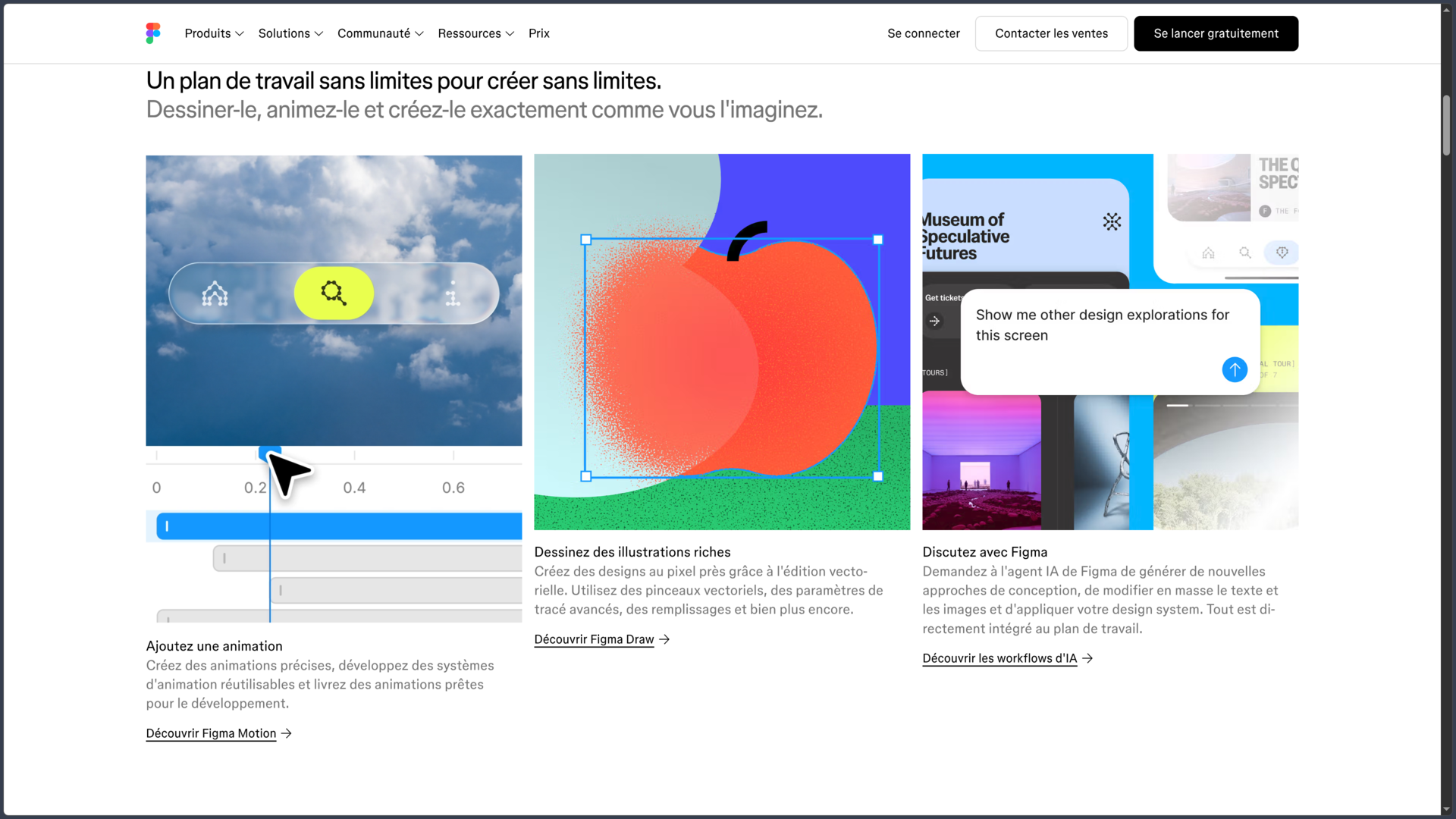
Vector editing makes it possible to create icons, simple illustrations and graphic components directly in the same environment as interface screens.
Designs can be organized into pages and sections in order to separate different parts of an application, variations or project phases.
This centralization reduces the need to constantly switch tools between wireframes, high-fidelity mockups and prototypes.
Auto Layout and responsive interfaces
Auto Layout automatically organizes elements inside a frame according to direction, spacing, alignment and resizing rules.
This makes it easier to create buttons, cards, menus and interfaces that can adapt when content or container size changes.
Combined with constraints and component properties, Auto Layout helps build screens that more closely reflect the behavior of a real responsive interface.
It still requires a well-structured file: poorly organized designs can quickly become harder to maintain despite the automation.
Components and design systems
Components make it possible to create reusable elements such as buttons, fields, cards and navigation elements.
Variants and properties can represent different states without unnecessarily duplicating every version.
Shared libraries can then publish these components, styles and other resources so they can be used across multiple files or teams.
This approach forms the basis of design systems, where a change made to a central resource can be distributed to the projects that use it.
Variables and design tokens
Variables can store reusable values such as colors, numbers, text or boolean values.
They can be used to represent design tokens, create multiple themes such as light and dark modes or adapt an interface to different contexts.
Variables can also be used in prototypes to dynamically modify certain states, text, dimensions or behaviors.
They become particularly important when a design system needs to remain consistent across several products or platforms.
Interactive prototyping
Figma makes it possible to connect screens in order to simulate navigation and application interactions.
Transitions, animations, overlays, scrolling and interactions can be added directly to mockups.
Interactive components and variables make it possible to go further by reproducing states and behaviors without systematically creating a separate frame for every possibility.
Prototypes can be shared by link and tested directly in a browser or on a mobile device.
Real-time collaboration
Several users can work simultaneously in a Figma file.
Comments, shared cursors and history make exchanges easier between designers, product managers, developers and other participants.
Files can be shared with different access levels so that someone can edit, comment on or simply view the work.
On paid plans, viewing and commenting access can still be provided without purchasing an additional paid seat for every viewer.
Dev Mode and developer handoff
Dev Mode provides an environment for developers to inspect designs without modifying the mockup.
It notably allows them to view measurements, properties, variables and annotations, export assets and retrieve certain code information.
Code Connect can link design system components to the components actually used in the codebase.
Figma's MCP server can also provide structured design context to compatible development tools and agents.
Dev Mode does not, however, automatically generate a perfect application from a design: final code, behaviors and architecture still need to be controlled by the development team.
Figma AI and Figma Make
Figma now integrates several artificial intelligence features directly into its products.
The Figma agent can help generate or modify certain design proposals, work on content, create images or automate repetitive operations. Several of these features remain in Beta.
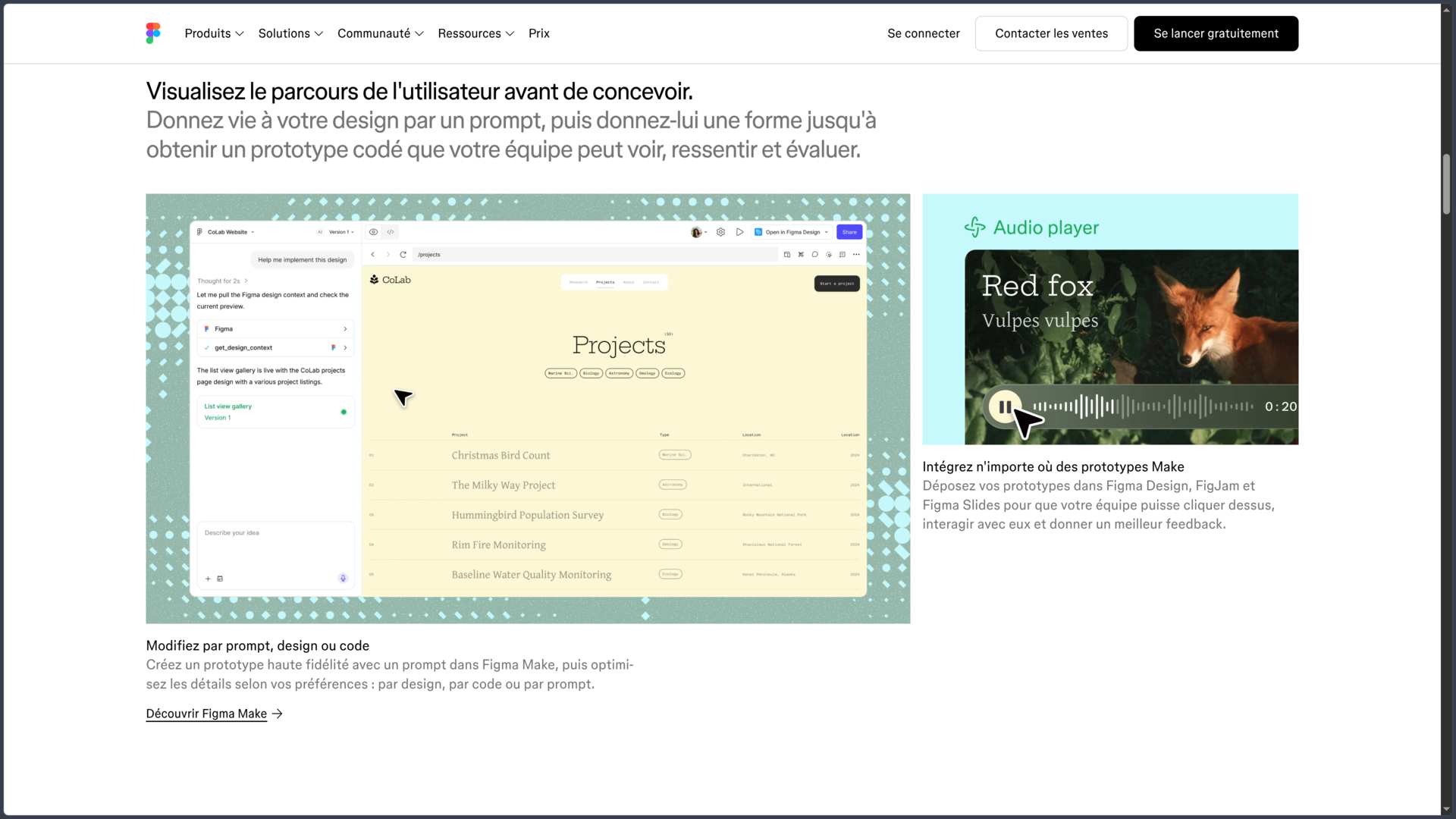
Figma Make goes further by allowing a prompt, an existing design or design system context to be turned into a prototype or web application based on code.
The result can then be adjusted visually, through prompts or directly in the code depending on the workflow.
These tools can accelerate exploration and prototyping, but they do not replace validation of design, accessibility, product logic or production code.
FigJam and collaborative work
FigJam is the whiteboard environment in the Figma ecosystem.
It can be used for brainstorming, user journeys, workshops, diagrams, retrospectives and idea organization.
Notes, shapes, connectors, voting and other elements allow a team to work together in a less structured space than Figma Design.
FigJam also includes AI features that can notably create templates or organize certain information from prompts.
Figma Slides
Figma Slides applies part of Figma's collaborative approach to presentation creation.
Teams can build slides, embed interactive prototypes and reuse assets from their Figma projects.
A FigJam board can also serve as the starting point for a presentation, making it easier to move from a workshop or brainstorming session to a more structured presentation.
Slides remains separate from a Figma Design file, even though both tools share several concepts and resources.
Figma Sites
Figma Sites makes it possible to turn designs into responsive websites and publish them from the Figma ecosystem.
Frames can be converted into flexible layouts using Auto Layout in particular, with interactions and components adapted to the Web.
A CMS allows certain content to be updated without directly modifying the design structure.
Figma is also developing AI-assisted interactions and the ability to work with code in order to customize results more deeply.
Sites remains a relatively recent product and some features are still available in Beta.
Plans and seats
Figma offers several subscription levels and different seat types.
The Starter plan is free and provides limited product access together with unlimited drafts.
The Professional plan notably adds unlimited files and projects for a team, shared libraries and a more complete Dev Mode.
| Seat | Professional | Organization | Enterprise |
|---|---|---|---|
| Full | US$16/month | US$55/month | US$90/month |
| Dev | US$12/month | US$25/month | US$35/month |
| Collab | US$3/month | US$5/month | US$5/month |
Organization and Enterprise pricing is listed with annual billing. Figma currently displays these prices in US dollars on its French pricing page.
AI credits are also tied to the plan and seat type. A Professional Full seat currently includes 3,000 monthly credits, compared with 3,500 for Organization and 4,250 for Enterprise.
Use cases
Design a mobile application
A team can create all the screens of an application, organize its components and use Auto Layout to adapt elements to different sizes.
The prototype can then be used to test the user journey before the interface is developed.
Build a design system
Components, variants, styles and variables can be grouped into shared libraries.
Several teams can therefore reuse the same buttons, colors, spacing rules and patterns without rebuilding every interface separately.
Design and test a website
Figma can be used to prepare the structure and interface of a website, then simulate its interactions in a prototype.
Figma Make and Sites can extend this work toward code-based prototypes or website publishing depending on the project's needs.
Hand off a design to developers
Once a screen has been approved, Dev Mode allows developers to inspect measurements, properties, variables and assets without modifying the source file.
Ready for dev status and comparison tools also help track elements that are ready to be implemented.
Organize a product workshop
A team can use FigJam to gather ideas, user journeys and feedback before continuing the work in Figma Design.
The results can then be transformed into screens, prototypes or a presentation depending on the stage of the project.
Conclusion
Figma has become much more than a simple UI/UX mockup tool. It now combines interface design, prototyping, design systems, collaboration and developer handoff within a primarily cloud-based environment.
Its main strength remains the ability to let several people work on the same files using reusable components and libraries.
Auto Layout, variables and design systems make it possible to structure complex interfaces, while Dev Mode brings designers and developers closer together.
FigJam, Slides, Make and Sites gradually extend this approach toward ideation, presentations, code-based prototypes and web publishing.
AI is also taking an increasingly important place in the platform, but several features remain recent or in Beta. They can accelerate exploration and certain repetitive tasks without removing the need to understand UX, accessibility and the technical constraints of the final product.
The main point of attention comes from seat-based pricing and the platform's significant dependence on the cloud, both of which can become more complex as a team grows.
For designing interfaces, building prototypes, maintaining a design system and collaborating closely across product, design and development, Figma remains a particularly comprehensive platform.
Points to consider
-
Figma primarily runs in the browser. The Windows and macOS applications provide a desktop environment, but the service remains strongly cloud-dependent.
-
Linux and ChromeOS can use Figma through a compatible browser, but Figma does not provide an official native desktop application for these systems.
-
Mobile applications do not replace the desktop editor. They are mainly suited to viewing, commenting and testing prototypes.
-
The Starter plan is free but limited. Shared libraries, extended history and several advanced features require a paid plan.
-
Full, Dev and Collab seats do not provide access to the same features. The seat type should be selected according to each team member's role.
-
Dev Mode improves handoff but does not replace development. Inspected or generated code still needs to be adapted to the actual architecture and standards of the project.
-
AI features use a credit system. Allocations vary depending on the plan, and Figma now offers additional credits as an option.
-
Several newer features remain in Beta, including certain AI agent functions, Figma Motion, Sites and various recent workflows.
-
Very large files can become difficult to maintain. Good organization of pages, components, libraries and branches remains important even in a collaborative environment.
-
Prices are currently displayed in US dollars on the French pricing page. They may change depending on plans, billing and seat types.