Presentation
Adobe Photoshop is a raster image editing, compositing and creation software. Used in photography, graphic design, illustration, advertising, concept art and digital content production, it is built around an environment where each part of a composition can be organized and edited precisely.
Its workflow is largely centered on layers. An image can combine photographs, text, shapes, adjustments, effects and painted elements without immediately merging everything together. Masks can then control exactly where each modification appears.
Photoshop is particularly powerful when several techniques need to be combined: correcting a photograph, cutting out a subject, replacing a background, integrating several images, painting over a composition and then preparing the result for print or the Web.
The software works mainly with pixel-based images, although it also integrates text, vector shapes and various smart objects. It therefore does not replace Illustrator for pure vector drawing or Lightroom for managing a large photo library, but naturally complements these tools.
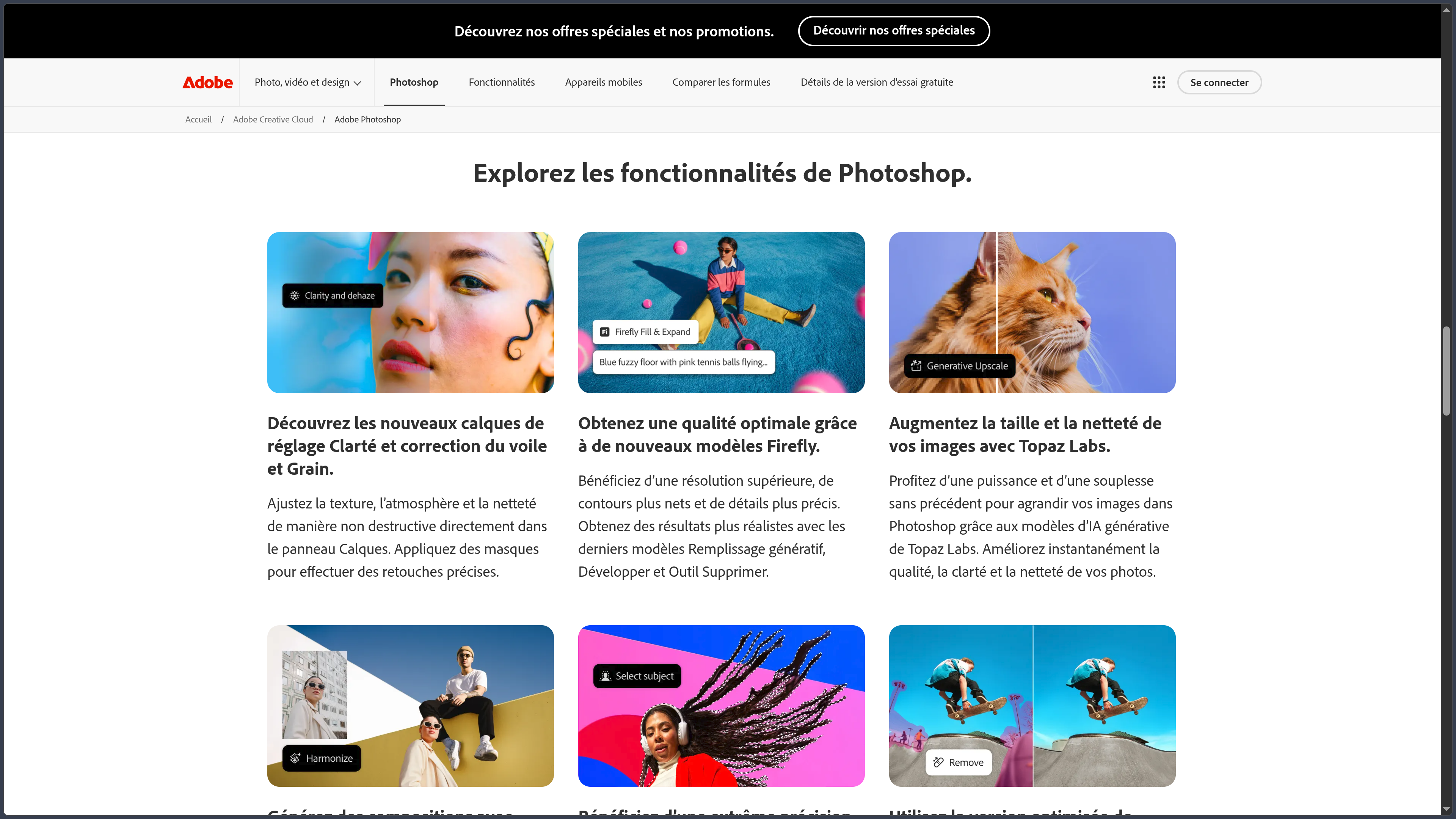
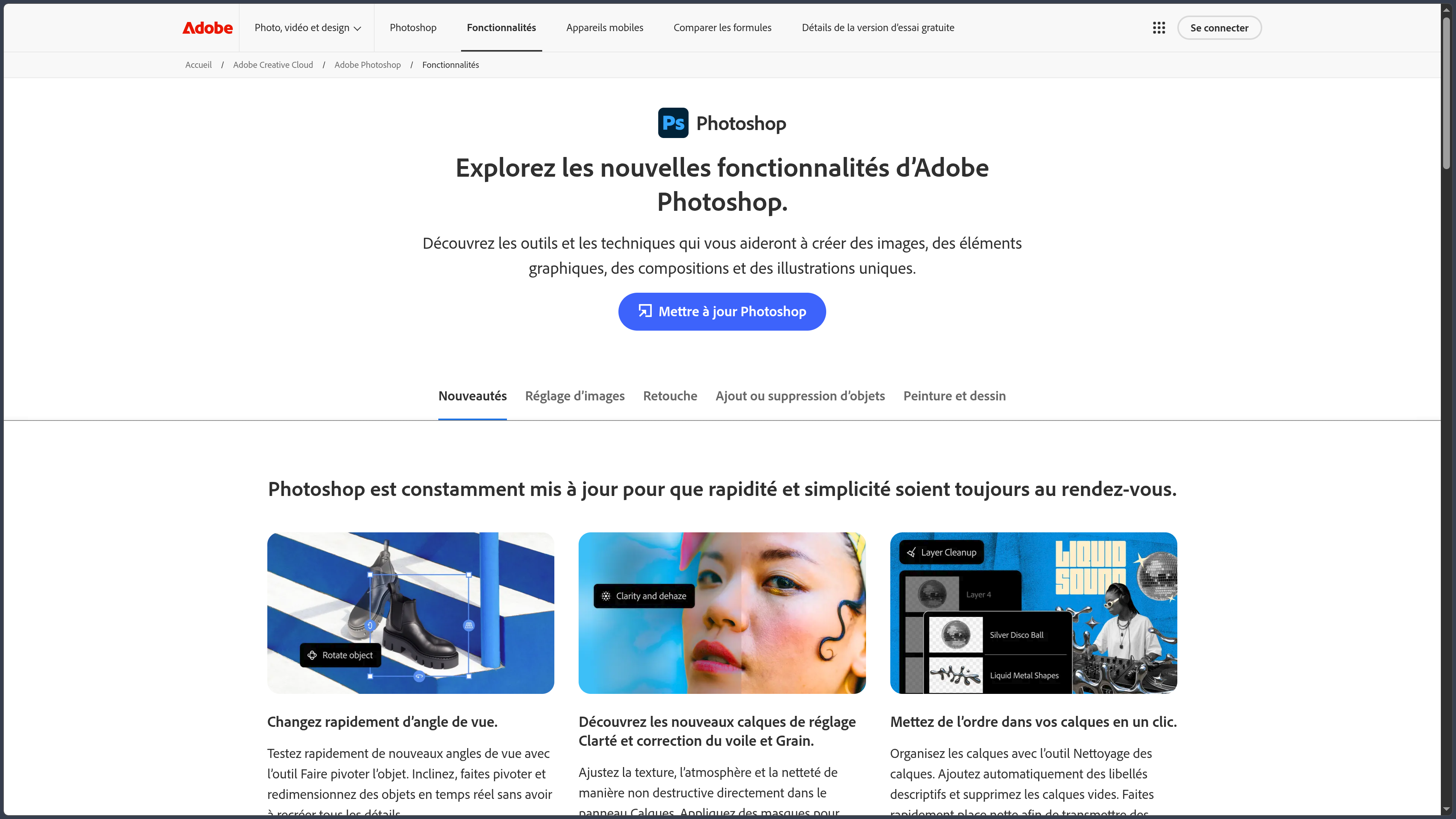
The current Photoshop 2026 branch continues this evolution by strengthening non-destructive editing and AI integration. Adobe notably develops Firefly, generative tools, automatic enhancement of certain retouching operations and new interactions that allow users to describe an edit in natural language.
Features
Layers, masks and non-destructive editing
Layers form the foundation of many Photoshop workflows. Each element can be moved, transformed, hidden or processed independently from the rest of the composition.
Layer masks make it possible to hide or reveal areas without permanently deleting pixels. This approach makes complex composites easier to manage and allows users to revisit a decision later in the project.
Adjustment layers apply changes to brightness, contrast, color or tone without directly modifying the original image.
Smart Objects extend this logic by preserving a reusable source when transformations or certain filters are applied.
This way of working is essential for keeping a complex PSD file flexible instead of accumulating destructive edits that are difficult to reverse.
Selections, cutouts and object removal
Photoshop provides many tools for isolating part of an image: geometric selections, lasso tools, color range, quick selection and automatic subject or object detection.
Assisted selection features can save a considerable amount of time on complex shapes such as people, hair or clothing, while still allowing users to refine the mask manually.
The Remove Tool is used to erase objects or distractions by reconstructing the surrounding area. It complements Photoshop's traditional healing, clone and content-aware fill tools.
These features are especially useful in photography, but also in photomontage and the preparation of design assets.
Photo editing and Camera Raw
Photoshop makes it possible to work precisely on exposure, contrast, colors, sharpness and many other photographic parameters.
Local correction tools can process a specific area without changing the entire image. Curves, Levels, color mixing and other adjustments provide much finer control than a simple collection of preset filters.
Adobe Camera Raw complements this environment by developing RAW files from cameras and applying corrections before or during their use in Photoshop.
The software can therefore handle both relatively straightforward photographic retouching and much more advanced workflows combining local adjustments, masks, compositing and effects.
Compositing and photomontage
One of Photoshop's historical strengths is compositing, meaning the assembly of several images to create a new composition.
Layers, blend modes, transformations, warping, masks and color adjustments make it possible to integrate elements coming from different sources.
A convincing composite nevertheless requires more than a simple cutout. Perspective, lighting, shadows, colors, sharpness and grain must remain sufficiently consistent between the different elements.
The Harmonize tool automates part of this work by adjusting elements such as lighting, colors and shadows for an object integrated into a scene.
Photoshop therefore remains widely used for advertising, posters, concept art, matte painting and many other visuals that combine photography and creation.
Drawing, painting and brushes
Photoshop includes a system of customizable brushes for drawing and painting directly on layers.
Size, hardness, texture, dynamics, stylus pressure and many other parameters can be adjusted to create tools suited to illustration or digital painting.
Graphics tablets provide pressure sensitivity and make the environment much more natural for drawing.
Photoshop is not exclusively designed as digital painting software, but its ability to combine drawing, photography, textures, typography and effects makes it a highly versatile environment for illustrators and concept artists.
Text, shapes and graphic preparation
Typography tools make it possible to add and format text directly within a composition.
Photoshop also supports vector shapes, paths and Pen tools, useful for creating precise masks, graphic elements or compositions that mix pixels and vectors.
Artboards make it easier to create several variations or formats inside the same document, for example when preparing multiple sizes for a visual campaign.
Photoshop remains primarily focused on raster images, however. For logos, icons or illustrations that need to remain fully vector-based at every scale, Illustrator is generally better suited.
Firefly and generative AI
Adobe has progressively integrated Firefly directly into Photoshop.
Generative Fill makes it possible to add, replace or remove content inside a selection using a text prompt. Generative Expand can extend an image beyond its existing boundaries.
Photoshop can also use reference images to guide certain results more closely and offers several AI models depending on the features and subscription available.
Generation does not replace traditional tools. Results can be placed into the document and then refined using the usual layers, masks, selections and adjustments.
This combination is particularly useful when AI is used to accelerate one stage of a photomontage rather than to produce a finished image automatically.
Photoshop 2026 and AI-assisted editing
The 2026 releases strengthen this integration further.
Photoshop 27.10 notably introduces a new Lighting adjustment layer, designed to adjust exposure, contrast, highlights and shadows non-destructively.
Adobe is also developing the ability to describe an edit in natural language. Tools can take the active selection or mask into account to target only specific parts of the image.
An AI-assisted Editor is also available in Beta for performing certain creative operations directly from Photoshop using Firefly technologies.
These features are evolving rapidly and some remain experimental. They should therefore be distinguished from Photoshop's much more stable traditional toolset, which does not depend on these newer assistants.
Photoshop on the Web, mobile and iPad
Photoshop is no longer limited to the desktop application.
Photoshop on the Web makes it possible to open and edit documents from a compatible browser, with lighter layers, masks, retouching and creation features than the full desktop application.
Adobe also offers Photoshop on iPhone and Android, with an interface adapted to mobile use and a growing set of selection, retouching, compositing and generative AI features.
The iPad version provides an environment more focused on touch and stylus interaction while retaining several core Photoshop concepts such as layers, masks and cloud documents.
These versions improve continuity between devices, but the Windows or macOS application remains the most complete environment for large files and advanced professional workflows.
Subscription and Creative Cloud plans
Photoshop is distributed primarily through subscription within the Adobe Creative Cloud ecosystem.
In France, the Photoshop plan for individuals is listed at €26.21 including VAT per month with an annual commitment and monthly billing. It includes Photoshop on desktop, mobile and the Web, 100 GB of cloud storage and Adobe Express Premium.
Adobe also offers a Photography plan at €23.99 including VAT per month that notably combines Photoshop and Lightroom with 1 TB of storage.
Photoshop is also included in Creative Cloud Pro alongside Adobe's other major applications.
A seven-day free trial provides access to the full version before subscribing.
Use cases
Retouch a photograph
Photoshop makes it possible to correct an image globally and then work very precisely on specific areas.
A photographer can develop a RAW file, work on color and lighting, retouch skin or remove distracting elements while keeping the main corrections on separate layers.
For the everyday management of thousands of photographs, Lightroom remains better suited to cataloging and batch processing.
Create a photomontage
A designer can combine several photographs, cut out their subjects, adjust perspectives and then harmonize color and lighting to create an entirely new scene.
Masks and Smart Objects make it possible to keep the different source elements sufficiently independent to readjust the composition throughout the workflow.
Draw and paint digitally
With a graphics tablet, Photoshop can become a complete illustration environment.
An artist can combine sketches, brushes, textures, photographs and effects in the same document, making it particularly suitable for concept art and hybrid techniques.
Prepare visuals for the Web and social media
Photoshop can be used to create banners, thumbnails, digital posters, promotional visuals and variations intended for different formats.
Artboards, guides, typography and export tools make it easier to prepare several versions from the same creation.
Restore or transform an image
Correction tools can remove dust, scratches, unwanted objects or other defects from a photograph.
For more substantial transformations, generative features can complement traditional tools by reconstructing or creating certain areas while still allowing users to manually refine the result.
Conclusion
Adobe Photoshop remains a major reference for raster image creation and editing thanks to the depth of its tools and its ability to combine several disciplines within the same environment.
Its main strength lies less in any single feature than in the combination of layers, masks, selections, adjustments, brushes, transformations and correction tools. This architecture makes it possible to build complex documents while retaining fine control over every element.
Firefly features and AI-assisted tools now accelerate certain stages such as object removal, image extension or content generation. They nevertheless complement a core editing and compositing toolset that remains essential for achieving precise results.
Photoshop has also become more accessible away from the desktop through its Web, iPad, iPhone and Android versions, even though they do not yet all provide the same functional depth.
Its main drawback remains its subscription-only model and the richness of its interface, which can require time before non-destructive workflows are fully understood.
For retouching photographs, creating photomontages, painting, illustrating and preparing complex images with very fine control, Photoshop remains a particularly comprehensive environment.
Points to consider
-
Photoshop is distributed primarily through Creative Cloud subscriptions. Adobe no longer sells the current version as a traditional perpetual license.
-
Photoshop 27.x runs on Windows and macOS, with 8 GB of RAM minimum and 16 GB or more recommended by Adobe.
-
A compatible GPU is required for several advanced features. Certain recent AI or graphics acceleration operations may also depend on the available hardware.
-
Complex PSD files can become very large. Numerous layers, Smart Objects and high-resolution images significantly increase memory consumption and scratch disk usage.
-
The Web, mobile and iPad versions do not reproduce every feature of desktop Photoshop. Their main advantage lies in mobility and workflow continuity.
-
Certain generative AI features use generative credits or depend on the selected Creative Cloud plan. Rules and quotas may evolve with Adobe's offers.
-
Generative tools can produce visually convincing but incorrect results. Manual verification remains necessary for work requiring accurate representation.
-
Photoshop works primarily with pixels. For fully vector-based artwork that must scale independently of resolution, Illustrator or another vector application is generally more appropriate.
-
The 2026 branch still contains certain AI features in Beta. The AI-assisted Editor and other recent workflows should not be considered as mature as the software's long-established tools.
-
Adobe pricing may change. As of October 2, 2026, the French Photoshop plan is listed at €26.21 including VAT per month with an annual commitment and monthly billing.