
Overview
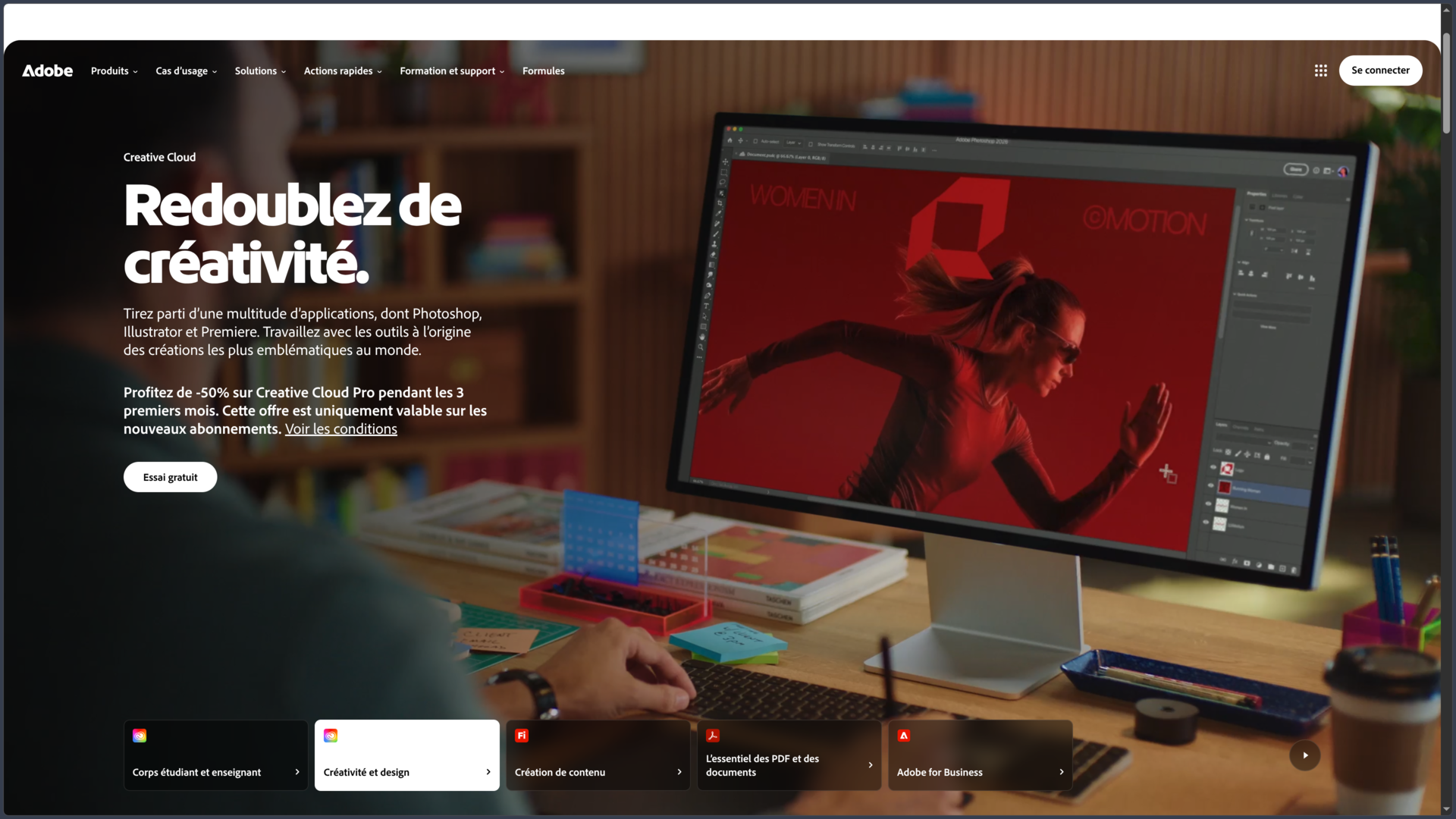
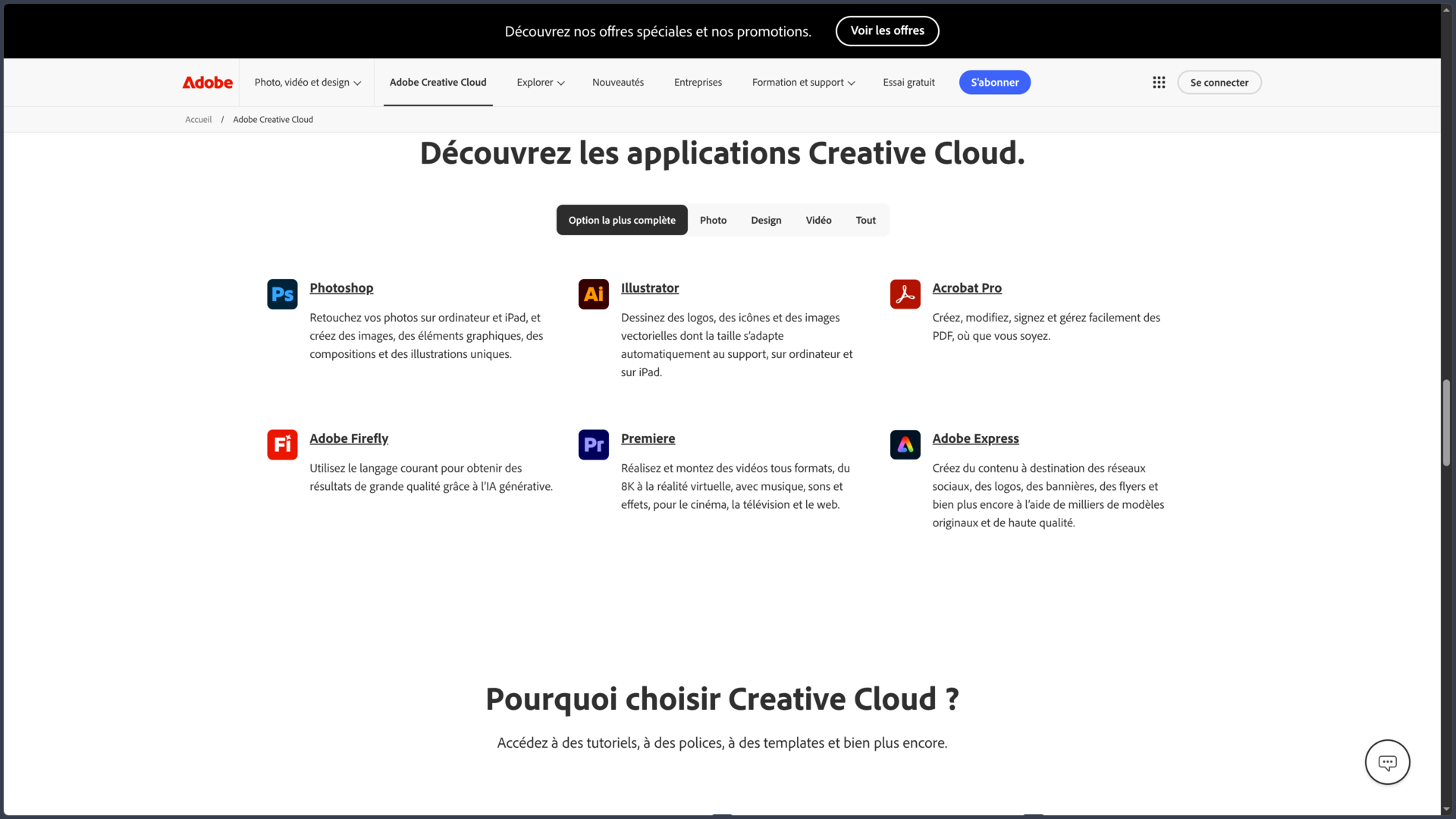
Adobe Creative Cloud is the ecosystem that brings together Adobe’s main creative applications and services. It is therefore not a single application, but a suite of more than 20 specialized tools covering photography, illustration, graphic design, layout, video, animation, audio, PDF and certain web uses.
Photoshop, Illustrator, InDesign, Premiere, After Effects and Lightroom remain the best-known applications, but Creative Cloud becomes especially valuable when a project moves between several tools. A vector illustration prepared in Illustrator can be refined in Photoshop, integrated into an InDesign brochure and then adapted in Adobe Express. A video production can move from Premiere to After Effects, Audition and then Media Encoder without leaving the Adobe ecosystem.
Creative Cloud also adds a shared layer around these applications, including Adobe Fonts, Creative Cloud Libraries, Frame.io, Behance, Adobe Portfolio, cloud storage and Firefly. Visual assets, fonts, documents and brand elements can therefore be reused across several applications instead of being managed separately in each tool.
Adobe is also increasingly developing its applications for the Web, iPad and mobile devices. This continuity nevertheless depends on the selected plan and the application concerned: Creative Cloud remains first and foremost a professional environment strongly rooted in Windows and macOS.
Features
A collection of specialized applications rather than an all-in-one tool
Creative Cloud follows a simple principle: each major creative task has a dedicated application, while the tools are designed to work together.
| Field | Main applications | Uses |
|---|---|---|
| Image & photo | Photoshop, Lightroom, Lightroom Classic | Retouching, compositing, photo development and management |
| Illustration & design | Illustrator, Fresco | Vector graphics, drawing and digital painting |
| Layout | InDesign | Books, magazines, posters, brochures and documents |
| Video & animation | Premiere, After Effects, Character Animator, Animate | Editing, visual effects, motion design and animation |
| Audio | Audition | Recording, cleanup, editing and audio mixing |
| Publishing & delivery | Media Encoder, Adobe Express, Acrobat Pro | Export, quick content creation, PDF and distribution |
This specialization requires more learning than a single application, but it makes it possible to use a tool genuinely designed for each stage. A graphic designer does not need to edit video in Photoshop, just as a video editor does not need to force Premiere into preparing a brochure.
The subscription also does not require every application to be installed: each one can be downloaded separately through Creative Cloud according to the user’s needs.
Libraries, fonts and shared resources
Creative Cloud Libraries are used to store reusable elements such as colors, logos, images, styles and graphic assets. They become particularly useful for maintaining a consistent identity across several documents or applications.
A team can, for example, centralize a brand’s colors, logos and assets and then retrieve them in Photoshop, Illustrator, InDesign or Adobe Express without recreating the same resources for every project.
Adobe Fonts complements this approach with more than 20,000 fonts available through the Adobe ecosystem. Activated fonts can be used directly in compatible applications without manually installing every font family.
Creative Cloud also includes access to free Adobe Stock assets, while Frame.io adds sharing and review features particularly suited to video workflows.
A genuine workflow between applications
The value of Creative Cloud does not lie only in the number of available applications, but in the connections between them.
An Illustrator file can be used in Photoshop or After Effects while retaining useful properties. Premiere and After Effects can participate in the same video project, while Audition provides more advanced sound processing. InDesign can integrate assets from Photoshop and Illustrator without requiring files to be rebuilt after every modification.
The Creative Cloud desktop application centralizes installations, updates, fonts, libraries and the different services linked to the account.
This continuity is particularly valuable for projects combining several disciplines. It is much less useful for someone who only needs one very specific function: in that case, a single Adobe application or a specialized alternative may make more sense.
Firefly and generative AI directly inside creative tools
Adobe now integrates Firefly into a significant part of Creative Cloud.
In Photoshop, features such as Generative Fill make it possible to create, extend or replace parts of an image. Illustrator uses AI for various vector workflows, while Premiere and Firefly also provide generative functions related to video and audio.
Adobe currently distinguishes between two types of generative use: standard features, mainly related to images and vectors, and premium features, which require more computing resources, such as certain video or audio generations.
This distinction is now central to the two main Creative Cloud plans:
Creative Cloud Standard provides more than 20 desktop applications and 25 generative credits per month.
Creative Cloud Pro adds 4,000 monthly generative credits, unlimited access to several standard features and a broader range of premium image, video and audio functions.
Pro can also provide access within Firefly to certain generative models from other providers in addition to Adobe’s own models.
AI is therefore no longer a small isolated feature: it is progressively becoming a shared layer across Adobe workflows, while still depending on credits and the chosen plan.
Standard and Pro do not provide exactly the same experience
Both plans include more than 20 Creative Cloud applications, but they do not target exactly the same type of use.
Standard is primarily centered on desktop applications. It retains the main professional software, 100 GB of cloud storage, Adobe Fonts, libraries, Behance, Portfolio and several associated services.
Pro adds much broader use of Firefly and unlocks more premium features in the Web and mobile versions of Adobe applications.
This distinction is important. Creative Cloud Standard does provide access to certain web and mobile services, including Adobe Express Premium and Acrobat, but it does not include every premium function in Photoshop, Lightroom or Illustrator on those platforms. Pro provides more complete continuity between desktop, browser, phone and iPad.
Portfolio, Behance and presenting creative work
Creative Cloud does not stop at producing files.
Behance makes it possible to publish projects and discover the work of other creators, while Adobe Portfolio provides a quick way to build a website for showcasing completed work.
These services do not necessarily replace a fully customized professional website, but they naturally extend the workflow: create the project, prepare the visuals and then publish the work without rebuilding everything within a separate infrastructure.
For a student, freelancer or creative professional mainly looking for a simple showcase, this integration may already be sufficient.
Use cases
Building a complete visual identity
A graphic designer can create a logo in Illustrator, prepare images in Photoshop and then produce posters, presentations or brochures in InDesign.
Colors, logos and other shared elements can be stored in a Creative Cloud Library to remain consistent across every format.
Once the main assets are complete, Adobe Express can be used to quickly create variations intended for social networks or the Web.
Creative Cloud provides genuine continuity here: each application keeps its own specialty while contributing to the same project.
Producing a video through several specialized stages
Premiere can serve as the central editing environment for organizing footage, building rhythm and assembling the video.
Sequences requiring more complex effects, animation or compositing can move into After Effects. Audition can clean up or refine certain audio tracks, while Media Encoder handles exports for different formats or platforms.
Frame.io can then be used to share a version with a client or team and centralize feedback.
This workflow clearly shows why Creative Cloud can be more useful than a single video editor when a production becomes more complex.
Moving from illustration to different publishing formats
An illustrator can draw in Fresco or Illustrator, refine the image in Photoshop and then integrate it into a book, poster or document with InDesign.
The same creation can then be adapted to different digital formats without completely rebuilding every version.
For people who work across print, screen and digital content, this versatility is one of the main strengths of the ecosystem.
Centralizing the work of a multidisciplinary creative professional
A freelancer may need, within the same week, to retouch photos, create a visual identity, edit a short video, prepare a PDF and produce promotional content.
Creative Cloud avoids multiplying accounts, formats and workflows across several different providers.
Conversely, someone working exclusively in photography, only in video editing or solely in illustration may not need the entire suite. Single-app and Photography plans exist precisely for these profiles.
Conclusion
Adobe Creative Cloud remains much more than a subscription that provides access to Photoshop. Its real strength lies in organizing a collection of specialized applications around a shared workflow.
The ecosystem covers enough disciplines to support a project from its first images to final publication: photography, illustration, visual identity, layout, video, animation, audio and PDF. Libraries, Fonts, Frame.io, Behance and Portfolio provide the connections that give this collection coherence.
The arrival of Firefly is also gradually changing this balance. Generative features are integrated directly into the applications, and the difference between Standard and Pro now depends as much on AI access as on Web and mobile versions. For someone with little interest in generating images, video or audio, Standard may already cover a large part of traditional professional work. Pro becomes more relevant when AI and multi-device workflows play a major role.
Creative Cloud nevertheless remains an expensive ecosystem that is heavily tied to subscriptions. It also requires real learning: having access to twenty applications is of little value if only two are genuinely useful. The lack of broad native Linux support also remains a clear limitation for certain work environments.
For creative professionals who regularly move between photo, illustration, graphic design, layout, video and publishing, the consistency between Adobe applications remains difficult to reproduce within a single competing offer. The value of Creative Cloud lies less in the sheer number of applications than in the way they can form a complete production chain.
Points to consider
-
Creative Cloud Standard currently costs €62.47/month including tax in France, with an annual plan billed monthly.
-
Creative Cloud Pro normally costs €78.65/month including tax under the same conditions. Adobe regularly offers temporary promotions for new subscriptions.
-
Standard and Pro both include more than 20 applications, but Standard focuses more heavily on desktop versions while Pro extends premium access across Web and mobile applications.
-
Standard currently includes 25 generative credits per month, compared with 4,000 credits and much broader access to Firefly features with Pro.
-
Both plans include 100 GB of cloud storage along with services such as Adobe Fonts, Creative Cloud Libraries, Behance and Adobe Portfolio.
-
An annual plan billed monthly remains an annual commitment. Its cancellation conditions therefore differ from a true month-to-month subscription.
-
A subscription can activate applications on two computers at the same time, but the same application cannot be used simultaneously on both machines.
-
Windows and macOS remain the main desktop platforms. Adobe does not provide broad native Creative Cloud support for Linux.
-
Not every application offers the same features on desktop, Web, Android, iPhone or iPad. The specific application should be checked when multi-device work is important.
-
Creative Cloud can be excessive for a highly specialized need. Single-app plans, the Photography plan or independent alternatives may be more relevant when only a small part of the ecosystem is used.